Treway Vision V1.0.0.0 LS25
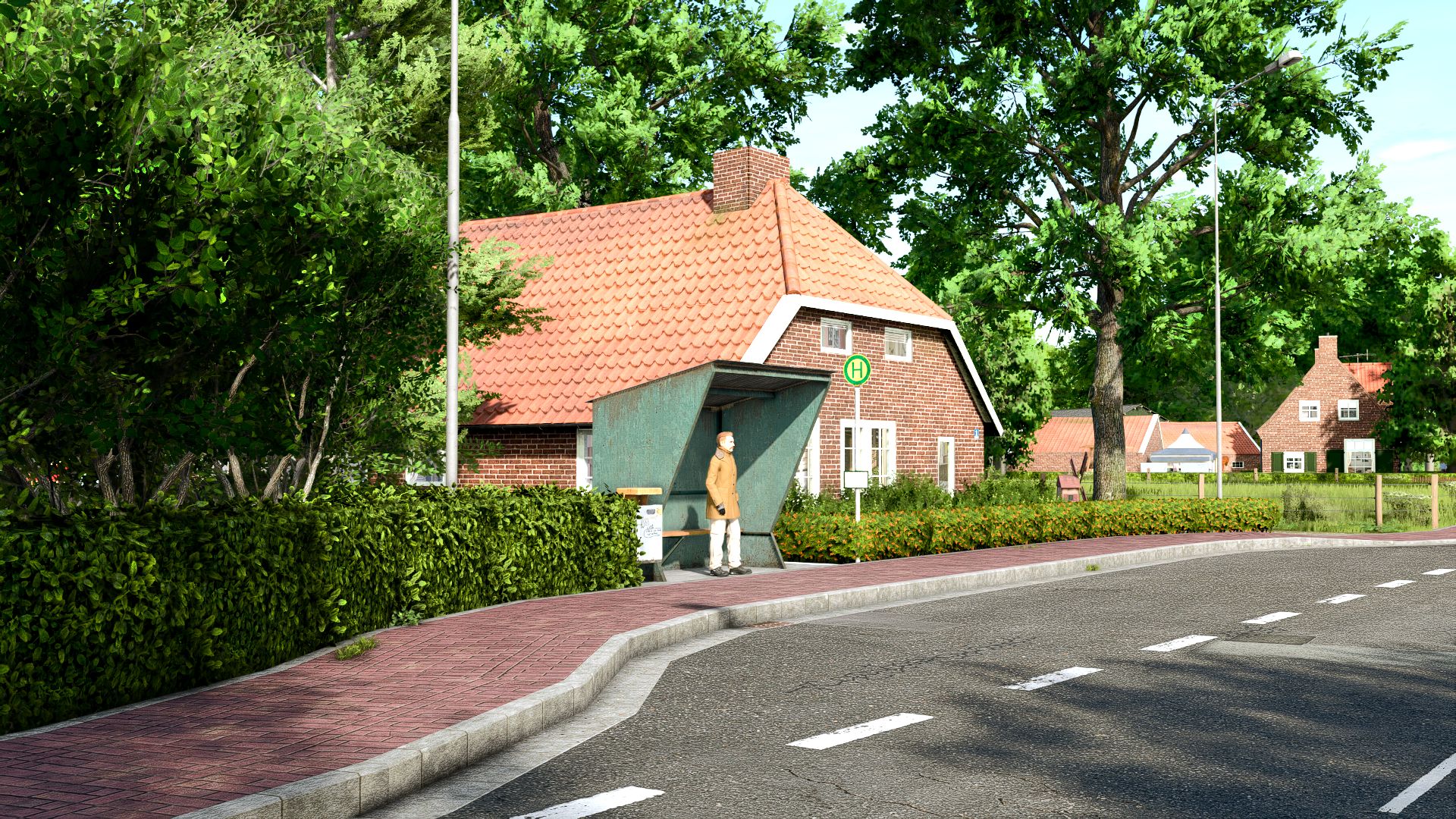
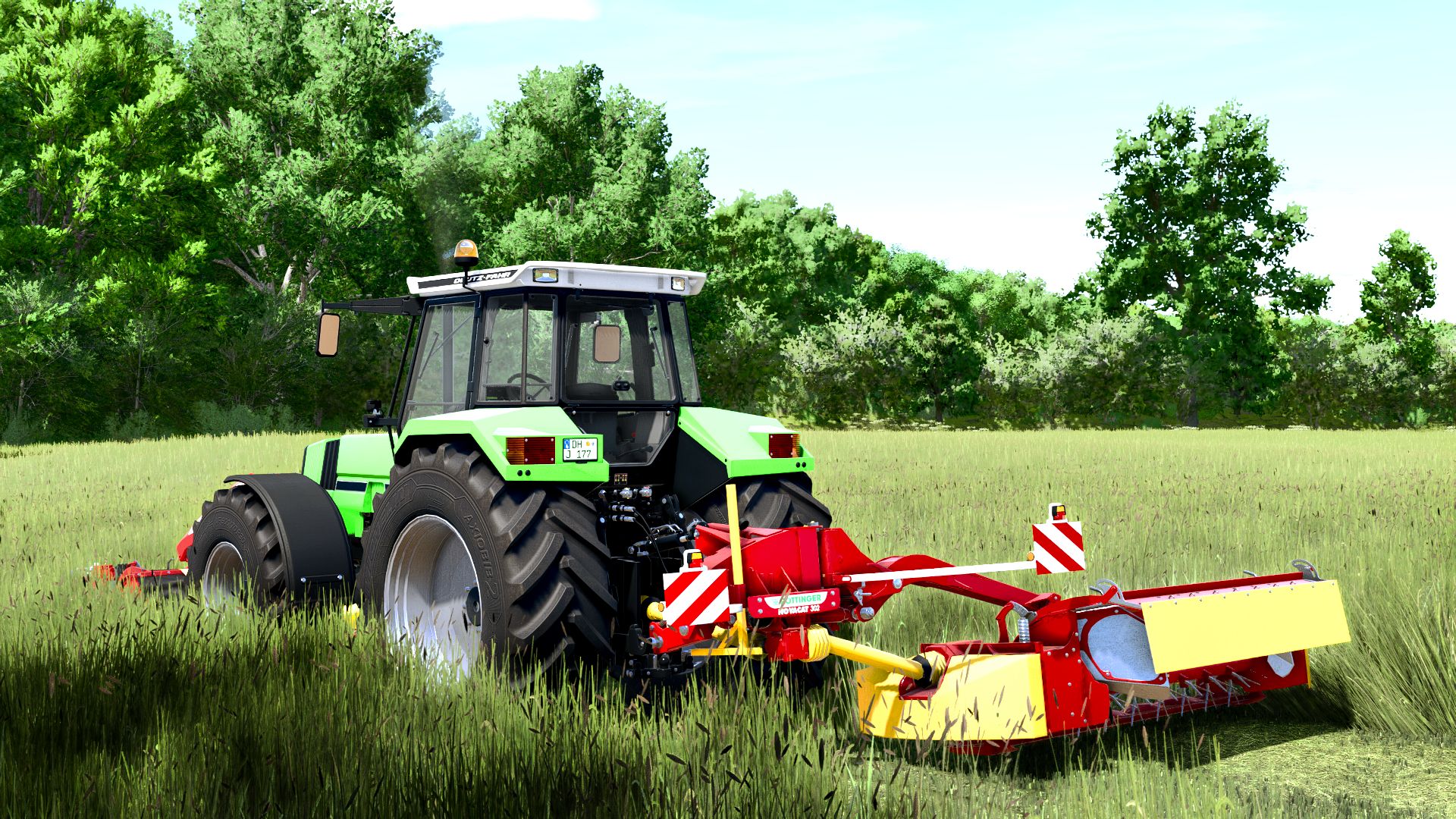
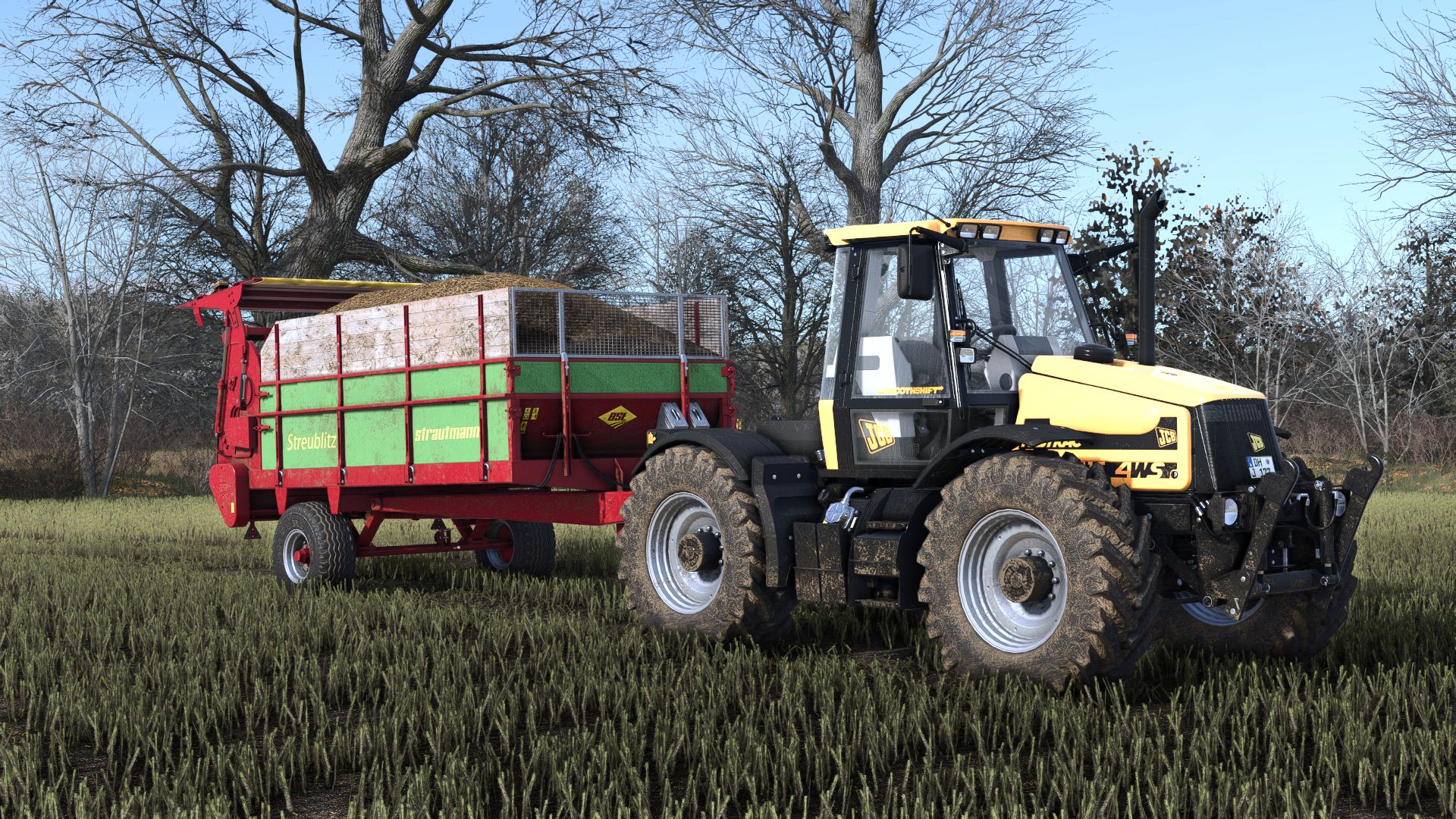
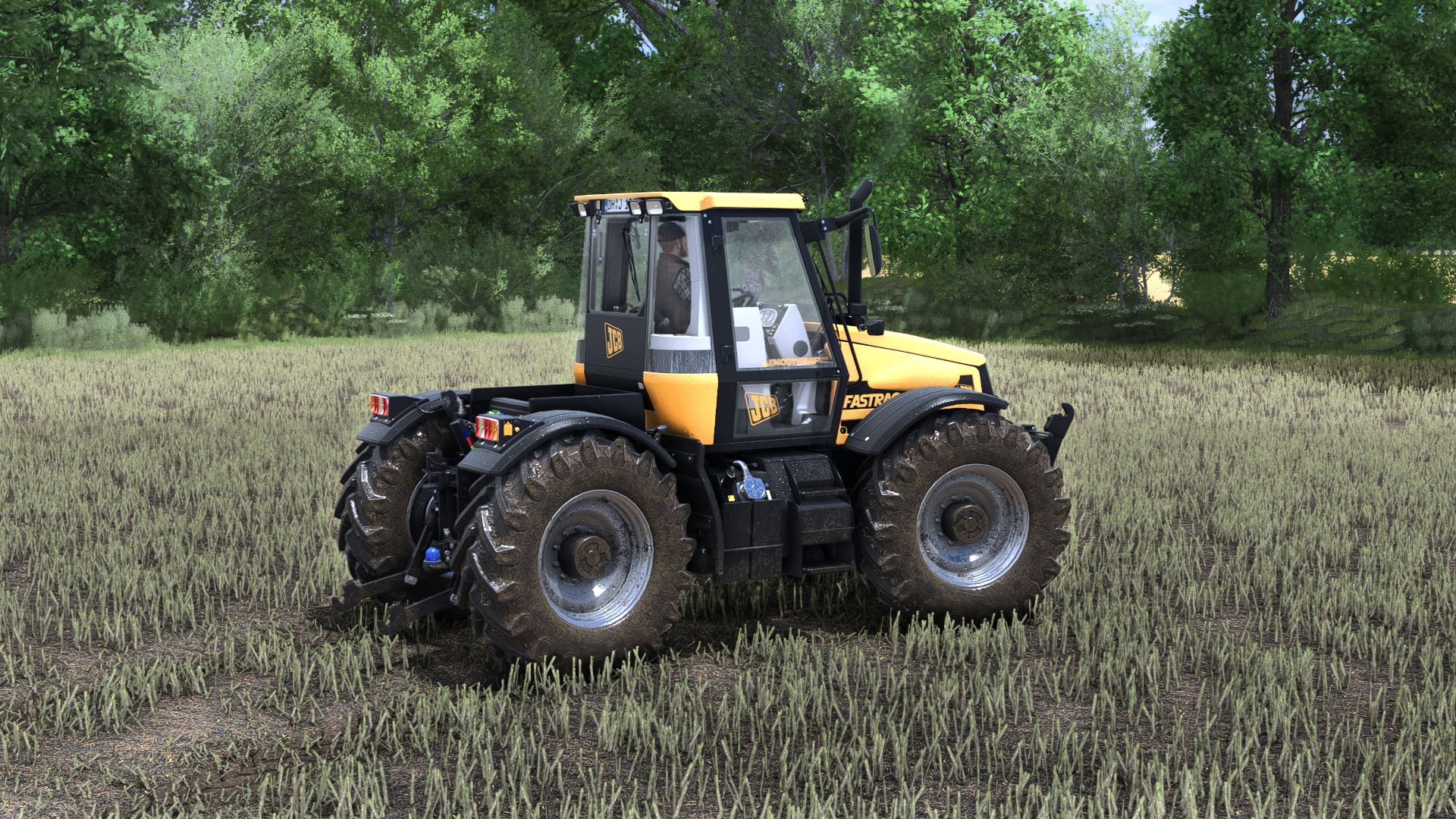
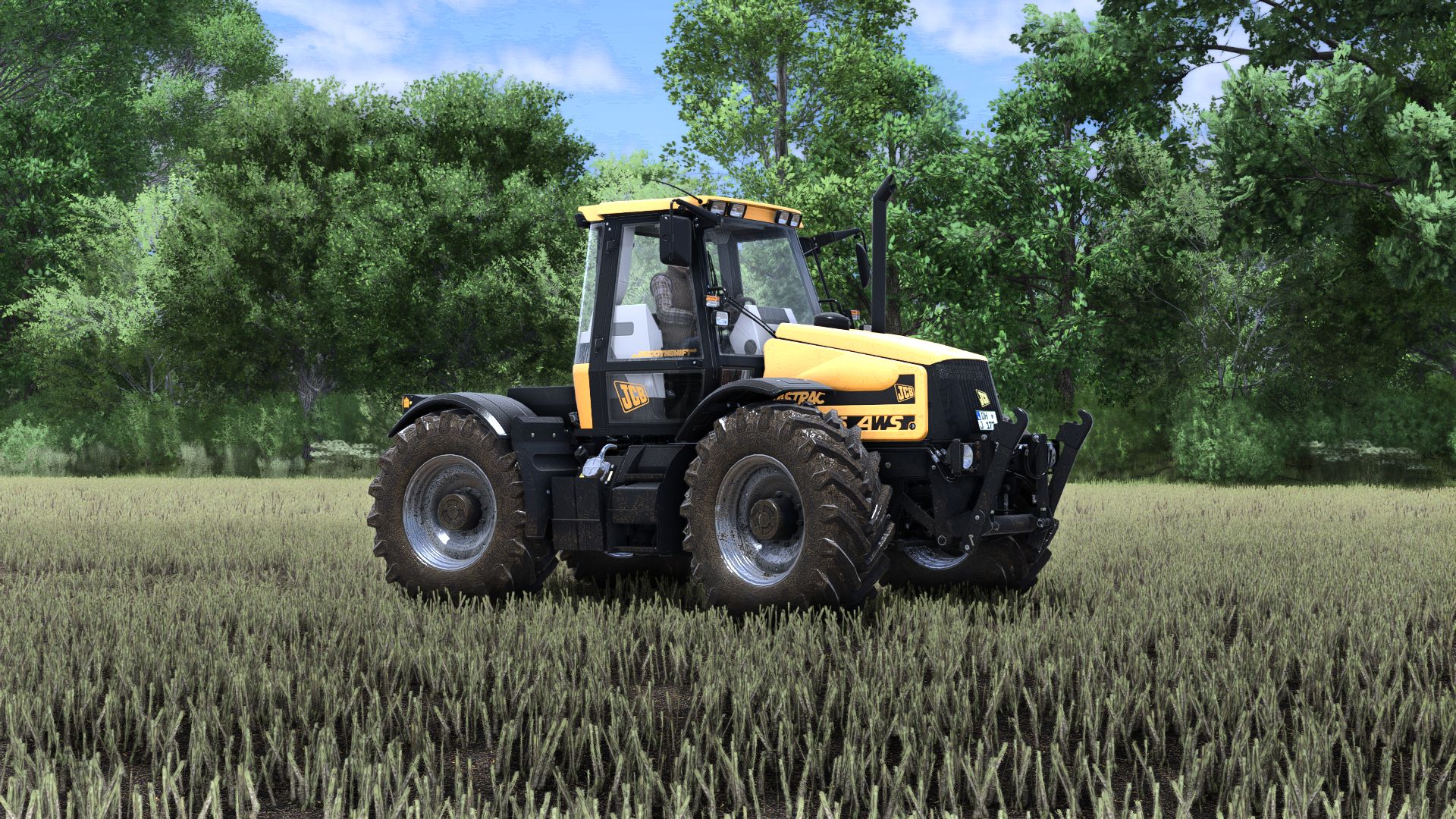
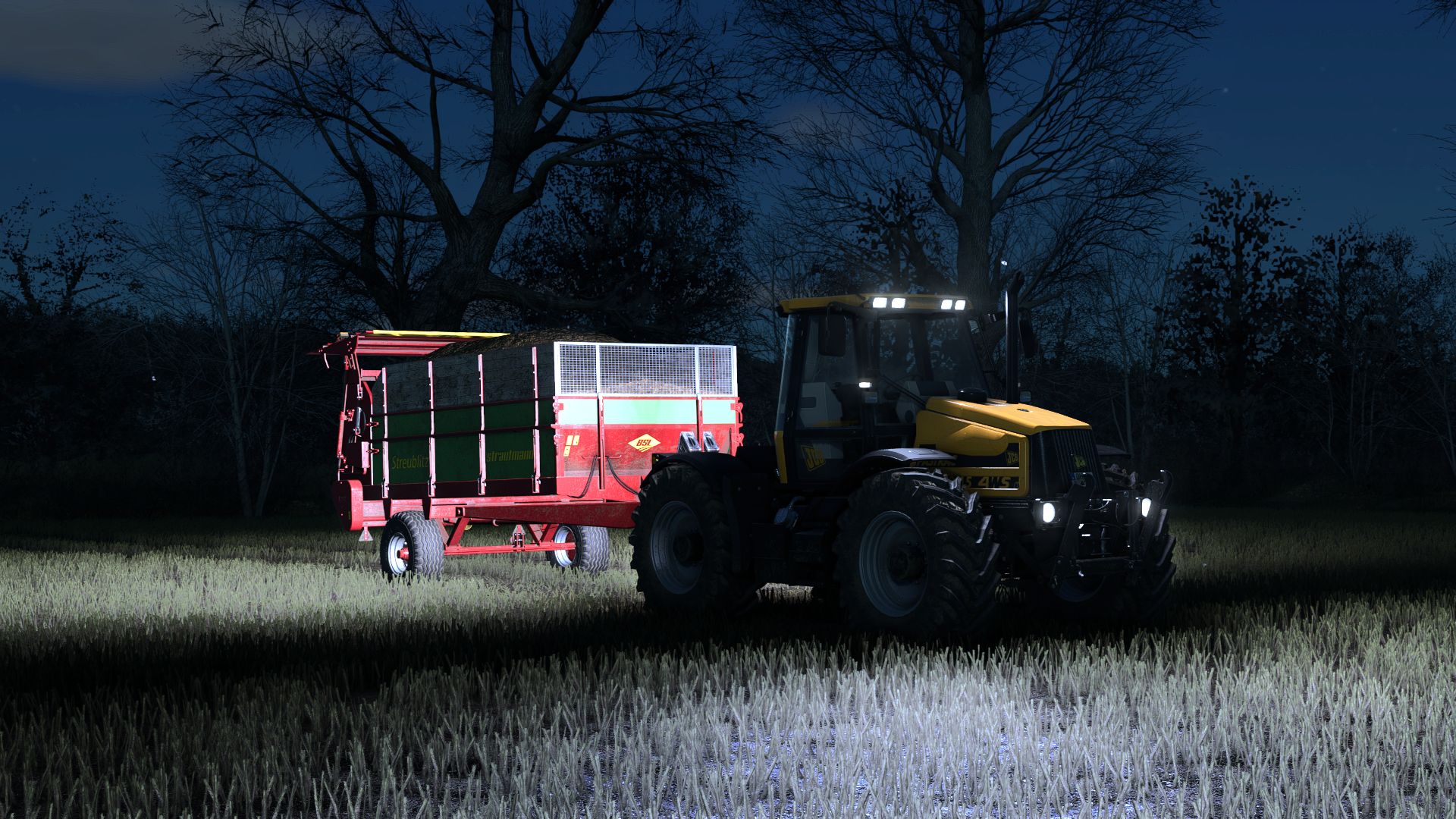
Treway Vision V1.0.0.0 LS25
Good morning everyone, thanks for the success of the past projects, I am happy to present you a new version of shader created entirely by me which includes: shader file + Niceguy lighting + environment + color grading and lighting, in the downloaded .rar file you will find the shader that must be inserted directly into the x64 game folder (C:/Program Files (x86)/Steam/steamappscommon/Farming Simulator 25×64) then you will find the color grading and lighting that must be replaced in C:/Users/—/DocumentsMy Games/FarmingSimulator2025/modSettings/FS25_additionalGameSettings/lighting/default P.S. to find this folder you will have to install the additional game settings (I leave it below in the required mods) finally as a last thing you will have to replace the environment that will go in this path: C:/Program Files (x86)/Steam/steamapps/common/Farming Simulator 25/data/maps/mapEU/config
This shader is quite powerful. I highly recommend using it on high-end computers for maximum enjoyment. As always, when you enter the game, always select the resolution you like best from the reshade add-ons list by pressing the button to open the filters menu to improve FPS and stabilize the filters.
Thank you very much!