Tractor Terrain Dynamics V1.0.3.5 LS25
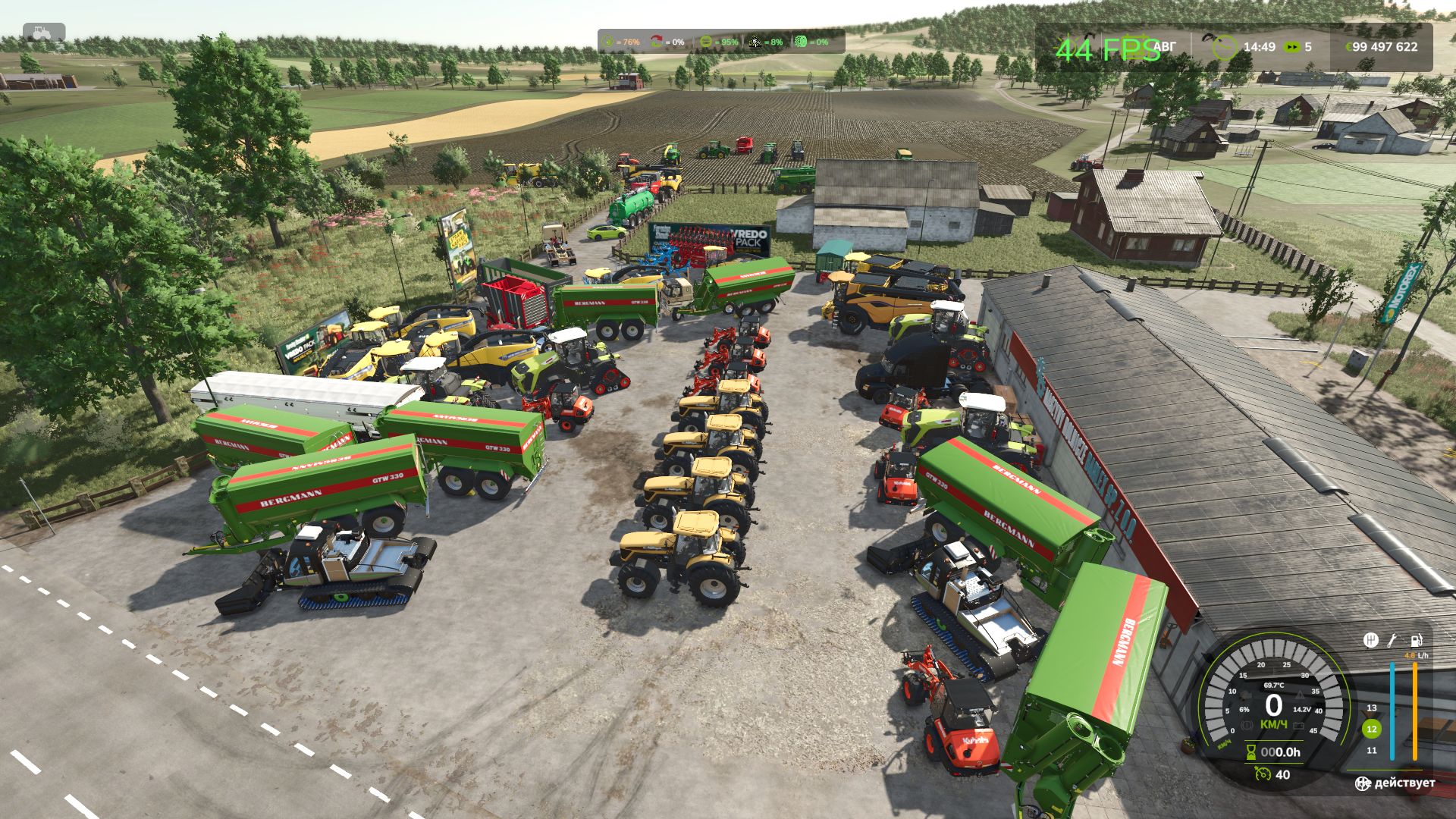
Tractor Terrain Dynamics V1.0.3.5 LS25
TTD – Tractor Terrain Dynamics
Equipment physics, not dirt mods. No settings – everything works automatically.
What is it?
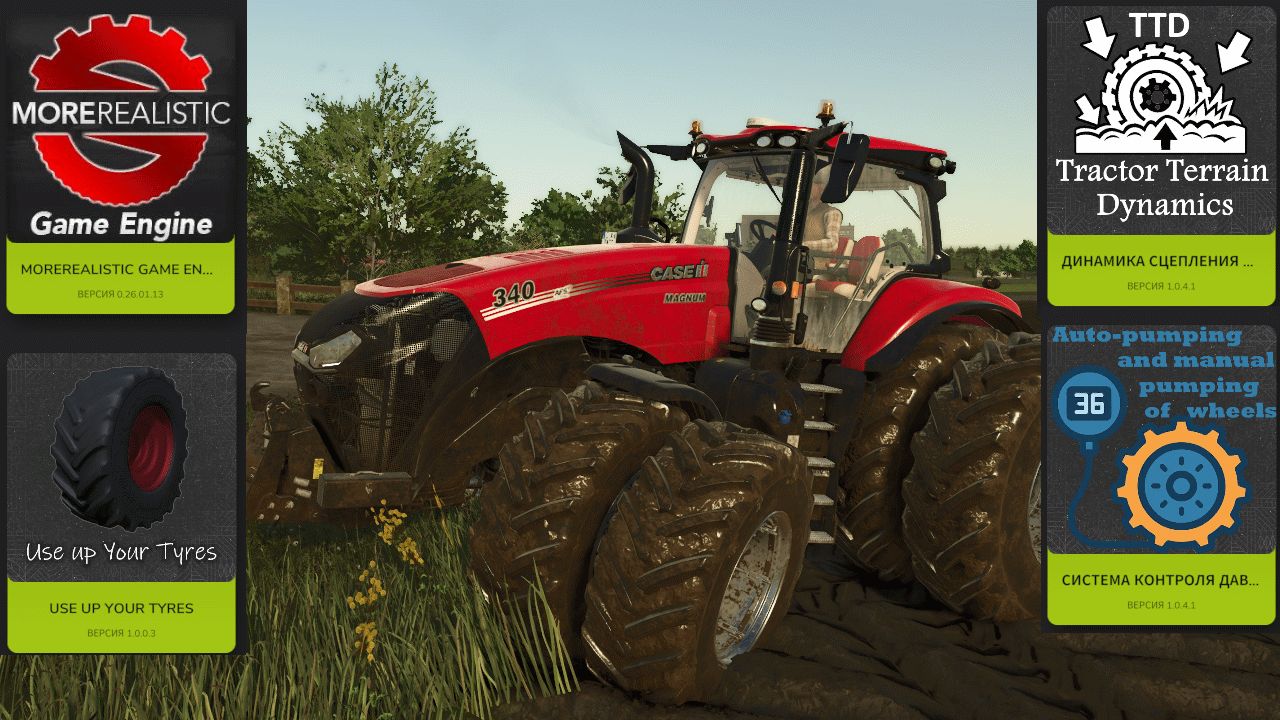
TTD modifies equipment behavior depending on weather, soil type, humidity, tire wear and tire pressure.
The earth is not a goal, it is a condition. The tractor is the main character. Wet field – less grip. Plowed soil means more resistance. Asphalt – everything is easy. Just like in real life.
What you get:
– The weather affects your work: rain – the field becomes soft, dry – everything is stable
– Physics of changing land type: 17 types from asphalt to plowed field.
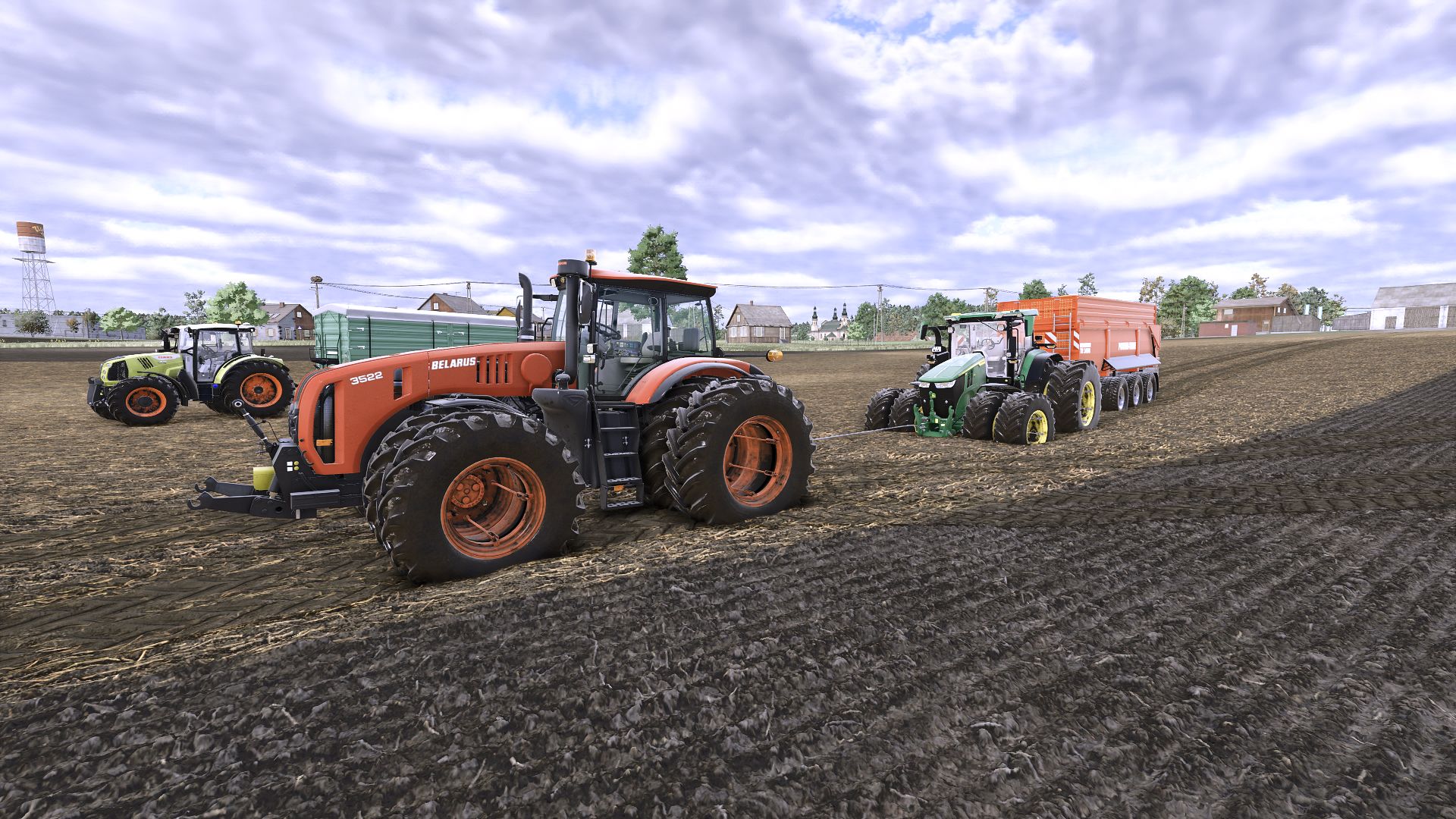
– The equipment feels different: tracks, double tires, wide tires – everything makes a difference.
– Transmission works realistically: holds gears under load
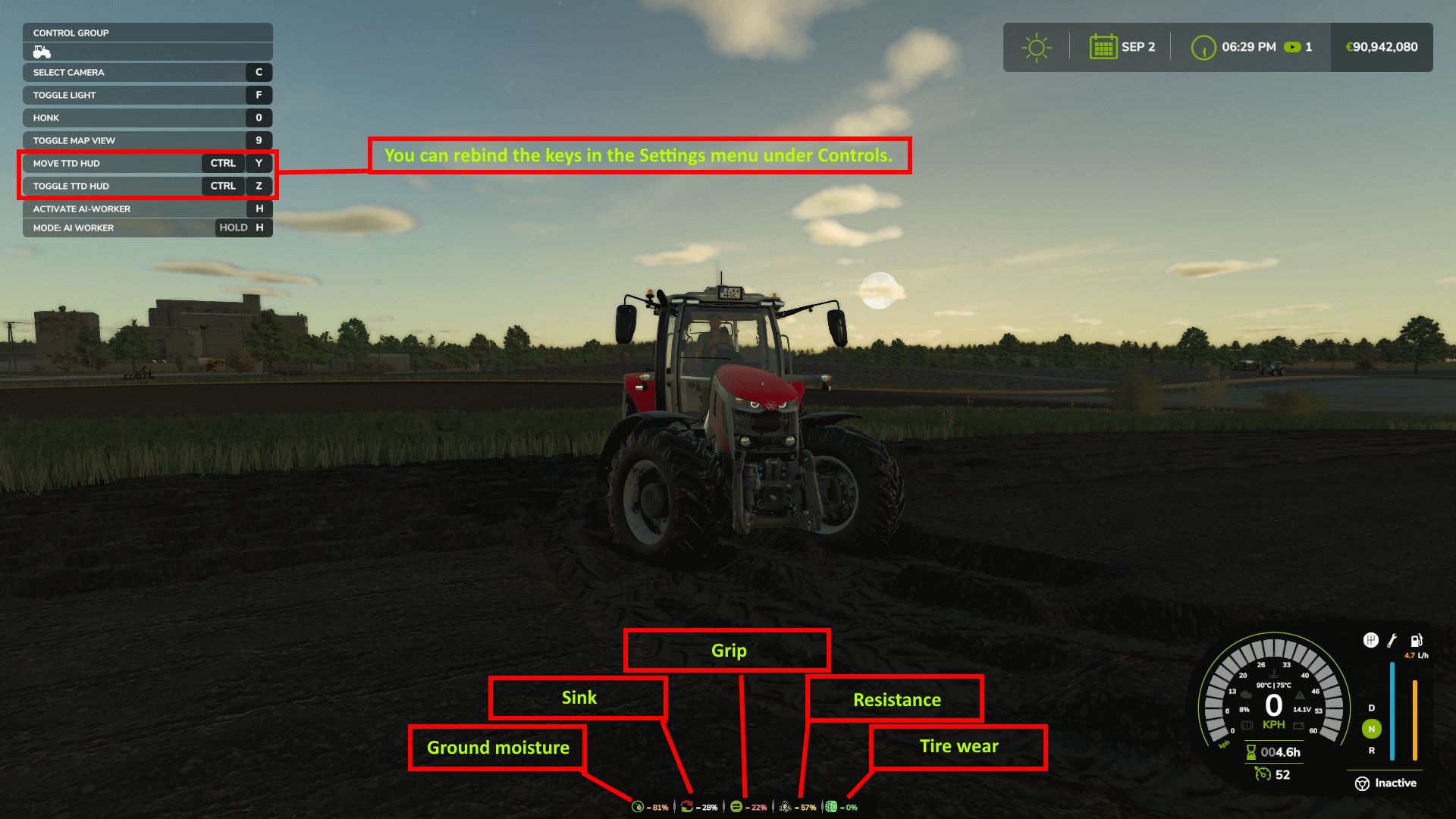
– HUD shows moisture, grip and resistance
– Multiplayer: synchronization in code
It is important to understand:
TTD does not add slip on demand. Wheel spin is the result of conditions such as wet fields, worn tires (if UYT is installed), sudden starts or too high a speed. If the tractor is new, the tires are new, the weather is dry, you won’t notice the difference. TTD simply makes physics fair and predictable.
What TTD DOESN’T do:
– No visual clutter
– Not only slows you down
– No random punishments
Compatibility:
– Tire Pressure – tire pressure control in automatic mode.
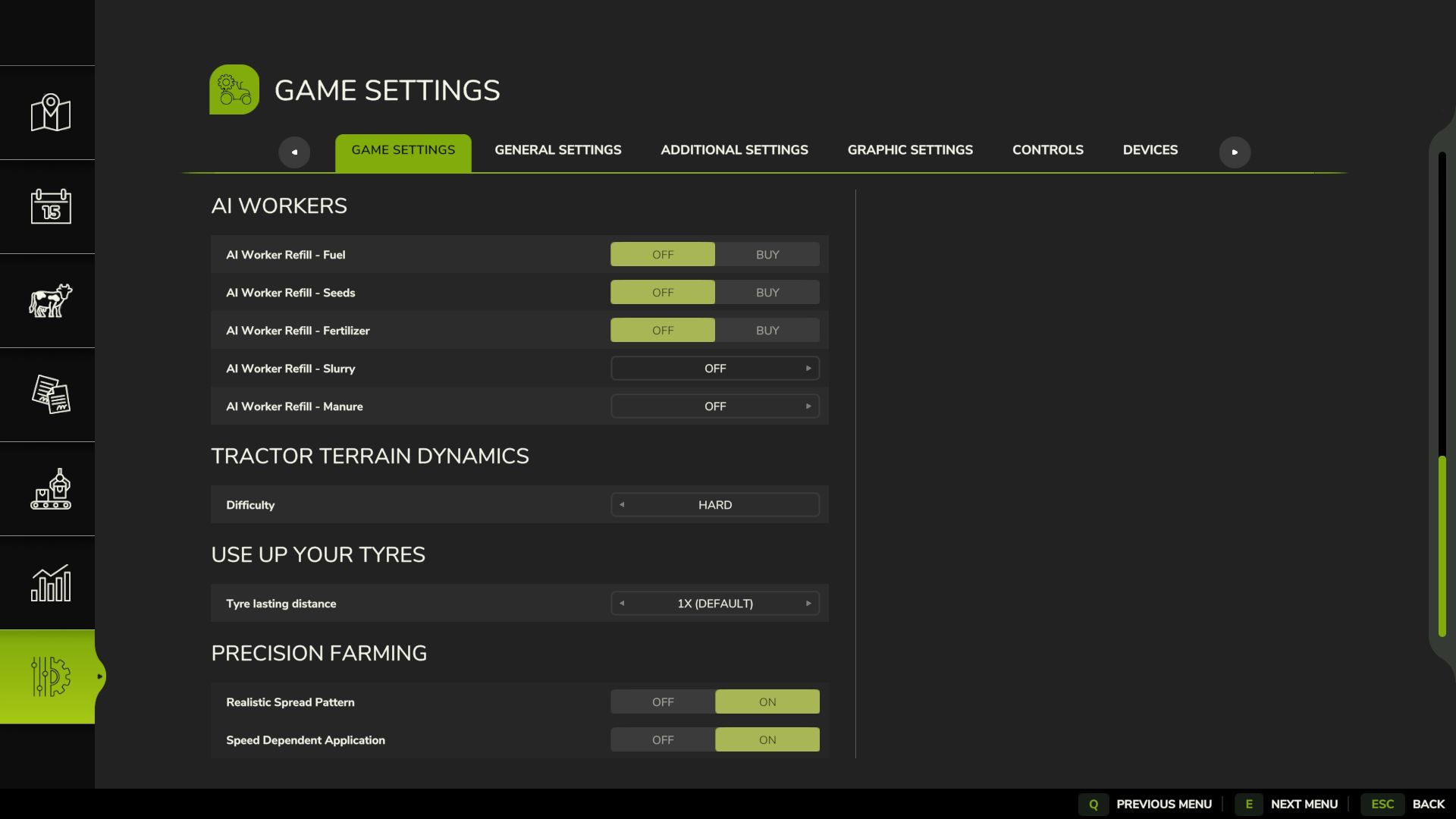
– UseYourTyres – tire wear affects traction.
– More realistic – for maximum hardcore fun
Everything that happens is the result of your decisions, weather and soil.
The mod archive includes a complete manual with a description of physics and contacts of the author.
V1.0.3.5
Fixed:
Difficulty now saves correctly (was broken in 1.0.3.4 – my fault, I missed it during testing)
HUD position now stays within screen bounds at any UI scale
Removed UYT dependency all mods (UYT, Tire Pressure, More Realistic, Moisture System, etc.) are now optional
Big thanks to all players who helped test TTD, and special thanks to:
– Sinterra
– FirenzeIT – Italian translation
– Tontzu
– ticho
Thank you so much for your help!
Credits: WDMods