Texture eyedropper V1.0.0.0 LS25
Texture eyedropper V1.0.0.0 LS25
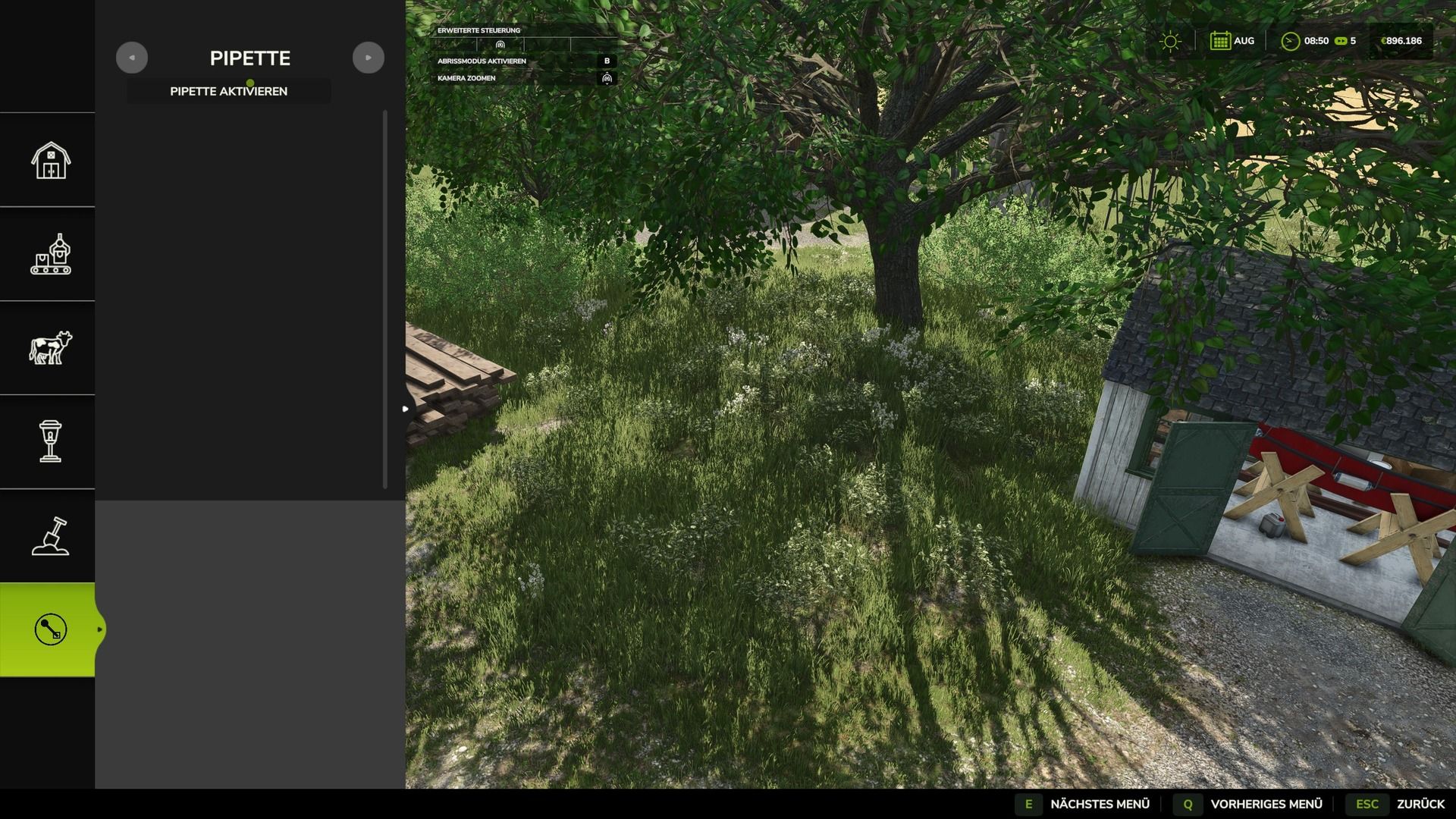
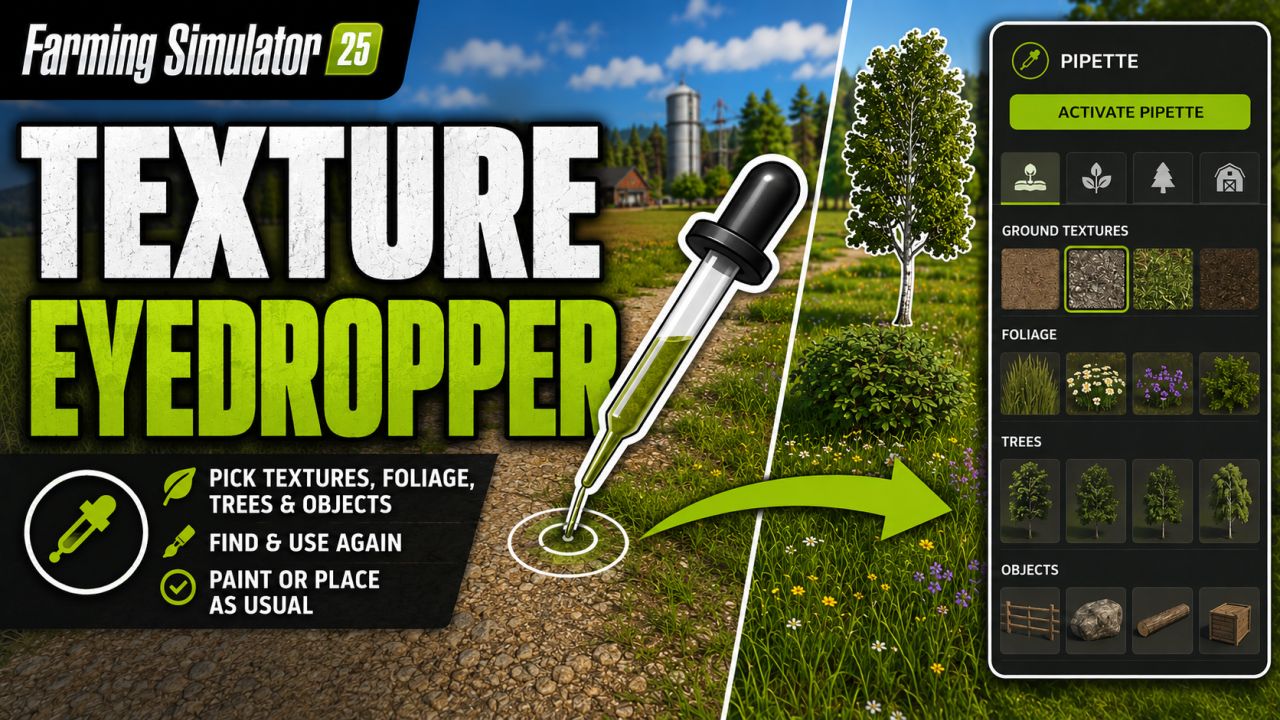
The texture eyedropper extends the build menu with an eyedropper function for ground textures, foliage, placeable trees and supported placeable objects.
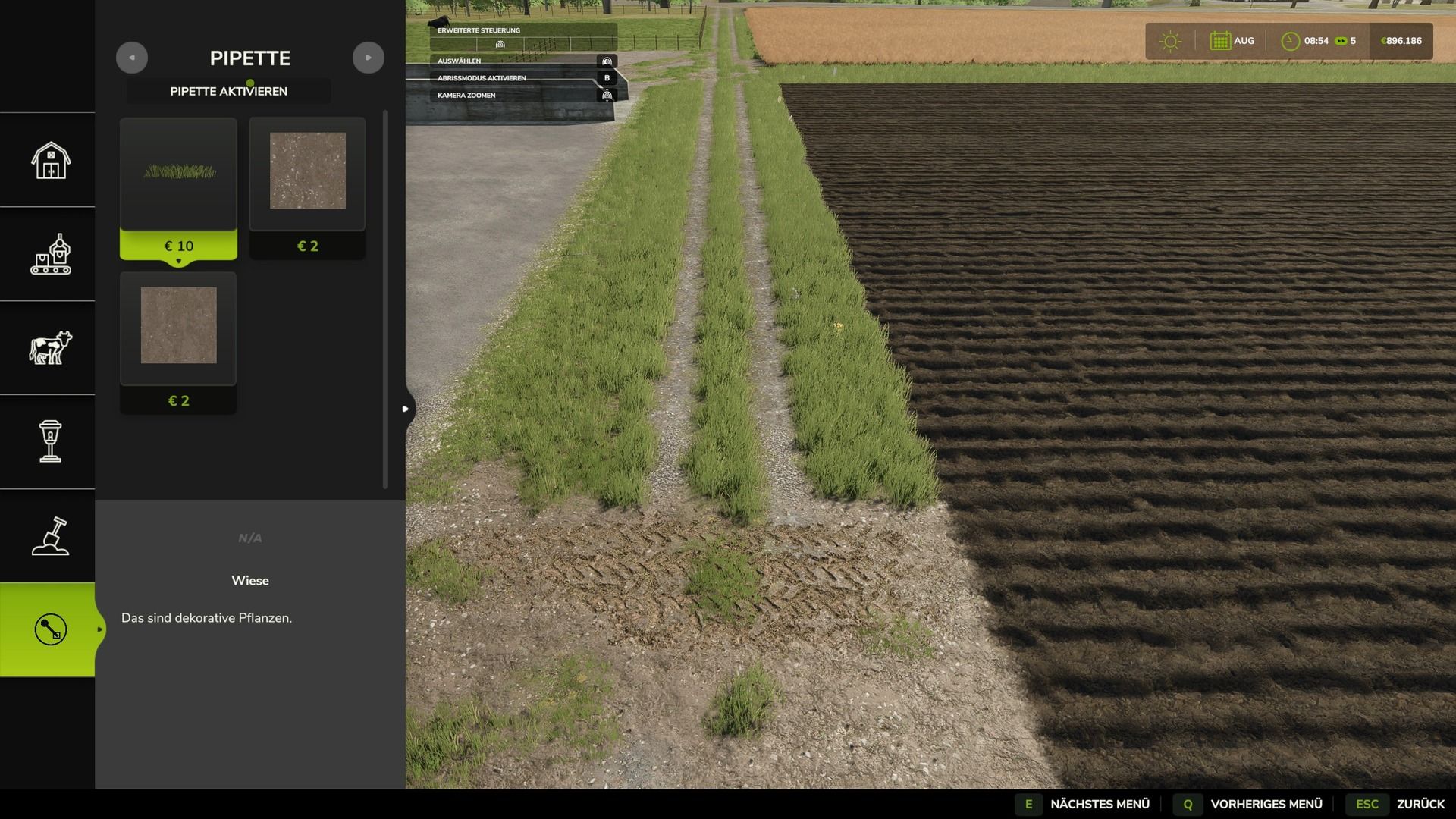
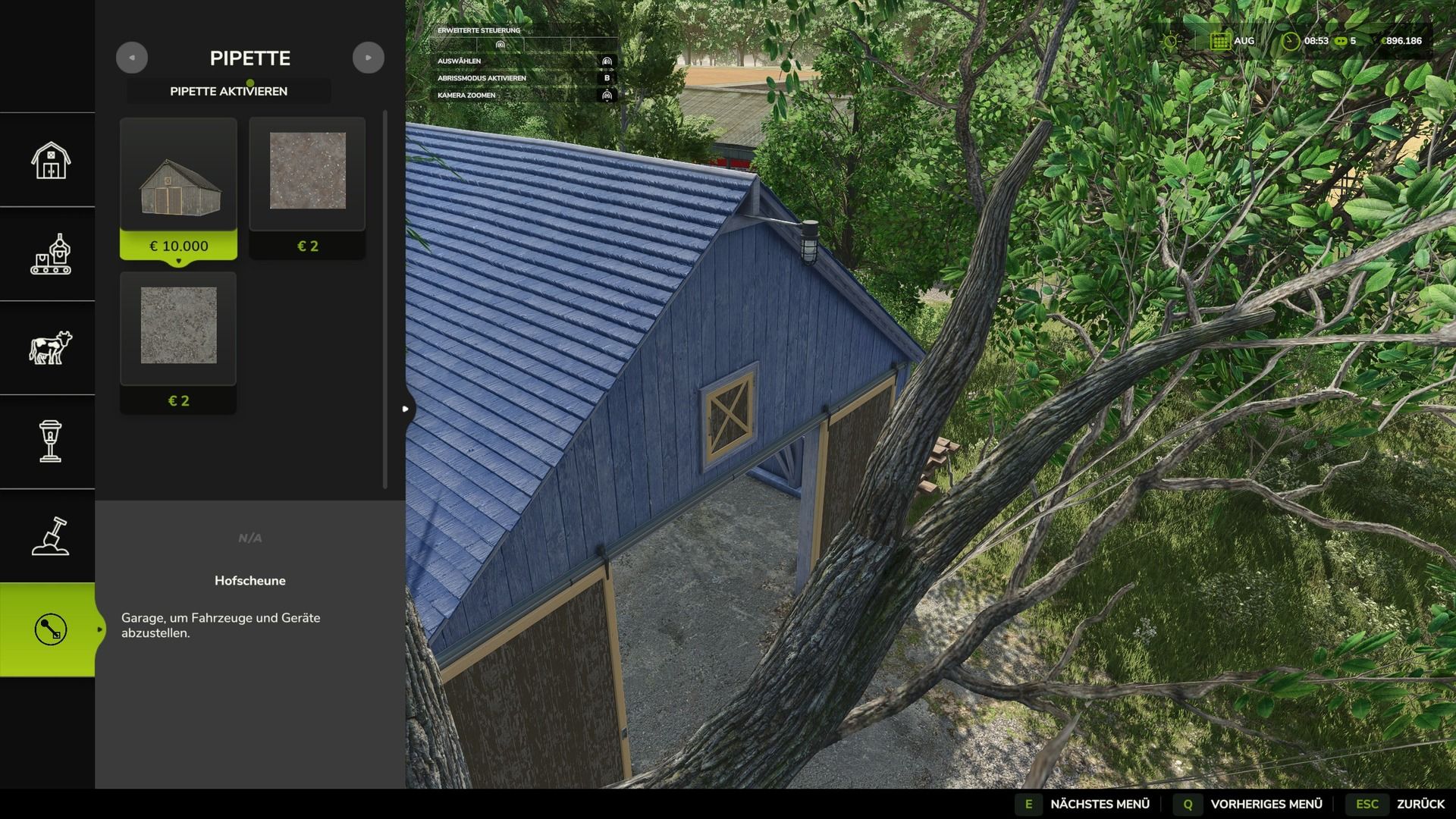
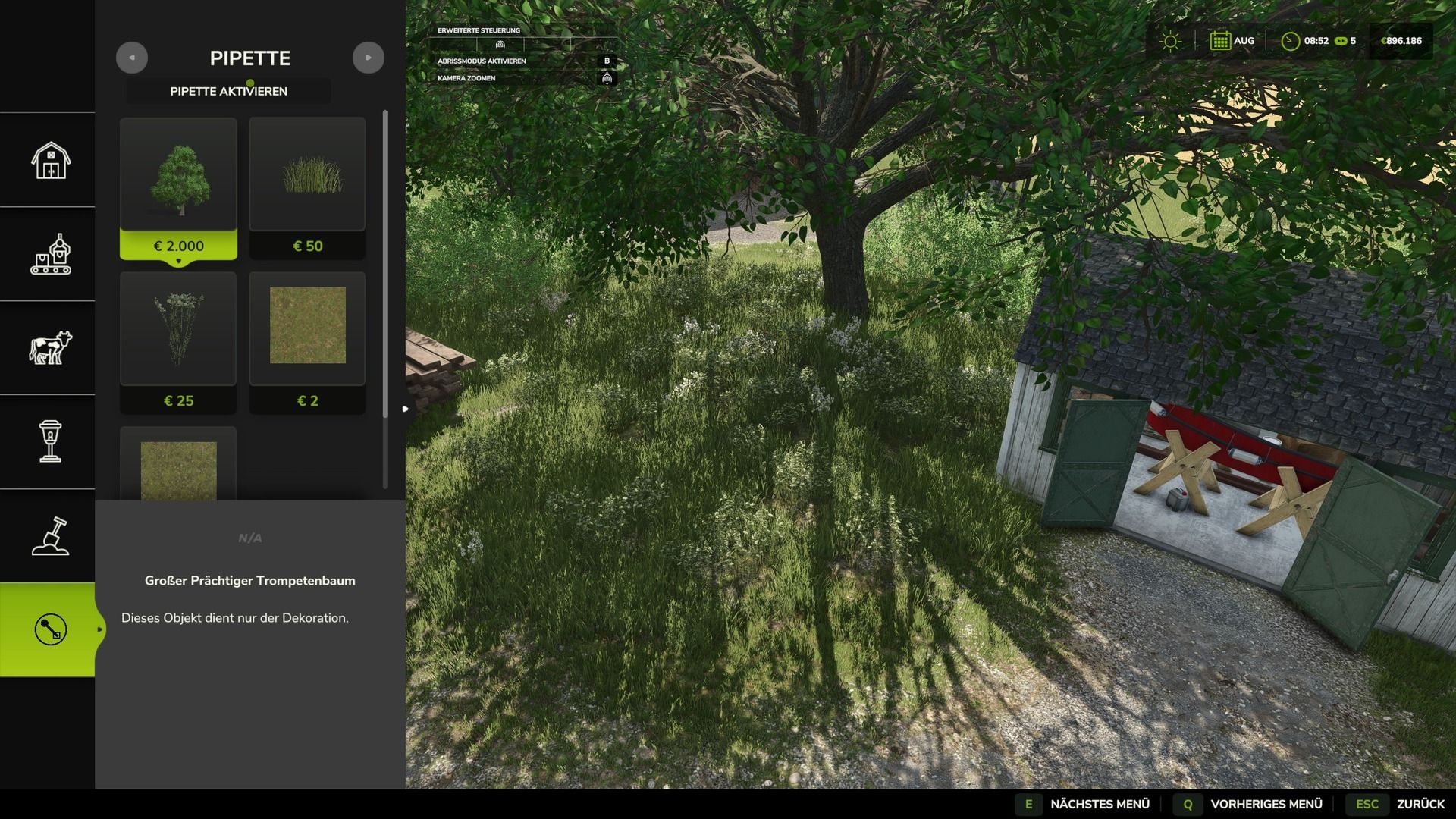
This feature allows you to directly pick up previously used paint textures, visible foliage such as grasses, flowers, and bushes, placeable trees, and supported objects from the map and find them again in the build menu.
For mixed areas, multiple matching results can be displayed.
Application:
1. In the build menu, open the “Pipette” tab.
2. Press the “Activate pipette” button.
3. Click on a ground texture, foliage, tree, or supported object.
4. Confirm the desired result in the build menu.
5. Paint or build as usual.
After painting, the process should be canceled with ESC to prevent unintentional further painting.
If necessary, the eyedropper can then be reactivated.
The mod also takes into account available ground textures and suitable foliage for the respective map.
Map foliage is made available as a paintable entry in the build menu, where possible.
Debug mode is optional and disabled by default.
It is only used for troubleshooting.