Terrain Height Adjuster V1.0.0.5 LS25

Terrain Height Adjuster V1.0.0.5 LS25
For the correct functioning of the mod, you need to set the value of maxheight = “0.7” in the “mape.i3D” file located at / Farming Simulator 25 / Data / Maps / Mapeu-Sas or in the file of your fashion card.
In the “Mapeu.i3d” file, you need the following line:
<DisplacementLayer name=”terrainDisplacement” size=”16384″ tileSize=”16″ numChannels=”6″ cellSize=”8″ viewDistance=”25″ blendOutDistance=”5″ maxHeight=”0.7″ densityMapShaderNames=”terrainDisplacementMap”/>
– Slides in the rain – vehicles lose their craving and can drop wet grass and dirt.
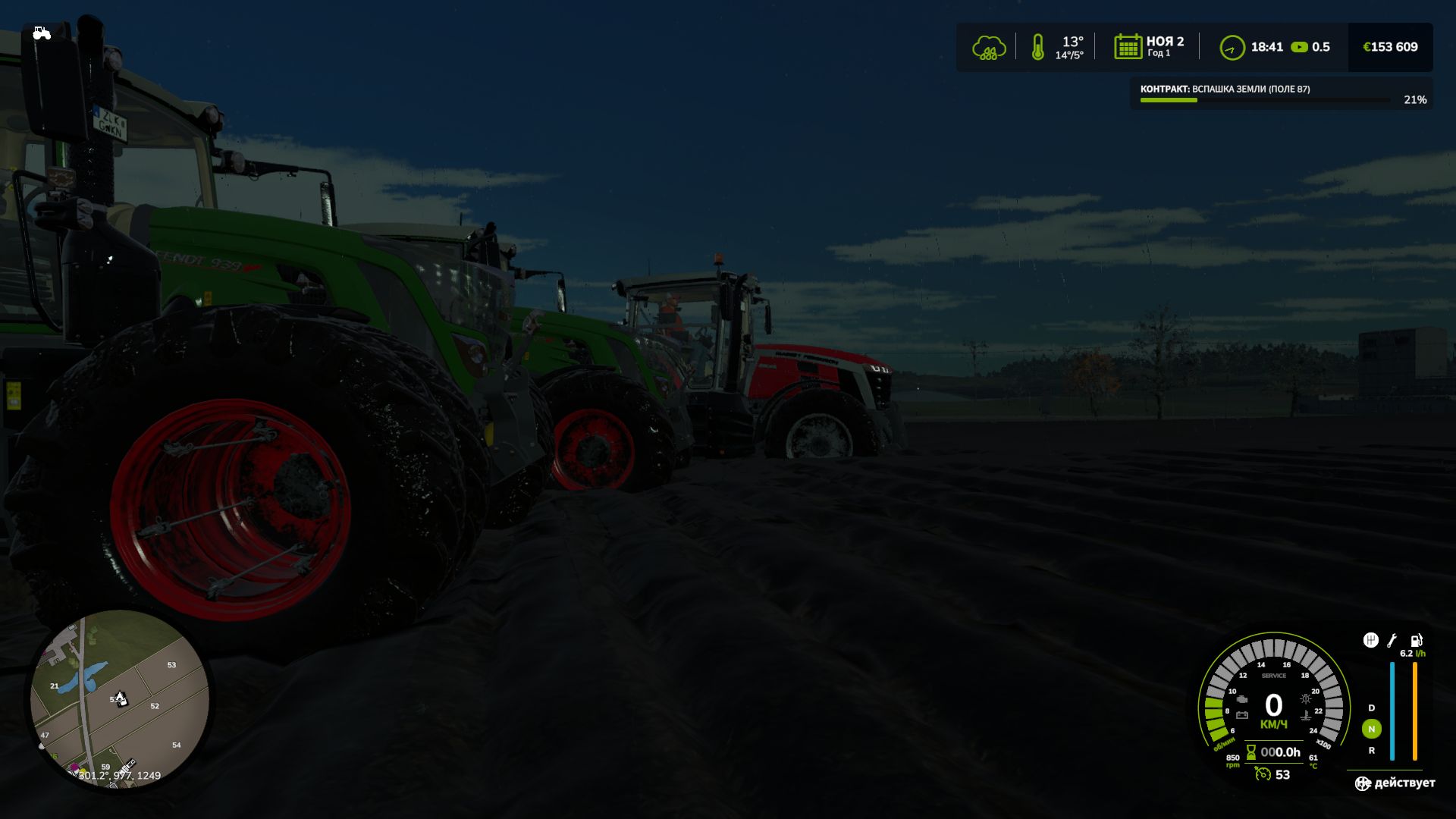
– Deep ruts – heavy leaves of the machine are noticeable, especially in soft soil after rain.
– Fasting in mud – riding moist soil with narrow tires increases the likelihood of a stuck.
– Dynamic settings of parameters – the mod automatically reacts to changes in the weather and surface.
V1.0.0.5
– Small update: Added soil drying time after rain, currently 7-10 minutes of playtime for the soil to dry out completely