Strands Big Energy XL Warning Light Bar (Prefab) v1.1.0.0 LS25

Strands Big Energy XL Warning Light Bar (Prefab) v1.1.0.0 LS25
Strands Big Energy XL — Warning Light Bar Prefab Pack
Bring the low-profile look of the Strands Big Energy XL to your Farming Simulator 25 vehicles. This detailed prefab pack recreates the rounded black housing, dark wraparound lens and amber optics, with sizes suited to builds ranging from pickups to full-size trucks.
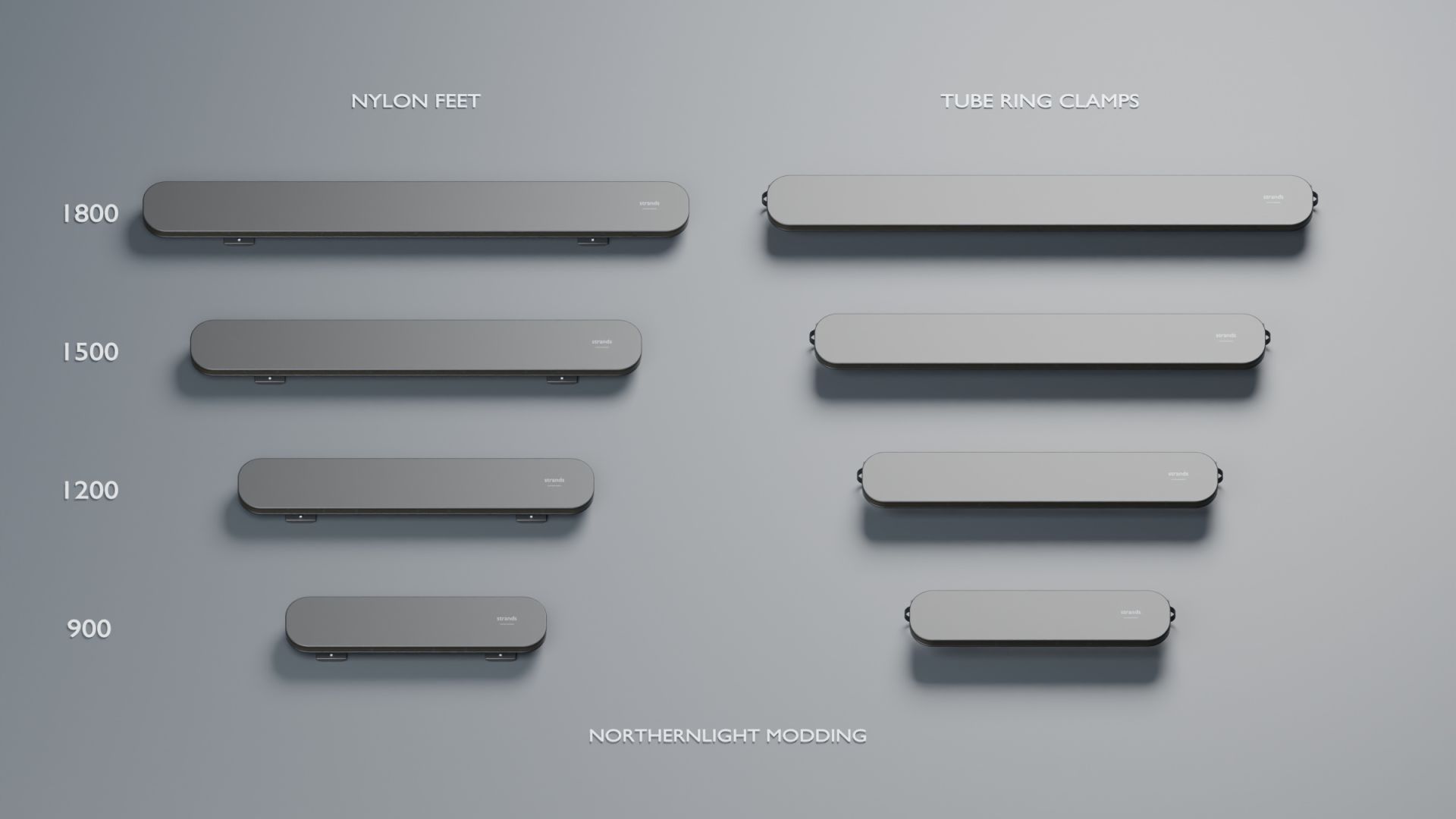
Included sizes:
900 — 880 mm body length
1200 — 1200 mm body length
1500 — 1520 mm body length
1800 — 1840 mm body length
Every size includes factory-style nylon feet and ring clamps for tube roof bars — eight complete variants.
Features:
Detailed models based on Strands dimensions and reference photographs
Amber alternating triple-flash preset
Visible illuminated optics and six directional warning lights
Matching A/B light XML files for every variant
Required light script and step-by-step English installation guide
This is a prefab for modders to install in vehicle mods using GIANTS Editor. It is not a standalone vehicle or a separate shop item. The supplied integration uses Lua and requires vehicle-specific mounting and XML setup. One flash preset is included.
The product previews are renders of the actual models. The gameplay image was captured in Farming Simulator 25. This is an independent recreation, not an official Strands product.
Credits: NorthernLight Modding