Smart Auto Lights v1.0.0.0 LS25
Smart Auto Lights v1.0.0.0 LS25
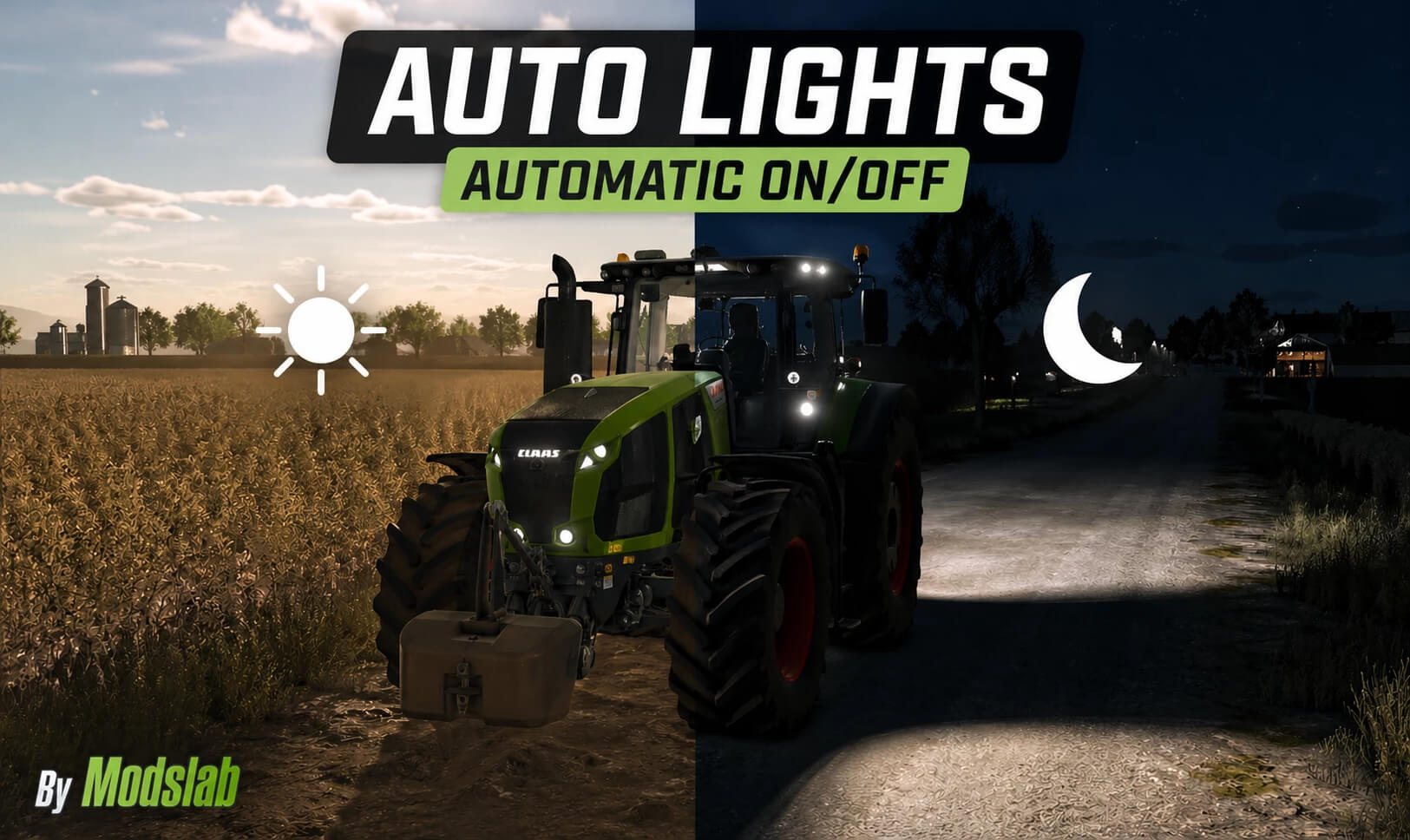
A script for automatic headlight on/off with many additional and unique features.
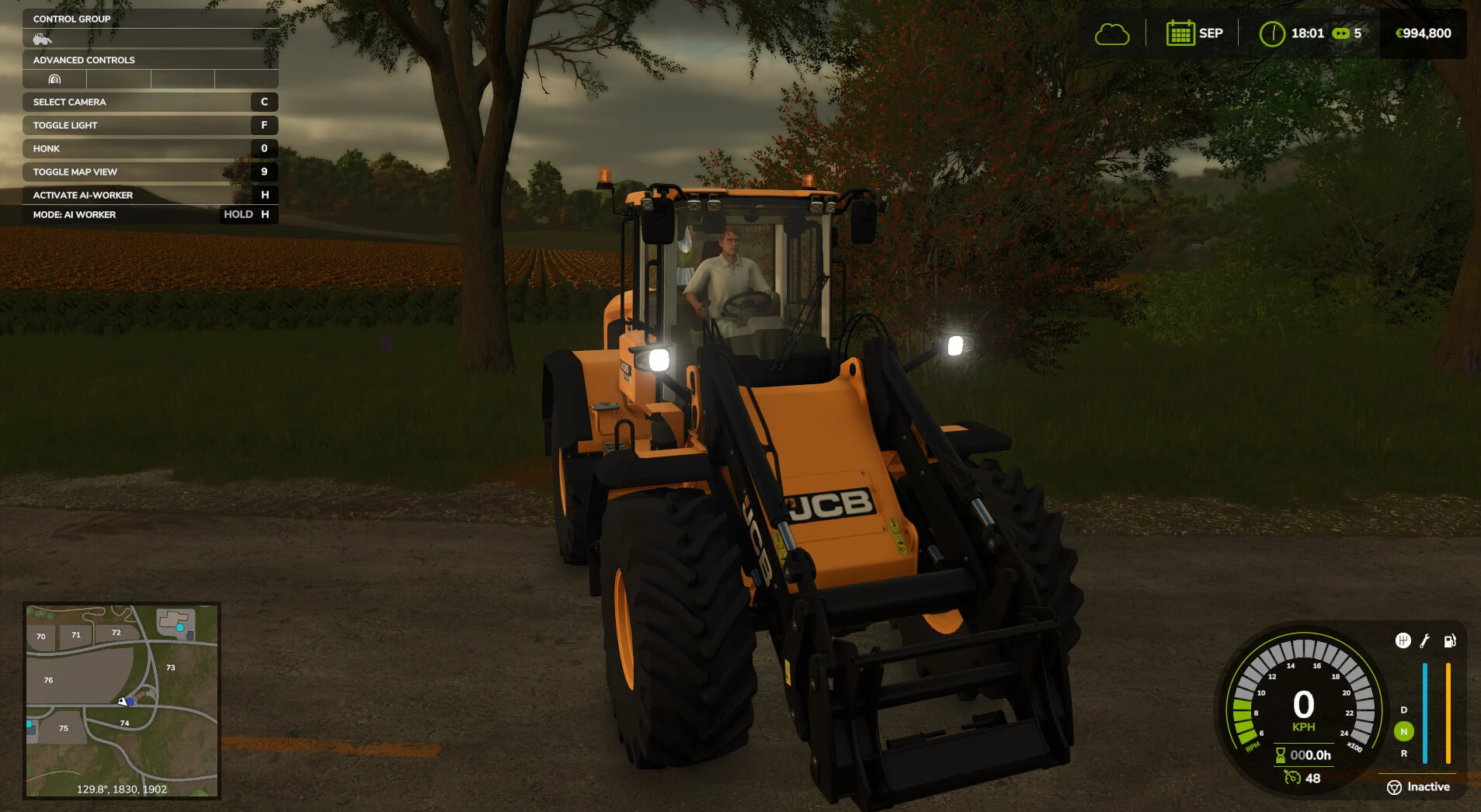
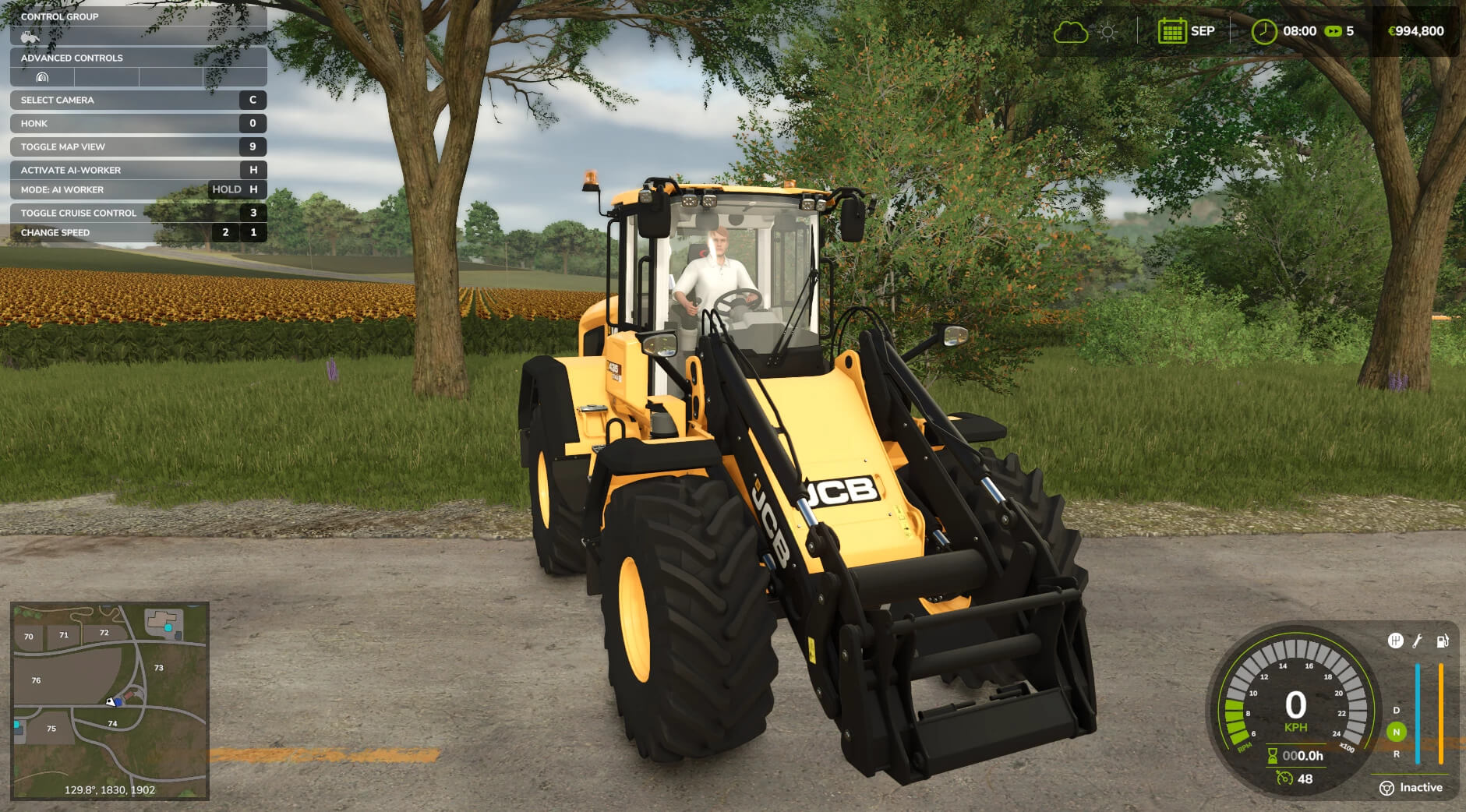
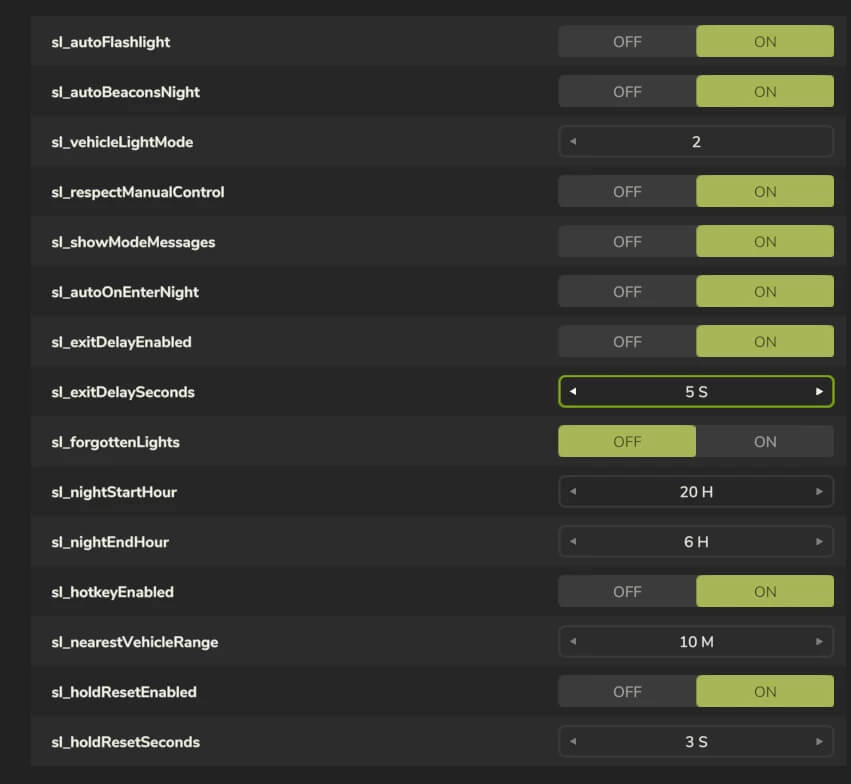
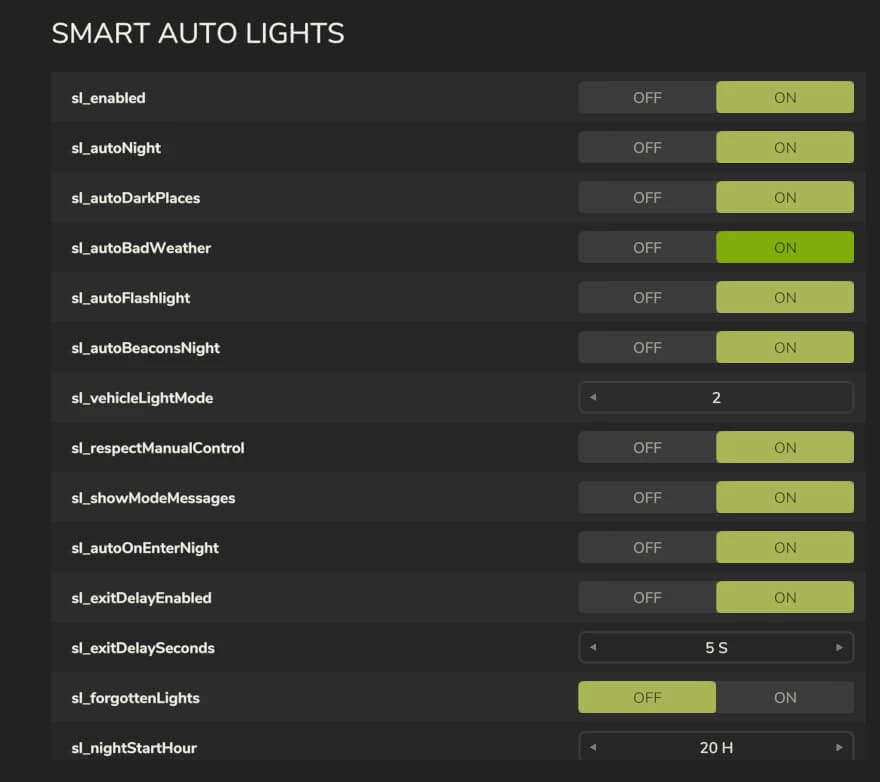
– The headlights of your current vehicle turn on/off automatically depending on the time of day (day/night). The on/off time can be configured in the settings (General Settings);
– The flashlight also turns on/off automatically;
– During rain and other low-visibility weather conditions, the lights turn on automatically;
– You can take manual control at any time, after which the automatic system will be disabled. To enable it again, hold the F key for a few seconds (a notification will appear);
– “Goodbye” system: after exiting the vehicle, the lights remain on for 5 seconds. The time can be adjusted in the settings;
– “Forgot to turn off” system: if enabled, after exiting the vehicle the headlights will not turn off automatically, and you will receive a notification that you forgot to turn them off;
– By pressing CTRL + L, you can toggle the lights of the nearest vehicle without being inside it (remote control);
– 2 lighting modes: low beam (1) and full lighting (2). Can be selected in the settings.
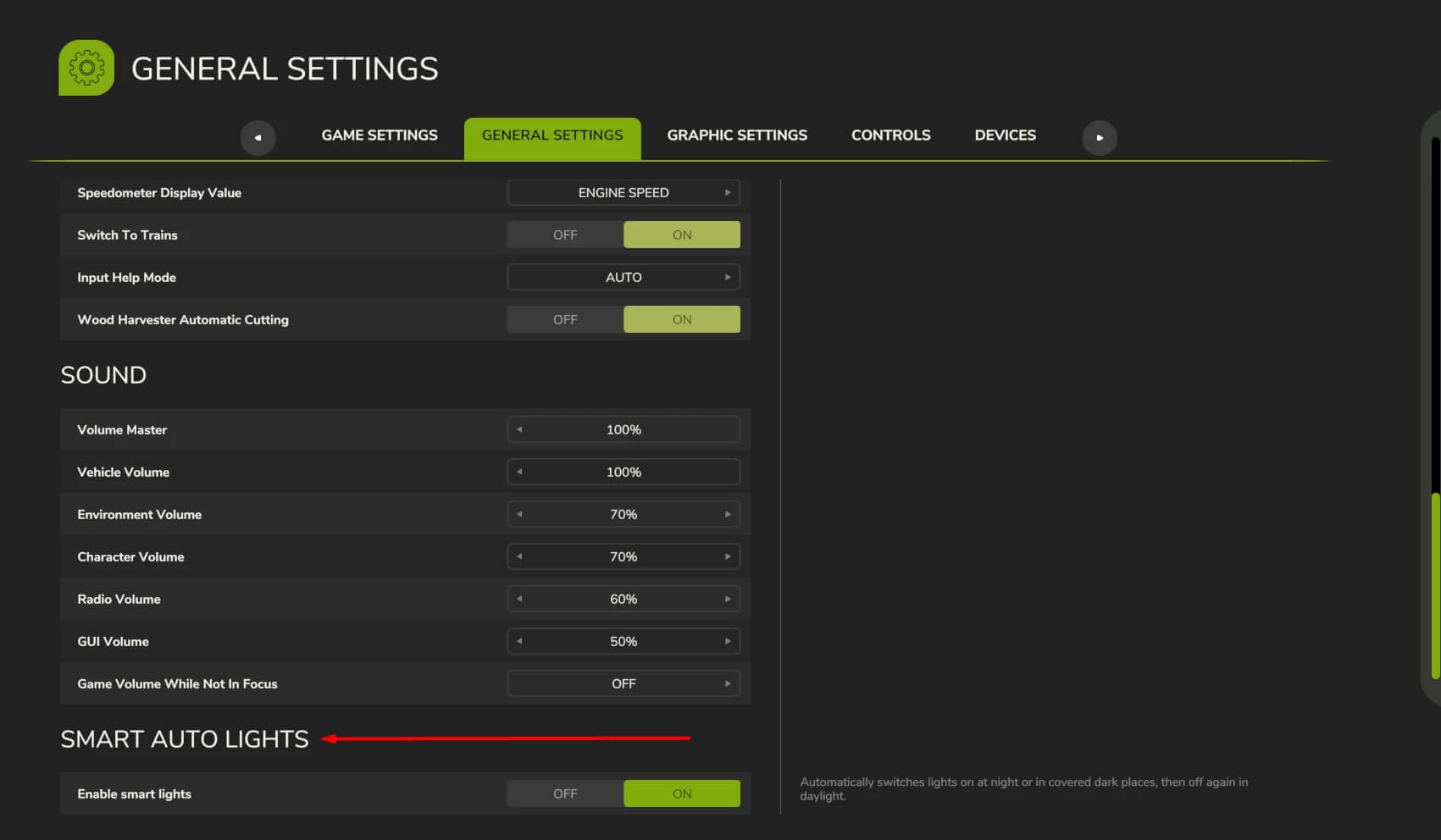
– All aspects of the mod are fully customizable. To configure them, go to Menu – General Settings – Smart Auto Light category.
In multiplayer, only the host can change the settings. If you have any suggestions for improvements or find any bugs, please leave a comment. Thank you!
Credits: modslab