SKY Agriculture Terminal Pack (Prefab) V1.0.0.0 LS25
SKY Agriculture Terminal Pack (Prefab) V1.0.0.0 LS25
When I was playing with the SKY DLC and noticed that some of the machines have an IsoBus connector,
I thought to myself “SKY terminals would be great”.
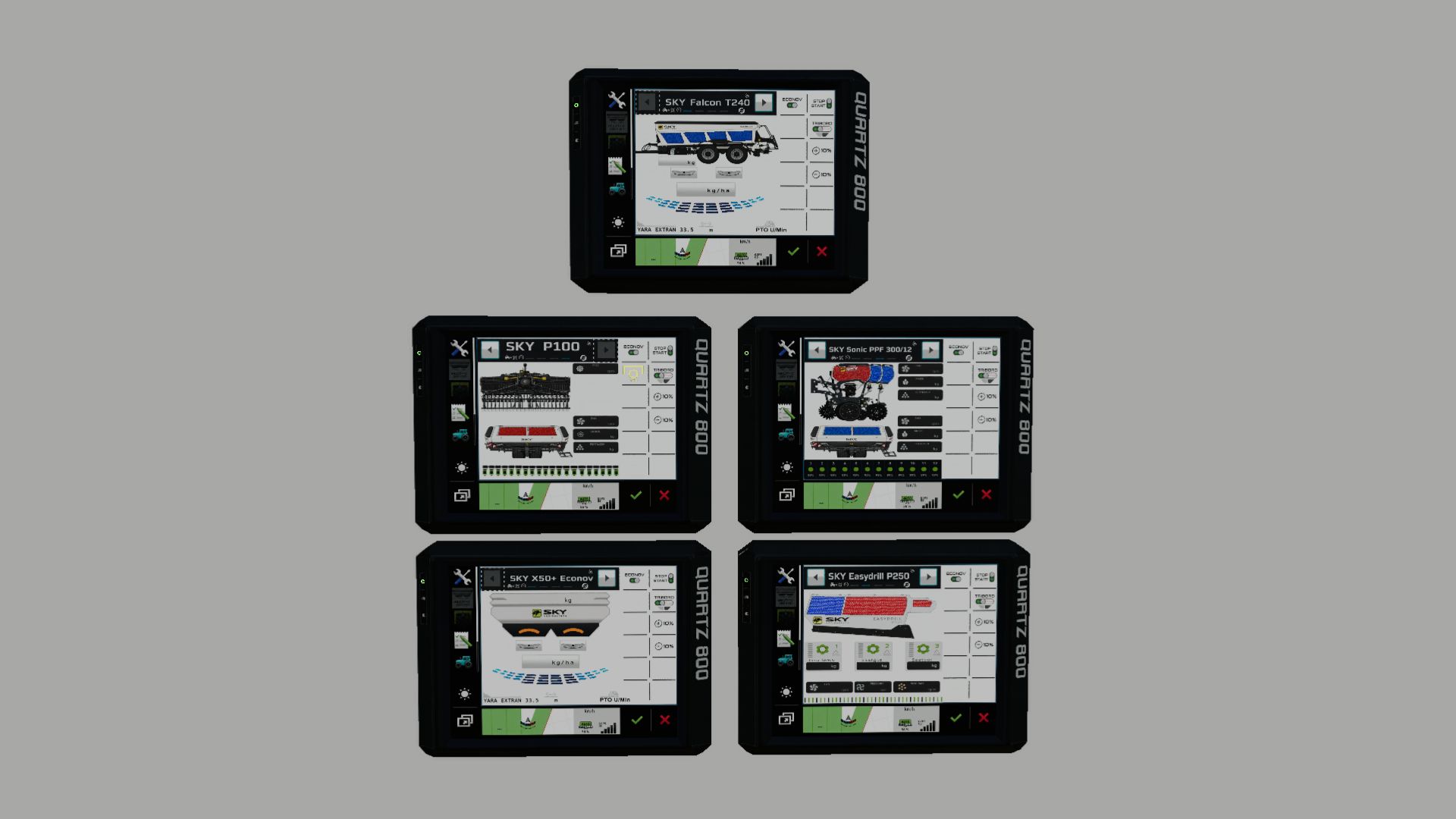
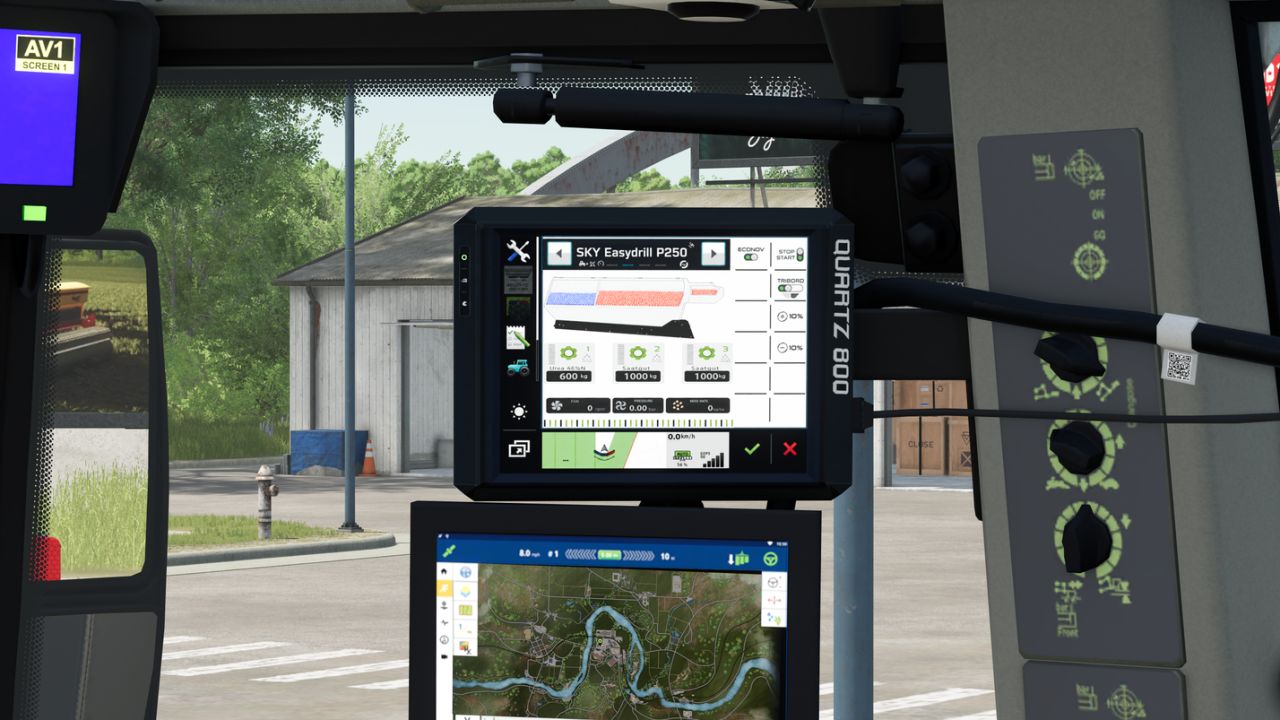
So I got to work, built a terminal and created a screen for five of the devices.
List of finished screens: “HRW 6000.36 + P100” “Sonic PPF 300/12” “Easydrill P250” “X50+ Econov” “Falcon T240”
The screens run via LS25 Vanilla Dashboards, DBL and Precision Farming.
Since there was a problem with the visualization of the terminal and the screens for the correct devices, I took the liberty
of writing a script that allows additional terminal screen entries for the groups in the dashboard segment.
These entries can be edited in an external XML file with the device names.
In short: The script no longer accesses the device type, but rather the device name, so that a terminal can be created specifically for each device. Thus, for example, the SKY P250 terminal will only be displayed for that specific device and not for other devices like lime or fertilizer spreaders.
Everything is described in detail in the accompanying instructions.
Otherwise, I would really appreciate feedback on whether everything is working.
Credits: Guner348