Shop Sounds V1.0.1.0 LS25
Shop Sounds V1.0.1.0 LS25
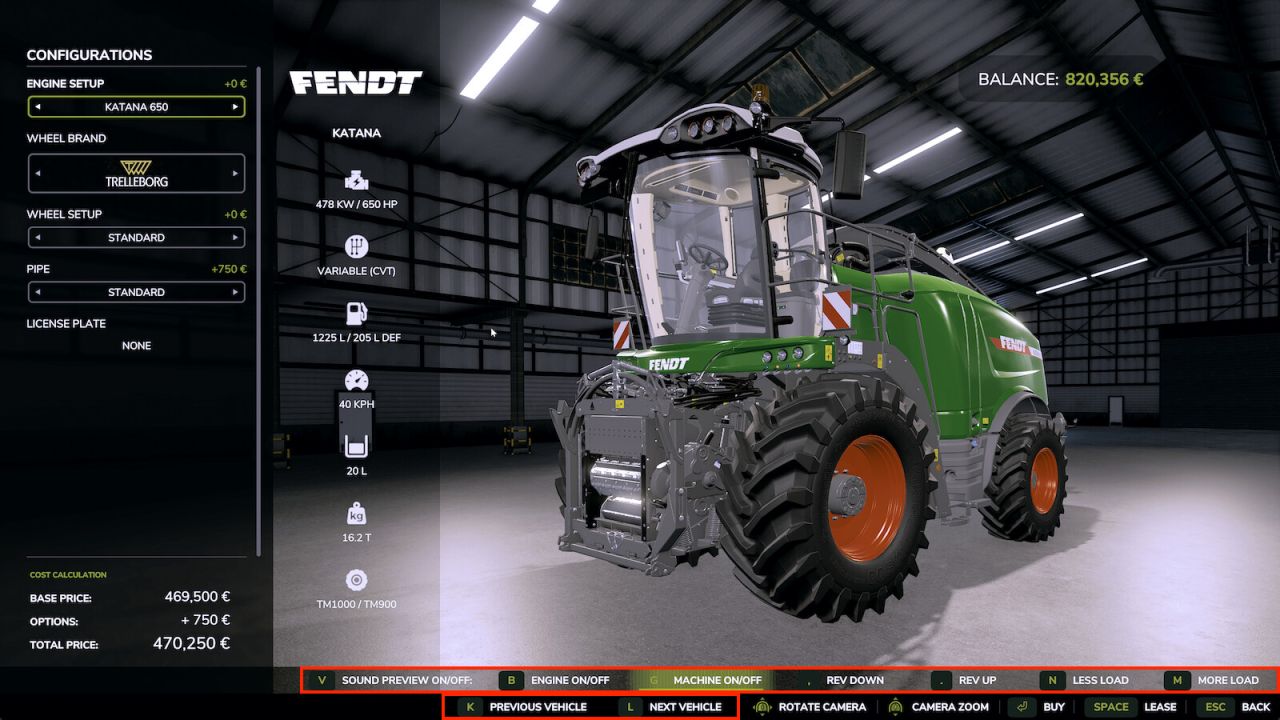
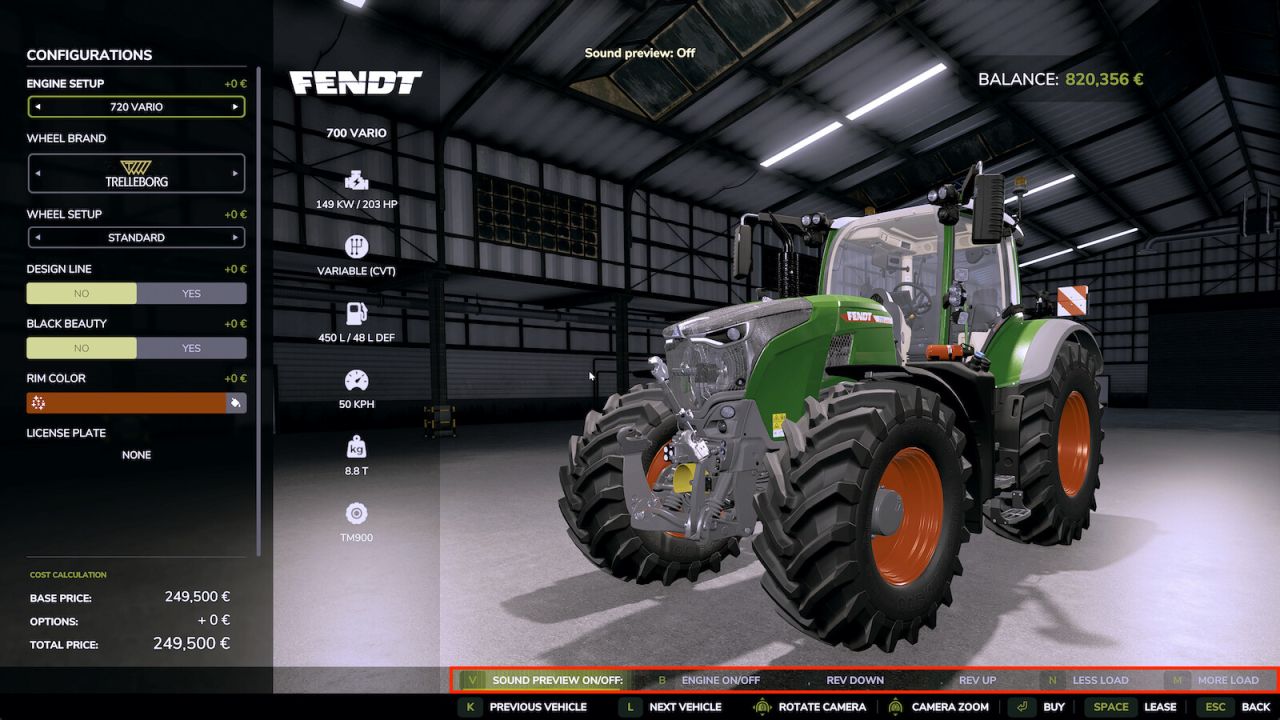
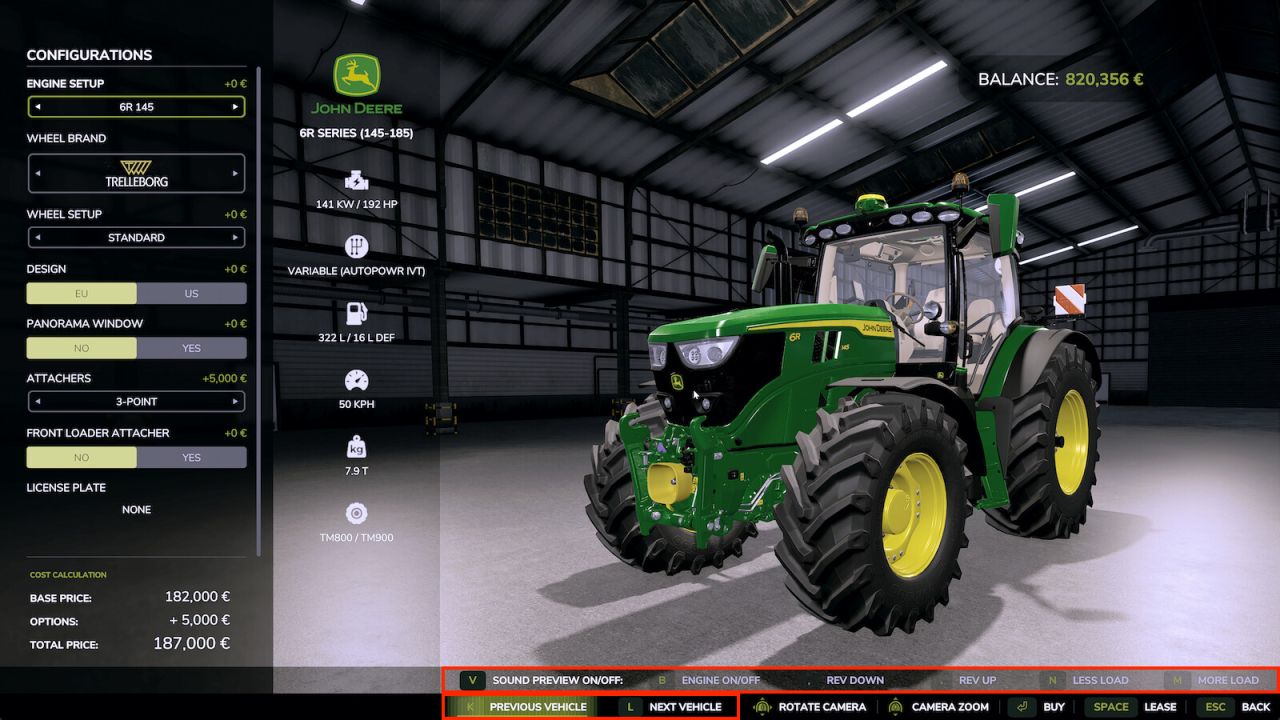
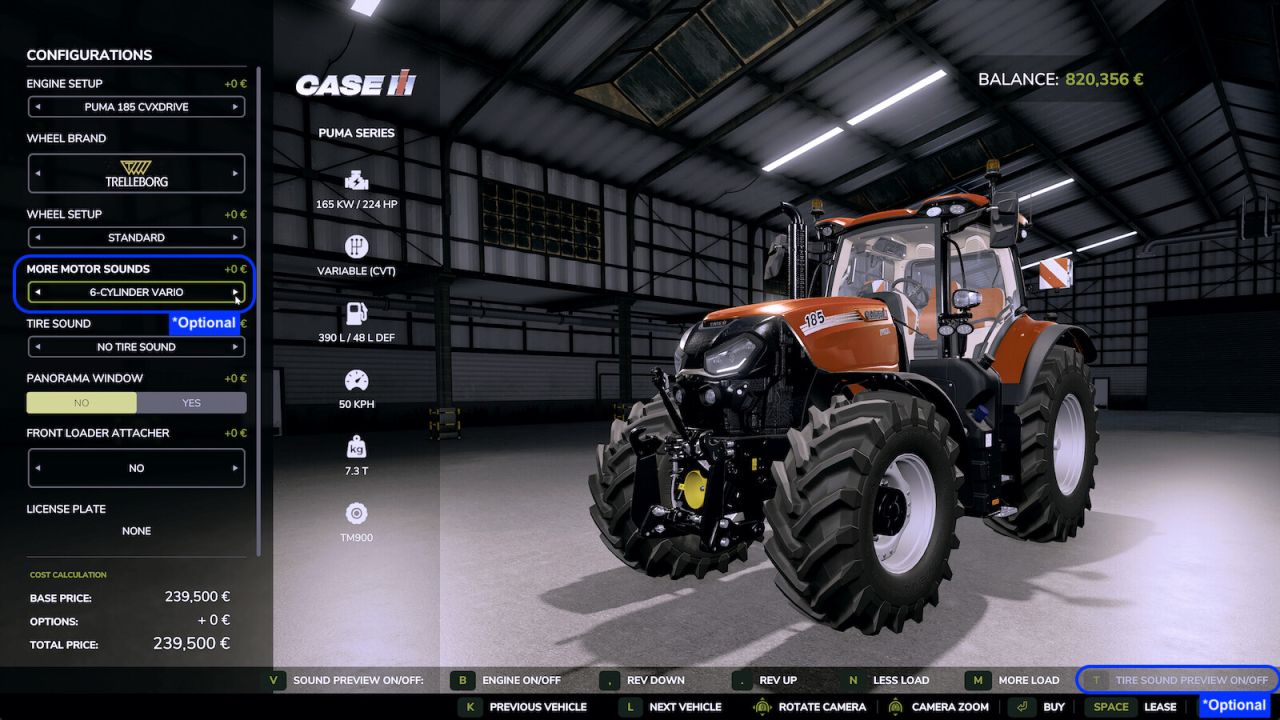
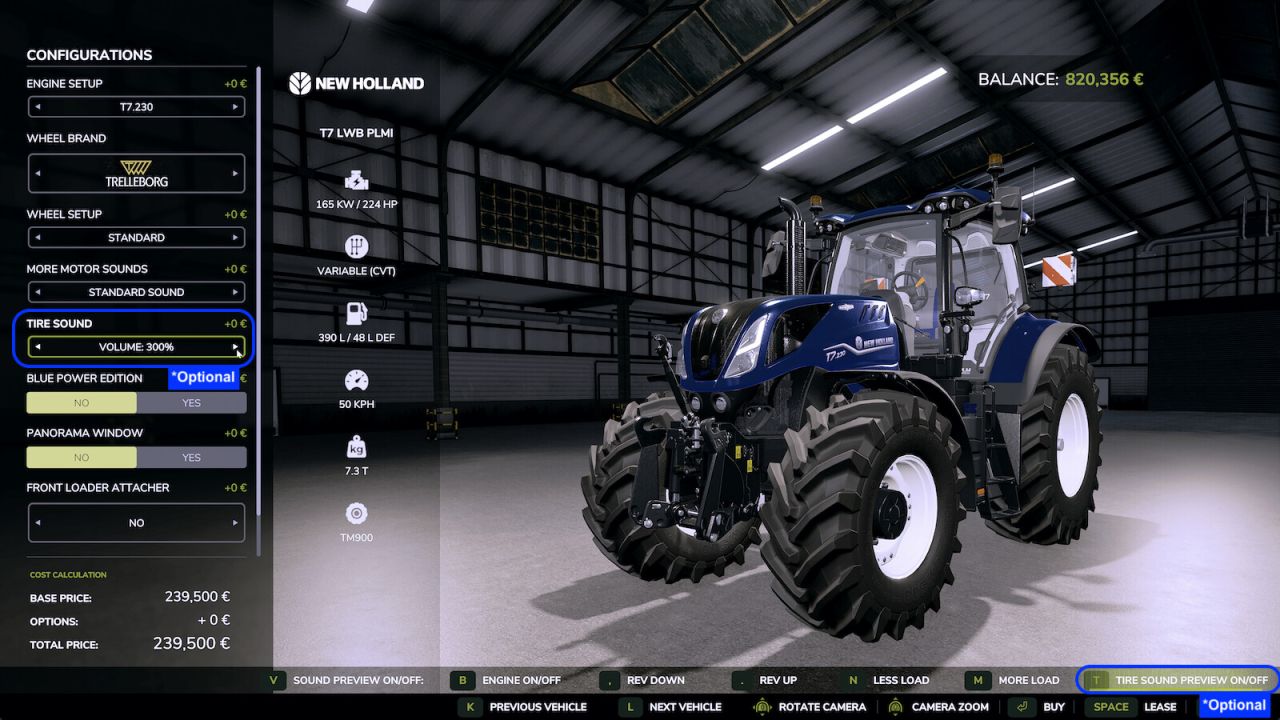
Hear a vehicle’s sound directly in the shop – before you buy. Browse through the vehicles without leaving the detail view, rev from idle to full throttle and control the engine load – geared tractors even shift through the gears as you rev, like driving on the field. Start the work sound on harvesters. Optional: if “More Motor Sounds” is installed, preview its sound variants live in the shop; if the “Tire Sound” mod is installed, its tire sound is previewed too – only a simplified example, as the real mod fine-tunes the sound to the tire type (e.g. row-crop or dual tires) while driving, which the shop cannot reproduce. On the Fendt Katana you also get a little easter egg if the “DashboardLive” mod is installed. The automatic preview can be switched off. Works in single- and multiplayer.
Keys: [V] Auto preview on/off [-] [=] Quieter/louder [B] Engine on/off [G] Machine on/off [,] [.] Rev down/up [N] [M] Less/more load [T] Tire sound on/off [K] [L] Previous/next vehicle
V1.0.1.0
Added ‘Quieter’ and ‘Louder’ buttons (keys – and =) to adjust the preview volume in the shop.
Reworked the on-screen control buttons: even spacing, no overlaps, cleaner separators.