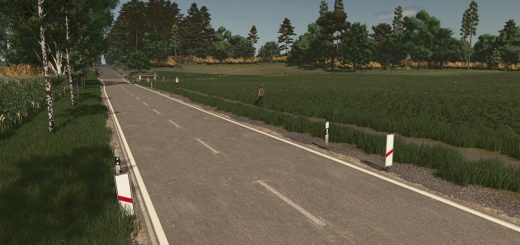
Realistic Footprints v1.0.0.0 LS25
Realistic Footprints v1.0.0.0 LS25
Every step tells the story of where you’ve been—and just how deep you’ve waded into the mud!
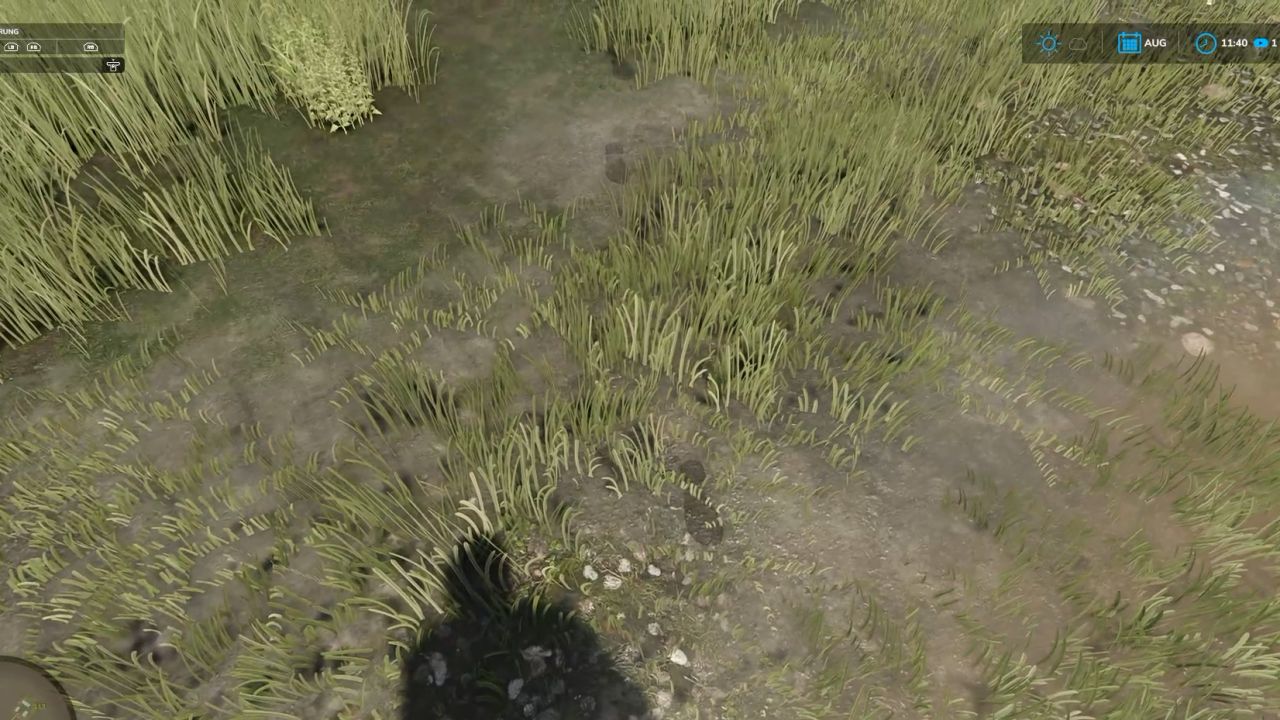
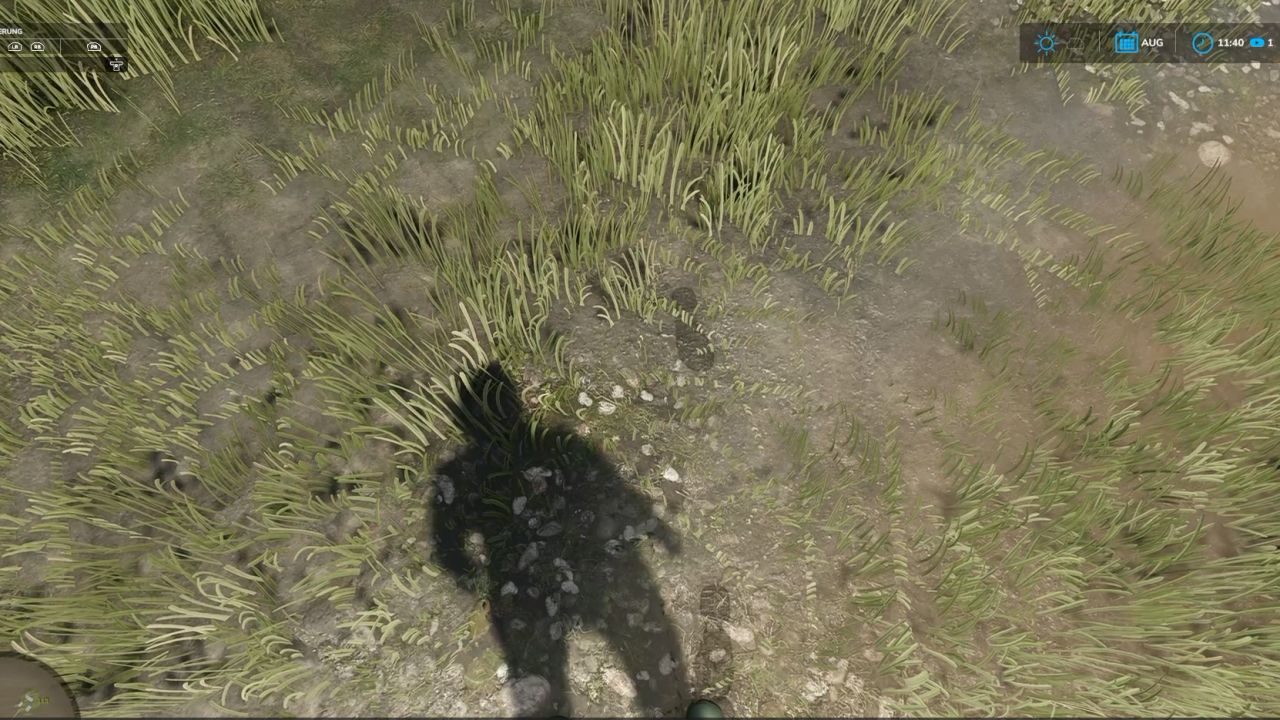
No more farmers walking across the land as if their boots just came straight out of the shoe store! “Realistic Footsteps” brings visible, dynamic footprints to FS25. Whether it’s soft soil, cultivated fields, wet grass, mud, manure, or snow—your tracks adapt to the terrain, your footwear, your movement, and the current weather conditions.
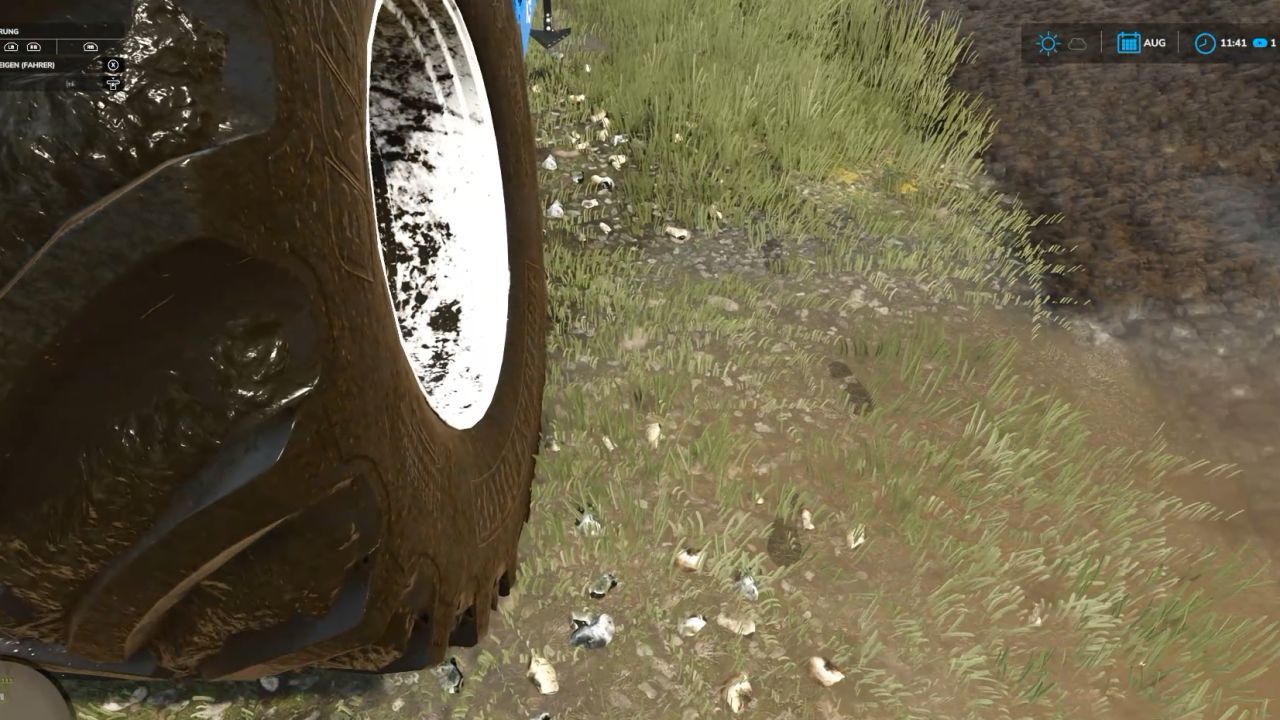
And the best part: if you trudge through water or muddy tire ruts, you won’t just carry an infinite amount of dirt along with you. Eventually, your boots will reach their limit!
FEATURES AT A GLANCE
Five sole patterns, various terrain types
Depending on your footwear, the mod generates five distinct sole patterns, leaving corresponding impressions on soft soil, cultivated fields, grass, mud, manure, and snow.
Detection of water and water-filled tire ruts
The mod identifies bodies of water and typical water-filled tire ruts in fields. No footprints are left when walking on water. As you move through it, any mud clinging to your soles is quickly washed away—ensuring more natural behavior when transitioning between mud and water.
Soil color matched to the terrain
The color of the tracks is based on the detected hue of the ground. For example, if you move from dark cultivated soil onto a lighter surface, the color of the dirt you’re carrying will shift gradually over the course of several steps. Once your soles are clean again, the footprints will cease to appear on hard surfaces.
Visible sinking into soft ground
On soft terrain, your character will visibly sink into the ground—by approximately 2 to 10 cm, depending on the conditions. This does not permanently alter the actual elevation of the map. Mud, moisture, and snow in the vehicle cab
When entering a vehicle, you may leave up to eight imprints of mud, moisture, or snow on the cab floor. With the standard “wash” function, these marks remain until the vehicle is washed or they are otherwise removed. After all, a hard day’s work shouldn’t end with clean boots on a spotless cab floor!
Optimized rendering and multiplayer
Weather-dependent fading and the reuse of imprint objects help maintain stable performance. Footprints are generated locally and do not require additional network events for every single mark—multiplayer is fully supported.
CONTROLS
Toggle footprints on/off: Ctrl + Shift + F
This key combination can be changed in the controls menu.
CONSOLE & DEBUG
The following console commands are available for testing, configuration, and troubleshooting:
fsFootsteps
fsFootstepsClear
fsFootstepsDebug
fsFootstepsInfo
fsFootstepsSet <name> <value>
fsFootstepsReload
fsFootstepsWaterScan
Configuration file: modSettings/FS25_realistic_footsteps.xml
DEVELOPED BY MR.HUNTER
Realistic Footsteps adds a small but noticeable detail to your daily farm work: your steps leave marks that correspond to the ground surface and current environmental conditions.
Let’s be honest: a farmer without mud on their boots either hasn’t been out in the fields yet—or has been doing something wrong!
Enjoy the game—and keep an eye on your boots. The mud certainly will!