Placeable Text V1.0.0.0 LS25
Placeable Text V1.0.0.0 LS25
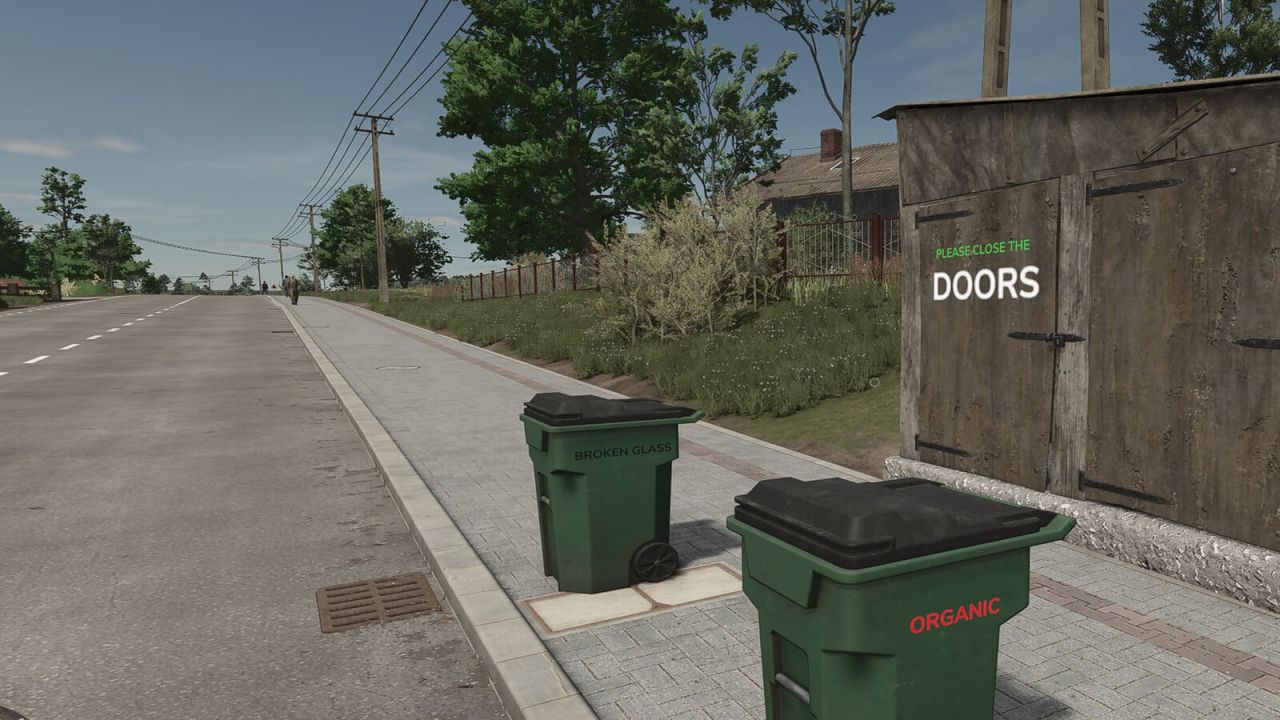
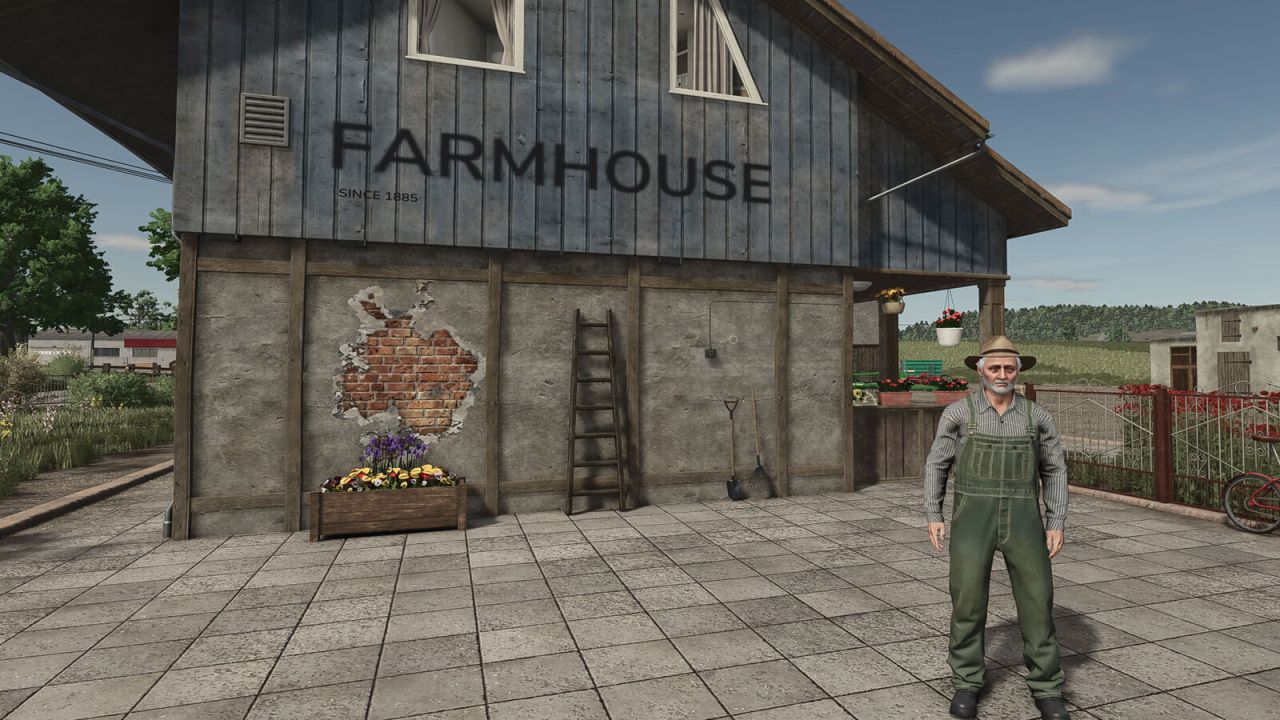
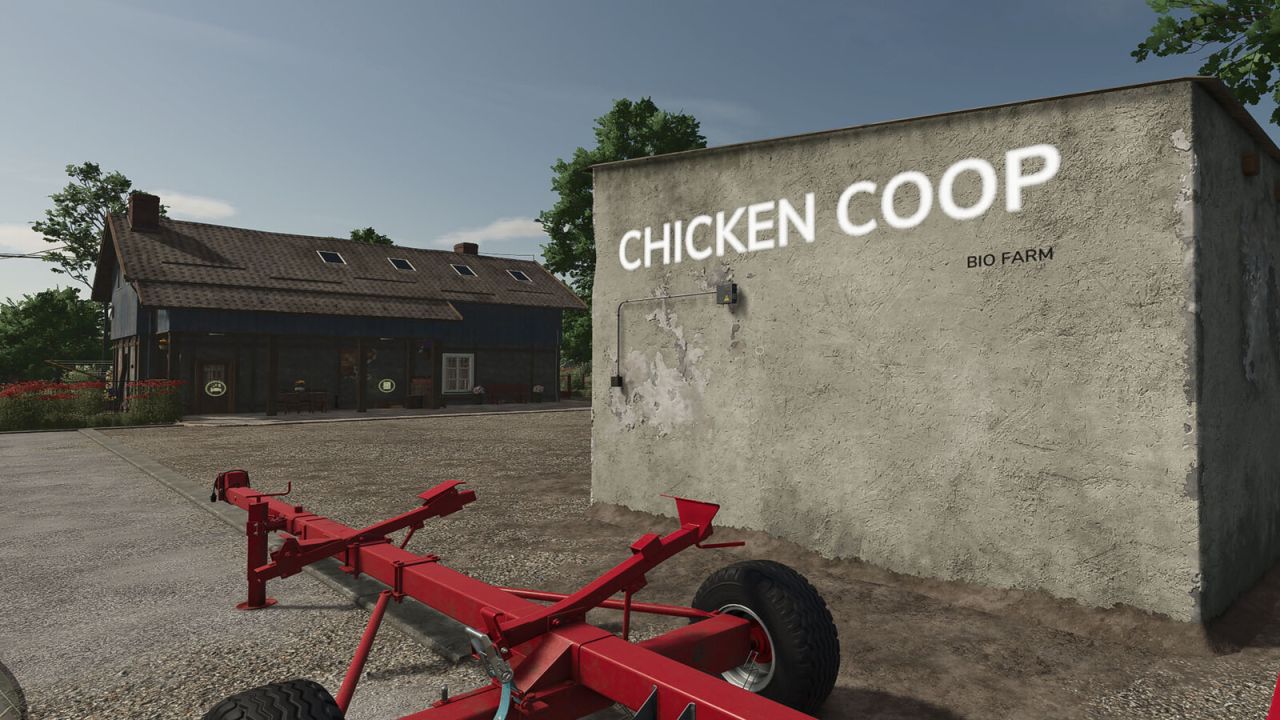
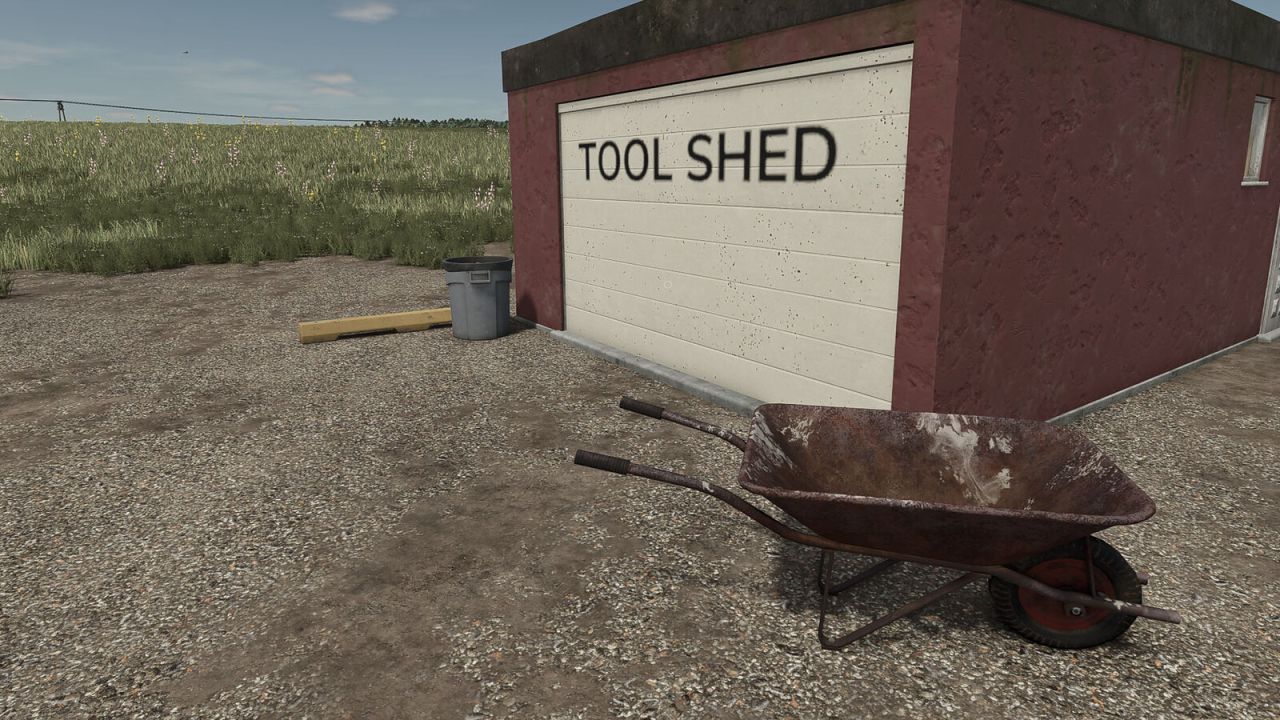
Placeable Text allows you to place and customize your own texts and headings directly in the game. This makes it possible to add labels, notices or decorative texts flexibly to houses, walls and other suitable surfaces.
The text can be changed at any time after placement. In addition, different font sizes, colors and alignments are available in the context menu. Alongside the normal text display, there is also a variant for large headings.
Placeable Text is ideal for adding your own texts to farms, halls, workshops or production areas.
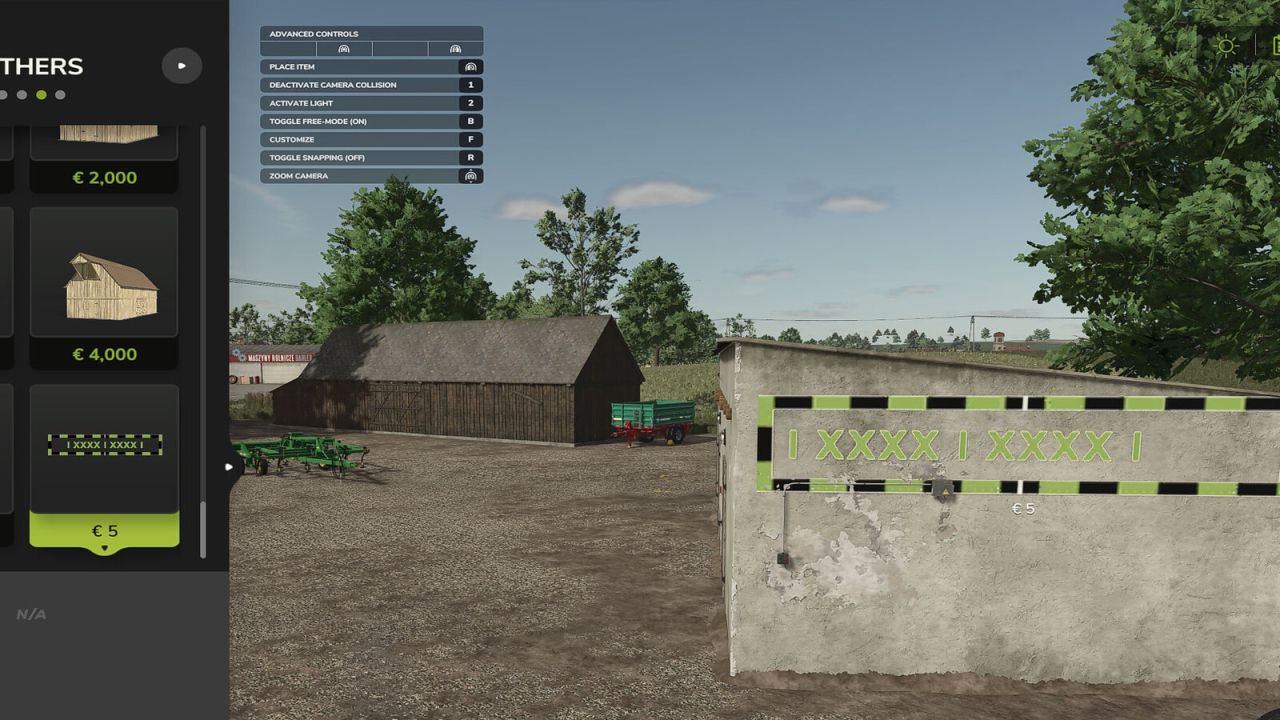
IMPORTANT: In build mode, enable Free Mode and disable Snapping, otherwise the text may not be placed correctly or may not be visible.
Placeable Text can be found under Build Menu > Decoration tab > Others
To remove placed texts again, a delete function has been added to the context menu so that entire houses are not accidentally removed.
Sometimes the preview on walls may not be fully visible due to overlapping textures. The text will still be highlighted after placement.
A small note with a wink: Placeable Text can do a lot – except read minds. The more carefully the text is placed and aligned, the better the final result will look.
Credits: TRIDENTE