Perf Profiler V1.0.0.0 LS25
Perf Profiler V1.0.0.0 LS25
This is early development mod, not a standalone software
Low or unstable FPS with a big mod list? Before you start deleting mods at random, measure.
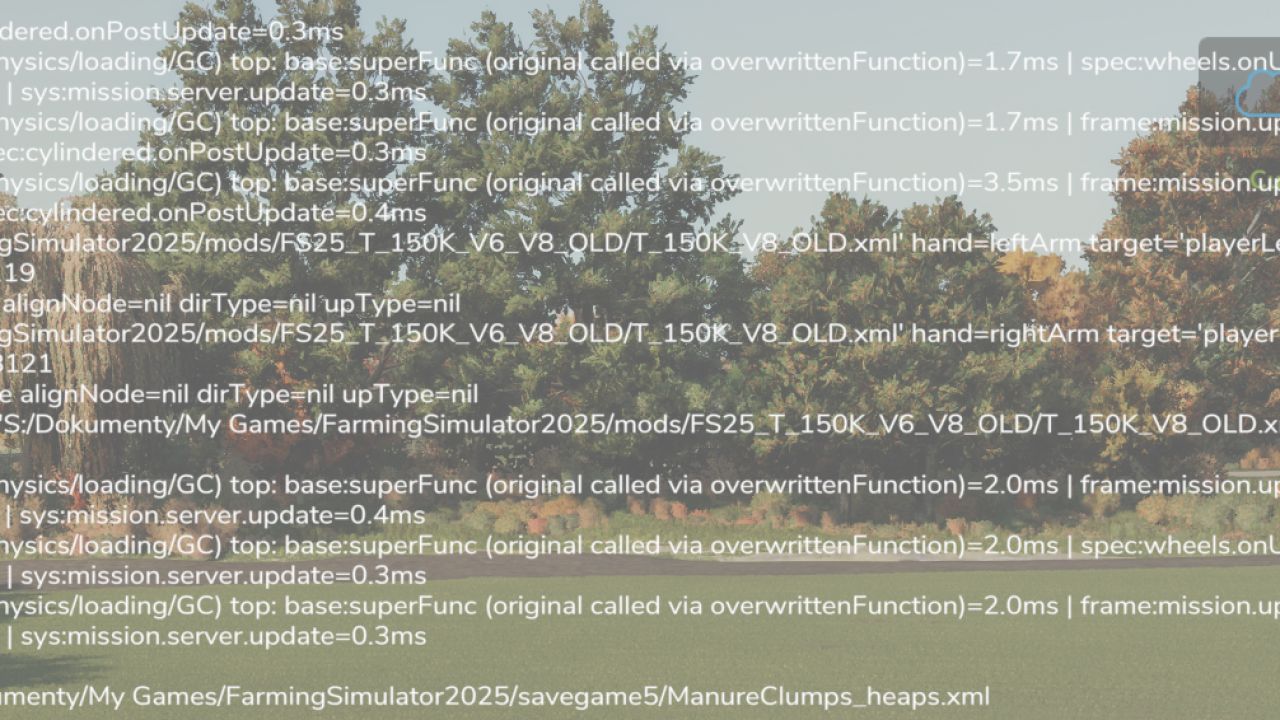
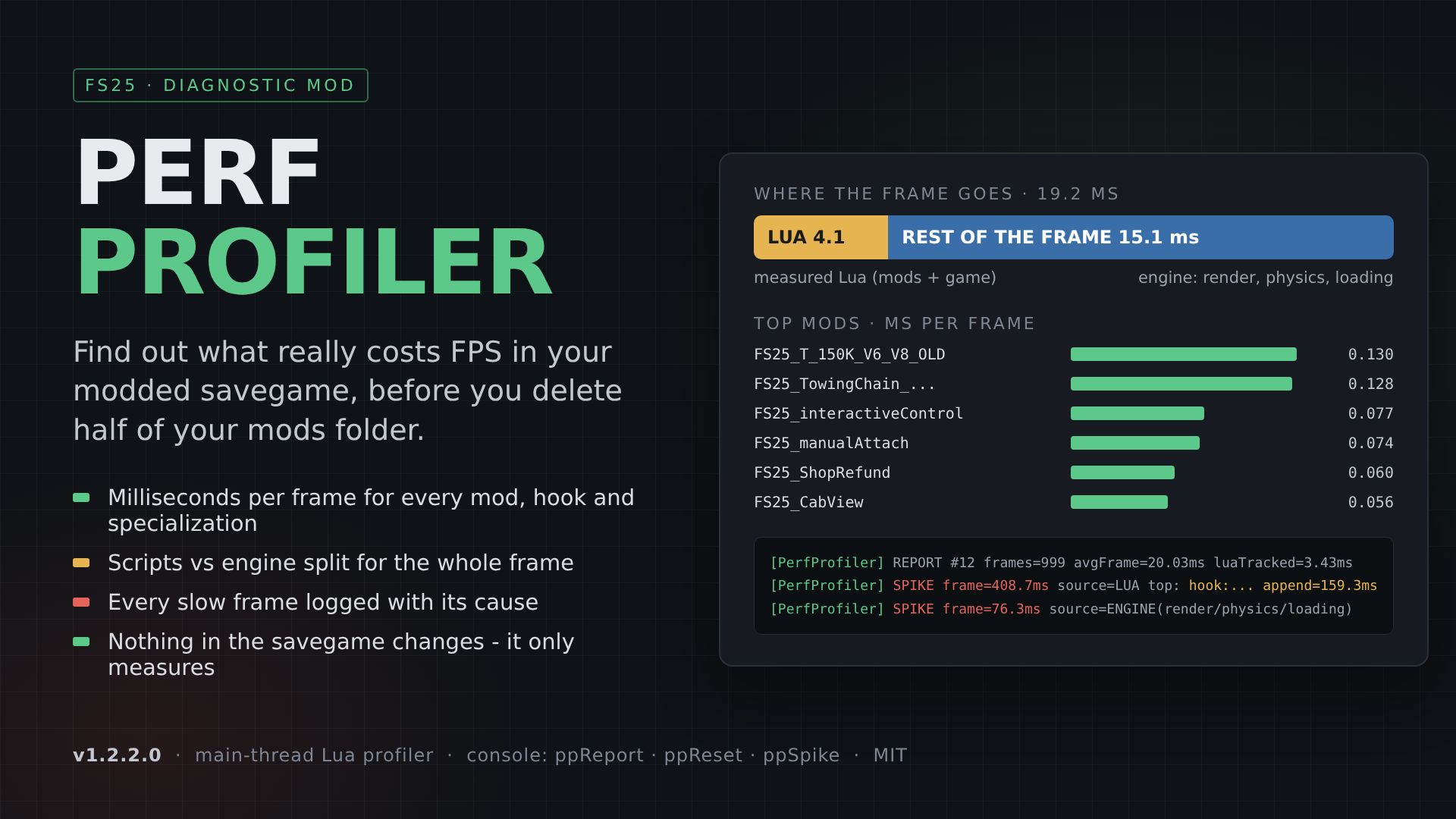
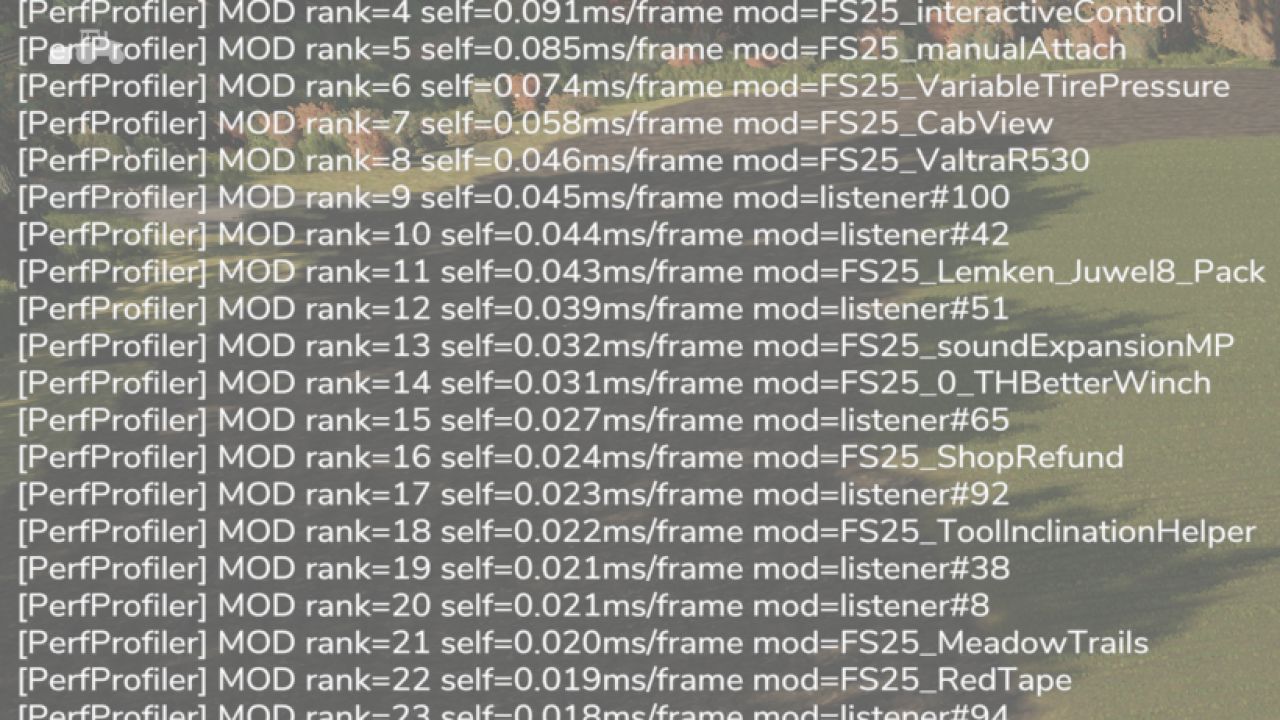
Perf Profiler times the game’s main Lua thread from the inside and writes a clear ranking to log.txt every 20 seconds:
– Which MOD costs the most milliseconds per frame
– Which FUNCTION inside it (hooks, listeners, vehicle/placeable specializations, game systems)
– How much of the frame is Lua at all and how much is the engine (render, physics, loading)
– Every SPIKE (frame over 40 ms) with its top contributors, marked as LUA or ENGINE
Real example from a 2,489-mod savegame: scripts were only ~4 ms of a ~19 ms frame. The expensive part was somewhere else, and the profiler showed that in 20 minutes instead of a week of trial and error.
WHAT IT MEASURES
– hook: functions attached by mods (Utils.appendedFunction / prependedFunction / overwrittenFunction)
– ovr: functions overwritten by specializations, by name
– mod: update()/draw() of mod event listeners
– spec: onUpdate / onUpdateTick / onPostUpdate / onDraw of vehicle, placeable and hand-tool specializations
– veh: / plc: total update of each vehicle and placeable
– sys: game systems (environment, AI, traffic, water, economy…)
– frame: total Lua per frame – the scripts vs engine split
Every entry shows “self” time (no double counting) and “incl” time (with everything nested).
HOW TO USE
1. Put AAA_PerfProfiler.zip into your mods folder and activate it in the savegame.
Keep the name – “AAA_” makes it load first, which it needs to catch other mods’ hooks.
2. Play normally. The first 20 seconds after loading are skipped.
3. Read the [PerfProfiler] lines in log.txt (Documents/My Games/FarmingSimulator2025/log.txt).
CONSOLE COMMANDS (~)
ppReport – write a report now
ppReset – reset statistics (measure night, rain, fieldwork separately)
ppStart / ppStop – resume / pause measuring
ppSpike <ms> – spike threshold (default 40)
ppTop <n> – ranking length (default 35)
ppInterval <s> – report interval (default 20)
GOOD TO KNOW
– This is a testing tool. Measuring costs about 0.5 ms per frame, so remove it when you are done.
– It changes nothing in your savegame or gameplay. It only times functions and logs the results.
– Measures main-thread Lua. The engine side (render, physics) shows up as “engine” time and ENGINE spikes.
– Multiplayer: supported. Like any mod, every player needs the same file if the host has it active.
– Full documentation (README.md) with an explanation of every log line is inside the zip.
VERSION
1.2.2.0