Market price helper V1.0.0.0 LS25
Market price helper V1.0.0.0 LS25
Are you tired of constantly opening the price menu just to avoid missing out on the best sale price? PriceTicker brings you the most important market prices directly into the game and complements Farming Simulator 25 with a clear LS25-style price menu.
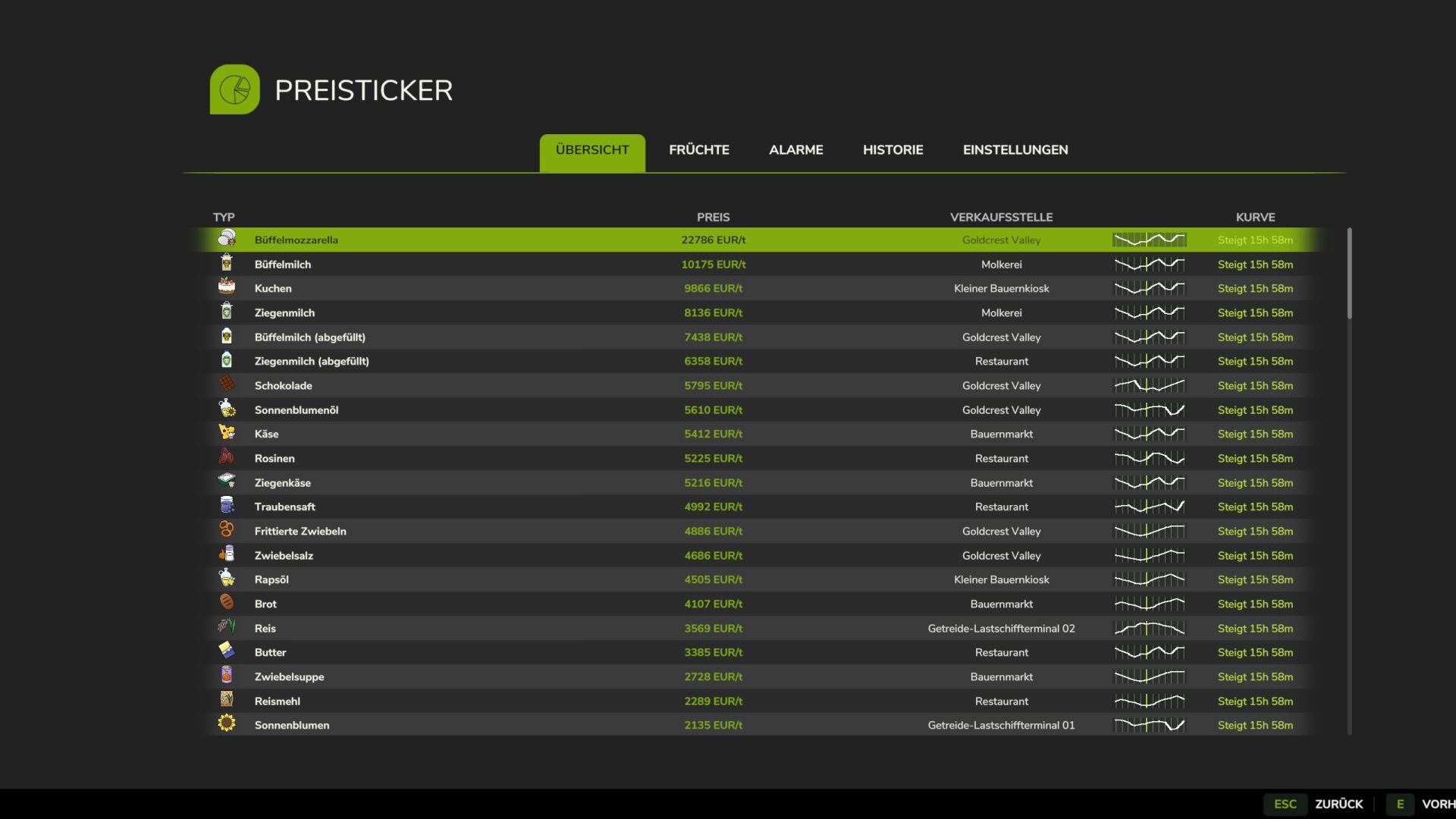
Instead of constantly switching through the standard price overview, you can see the best prices, points of sale, price trends and your price alerts directly in your own menu or discreetly in the in-game HUD.
This is how it works:
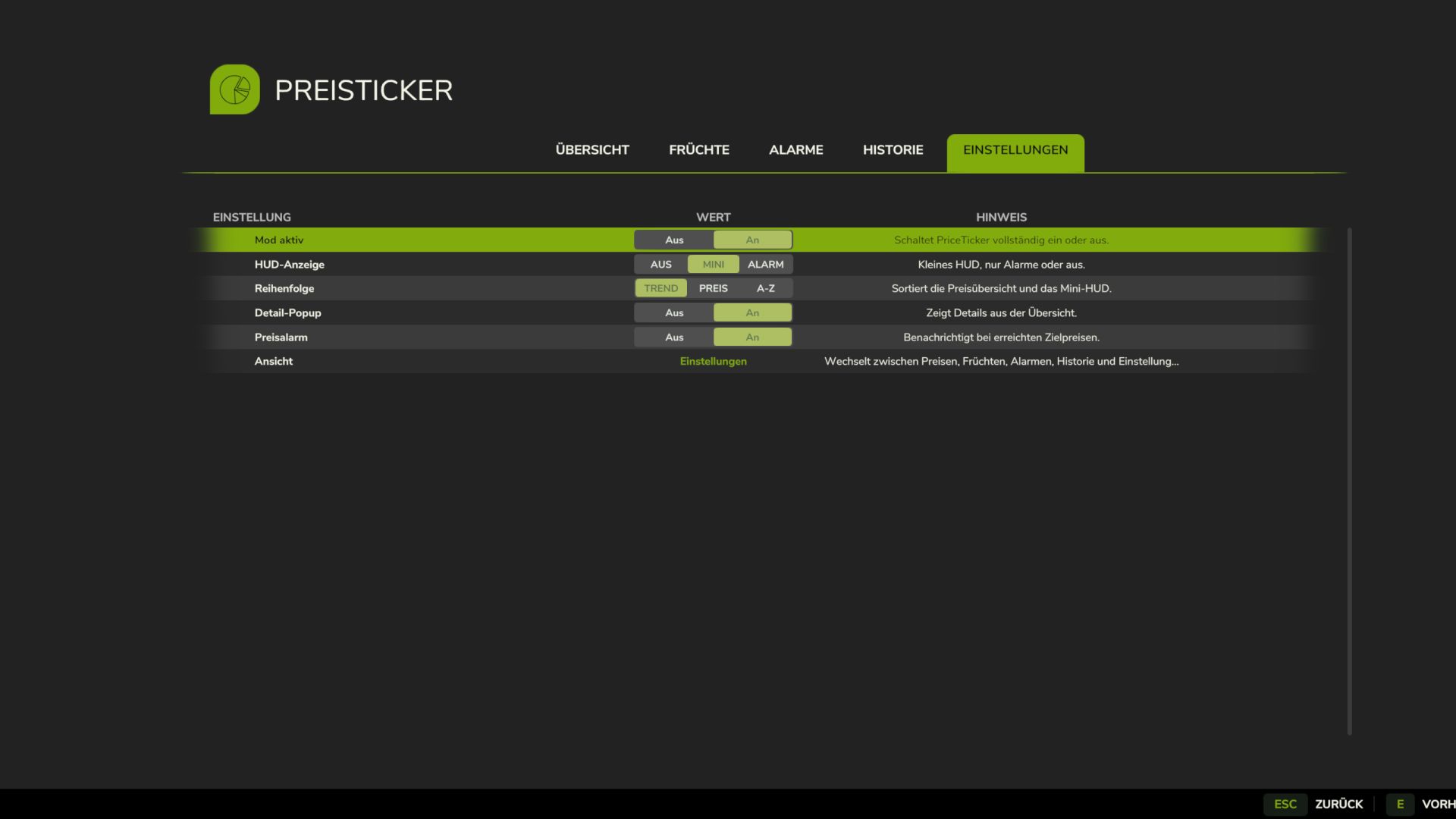
– Open the ESC menu and select the PriceTicker tab
– View the best sales prices and matching points of sale
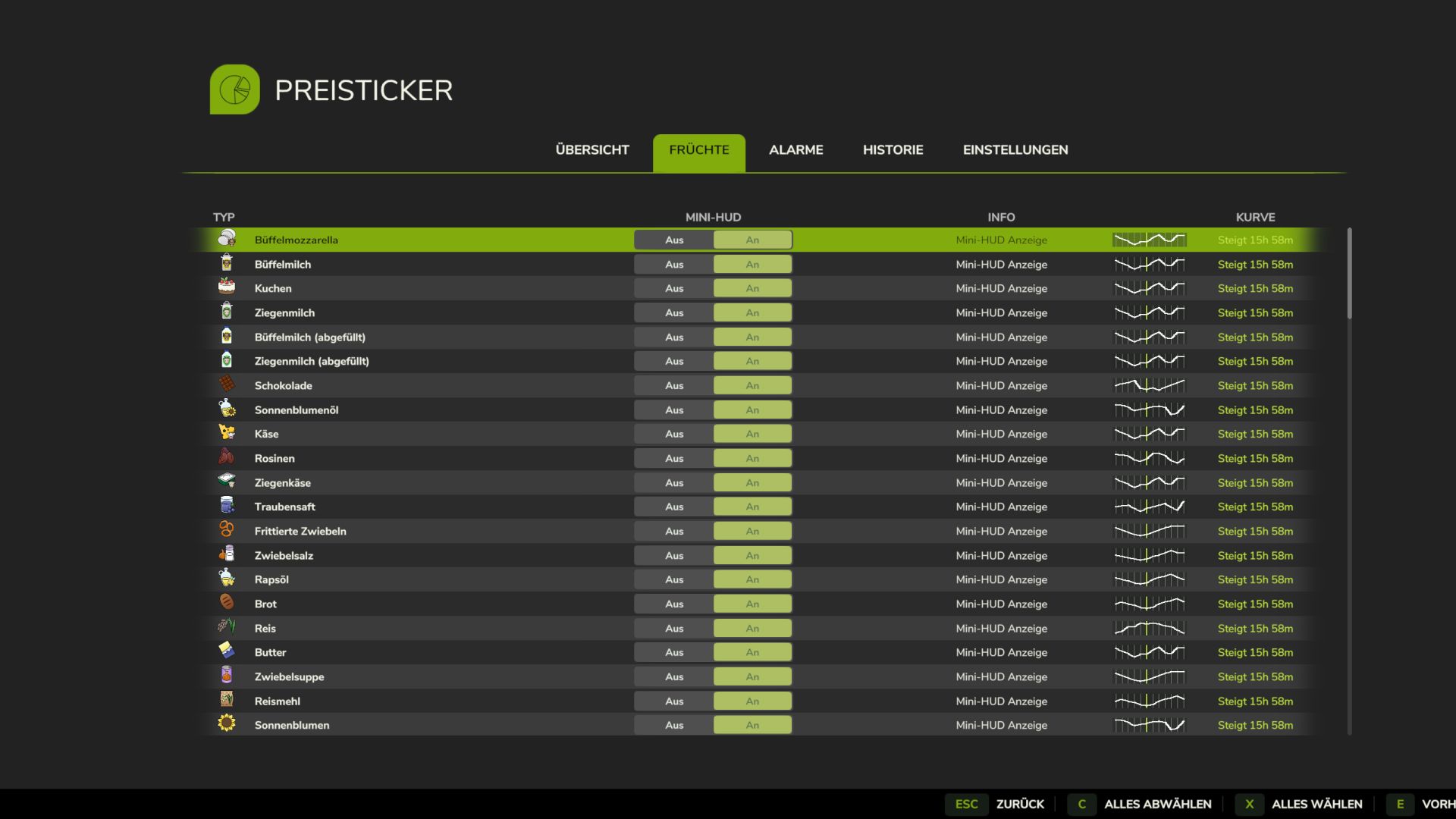
– Choose which fruit types and products to display in the HUD
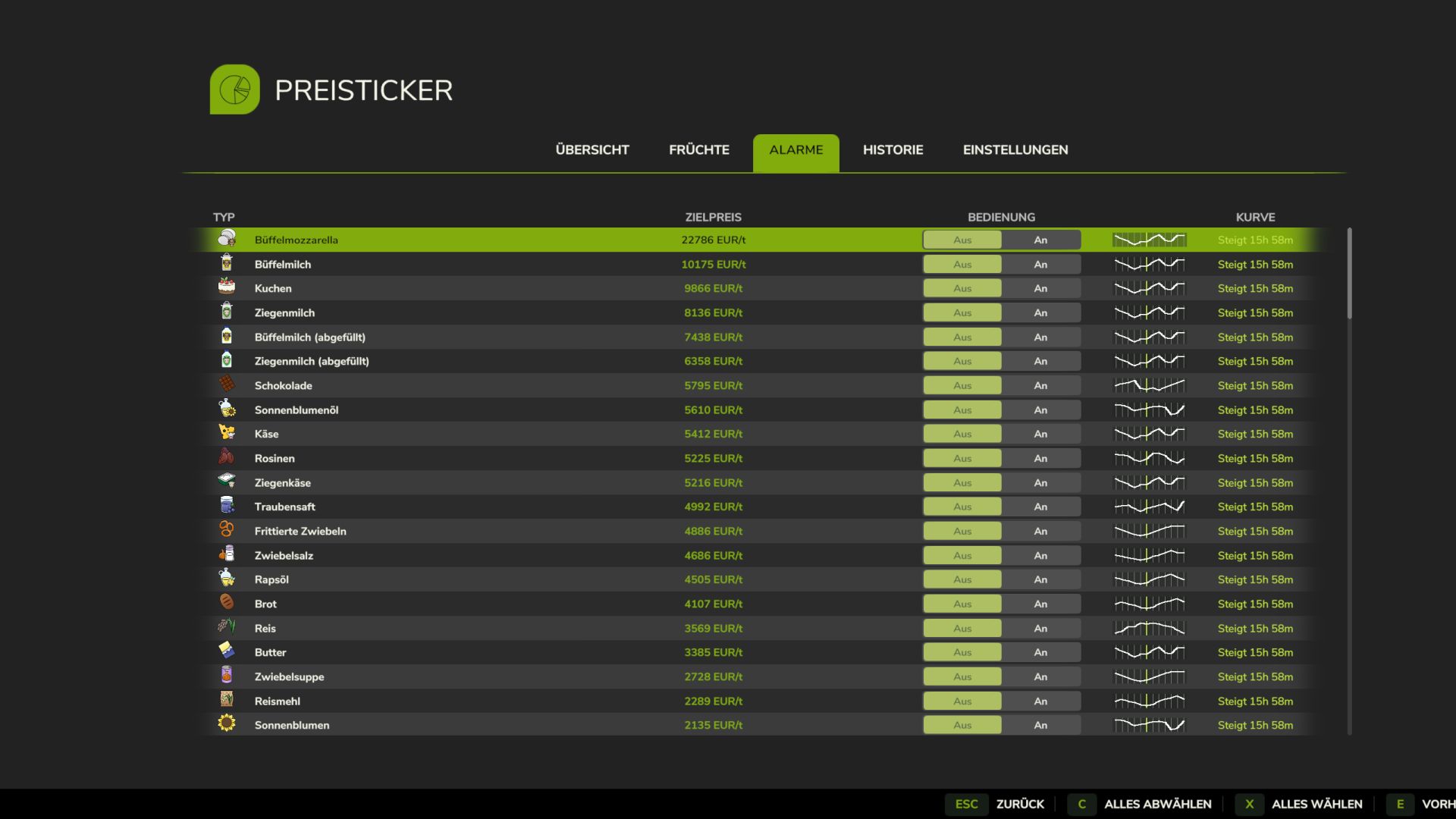
– Enable price alerts for specific products
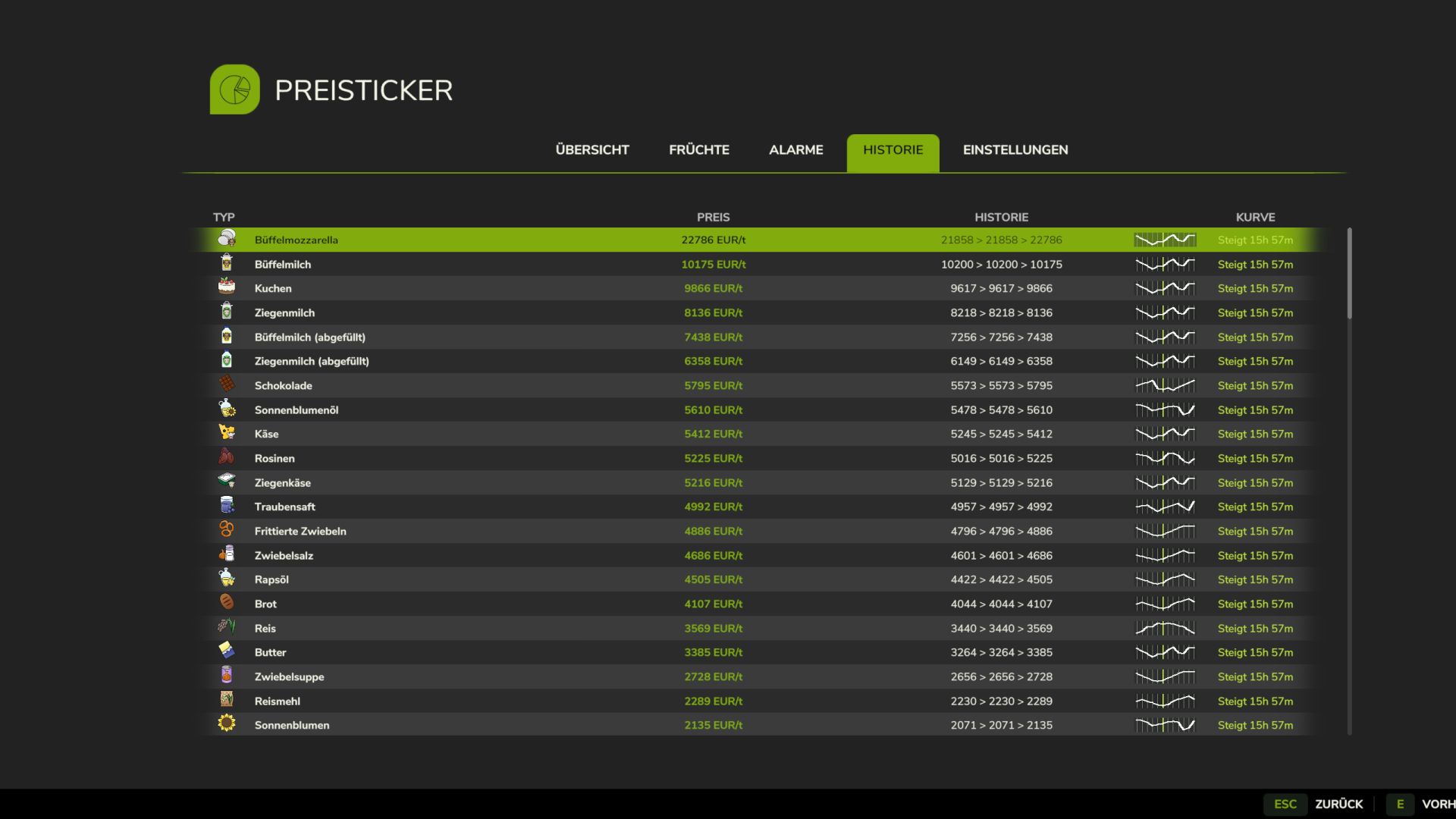
– Monitor price developments via small charts and trend indicators
– Sell at the right time without having to constantly check the price overview
Features:
– Own PriceTicker menu in LS25 style
– Overview of best sales prices and points of sale
– Compact in-game HUD with product icon, price, point of sale and trend
– Support for standard fruits, productions, palettes and compatible mod products
– Automatic reading of the available price list entries
– Product icons directly from the game and from supported mods
– Seasonal price curve based on game data
– Small price chart in menu and HUD
– Display whether a price is rising, falling or remaining stable
– Remaining time until the next price period
– Price alerts with green message at top right
– Sorting by trend, best price or A-Z
– Configurable HUD display: off, mini HUD or alarms only
– Multilingual support for all standard LS25 languages
Important:
– Works in single player and multiplayer
– Also supports compatible mod fruit types and mod products
– Prices are adjusted to the current economic difficulty
– The display is based on the game’s available price and curve data
Ideal for everyone who wants to keep a better eye on market prices and doesn’t want to miss the right time to sell.
Credits: Pat95