Manual Slope Compensation V1.0.0.0 LS25
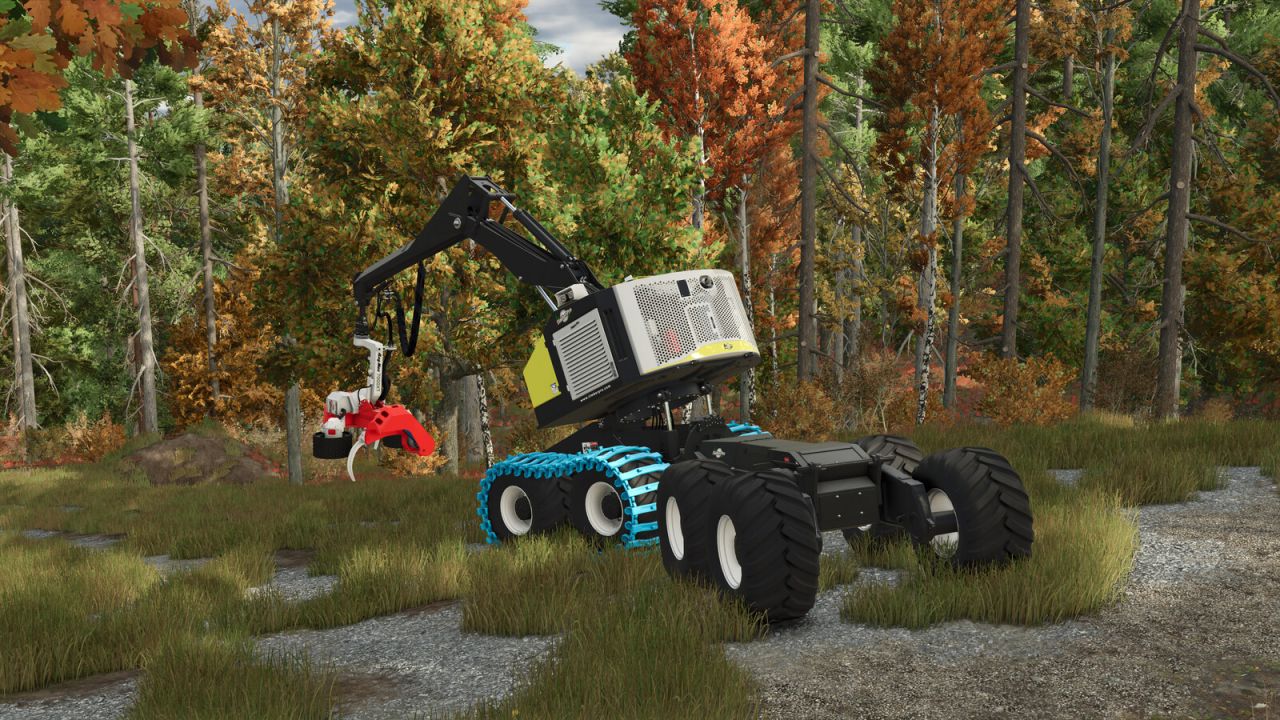
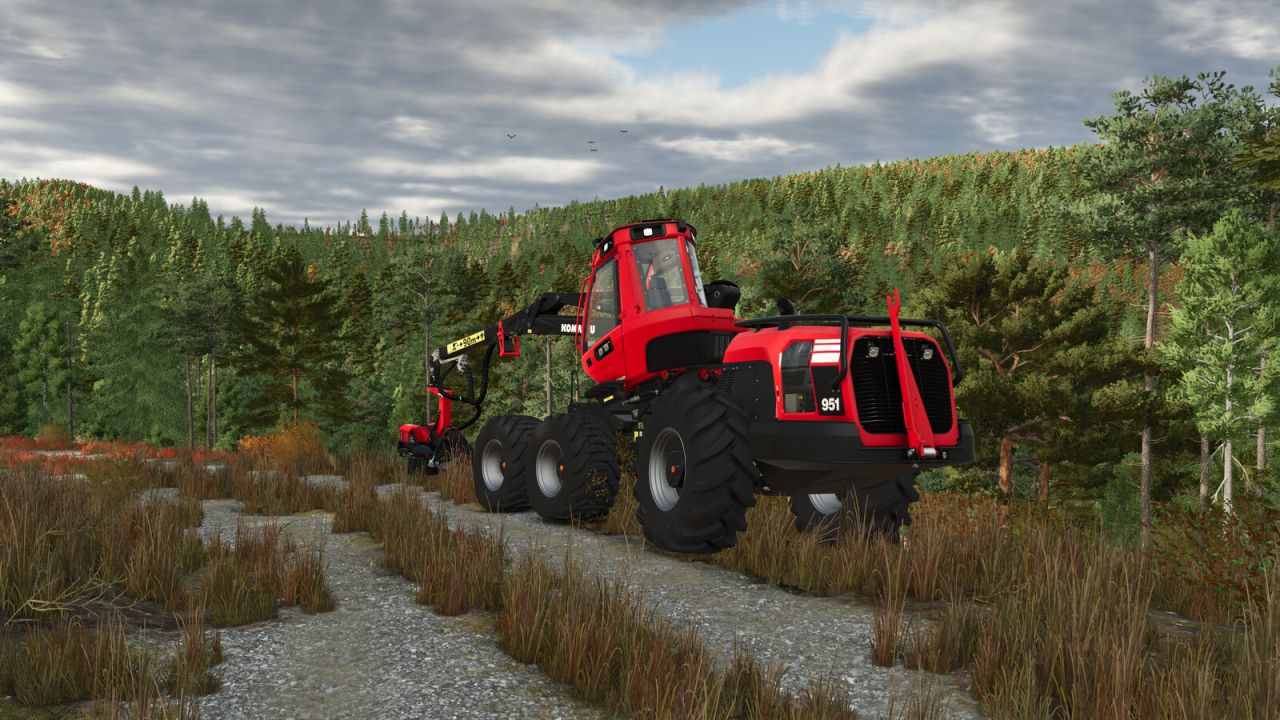
Manual Slope Compensation V1.0.0.0 LS25
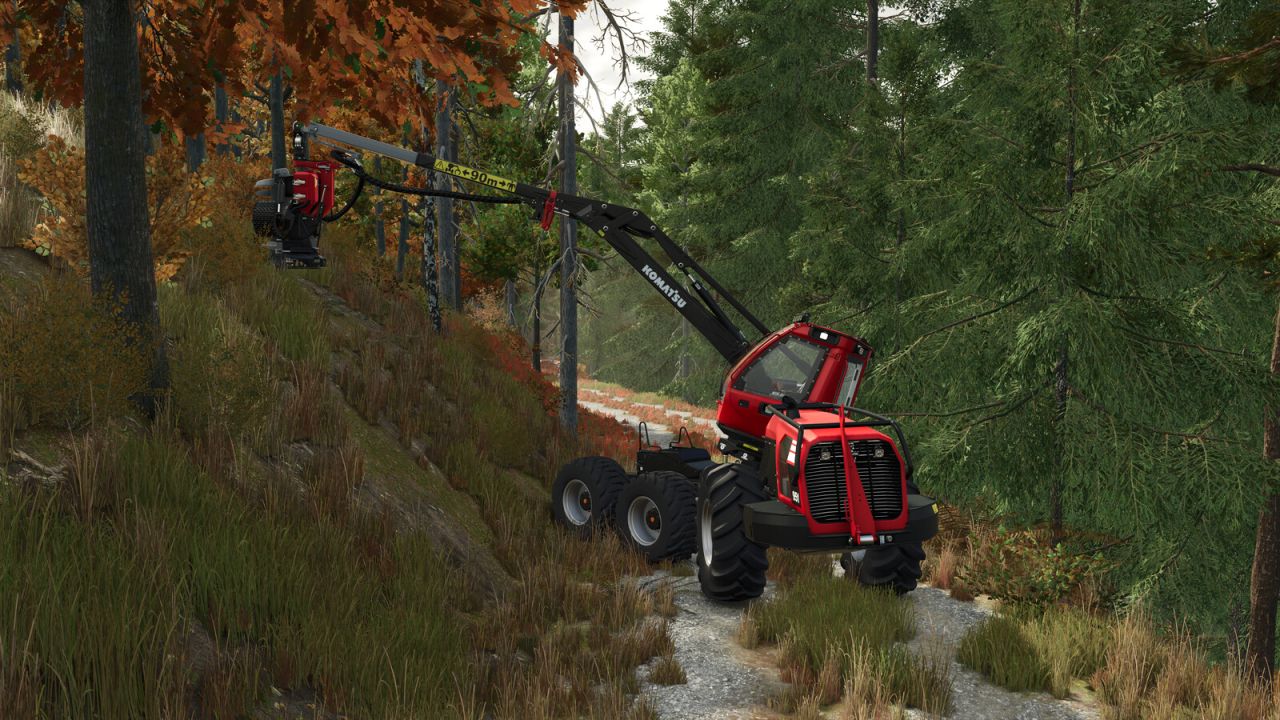
This mod adds a manual mode to the slope compensation. When activated, the tilt of the corresponding parts can be manually controlled using two axes.
Both the current mode and the position is saved and loaded after re-starting. Only works with vehicles where the slope compensation is implemented with the specialization slopeCompensation and not with movingTools/Parts.
The following functions can be assigned:
– Toggle slope compensation mode
– Switch to manual slope compensation
– Switch to automatic slope compensation
– Manual slope compensation x-axis
– Manual slope compensation z-axis
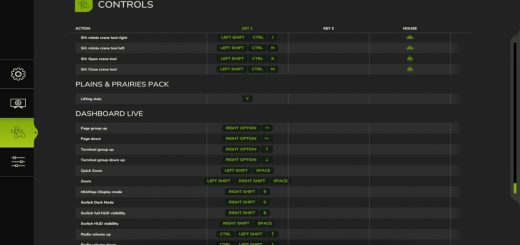
Due to the large number of base game key assignments, none of these functions are assigned by default. Please go to the settings first and assign the functions you’d like to use.
Credits: Vector Man