LS Lifestyle V1.0.0.0 LS25
LS Lifestyle V1.0.0.0 LS25
LS Lifestyle, way more than a phone for Farming Simulator 25.
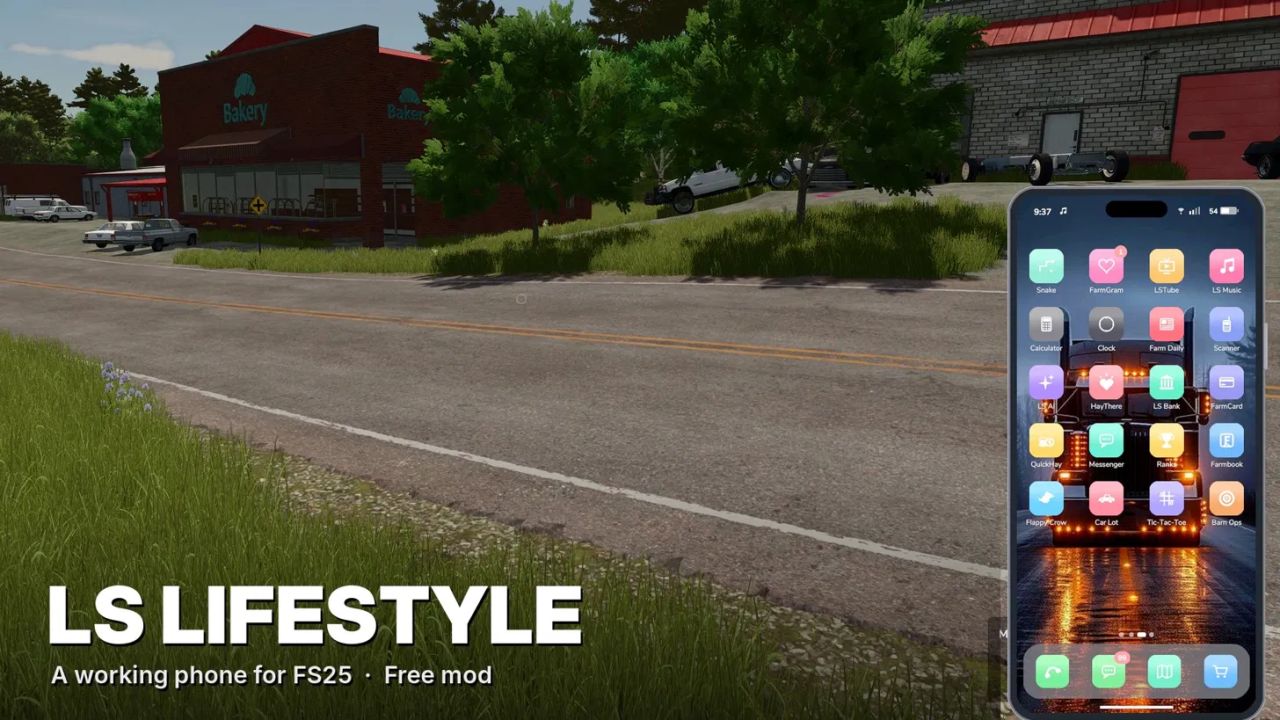
THE PHONE
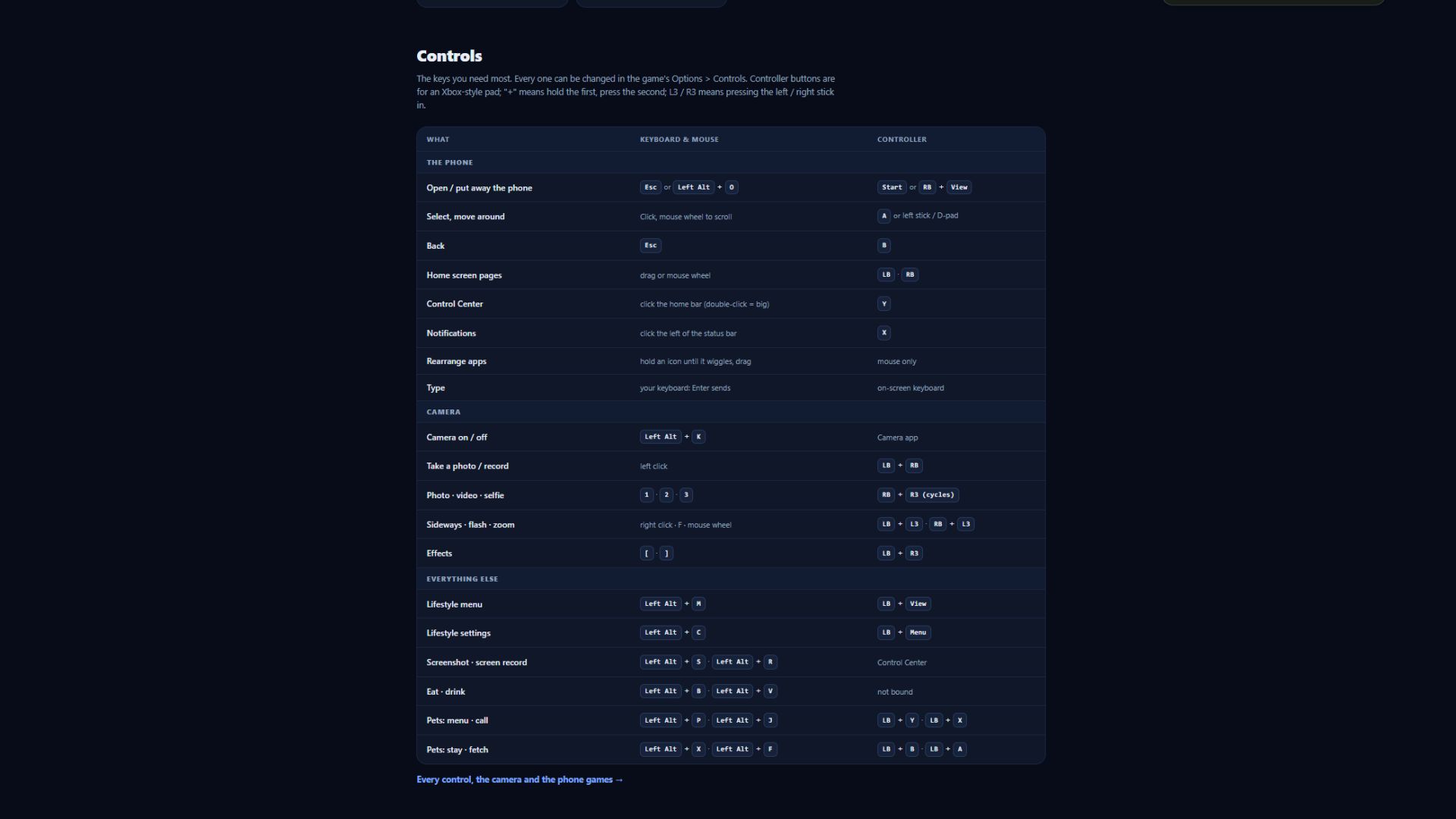
Press Esc or Left Alt + O (controller: RB + View). The phone replaces the pause menu; the normal menu is the “Classic menu” app.
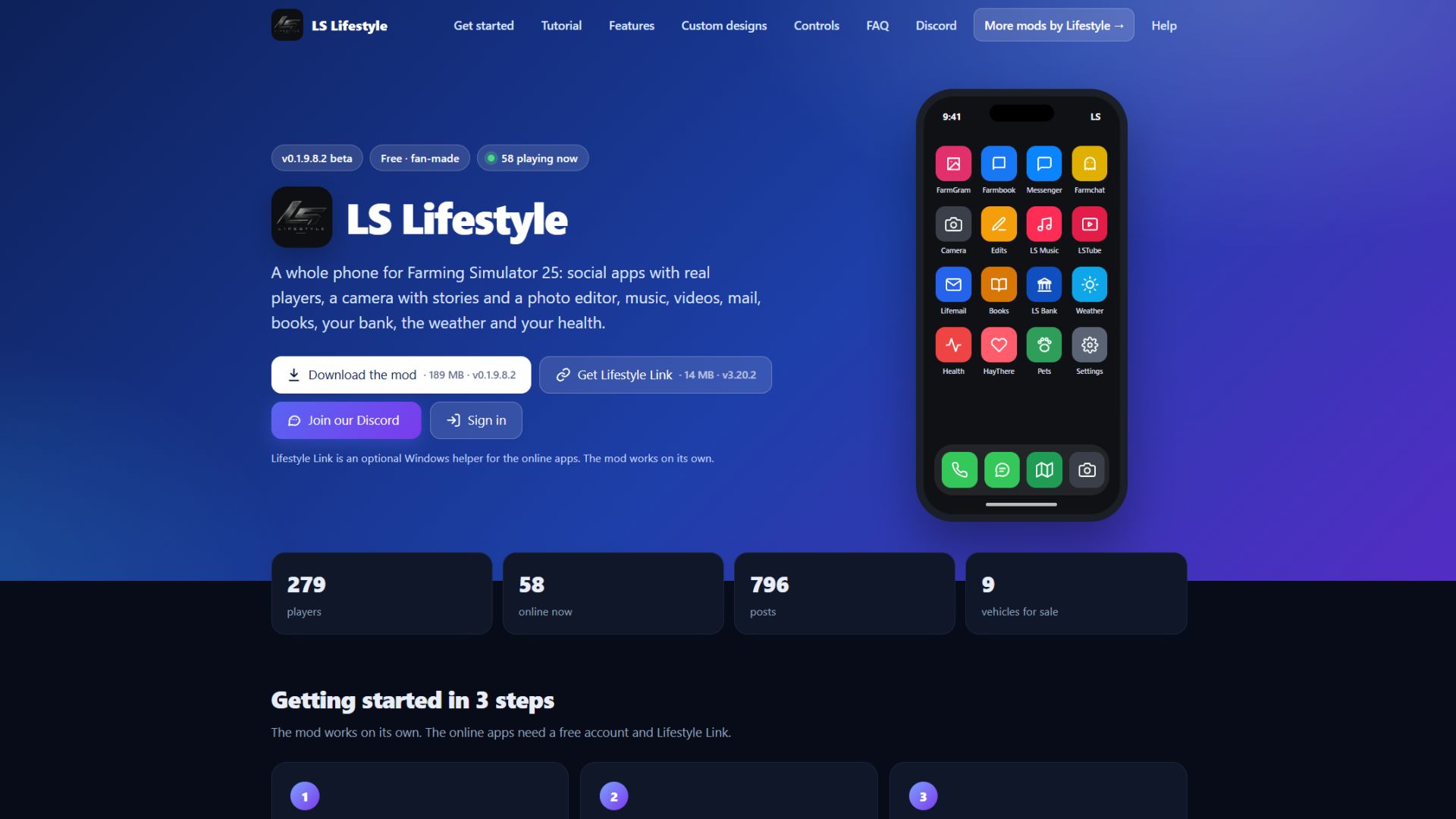
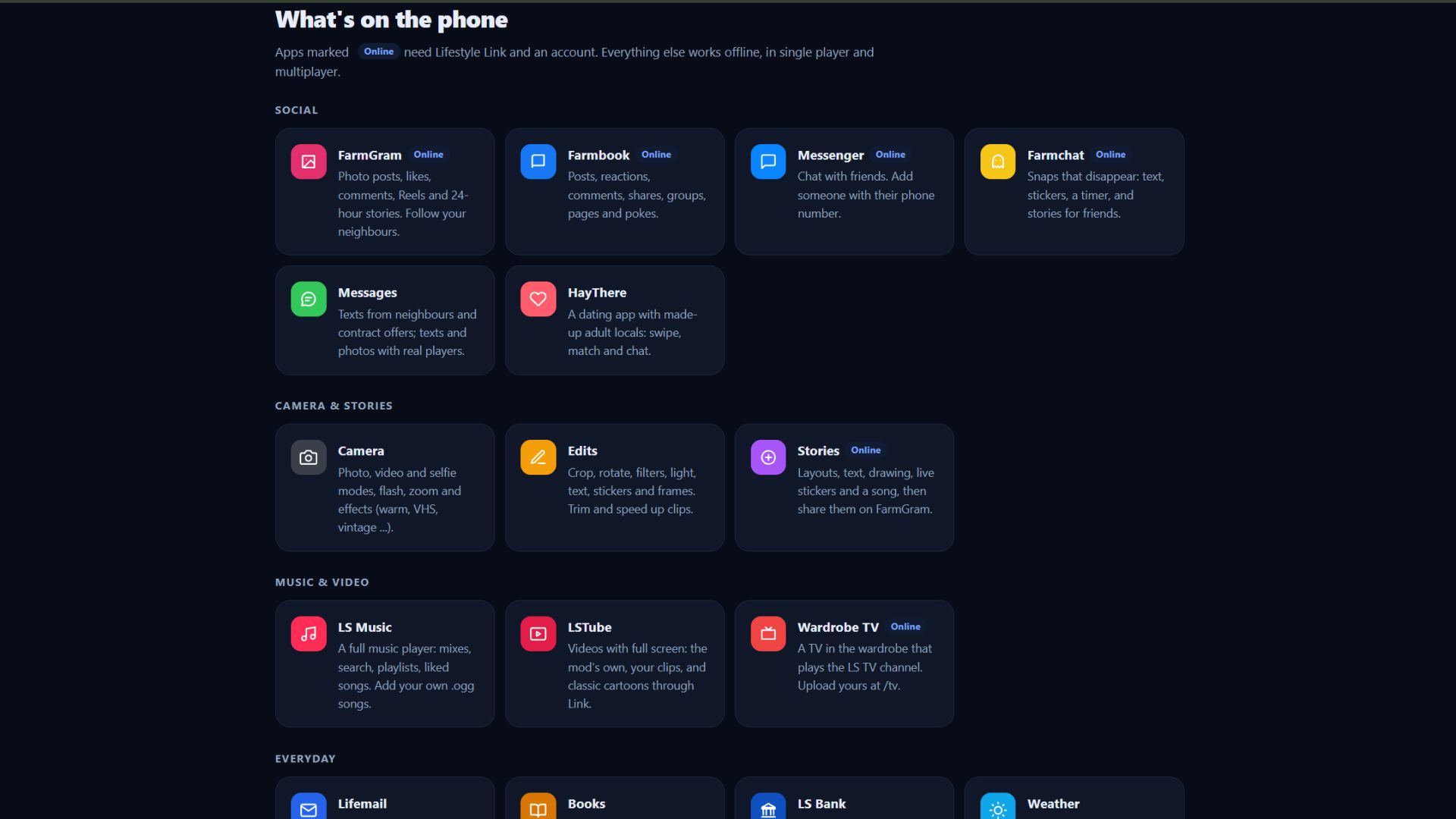
Camera with stories and a photo editor, music, videos, books, mail, bank, finances, health, needs, weather, contracts, shop and phone games.
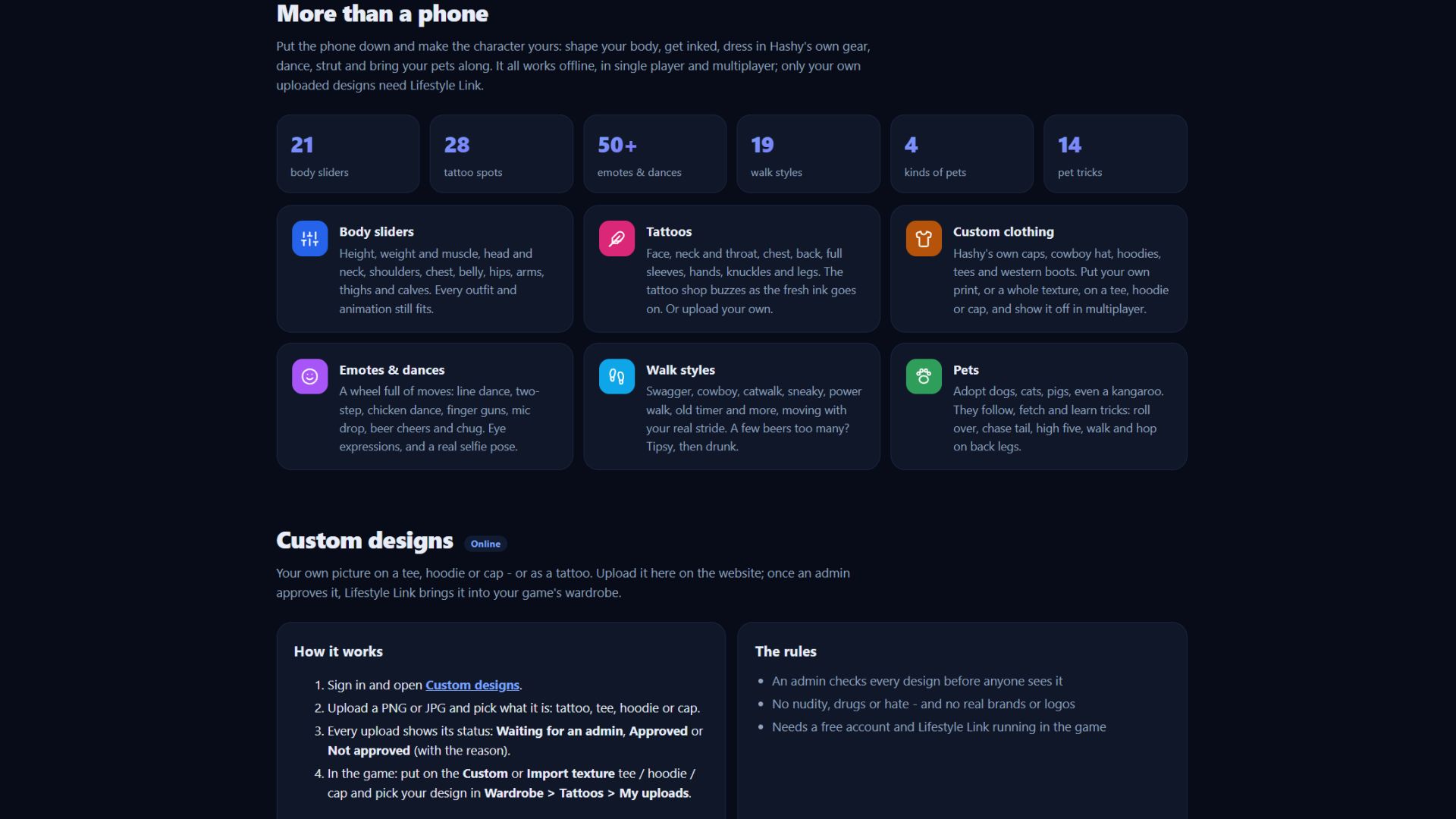
MAKE THE CHARACTER YOURS
28 tattoo spots, from face and neck to full sleeves and knuckles
Custom clothing: caps, cowboy hat, hoodies, tees and western boots
50+ emotes and dances: line dance, two-step, mic drop, beer cheers, selfie pose
19 walk styles: swagger, cowboy, catwalk, sneaky, old timer and more
Pets: dogs, cats, pigs and even a kangaroo, with 14 tricks to learn
ONLINE (OPTIONAL)
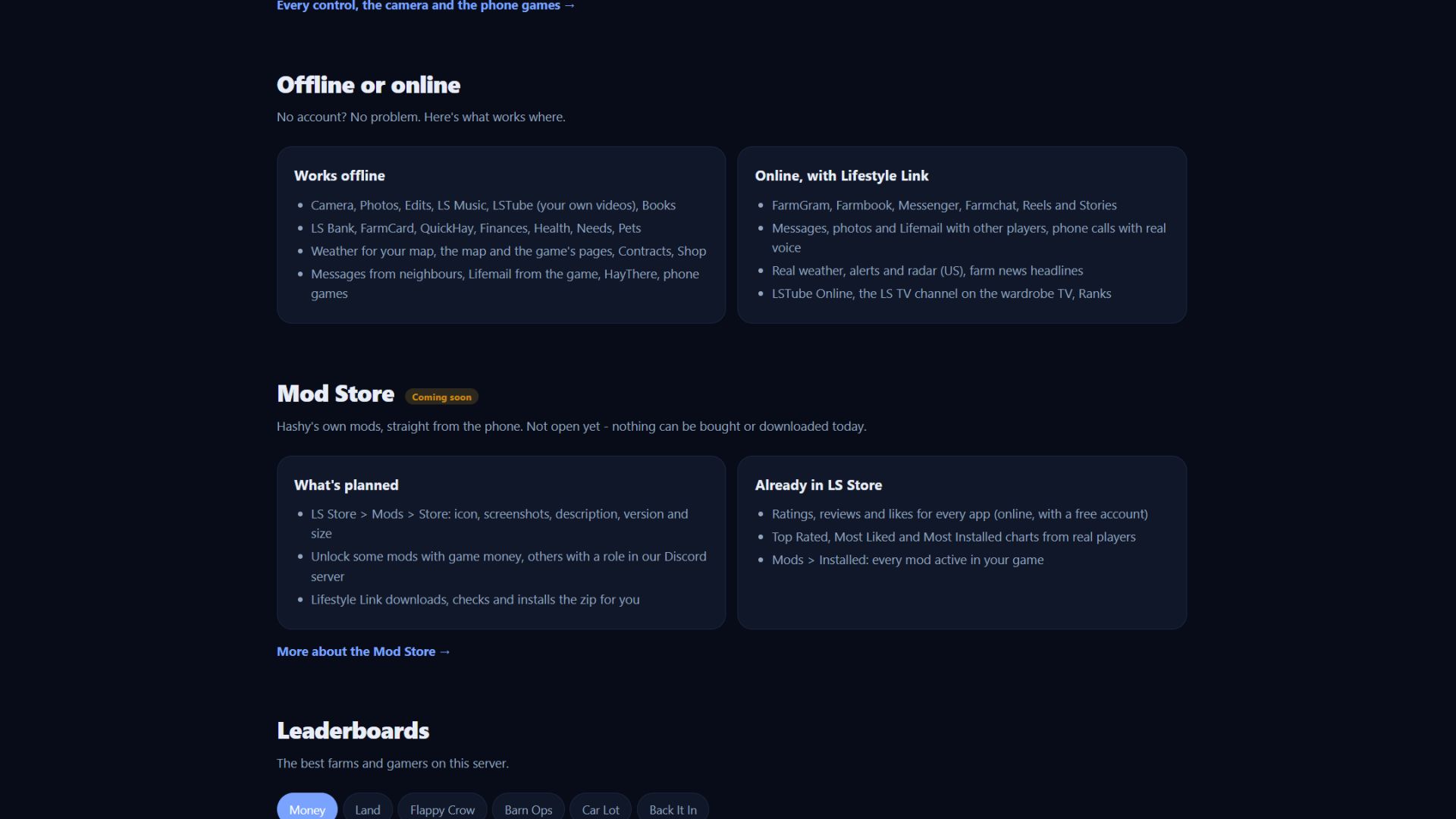
The mod works fully offline, in single player and multiplayer. For the online apps (FarmGram, Farmbook, Messenger, Reels, real-player chat and calls, real weather and news), use the free Lifestyle Link helper for Windows and a free account at mylifestylemod.com.
MULTIPLAYER
Everyone needs the mod; only the host needs Lifestyle Link.
INSTALL
Put HS25_Lifestyle_Mod.zip in Documents/My Games/FarmingSimulator2025/mods (don’t unpack it) and enable it in your savegame.
This is a beta (v0.1.9.7), so expect rough edges. Help, controls and the full guide are at mylifestylemod.com.
Credits: Hashy