Lights Symbol HUD V1.0.1.2 LS25
Lights Symbol HUD V1.0.1.2 LS25
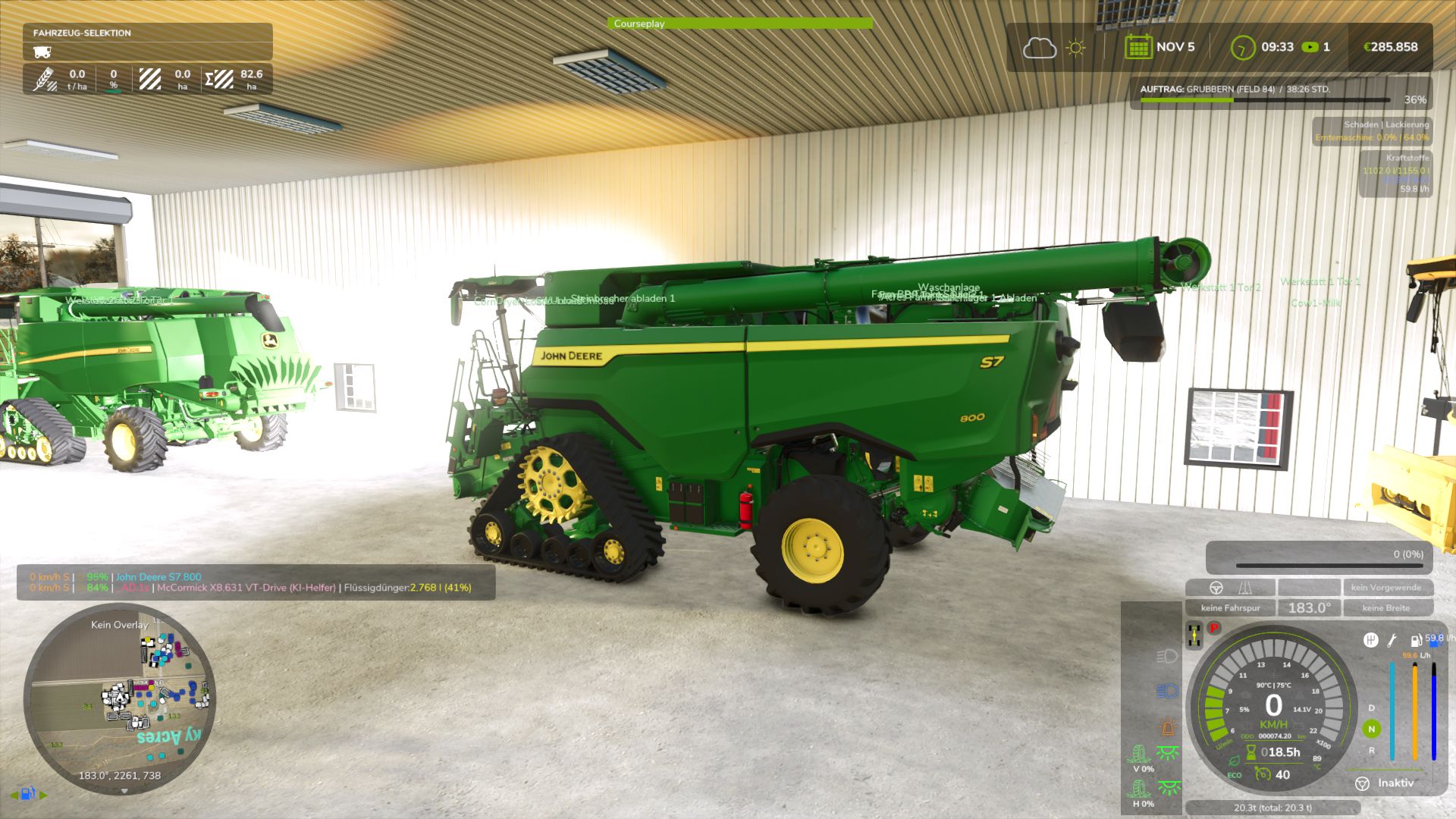
With this HUD for LS25 you can display the light status of your vehicle. Whether actively switched on or switched off is displayed. There is also a turn signal indicator and hazard warning light indicator.
As an additional display you will find 2 wheel symbols in the left column, which represent the wheel slip per axle.
As soon as the car tries to move, the display becomes active. From 0%-40% you get a green display which symbolizes:
that this slip is still ok. From 41% the display turns red, which indicates reduced traction and may mean more wear on your tires or chains, or a complete loss of traction.
The slip display automatically detects which “chassis” the car has and also automatically switches between front/rear or right/left display, depending on whether you have wheels on it or just a belt/track drive. With multiple tape drives, i.e. 2 axes, the system always switches to front/rear. Currently only 2 drive axles are shown. A multi-axis display is in the works.
Credits: duestereLegende