Life Mod BETA 3 v0.4.0.0 LS25
Life Mod BETA 3 v0.4.0.0 LS25
Watch video trailer
Phase 1 & 2 complete! Thanks for the support-Zyzex
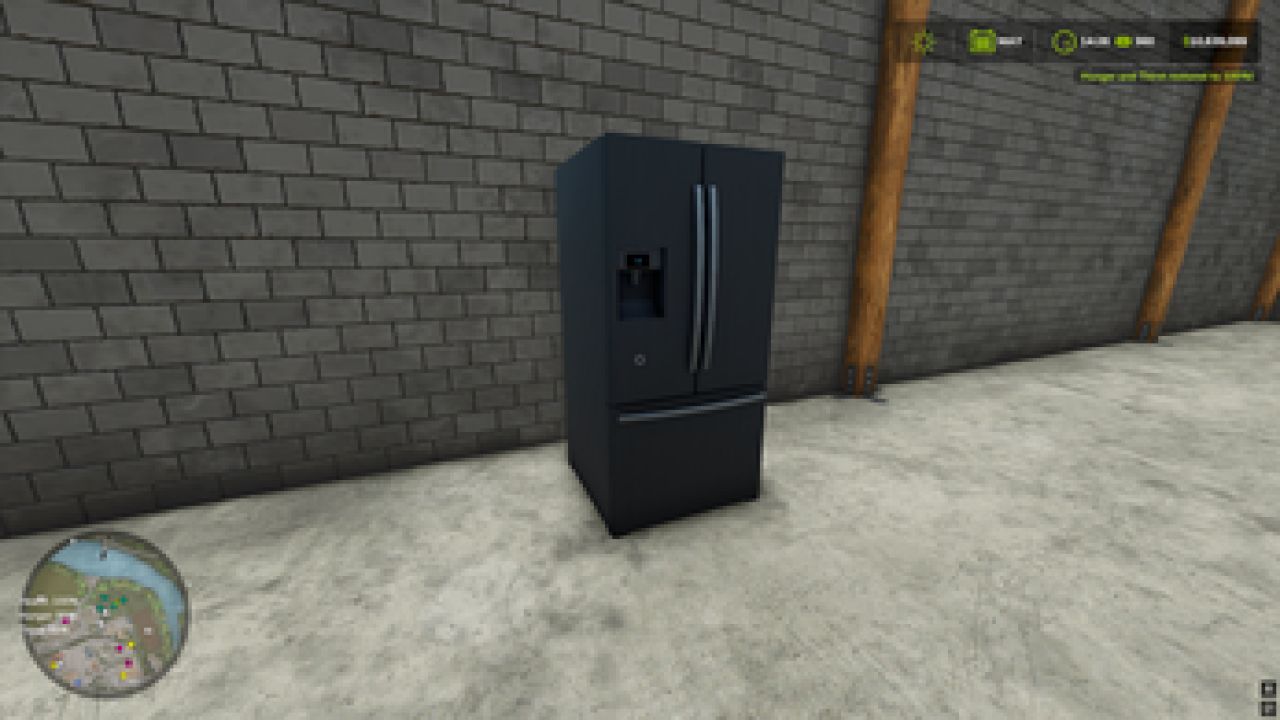
**also, you can buy a fridge in barns, place it, walk up to the door to refill stats**
Have a question? Please, don’t hesitate to ask!
Experience an issue? please give your best example so I can fix it!
Future Roadmap
Phase 1 – Foundation (Completed)
Core survival systems: hunger, thirst, and health -COMPLETED
Inventory system with consumable items -COMPLETED
Basic penalties, warnings, and recovery flow -COMPLETED
Placeholder icons and simplified visuals -COMPLETED
Phase 2 – World Interaction (Completed)
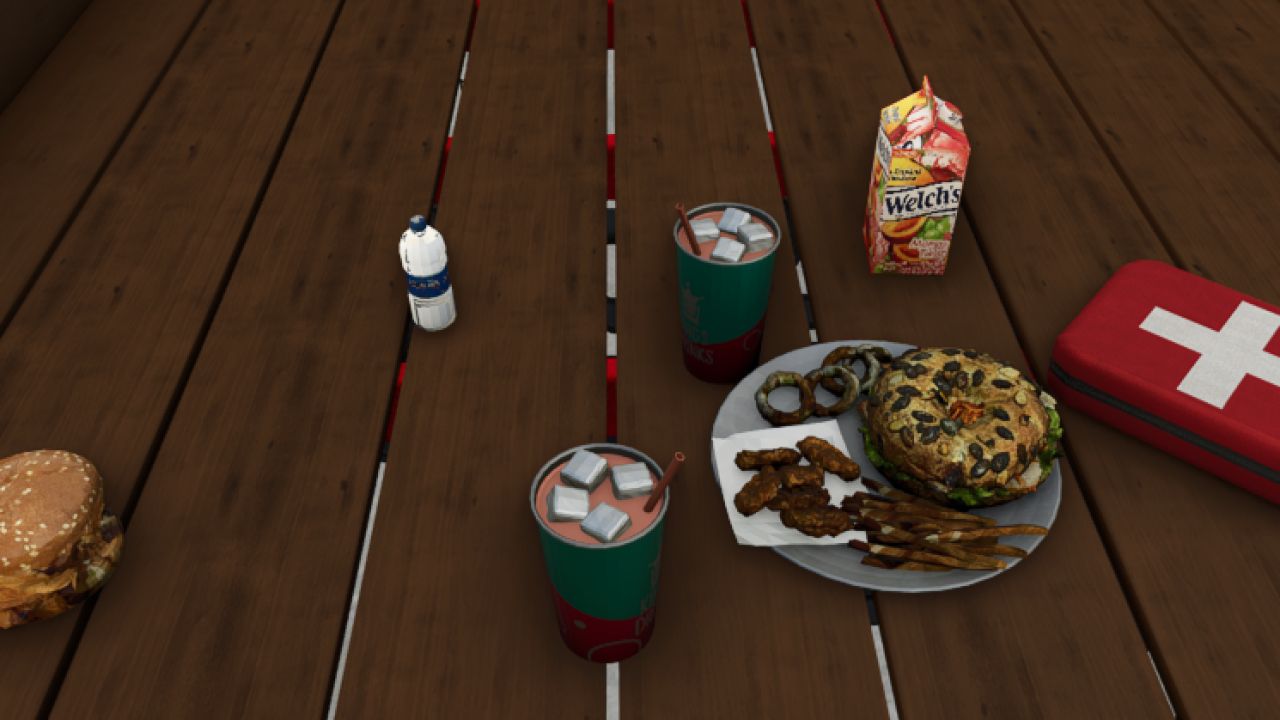
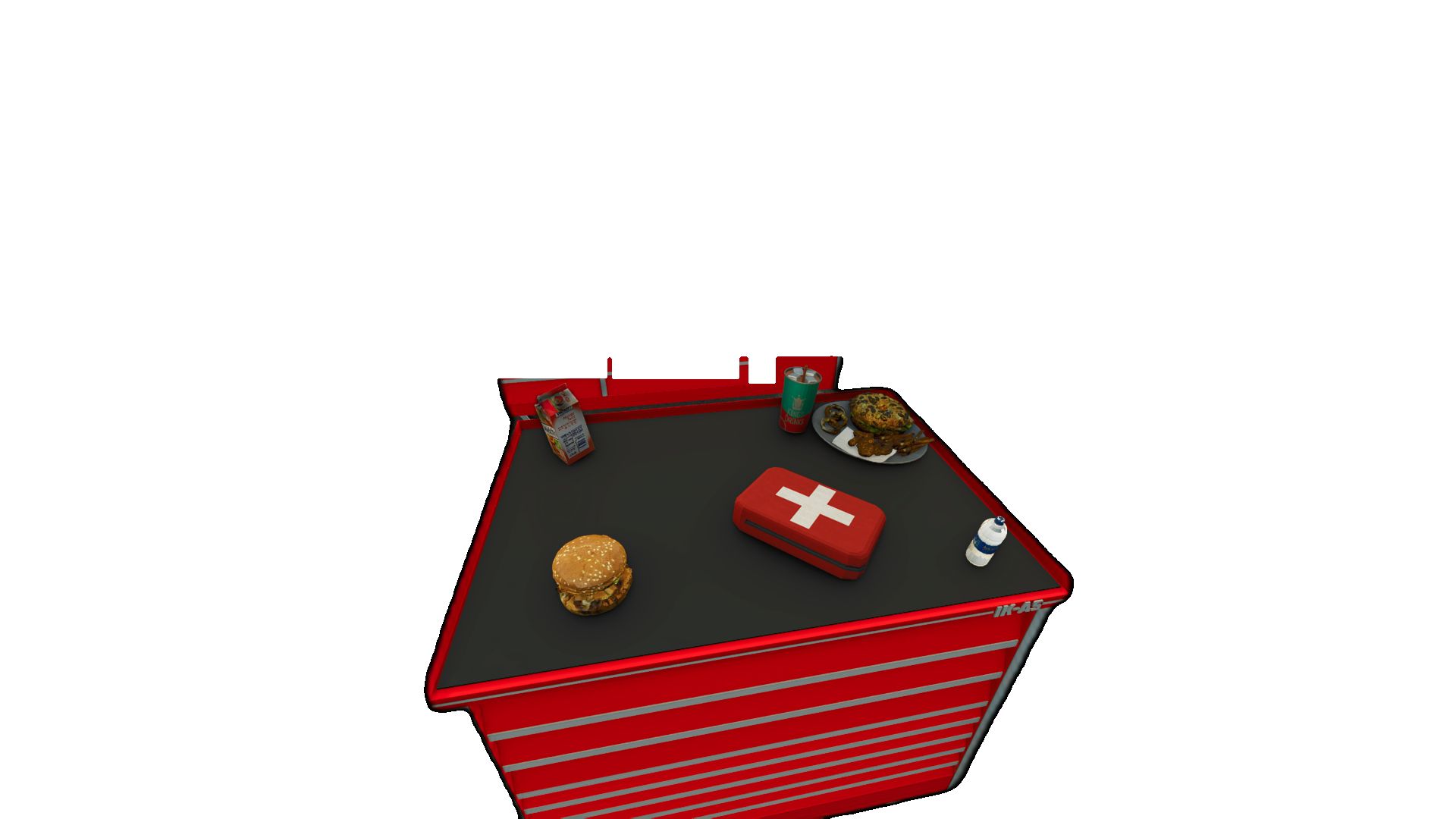
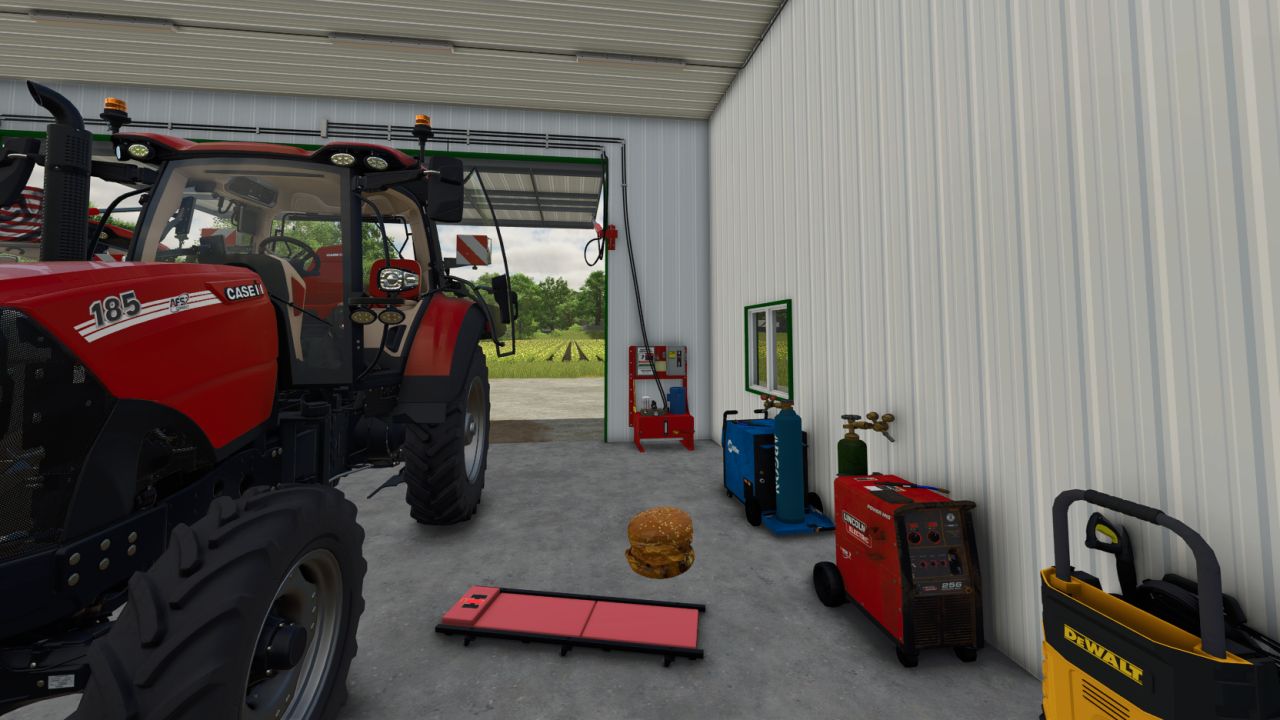
Replace placeholder inventory icons with physical 3D food and drink objects -COMPLETED
Allow items to be:
Picked up -COMPLETED
Dropped -COMPLETED
Placed anywhere in the world -COMPLETED
Consume items directly from the world (not just inventory) -COMPLETED
Phase 3 – Immersion & Realism
Animations for eating and drinking
Context-based interactions (use item in hand, from ground, or from storage) -COMPLETED
Sound effects for consumption and status changes – COMPLETED
Visual feedback for low needs (screen effects, player posture)
Phase 4 – Customization & Balance
Player/Admin settings menu:
Toggle survival systems – COMPLETED
Adjust depletion rates
Difficulty presets (Casual → Hardcore)
Mod compatibility and performance tuning
Phase 5 – Expansion
More consumable item types
Crafting or preparation systems
Fatigue, or player temperature systems
NPC or AI interaction with survival mechanics
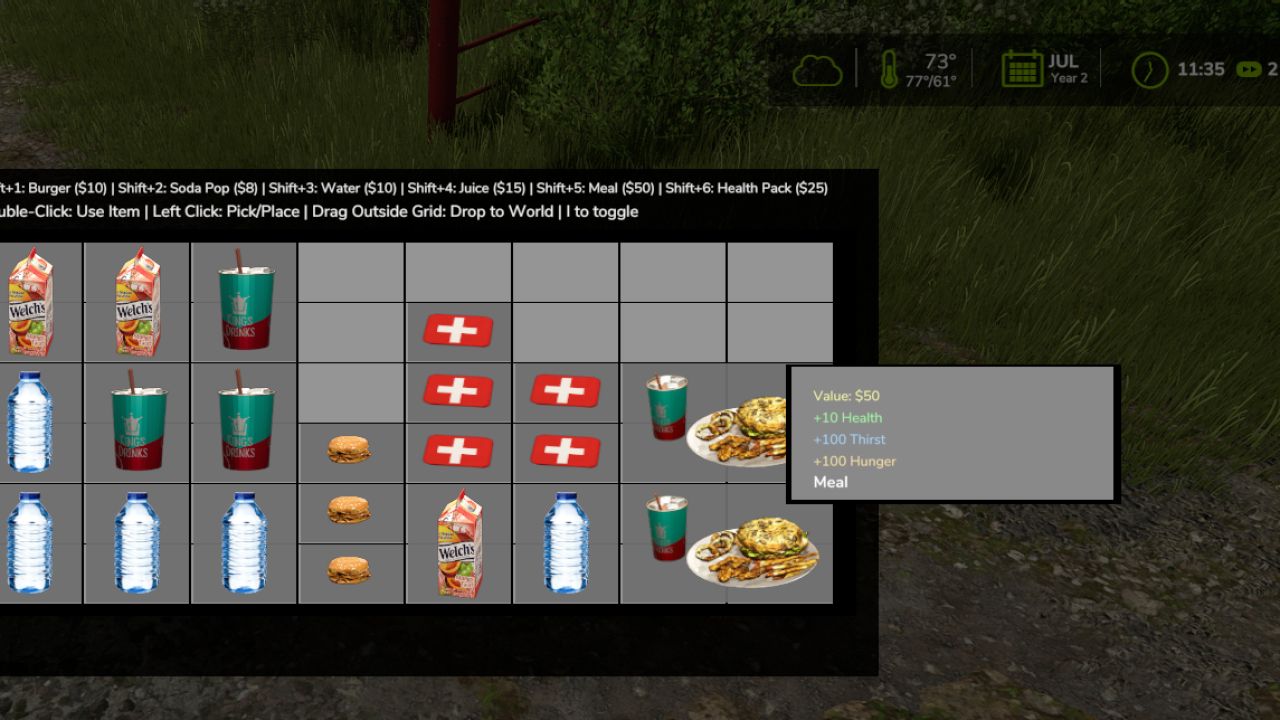
Survival Inventory – Controls Tutorial
Opening/Closing Inventory:
Press I to toggle the inventory on/off
Basic Item Management:
Left Click – Pick up or place items in the grid
Double-Click – Use/consume an item (eat food, drink beverages, use health packs)
Drag & Drop – Click item to drag items around the inventory grid
Drag Outside Grid – Drag an item outside the inventory grid to drop it into the game world
Quick Buy Items In store (misc category or inventory (Hold Shift + Number):
Shift + 1 – Buy Burger ($10)
Shift + 2 – Buy Soda Pop ($8)
Shift + 3 – Buy Water ($10)
Shift + 4 – Buy Juice ($15)
Shift + 5 – Buy Meal ($50)
Shift + 6 – Buy Health Pack ($25)
Tips:
Items have different grid sizes (1×1, 1×2, or 2×2)
Hover over items to see their stats and value
You can’t move while the inventory is open
i closes inventory
BETA 3
Update 0.4 (bug fixes) (optimized – now playable on lower end pc/laptop)
Fixed conflict bug where some users could not properly use inventory.
Please report any issues so we can get this working properly for all 🙂
file updated is named- FS25_SurvivalNeeds.zip – other files remain unchanged. (no need to redownload the other two files if already installed)
nonimportant TIP- first dropping of food item may lag for a split second, this is because it’s creating the required files, after that it’ll never lag upon dropping food, THIS ONLY happens on lower end pcs, below 1080 gpu from my experience/testing.
FIRST person camera to drop food properly as of right now, if in third person it’ll drop behind head.
BETA 2
Update 0.3
Double click & hold left mouse button to move stats hud & place anywhere, open inventory first to make curser appear so you can double click stats. (i) opens inventory. i would rec changing the unload grain button from i. Fridge is now found in placeable – Tools (price is 2300).
Credits: Zyzex