JD Terminal HUD V1.1.0.0 LS25
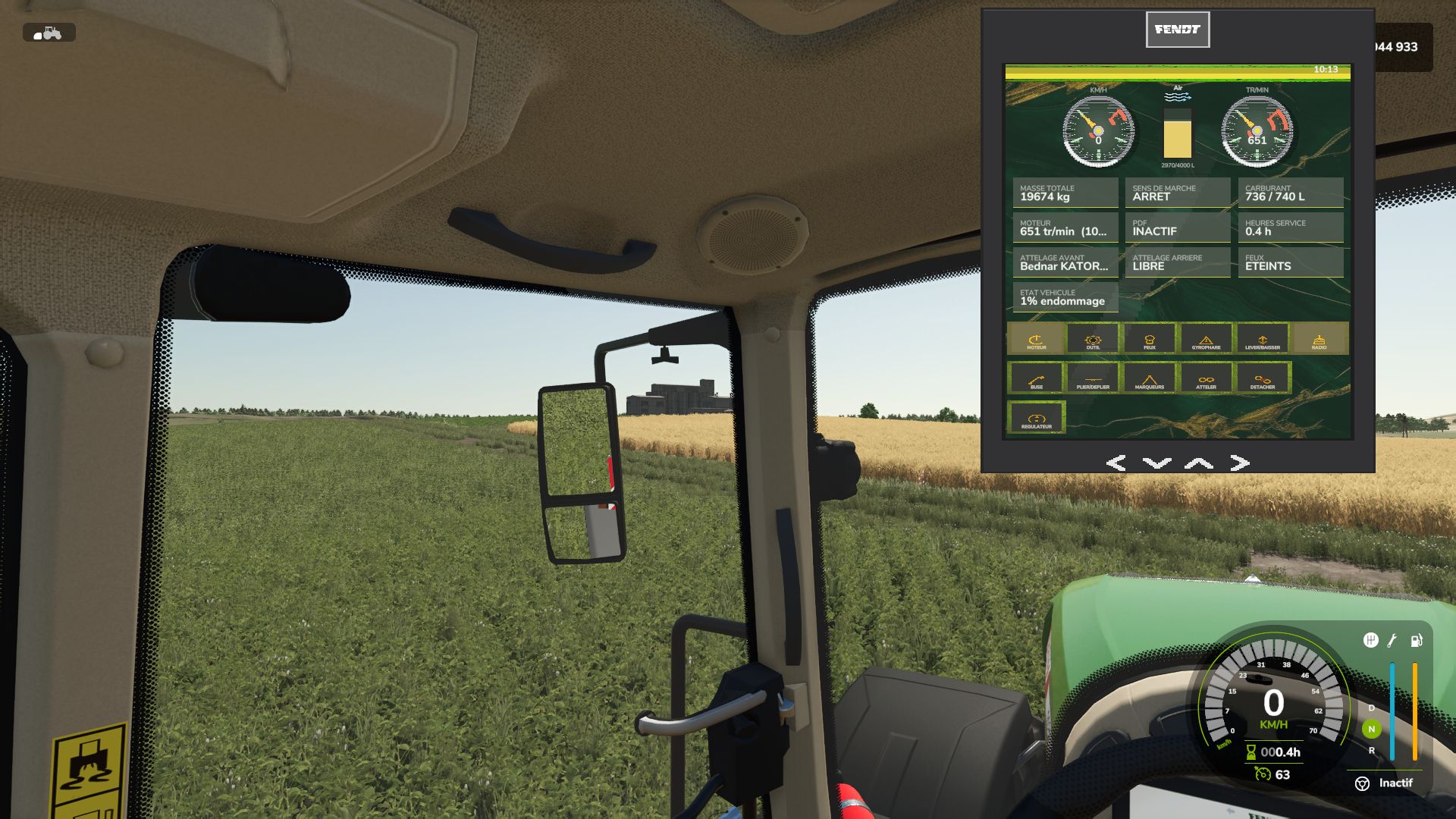
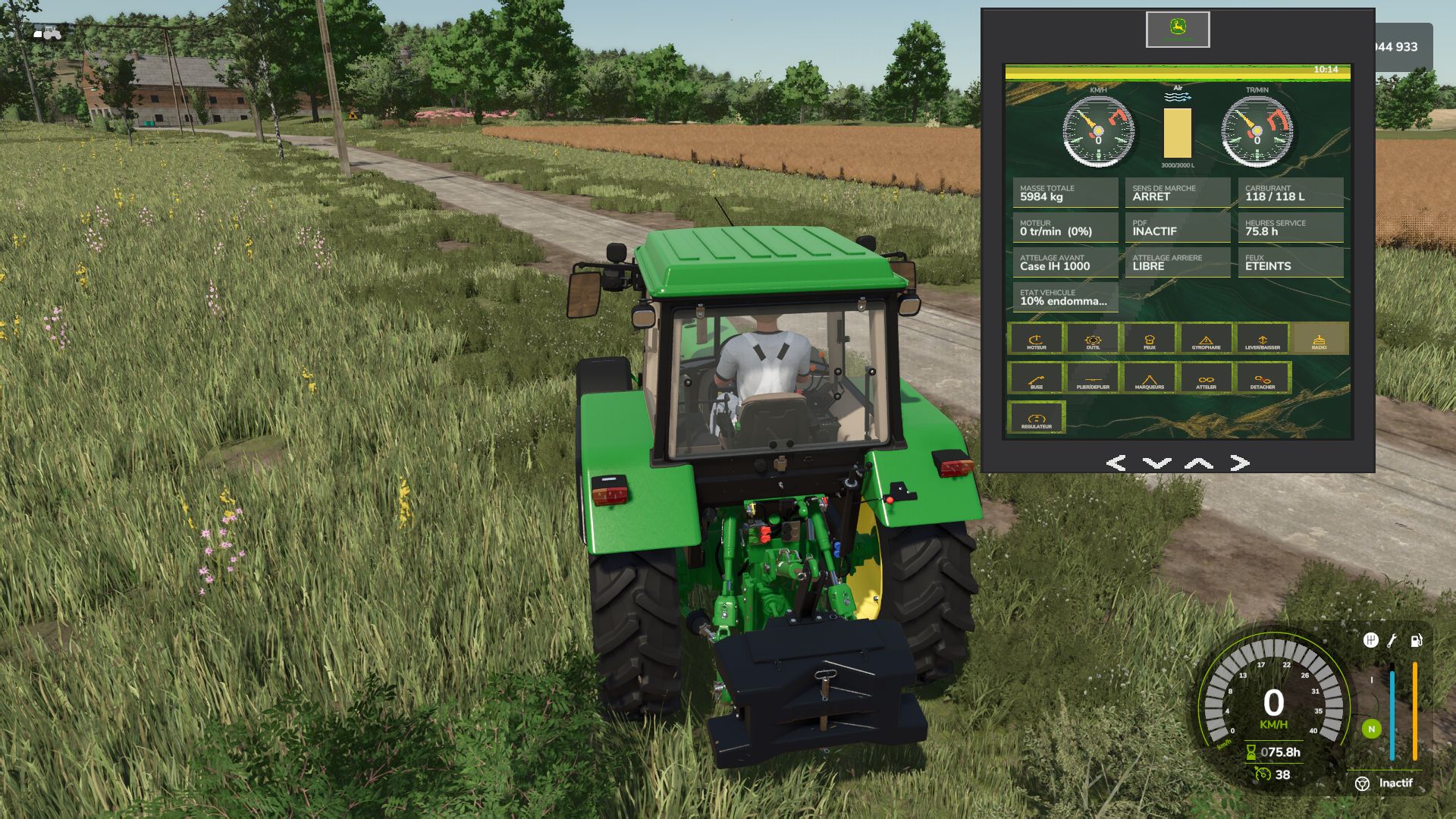
JD Terminal HUD V1.1.0.0 LS25
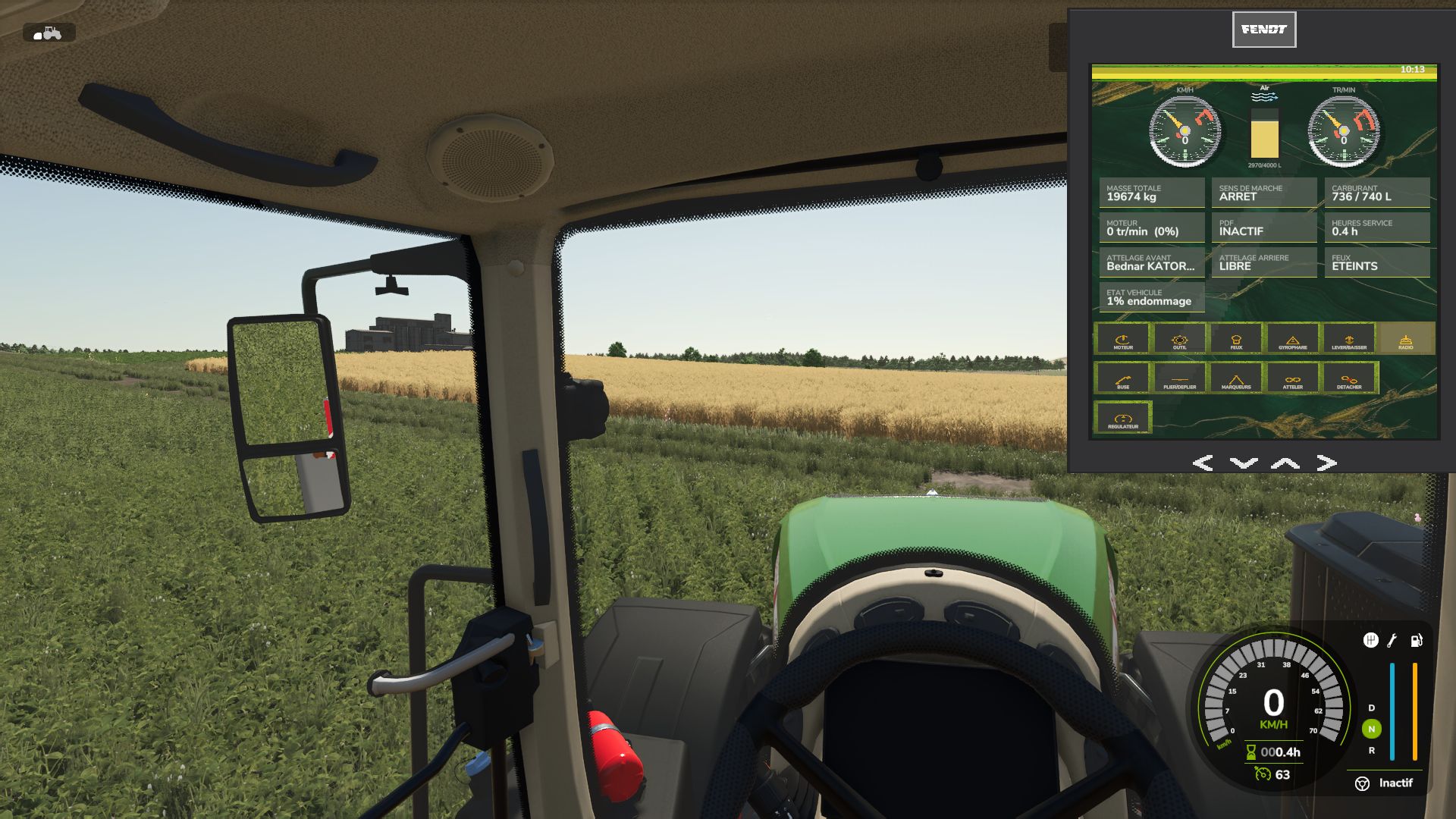
Onboard tablet terminal, real circular gauges (speed, RPM), functional buttons linked to the vehicle’s actual actions. Independent mod
V1.1.0.0
HIGH BEAMS button (full beam)
WARNING button (hazard lights)
Creator’s signature and copyright displayed on the panel
Corrections
HITCH: now attaches to the actually closest hitch point (front or rear), instead of always prioritizing the front; detection range increased
WORK LIGHTS: dedicated button added, separate from the position lights (the LIGHTS button only controlled the position lights)
MARKERS: fixed a bug where only one of the two row markers could open; both markers now work correctly alternately
Activation key (F9) now visible and named in the in-game help (F1) and under Options > Controls
Visual improvements
Removal of the diagonal glass reflection on the panel
Panel movement arrows redrawn with a golden texture and bug fixed