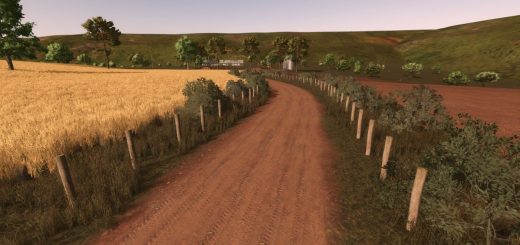
Horizonte Argentino RCS V1.0.0.0 LS25
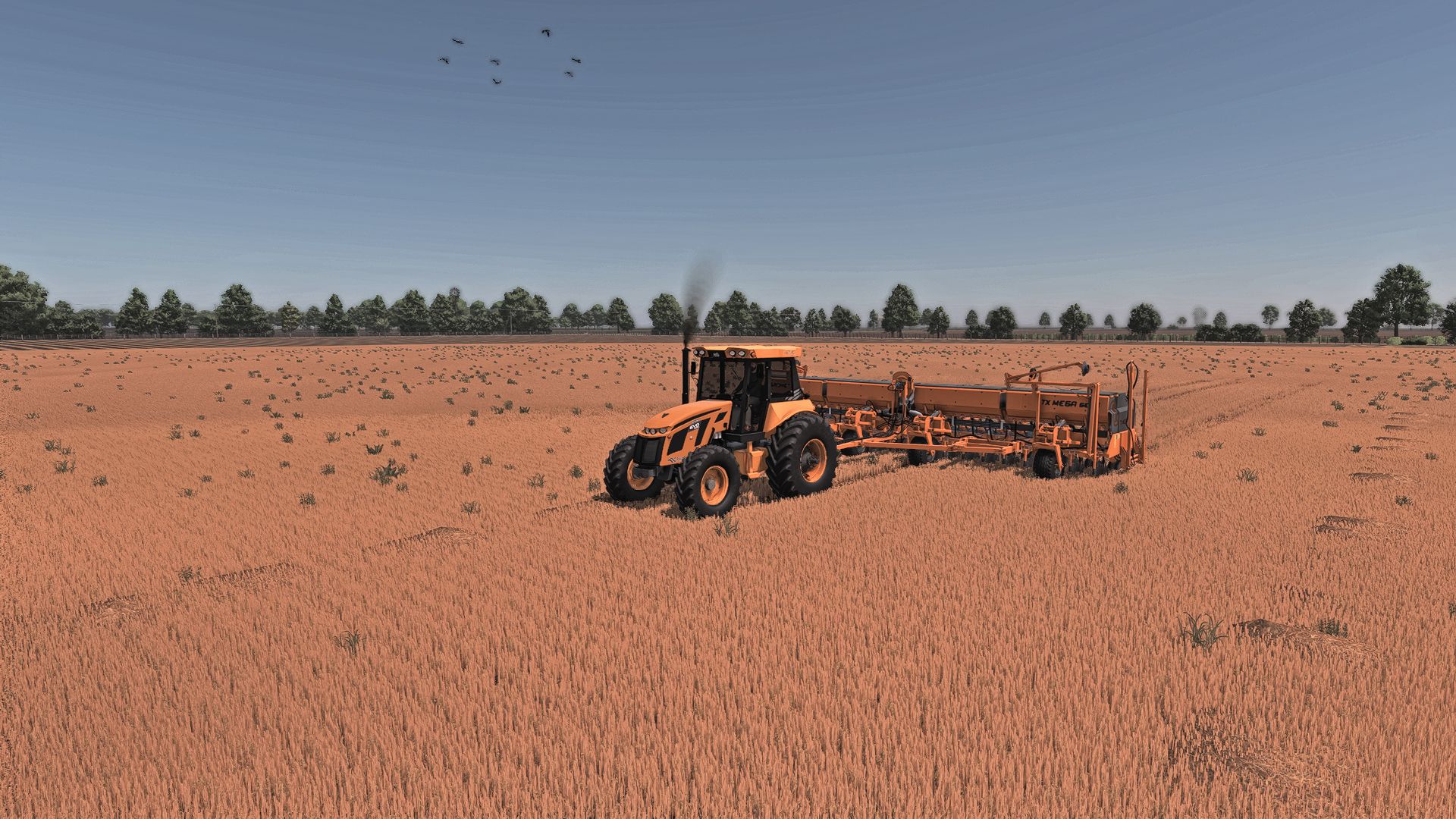
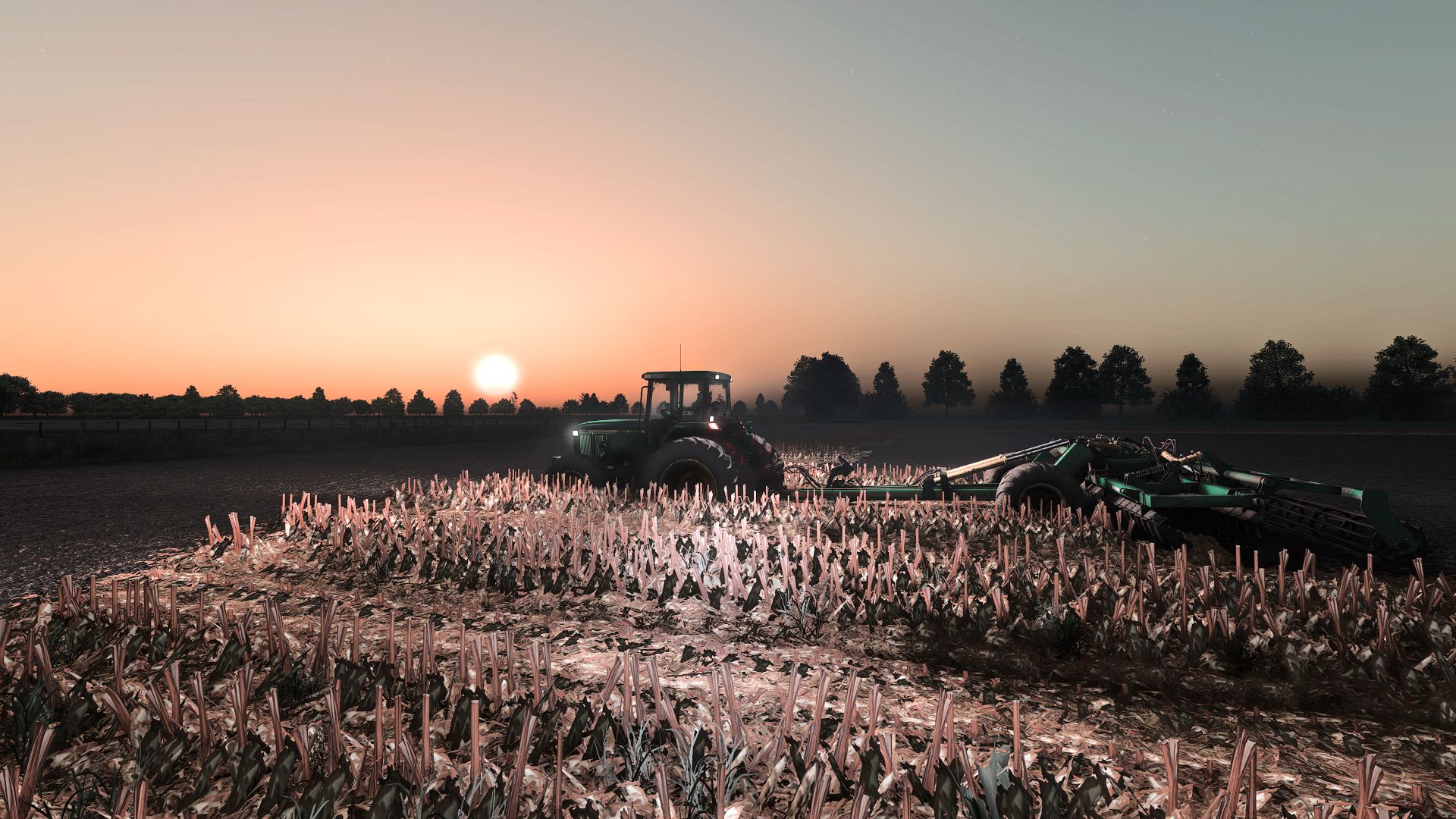
Horizonte Argentino RCS V1.0.0.0 LS25
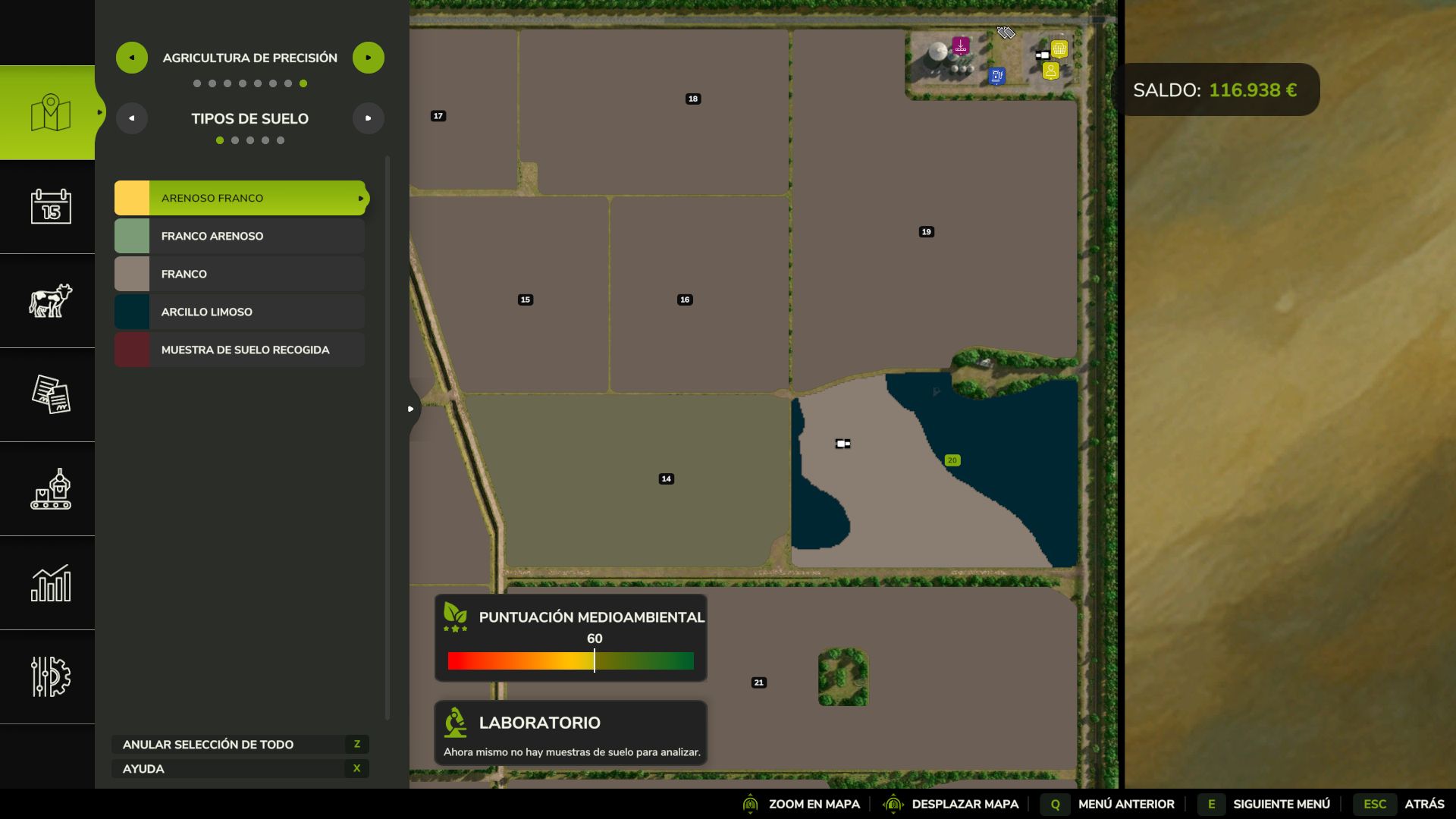
ATTENTION!!! FOLLOW THESE STEPS, OTHERWISE PRECISION FARMING WON’T WORK!!
Step 1: Download all the mods required for the map.
Step 2: Start the game using only the mods required by the map, including Row Crop By Thunder and TRPF by Thunder. Load your save, save the game, and then exit.
Step 3:Load your save again, and Precision Farming should now be working correctly. Try purchasing a field and checking its data to make sure everything is functioning properly.
That’s it! Your save is now ready, and you can add any other mods you want.
[FS25] Row Crop System Conversion – Horizonte Argentino (BETA Release)
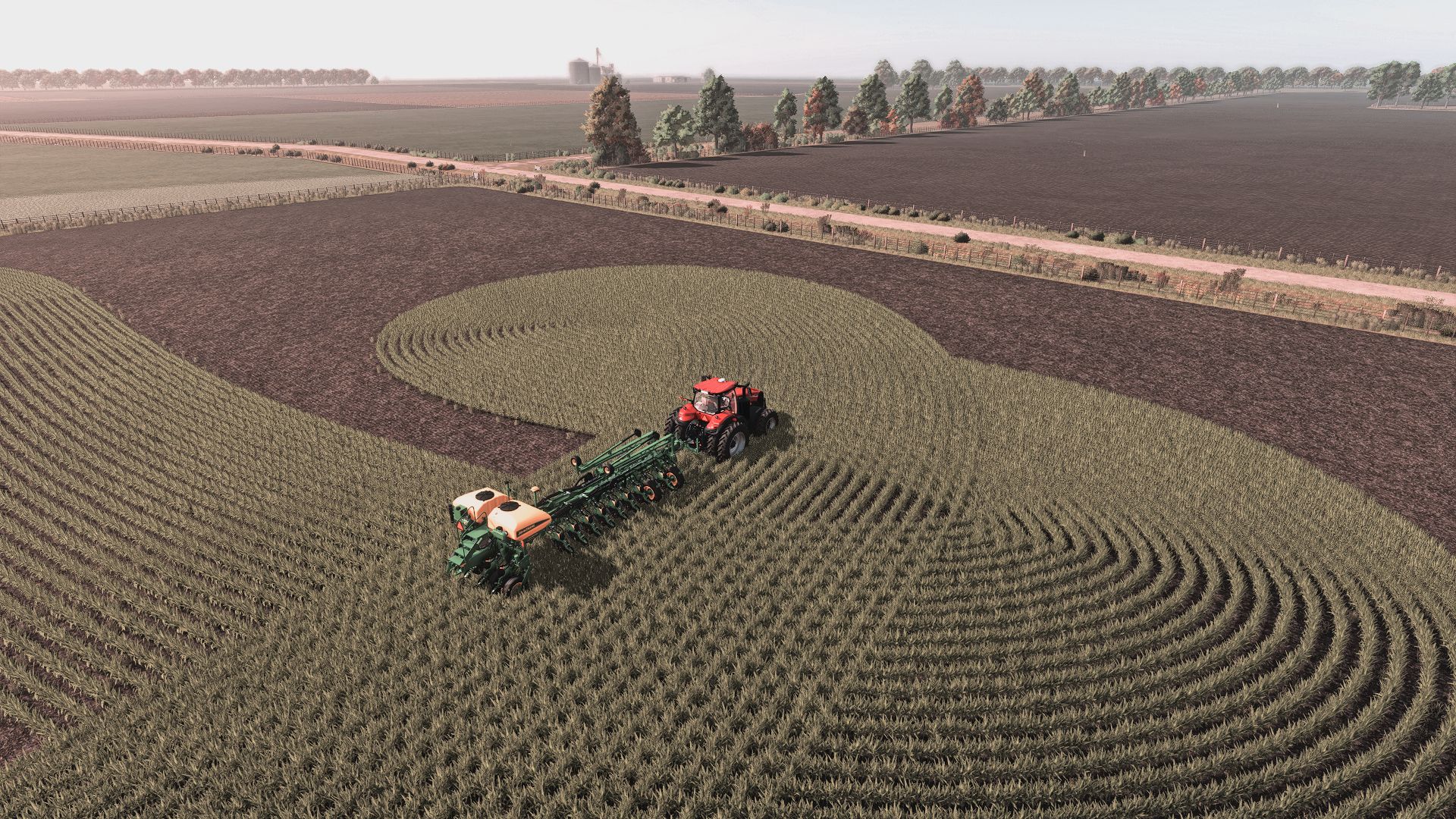
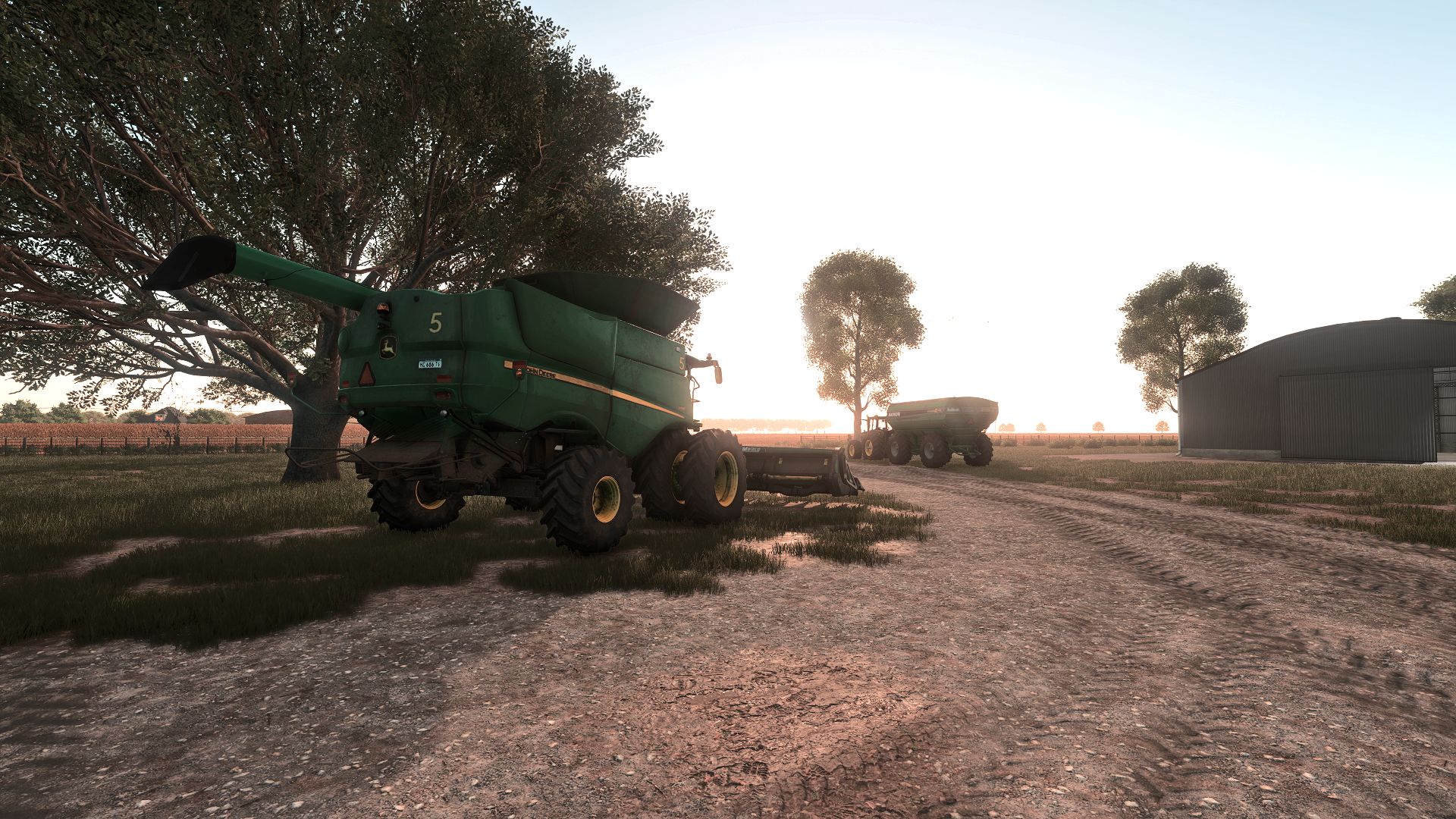
Hello everyone, I’m excited to share my first Row Crop system conversion for Farming Simulator 25, based on the Horizonte Argentinomap created by Brucman.
All credits and full respect go to the original author for the map.
My work has been focused exclusively on modifying and adapting the necessary files to ensure proper functionality of the Row Crop systemwithin FS25.
Features
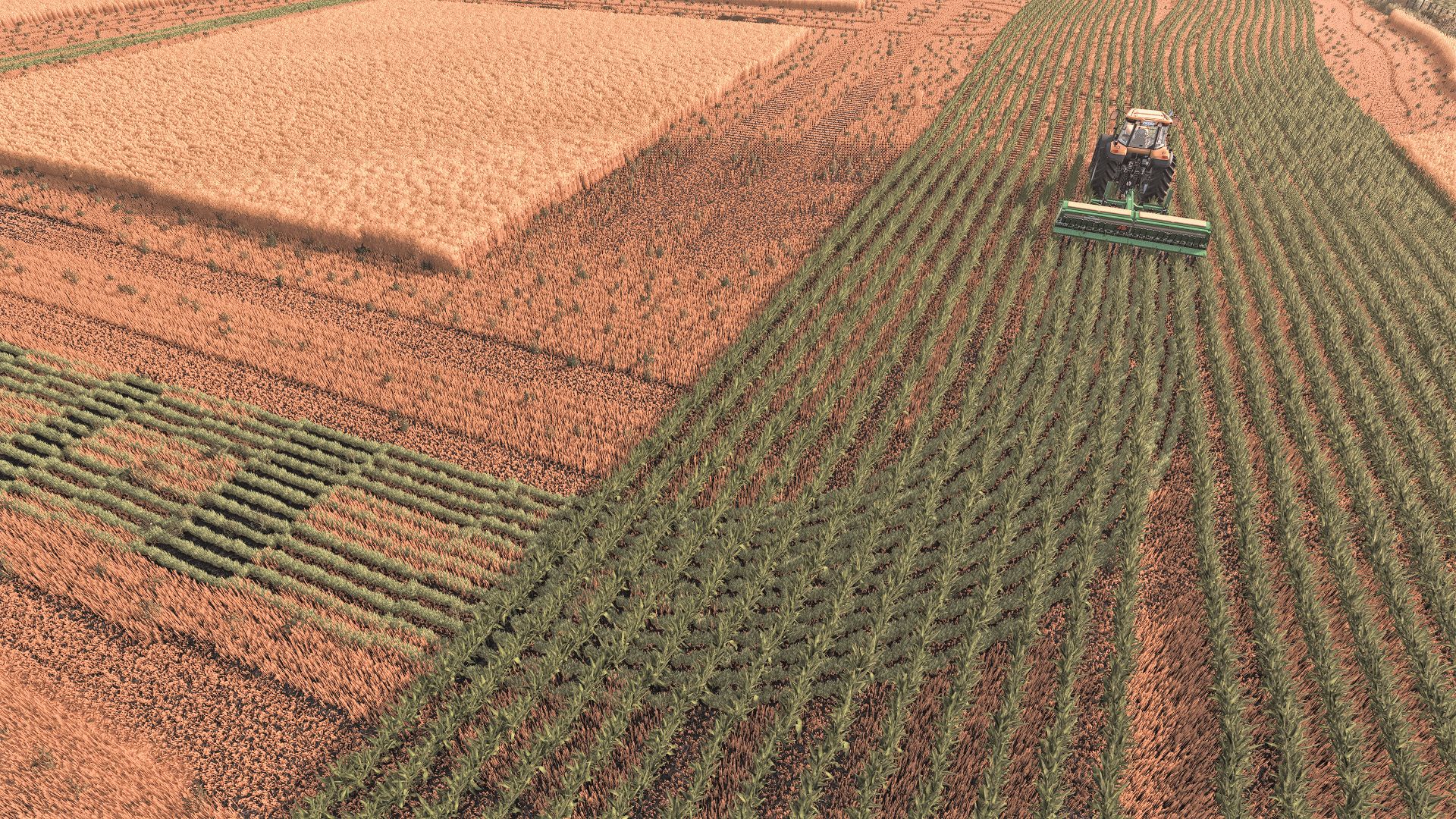
Fully integrated Row Crop system
Adjusted foliage and crop behavior
Improved compatibility with FS25 mechanics
Beta Status
This is an early beta release, so it may contain bugs or unexpected behavior.
Feedback is highly appreciated to improve stability and performance.
Notes:
Please report any issues you encounter
Make sure to test in different scenarios (singleplayer/multiplayer)
Compatibility with other mods may vary
Thanks to everyone for the support, and I hope you enjoy it!
V1.0.0.0
New Features
Added soybean textures for both early- and late-season crops.
Added updated corn textures.
Improvements
Adjusted crop sizes to better match real-life Argentine farming conditions.
Improved crop textures for a more realistic appearance.
Bug Fixes
Fixed several texture issues.
Improved compatibility with Precision Farming through TRPF by Thunder.
Important
Precision Farming Setup
To ensure Precision Farming works correctly, follow the setup instructions provided with this update. You must first load and save your game using only the mods required by the map, including Row Crop BT Thunder and TRPF by Thunder. After saving and reloading your game, verify that Precision Farming is working before adding any additional mods.