Helicopter KA26 Fertilizer Sprayer v1.0.0.3 LS25
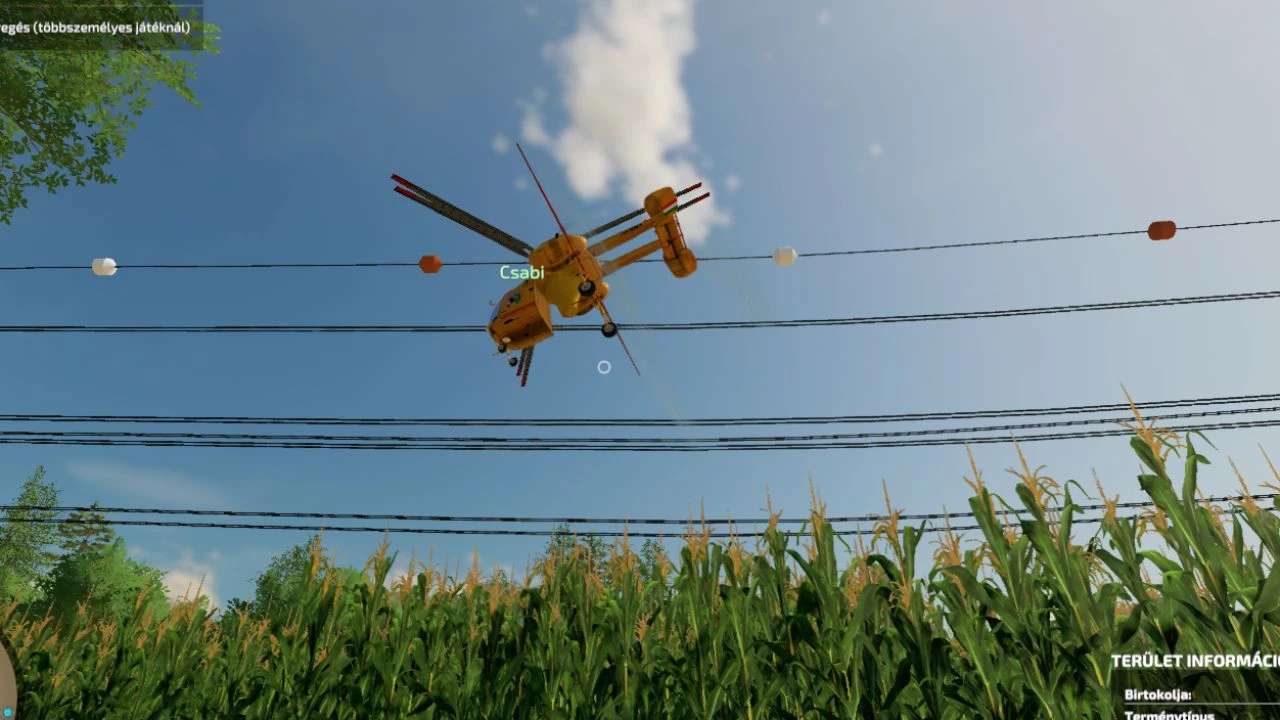

Helicopter KA26 Fertilizer Sprayer v1.0.0.3 LS25
V1.0.0.3
– Fixed script. Strictly tested on a dedicated server and everything works on the client side, all HUDs are now visible.
Using a helicopter. I’ll explain. Go close to the solid fertilizer pallet and press the R button. Then, when you’re done with that, fly over the fields, left mouse button to ascend, right mouse button to descend. W button to forward, S button to back, D button to turn right and A button to turn left. When you’re over the fields, simply turn on the fertilizer spreader with the B button, and that’s it. Good game, by the way, this mod is multiplayer capable and will probably work on a dedicated server with this script. The mod’s script can be freely used to create additional flying vehicles. You could make a wooden barrel helicopter, for example. You can find the helipad among the misplaced placeables that can be placed.
Credits: honved4