Harvest Ledger V1.2.0.6 LS25
Harvest Ledger V1.2.0.6 LS25
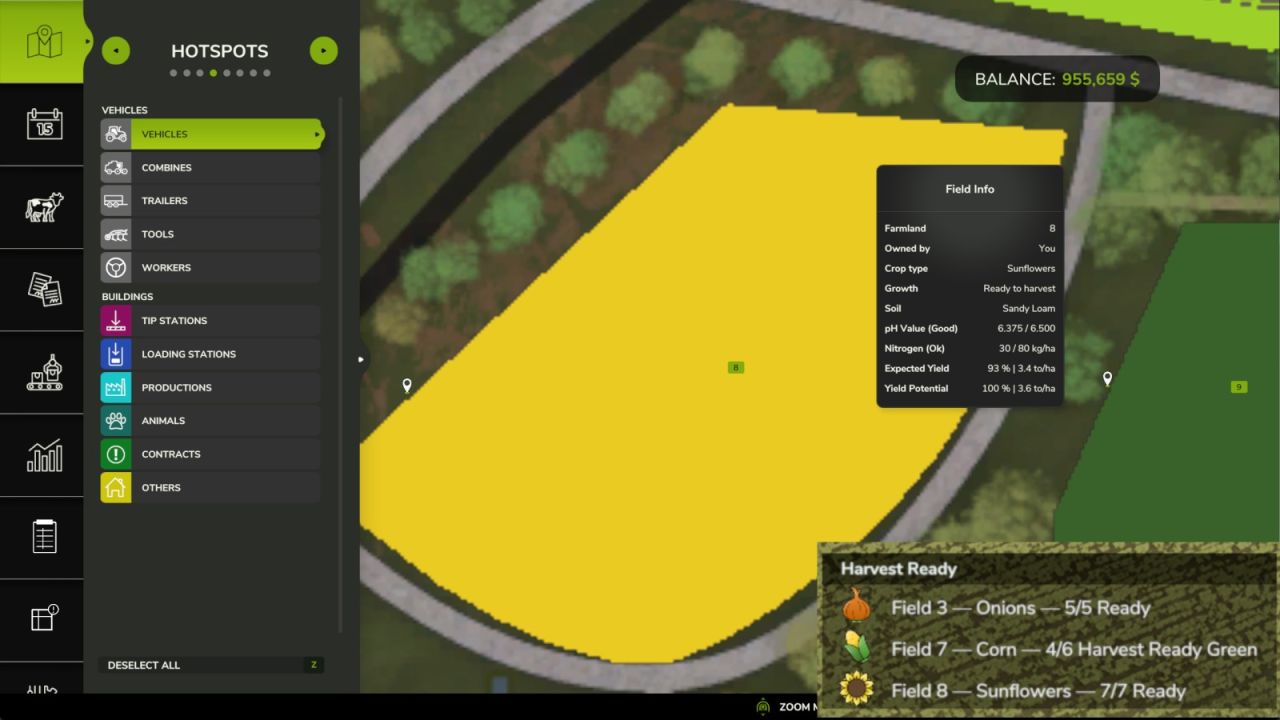
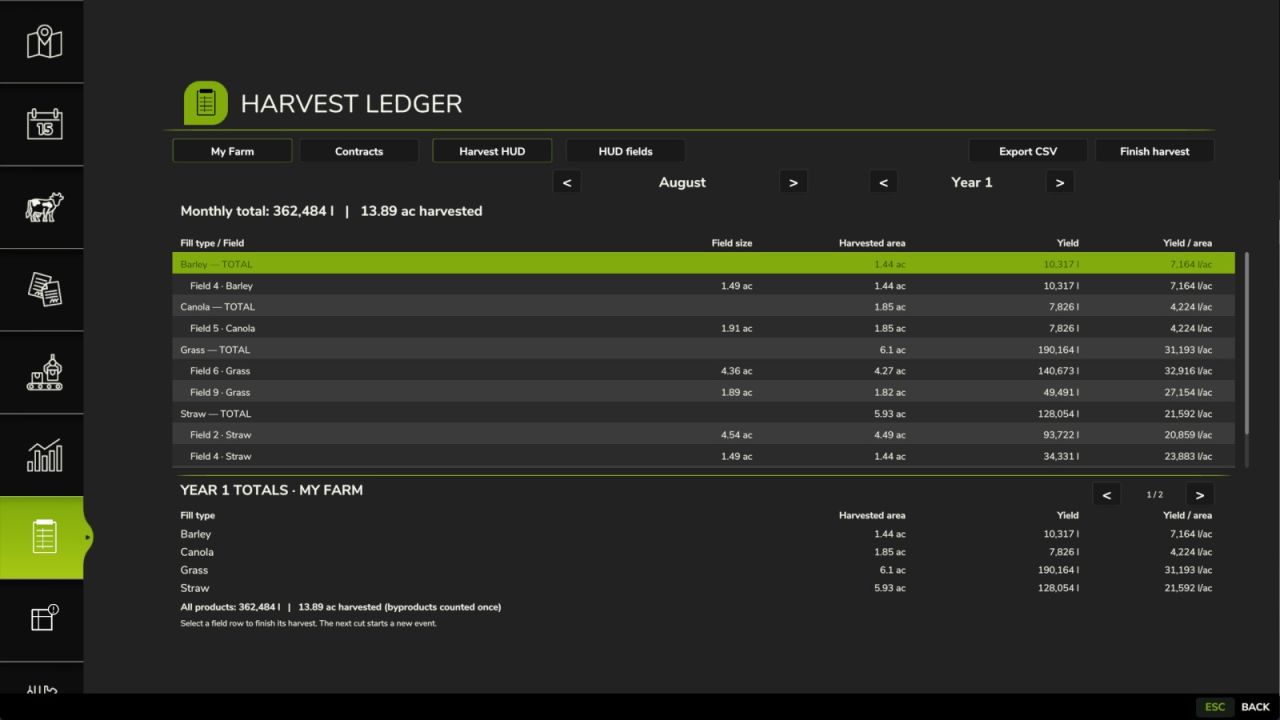
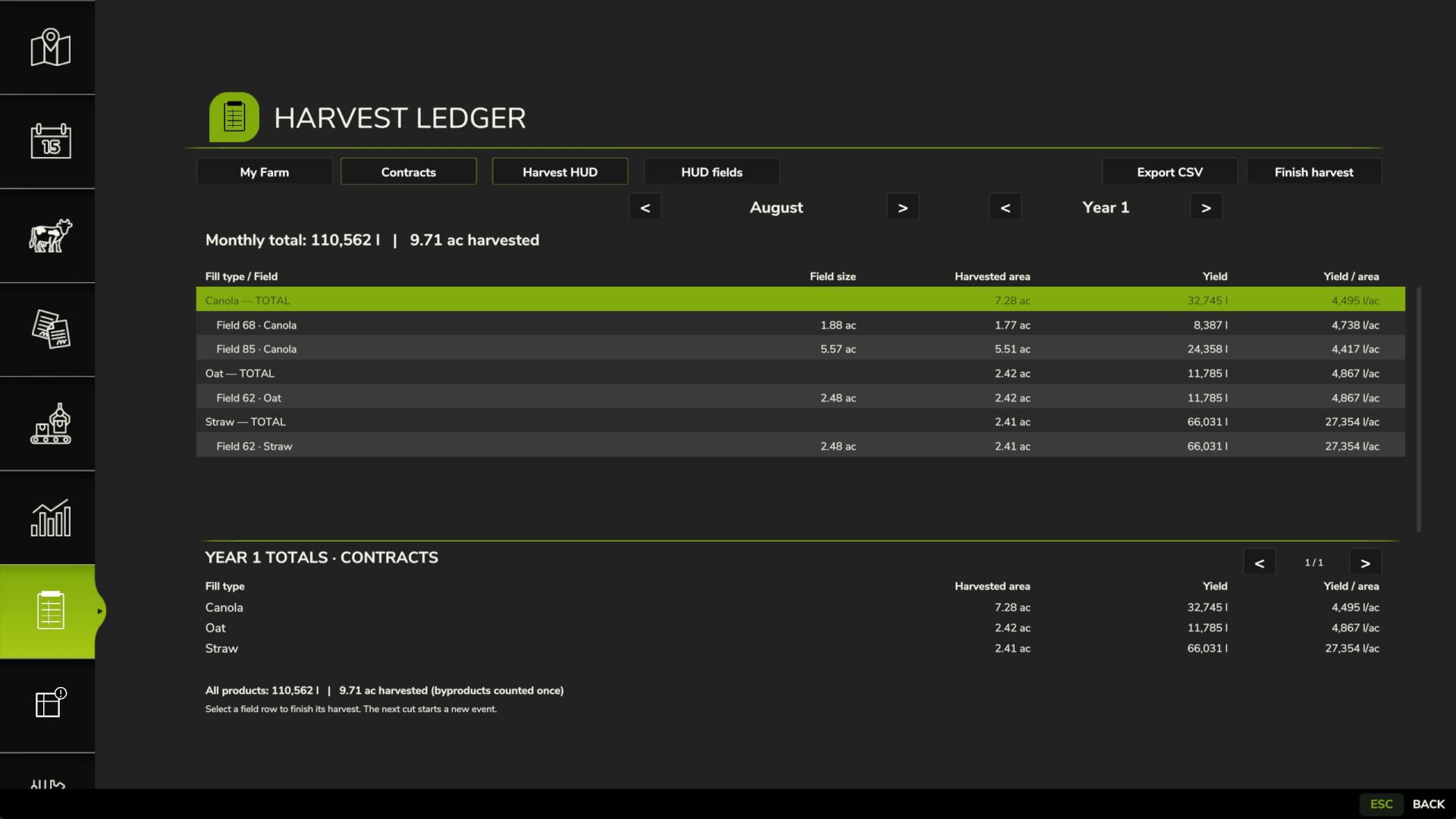
Records crop yields and harvested acreage for each farm and its contracts, including borrowed equipment. Monthly and yearly reports show field size, harvested area, volume and yield per area in the player’s General Settings units. Supports additional crop types and harvest outputs. Multiplayer ledgers are maintained on the server; players see their own farm’s records. Farm managers can finish harvests and export CSV reports to the server savegame folder. A compact movable Harvest Ready HUD lists only owned fields with harvestable crops, using current field growth states. Use the Harvest HUD toggle in the Harvest Ledger menu. Drag the title bar whenever the mouse cursor is visible; scroll over the list for more rows. The HUD toggle can be assigned in Controls; its default is unassigned. Position and visibility are saved locally in the player profile.
Default mouse control: Left Ctrl+Left Alt+H. Press to show the cursor, drag the HUD title bar, then press again to hide the cursor. Works on foot and in vehicles; reassign it in Controls under Harvest Ledger: Toggle mouse cursor.
Credits: BinyamFS Modding