Grass Collection V1.0.0.0 LS25

Grass Collection V1.0.0.0 LS25
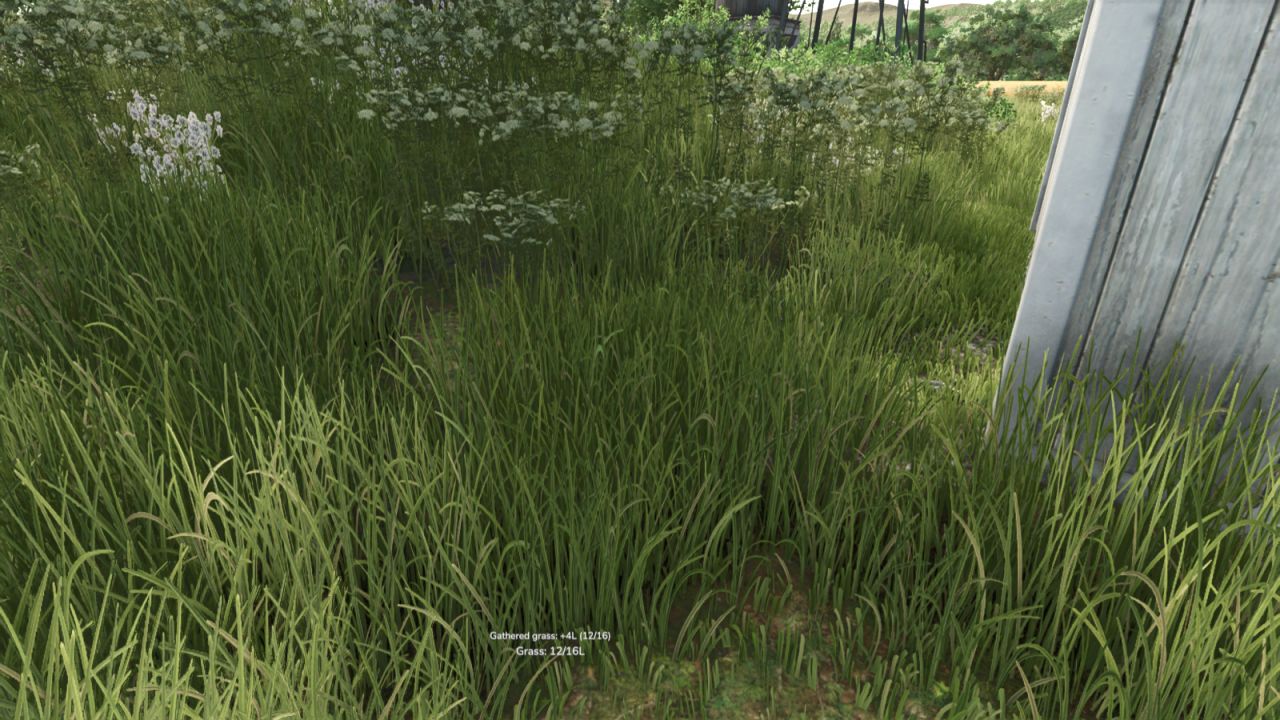
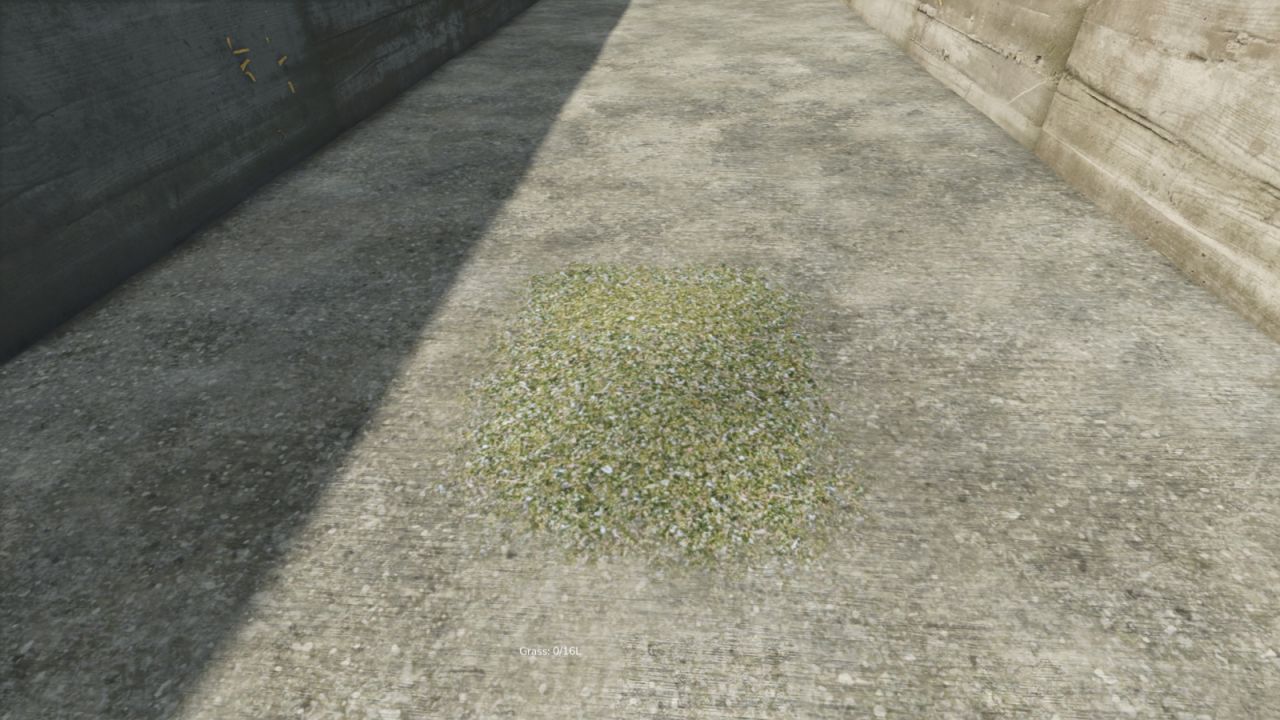
Grass Collection adds a true on-foot grass gathering system for start-from-scratch gameplay.
Instead of relying on equipment right away, you can collect nearby grass by hand, carry it with you, and unload it at supported locations. The mod also includes upgrades so you can improve how much grass you carry and how much you gather each cycle.
Features:
– collect nearby grass while on foot
– unload carried grass by hand
– supports valid drop areas, sell points, and bunker silos
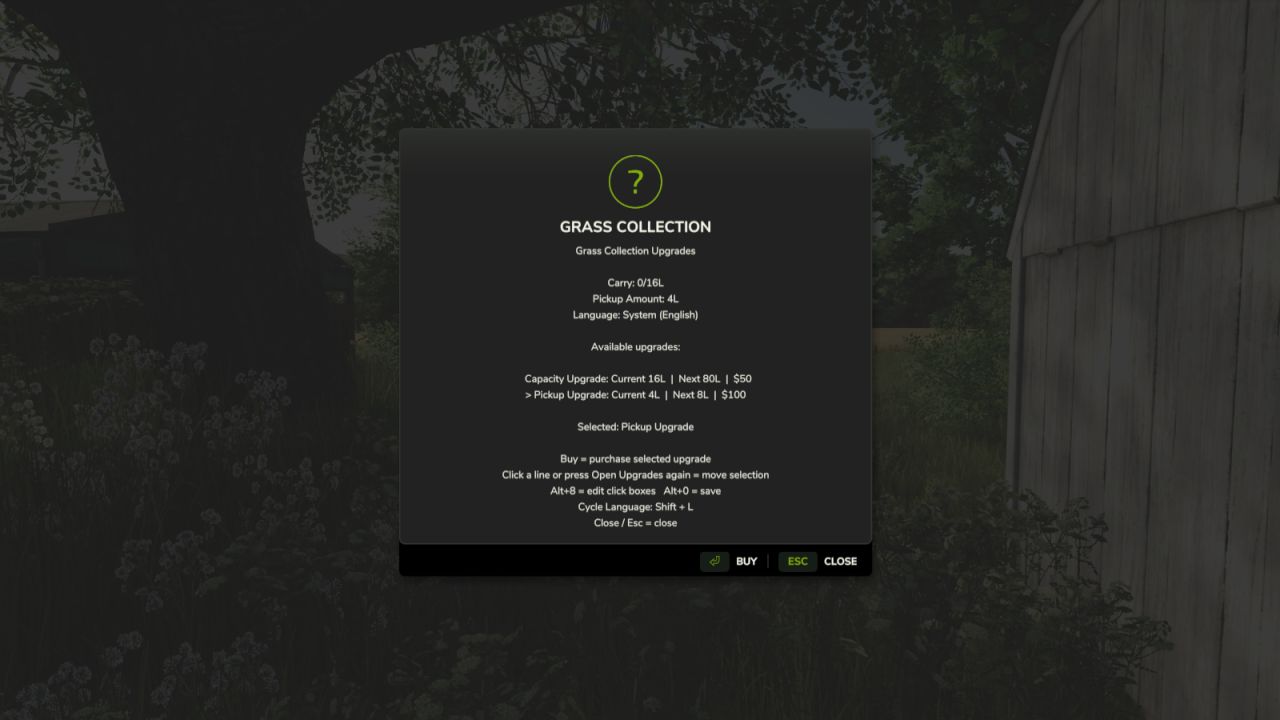
– capacity upgrades
– pickup amount upgrades
– in-mod language switching
– rebindable controls
– save/load support for carried amount, upgrades, and selected mod language
Instructions:
1. Enable the system with Shift + J if it is turned off.
2. Toggle collection mode with Shift + H.
3. Walk over grass to collect it automatically while the mode is active.
4. Unload carried grass with Shift + R at a valid drop area, sell point, or bunker silo.
5. Open upgrades with Shift + U and buy upgrades with Enter.
6. Change the mod language with Shift + L.
Default Controls:
– Shift + H = Toggle Grass Collection Mode
– Shift + R = Unload Carried Grass
– Shift + J = Toggle Grass Collection System
– Shift + U = Open Grass Collection Upgrades
– Enter = Buy Grass Collection Upgrade
– Shift + I = Cycle Grass Collection Upgrade
– Shift + L = Change Grass Collection Language
Languages:
– English
– German
– French
– Ukrainian