GE10 Script – Spline To Field Generator (Prefab) V1.0.0.0 LS25
GE10 Script – Spline To Field Generator (Prefab) V1.0.0.0 LS25
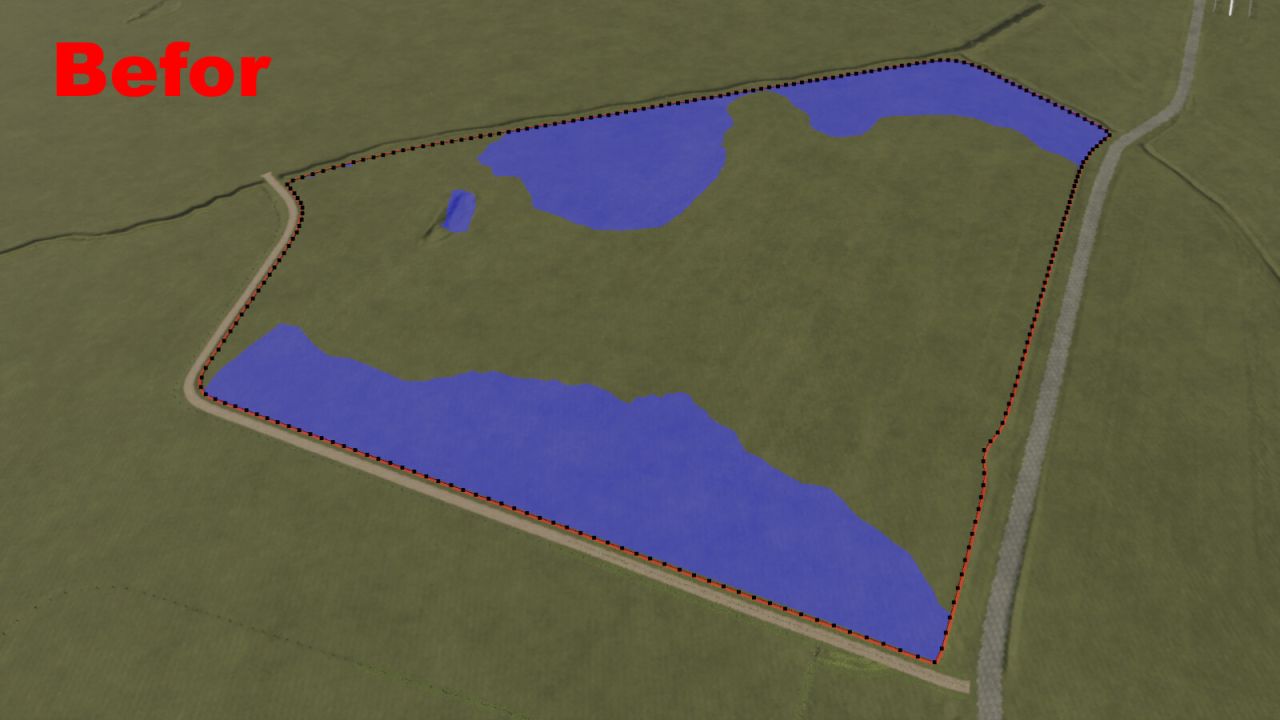
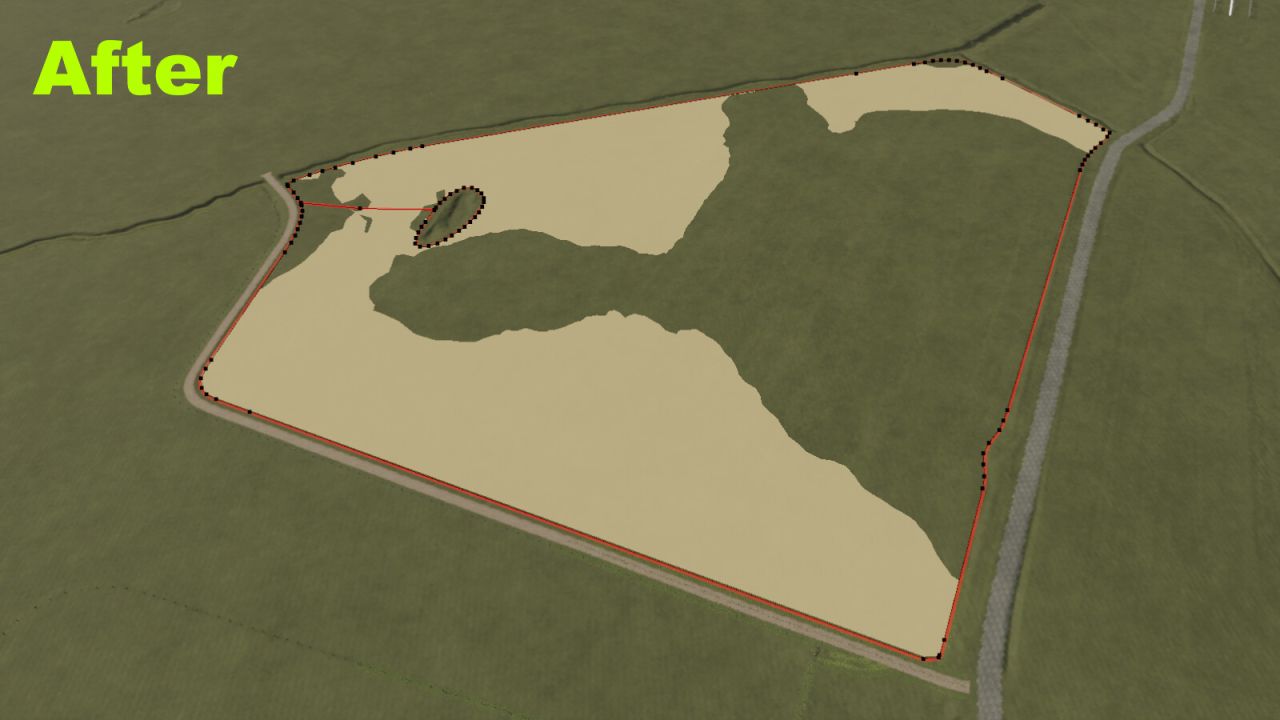
The SplineToFieldGenerator is a script for the GIANTS Editor designed to help users create fields more easily using splines while keeping the number of polygonPoints as low as possible.
This script can save a significant amount of work, especially when working with very large or irregularly shaped fields.
Features:
Simple field generation using fieldBoundarySpline
Field island generation using: fieldIslandSpline/fieldIslandSmallSpline
Field islands are completely optional and not required.
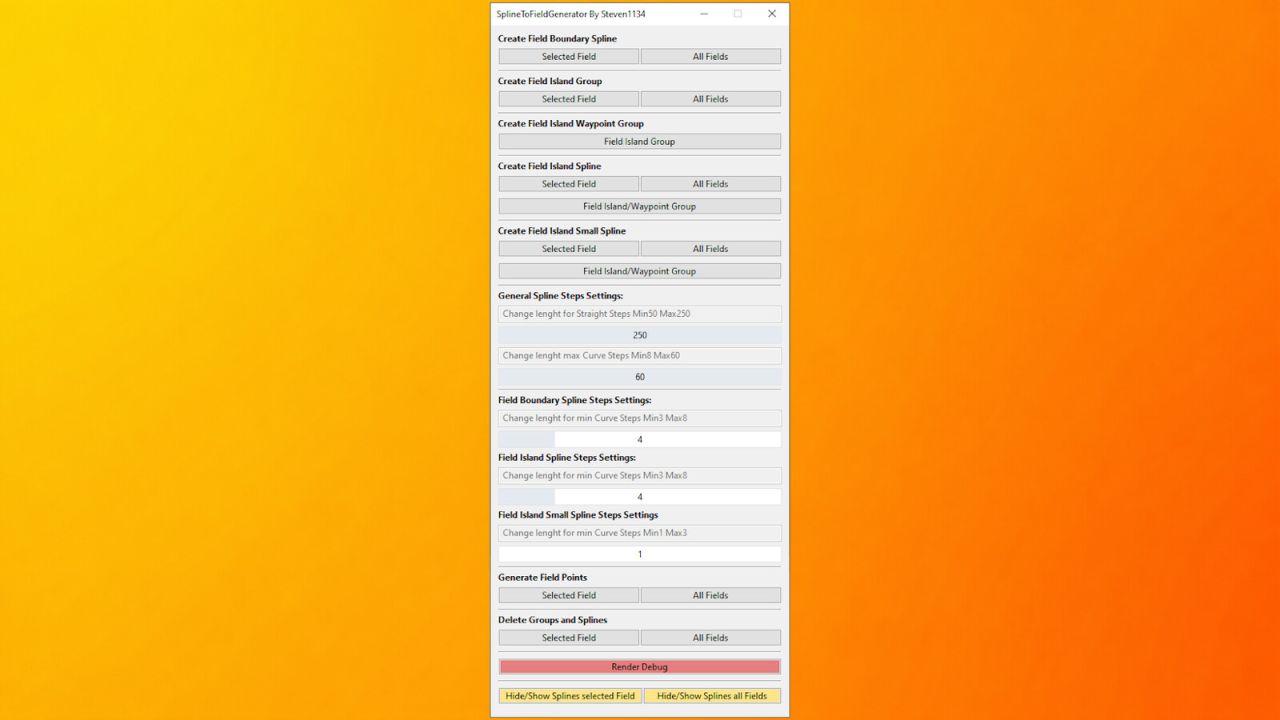
UI Features:
Creation of all required splines and groups
Generation of polygonPoints
Show and hide splines
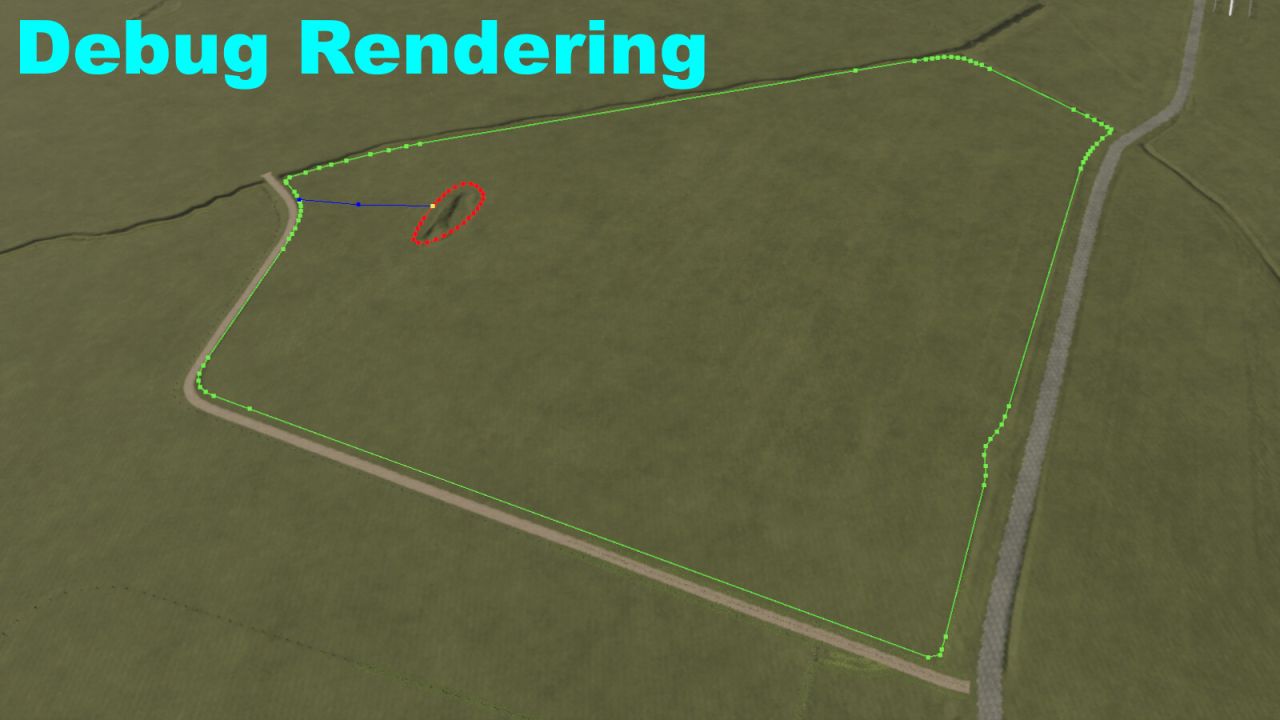
Render debug mode for a better overview of the generated polygonPoints of the selected field using the current settings, including live updates when settings are changed
Delete all splines and groups from either a selected field or all fields
Notes: When deleting splines and groups for the first time, a backup TransformGroup will automatically be created under: SplineToFieldGenerator -> Backup. The deleted splines and groups will then be stored there as: fieldXXBackup. This backup system is used to preserve the splines and groups of a field in case something was deleted accidentally or additional changes need to be made later.
Additionally, the script performs many automatic checks and outputs useful messages to the GE console, explaining what is currently happening or why certain functions could not be execute
Example Field Structure:
First, you need a field created using the GIANTS Editor FieldToolkit or another script that supports field creation.
Simple Field
fields
—-└── fieldXX
——–├── polygonPoints (transformgroup)
——–├── nameIndicator (transformgroup) Standard GIANTS structure
——–├── teleportIndicator (transformgroup)
——————————————————————————-
——–└── fieldBoundarySpline (Spline) SplineToFieldGenerator structure
——————————————————————————-
Field With Field Islands
fields
—-└── fieldXX
——–├── polygonPoints (transformgroup)
——–├── nameIndicator (transformgroup) Standard GIANTS structure
——–├── teleportIndicator (transformgroup)
——————————————————————————-
——–├── fieldBoundarySpline (Spline)
——–└── fieldIsland (transformgroup) SplineToFieldGenerator structure
————└── fieldIslandSpline (Spline)
——————————————————————————-
The fieldIsland TransformGroup must be properly aligned with the field islands.
The blue debug lines in Render Debug mode help visualize whether areas are correctly detected as field islands during generation.
Field With Hard-To-Reach Field Islands
fields
—-└── fieldXX
——–├── polygonPoints (transformgroup)
——–├── nameIndicator (transformgroup) Standard GIANTS structure
——–├── teleportIndicator (transformgroup)
——————————————————————————-
——–├── fieldBoundarySpline (Spline)
——–└── fieldIsland (transformgroup)
————├── fieldIslandSpline (Spline) SplineToFieldGenerator structure
————├── fieldIslandSpline (Spline)
————└── fieldIslandWaypoint (transformgroup)
—————-└── fieldIslandSpline (Spline)
——————————————————————————-
The fieldIslandWaypoint is used to provide one or multiple fieldIslandSpline objects with an additional TransformGroup, allowing difficult-to-reach field islands to be generated more accurately.
This is especially useful for highly complex or heavily twisted field layouts.
Important Notes:
The hierarchy does not need to follow the exact same order as shown in the examples.
Internally, the script processes data in the following order:
fieldBoundarySpline -> fieldIsland (transformgroup)
It does not matter where the fieldBoundarySpline is located inside the fieldXX group, since the script automatically searches for it first.
The only important requirement is:
Everything containing fieldIsland in its name must also be located inside the fieldIsland TransformGroup.
Otherwise, incorrect or unexpected generation patterns may occur.
Please also note that the script may not always generate perfectly accurate field shapes in every situation. Due to the technical limitations of splines, corners may occasionally become slightly rounded or uneven, since splines cannot create perfectly precise 90-degree edges. Because of this, some corners or transitions may require minor manual adjustments afterward.
Installation:
1.) Start the latest version of the GIANTS Editor
2.) Navigate through the top menu bar to: Window -> Script Editor. and open the Script Editor
3.) Right-click the folder where you want to store the script (for example: Shared Scripts) and select: Explore Folder
4.) Copy the SplineToFieldGenerator.lua file into your selected script folder and restart the GIANTS Editor
5.) The script will then be available inside the GIANTS Editor through the top menu bar under: Scripts