Fluid System V1.2.0.0 LS25
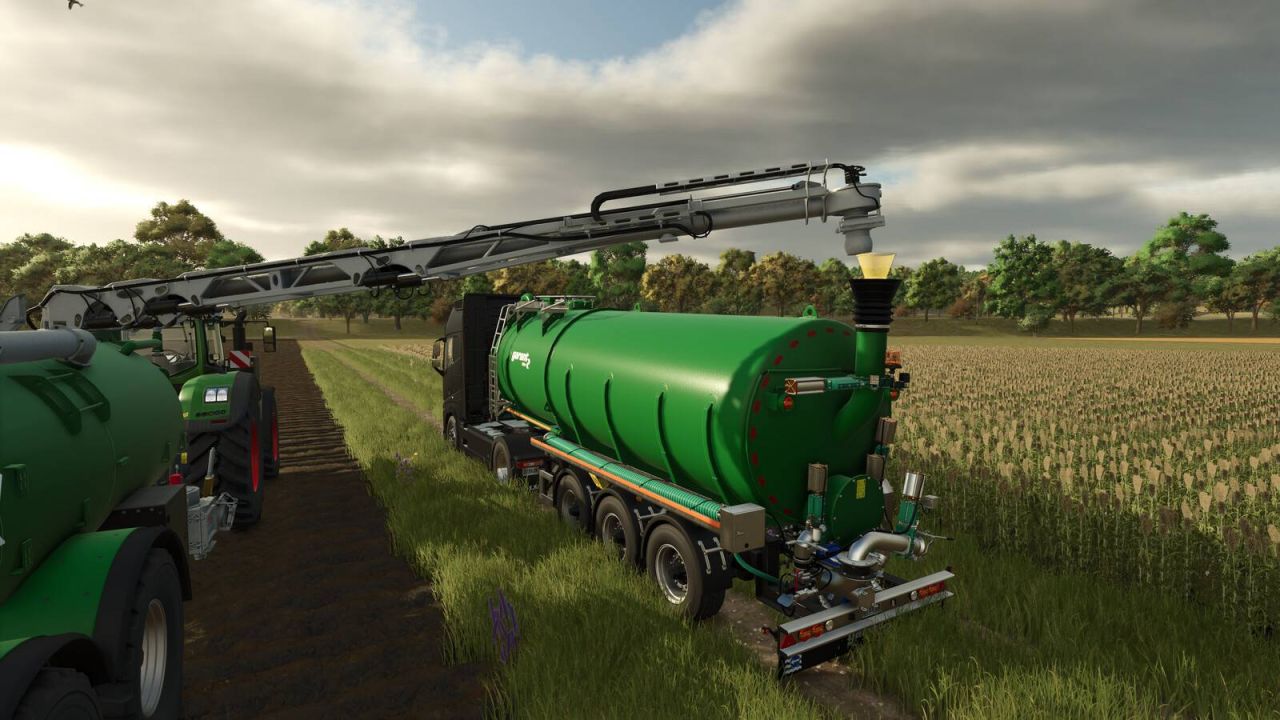
Fluid System V1.2.0.0 LS25
Hands-on liquid handling for Farming Simulator 25. Lay out hoses, open the valves and start the pump to move water, slurry, digestate and other liquids between tanks, vehicles and storage.
Features
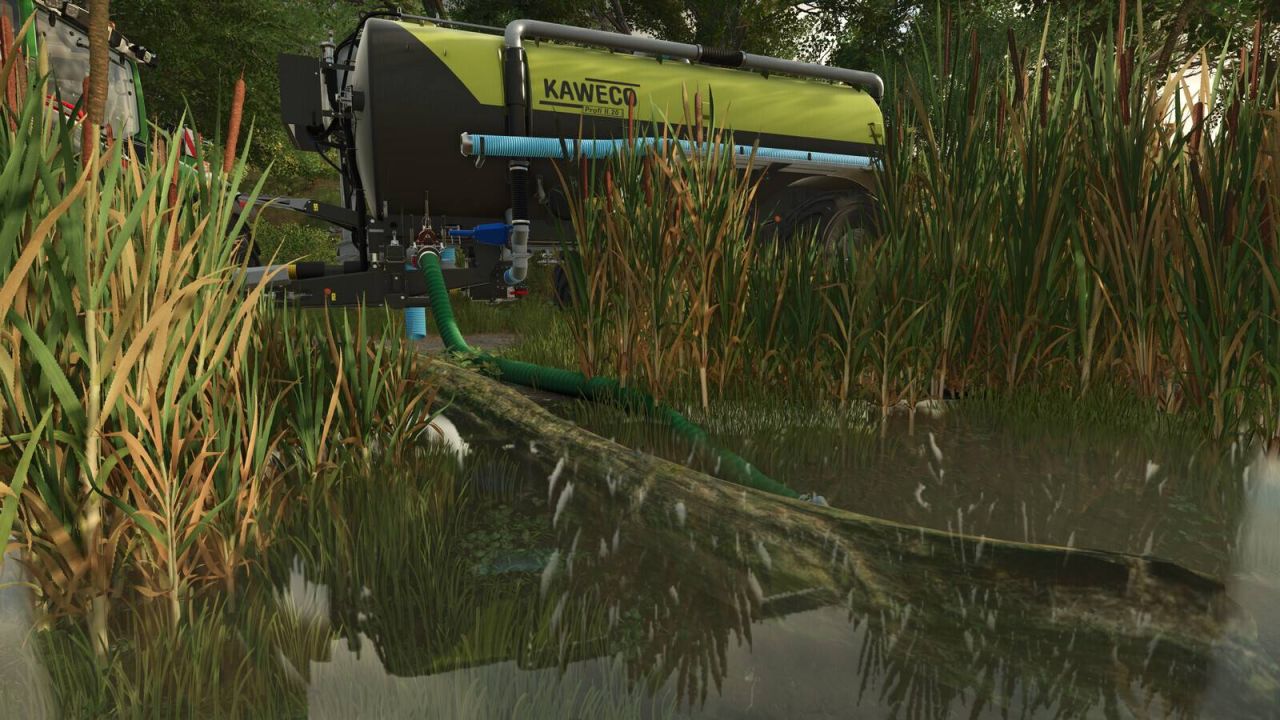
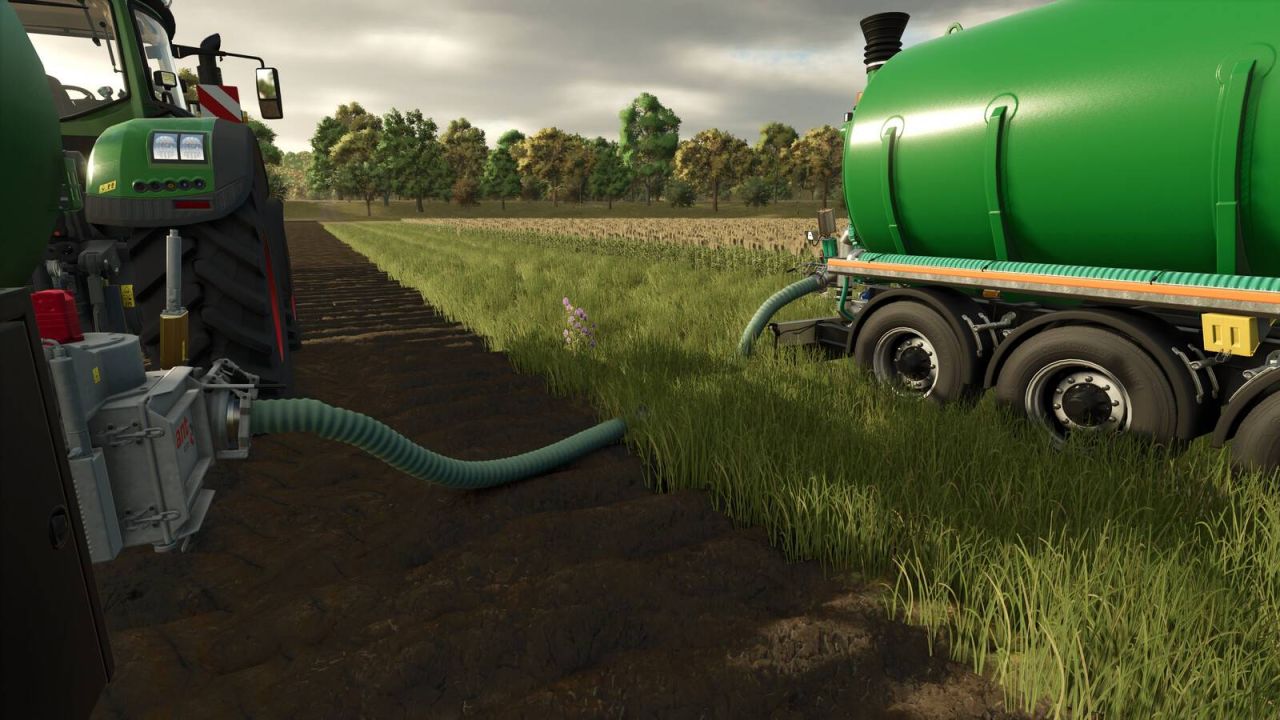
Real hose connections: couple hoses by hand, join them for longer routes and store them on equipped vehicles.
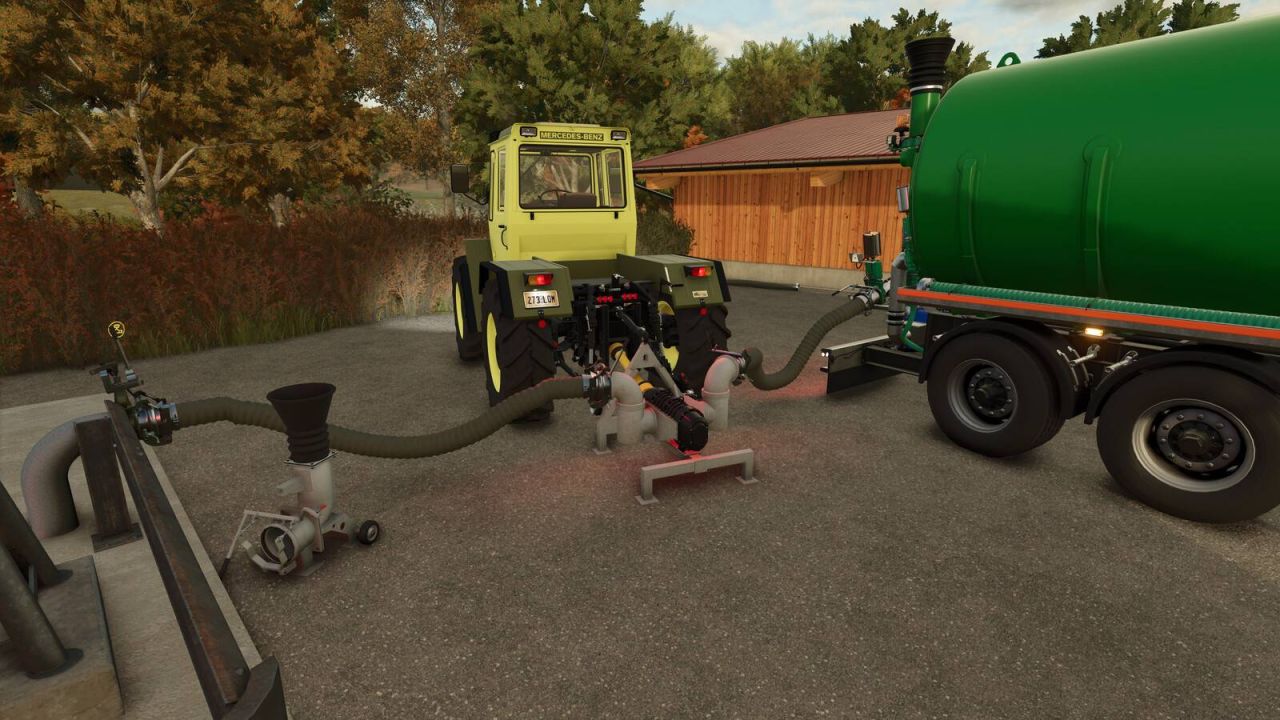
Pumps and valves you operate yourself: PTO rotary-lobe pumps, manual slide valves and a control panel for every transfer.
Reversible pumping: fill or empty with the same setup.
Spills: open hose ends lose liquid and leave slurry or digestate puddles. The host can switch spills off.
Coupler info: look at a coupler to see which liquids it accepts and supplies.
Open for modders: add Fluid System support to your own vehicles and placeables with a few lines of XML.
Included equipment
8-inch suction hoses, 3 m and 5 m
Suction hose with steel intake (1 + 2 m)
PTO rotary-lobe pump
PTO rotary-lobe pump with swivel elbows
Wienhoff docking station
Slurry storage connection with manual slide valve
V1.2.0.0
Redesigned graphical tank overview with source, destination, flow rate and pump controls.
Operate both tanks manual and powered valves directly from the overview.
Separate controls for configured front-arm pumps. Starting a booster also starts its assigned main pump.
Step-by-step connection setup with a review page and 3D placement. Settings are preserved when switching connection types.
Clearer German and English labels, help text and navigation.
The 8-inch storage connection now supports water, slurry and digestate.
Pump warnings no longer appear while driving unrelated vehicles.
Clearer pump and connection messages without blocking dialog windows.
Improved front-arm-to-tanker binding through the tractor. The connection section only shows the relevant valves.
Improved hotkey controls for operation without opening the menu. Available actions are shown in the F1 help menu.
New side HUD overview for tanks and pumps, which can be enabled or disabled in the settings.