Farm Year In Review V1.0.0.0 LS25

Farm Year In Review V1.0.0.0 LS25
Your farming year in review. Farm Year In Review quietly records your whole in-game year and presents it as colorful full-screen slides, like a yearly recap from your favorite music app. The mod does not change the gameplay – it only collects data.
What you will see:
– Finances: result of the year, top income and expenses, month by month chart and the best month
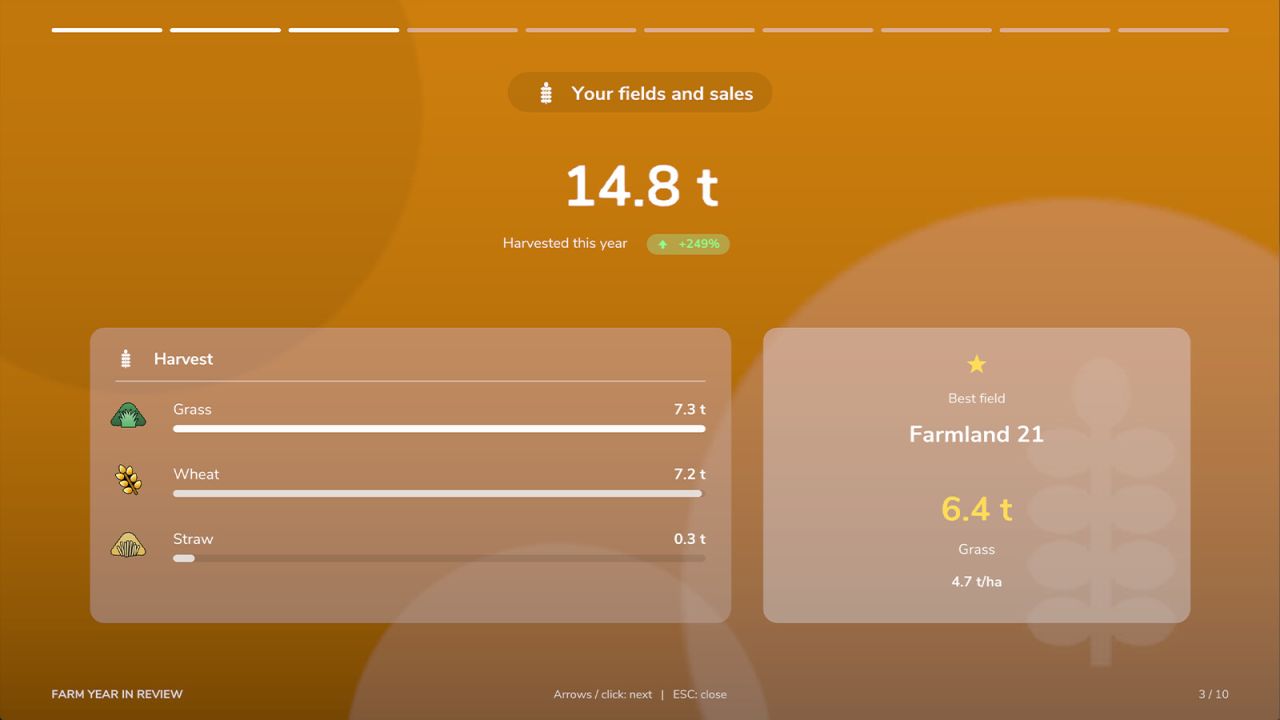
– Fields and sales: harvest per crop (also mowed grass), bales from your balers, your best field with yield per hectare, best sales
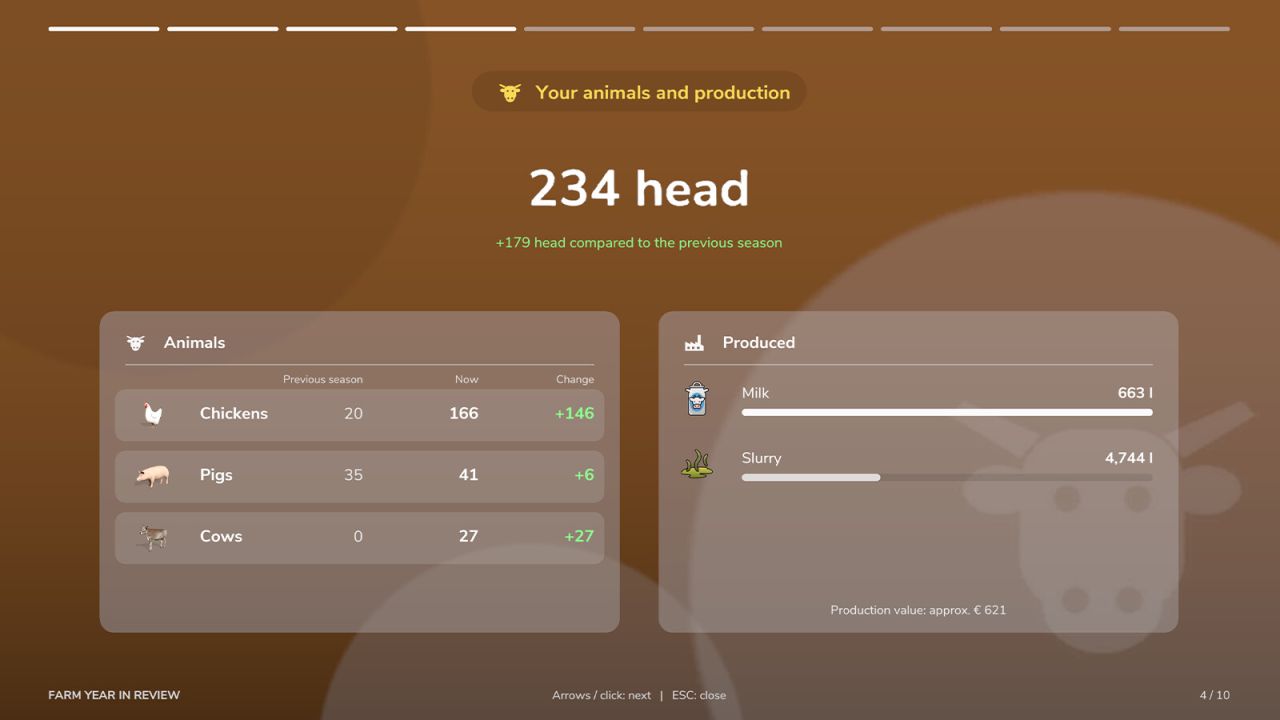
– Animals and production: herd per species compared to the previous season, animals bought and sold, milk, eggs, wool and manure, goods of your production points
– Buildings and installations: income of every solar park, wind turbine and other income building, payback of their price
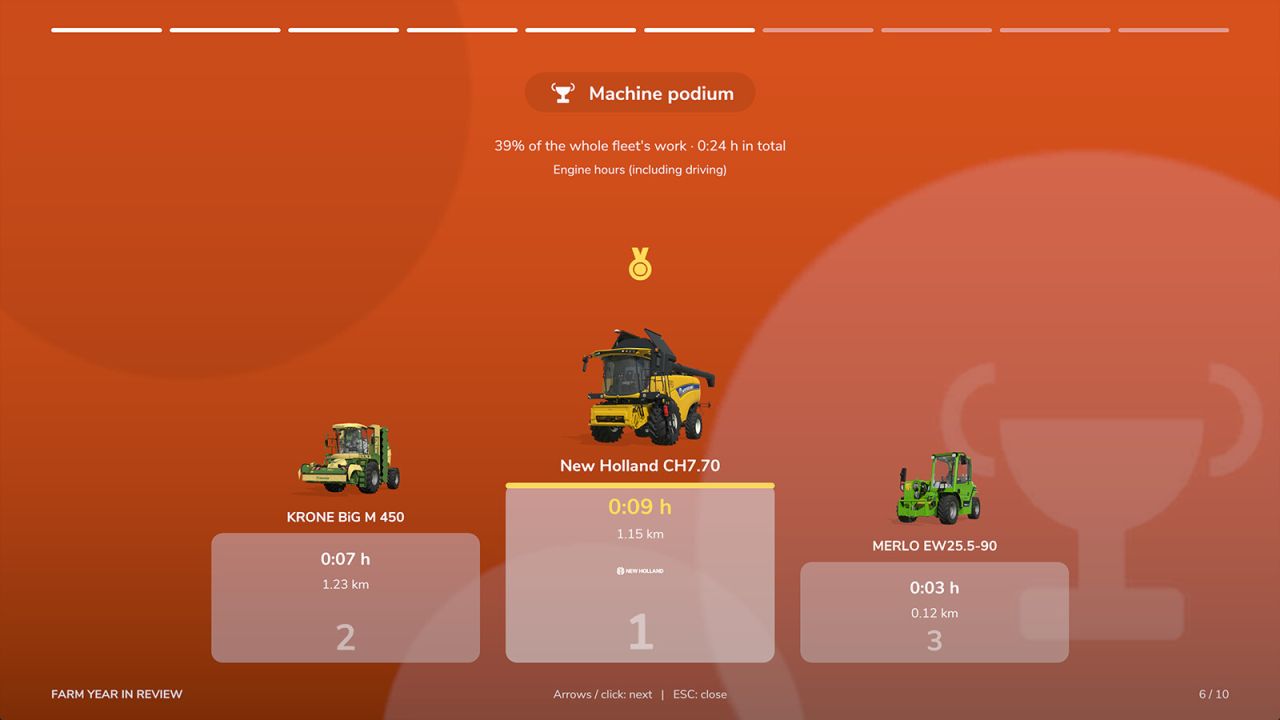
– Machine podium: your three most used machines with shop images, brand logos, engine hours and distance driven
– The year in numbers and the weather: distance, field work, trees cut and planted, sun, rain, snow and storms, the hottest and the coldest day
– Chronicle: bought and sold farmland and machines, first harvests, record days and milestones
– Your farmer type with bronze, silver or gold level
– A final summary card – perfect for a screenshot
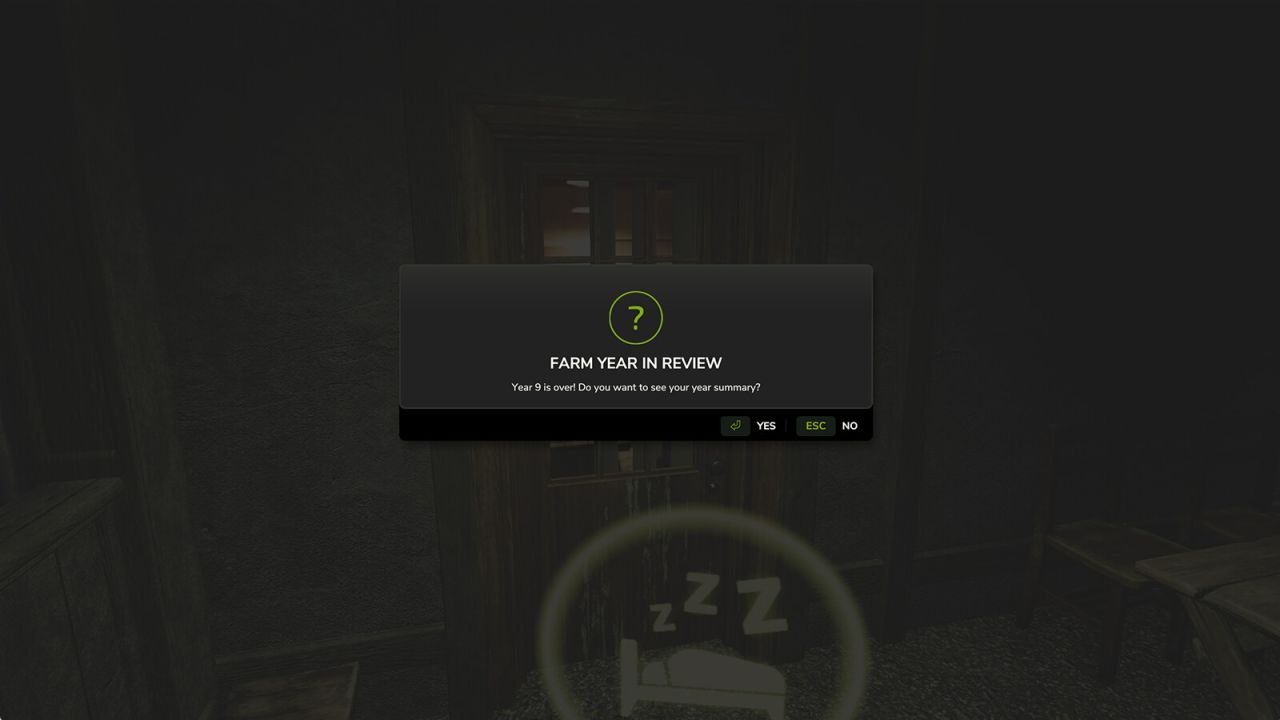
At the end of every in-game year the summary is ready (a window, a notification or nothing – you choose). All years are also available on the new “Farm Year In Review” page of the in-game menu, together with a summary of your whole career and all-time records. Every summary has at most 10 slides.
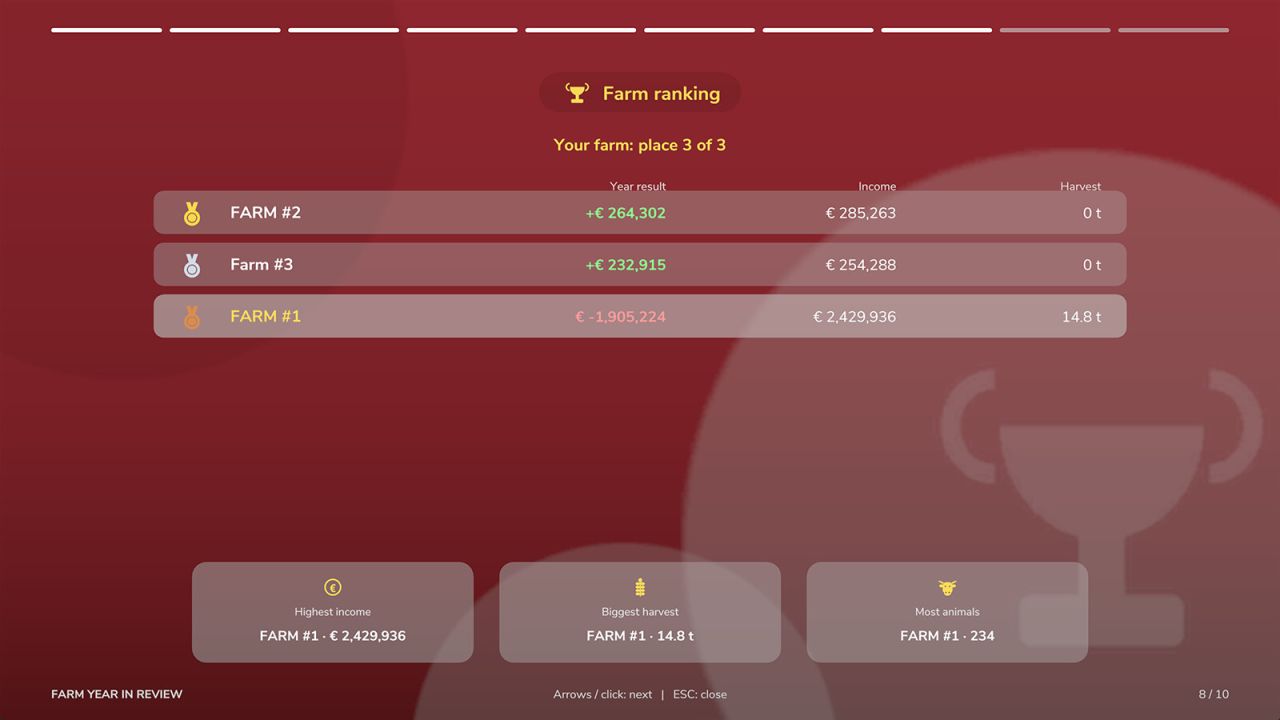
Multiplayer: supported. Data is collected on the server separately for every farm, each player sees the summary of their own farm, and a ranking compares all farms. Data is saved with the savegame. Data is collected from the moment the mod is added, so the first year may be partial.
Languages: English, German, French, Spanish, Italian, Polish, Czech, Russian.
Hotkeys:
– Left Alt + W: open / close the summary of the last finished year (on foot and in vehicles)
– Left / right arrow keys, mouse click, Enter: next and previous slide
– Up / down arrow keys, mouse wheel: scroll the chronicle
– ESC: close the summary
– Controller: navigate the slides with the menu buttons; the open action can be assigned in the controls settings
– In-game menu, page “Farm Year In Review”: Enter opens the selected year, “Whole career” opens the summary of all years, “End of year” switches between window / notification / off