English Radio Stations V1.0.0.0 LS25
English Radio Stations V1.0.0.0 LS25
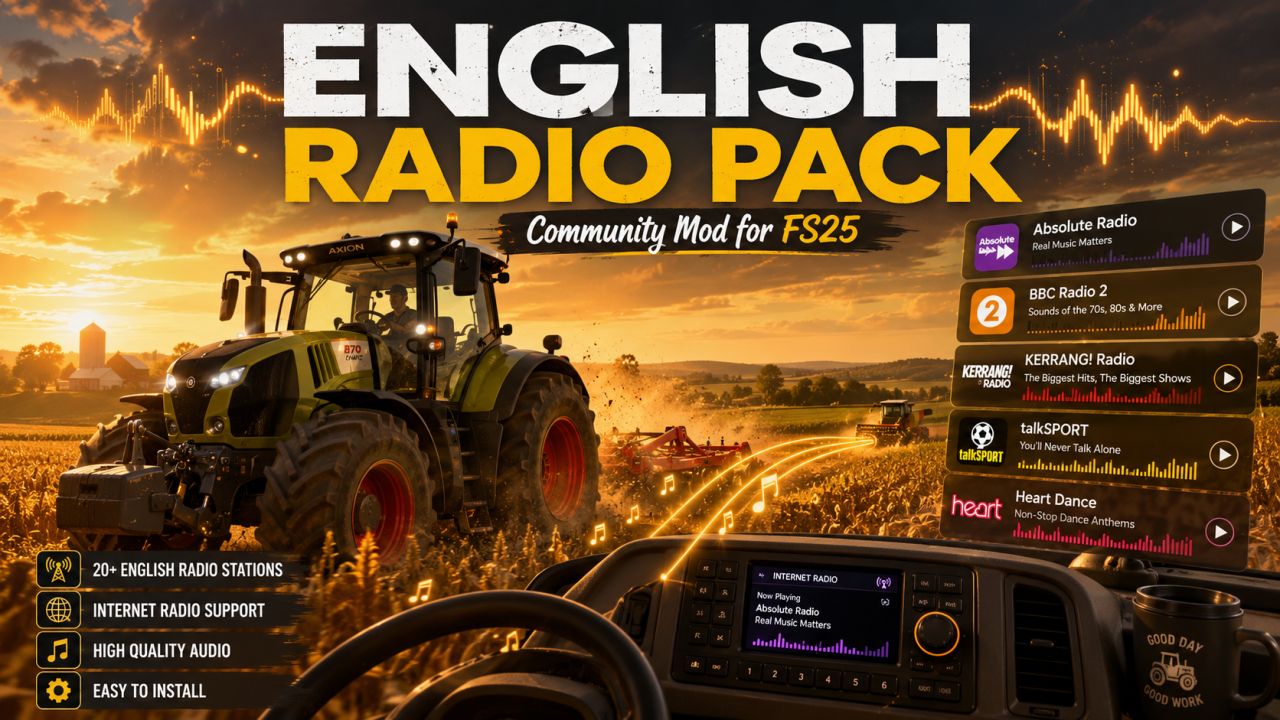
Bring more atmosphere to your Farming Simulator 25 experience with the English Radio Pack. This simple radio add-on gives you a large collection of English-speaking internet radio stations directly inside the game, perfect for long fieldwork, road trips, harvesting, logging, or relaxing on your farm.
The pack includes a wide selection of stations covering different styles such as country, rock, pop, classic hits, talk radio, dance, and more. Just install the file, start the game, and enjoy listening while you work.
Features
80+ English-speaking internet radio stations
Easy installation
Works with the in-game radio system
No extra scripts required
Great for realism and immersion
Suitable for casual farming, roleplay, multiplayer, and long gameplay sessions
Installation
Download and extract the file.
Copy streamingInternetRadios.xml to:
Documents/My Games/FarmingSimulator2025/music
If the folder already contains a radio file, make a backup first.
Start Farming Simulator 25.
Use the in-game radio controls to switch between stations.
Notes
Some radio streams may occasionally stop working if the station changes its stream URL or goes offline. This is normal for internet radio streams and is not caused by the mod itself.
Credits: CLS940