Delete nearby objects V1.0.0.0 LS25
Delete nearby objects V1.0.0.0 LS25
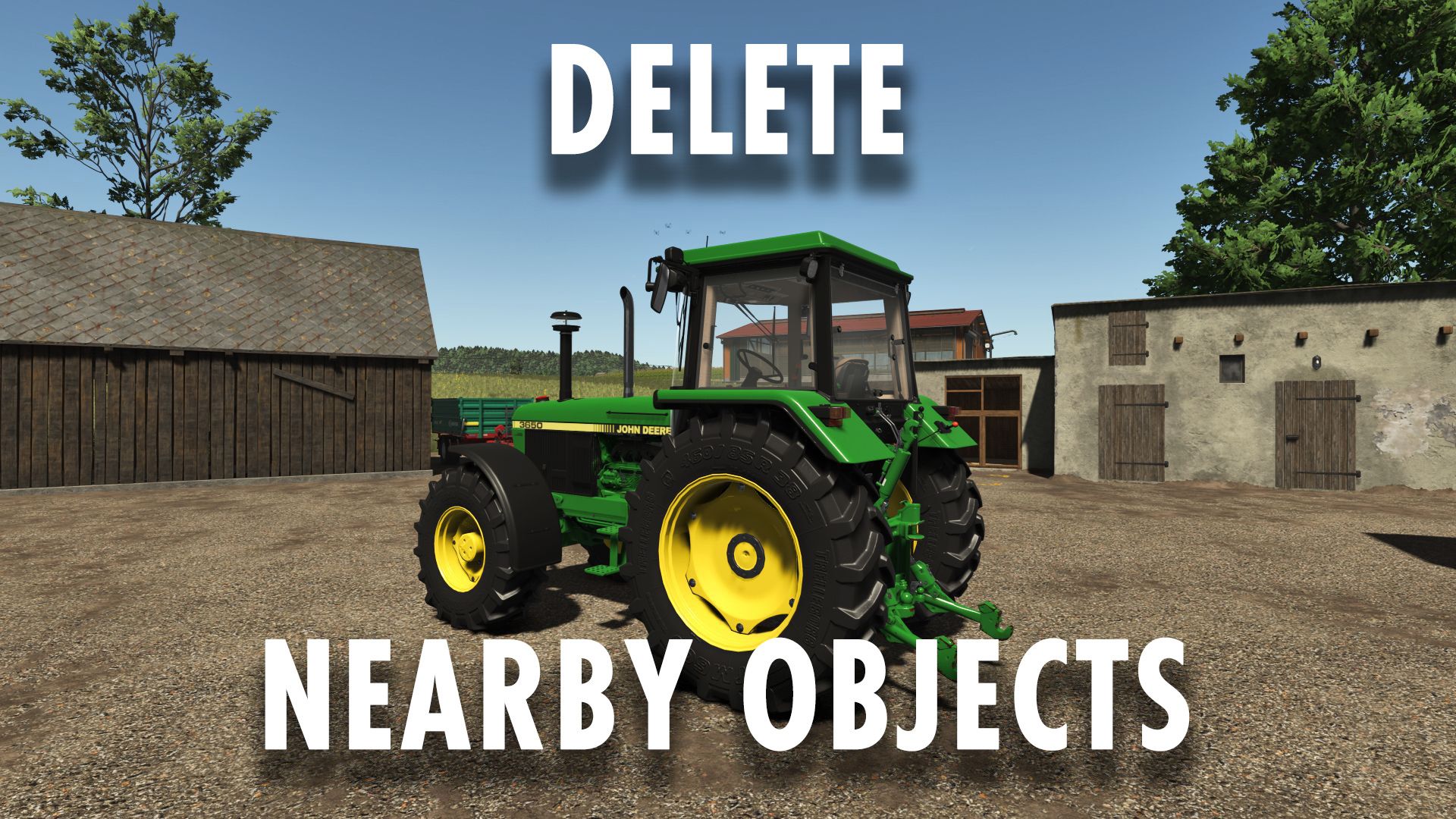
Delete nearby objects
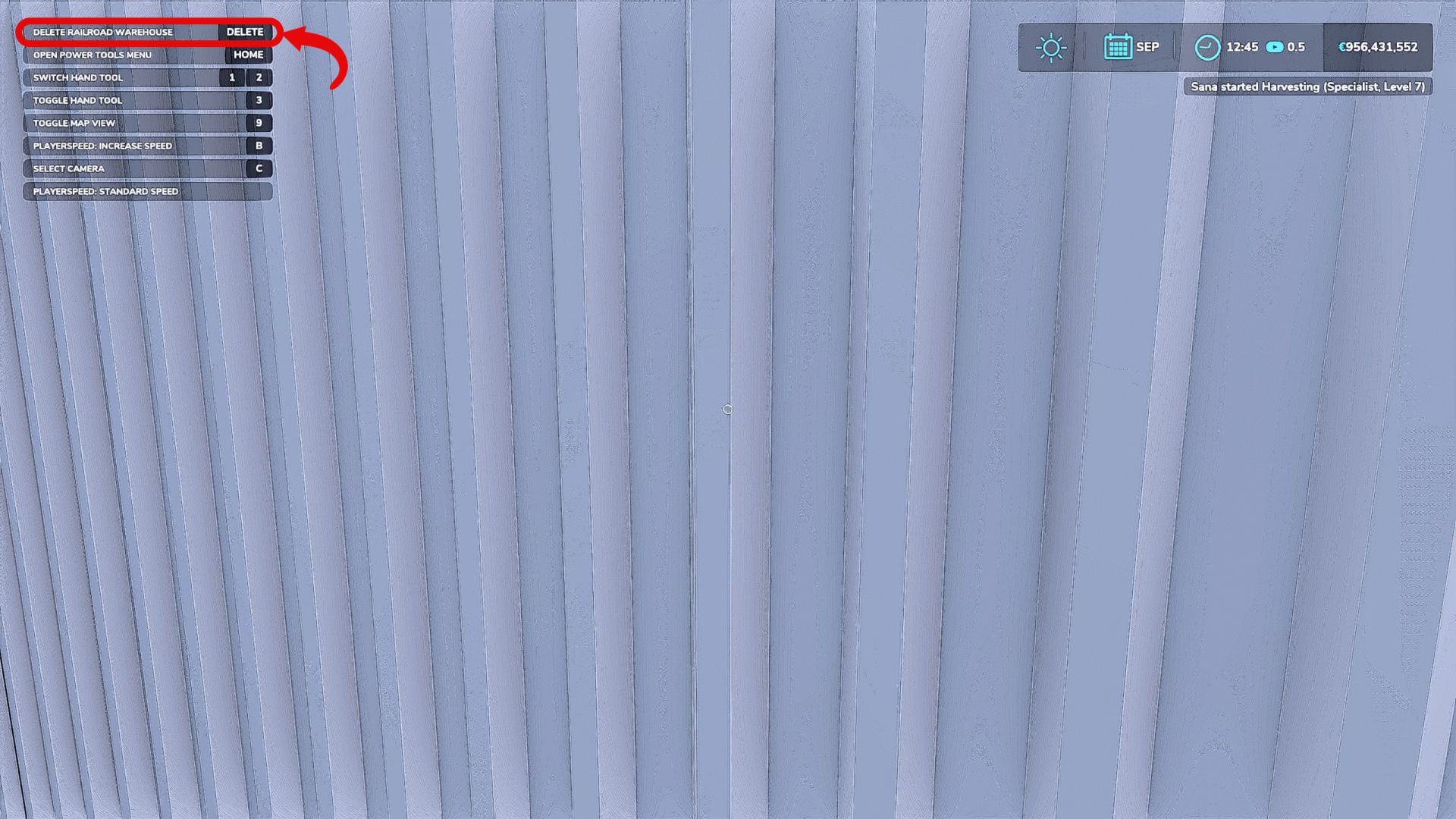
Stand near an object, look at it, and press the delete button to remove it.
Trees, logs, stumps, bales, pallets, vehicles, physical objects, and registered placeable objects are all supported.
Be careful in multiplayer mode, as deleted objects are permanently removed from the game.
Overview of “Delete Nearby Objects”:
“Delete Nearby Objects” is a utility mod by Sumro Gaming for Farming Simulator 25. This page explains the mod before the player accesses the download source. Simply stand near an object, aim at it, and press the “Delete” key to remove it. Trees, logs, stumps, bales, pallets, vehicles, compatible physics objects, and registered placeable objects are supported. Caution is advised in multiplayer mode, as deleted objects are permanently removed from the game save. “Delete Nearby Objects” is an original utility mod by Sumro Gaming for Farming Simulator 25.
This mod is aimed at players who want faster farm cleanup, convenient save game management, and fewer repetitive manual tasks. The basic principle is simple: stand near an object, aim at it, and delete it with the Delete key. Supported objects include trees, logs, stumps, bales, pallets, vehicles, and physics-based objects. “Delete Nearby Objects” isn’t just about the existence of the file; it’s also about what the mod does, when it’s useful, and how safely it can be tested in a real game save.
The “Delete Nearby Objects” mod
focuses on the following functions: deleting supported nearby objects with a single keystroke; useful for cleaning up save games, farms, and misplaced objects; a proven utility script from Sumro Gaming for FS25. The mod detects the object the player is near or currently targeting and removes supported items with a simple action. It’s a handy cleanup tool. The added value lies not in a lengthy new menu, but in the time saved when carefully removing objects in a test save or on the farm.
This mod is particularly useful for farm cleanup and testing, as it eliminates repetitive manual steps without fundamentally altering the savegame’s style. The six screenshots on this page show “Delete Nearby Objects” in action, allowing players to visualize the mod before downloading it. A good way to evaluate “Delete Nearby Objects” is to perform the same process once with and once with the mod enabled and compare the results under normal gameplay conditions. For “Delete Nearby Objects,” the key indicators of a successful test are the function’s behavior, the state of the savegame after reloading, and whether the rest of the mod folder continues to function correctly.
Credits: SumroGaming