Construction Undo V1.0.0.0 LS25
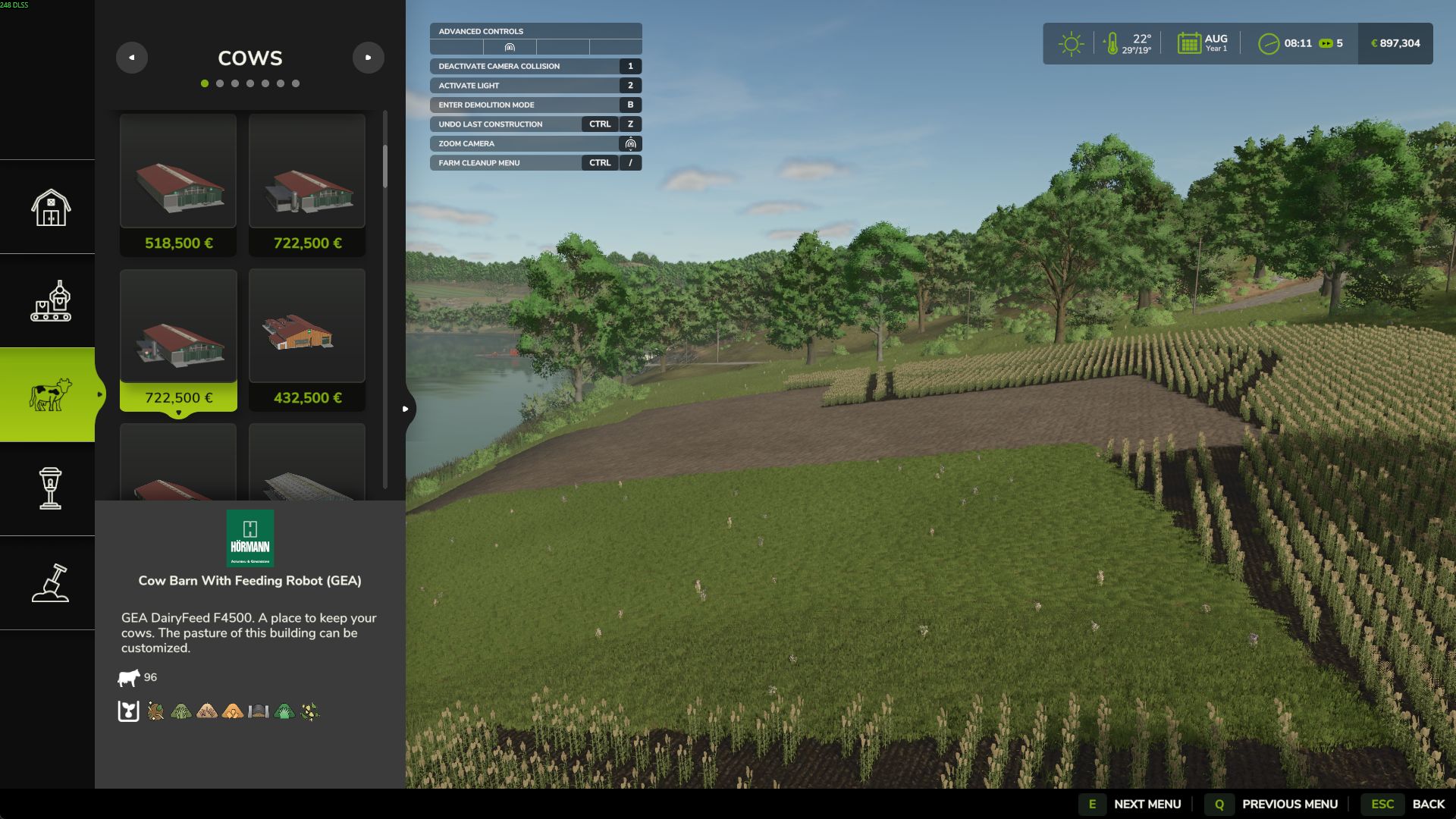
Construction Undo V1.0.0.0 LS25
Placed a building in the wrong spot and the game flattened your terrain? Construction Undo adds a real UNDO for construction.
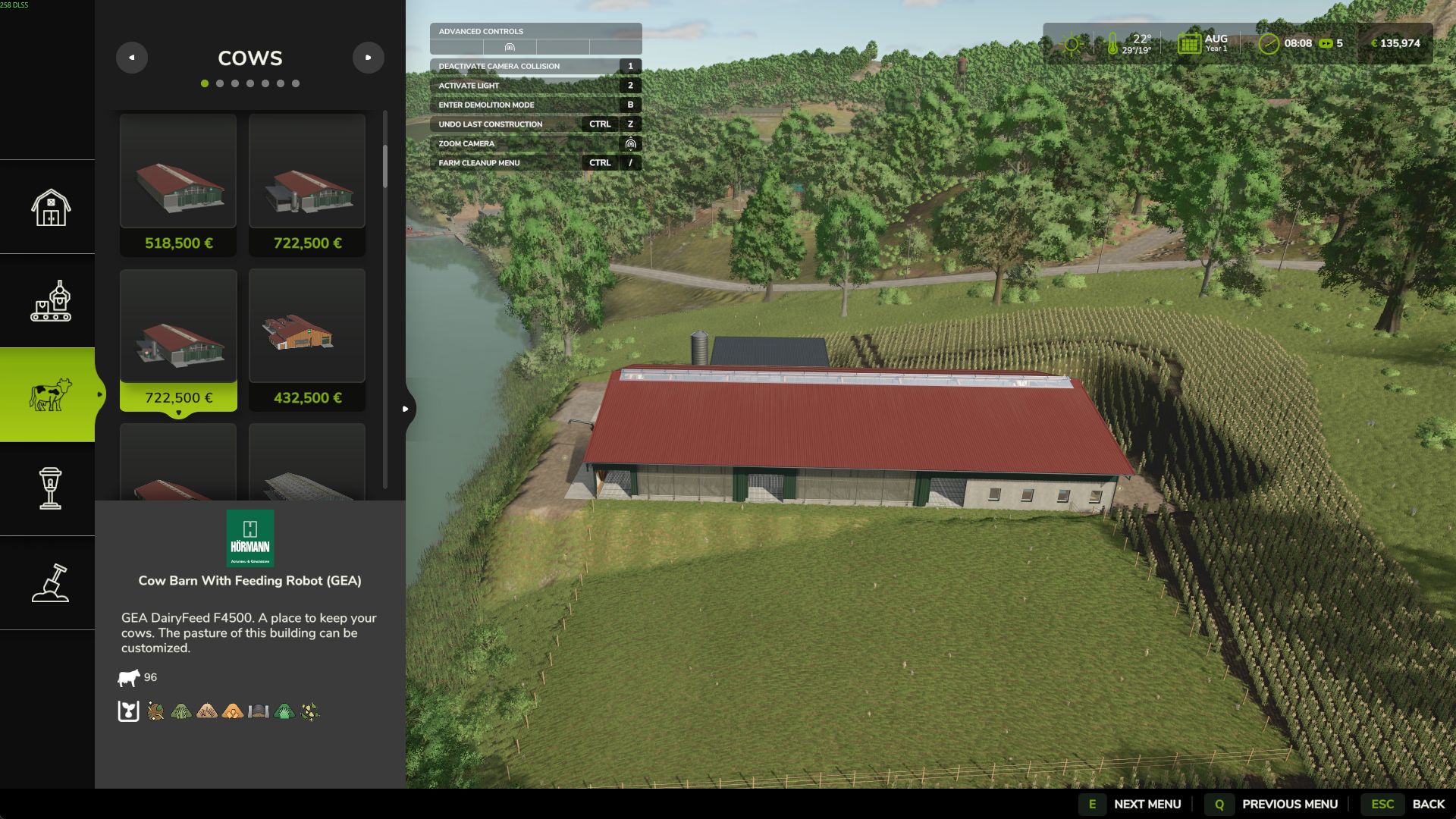
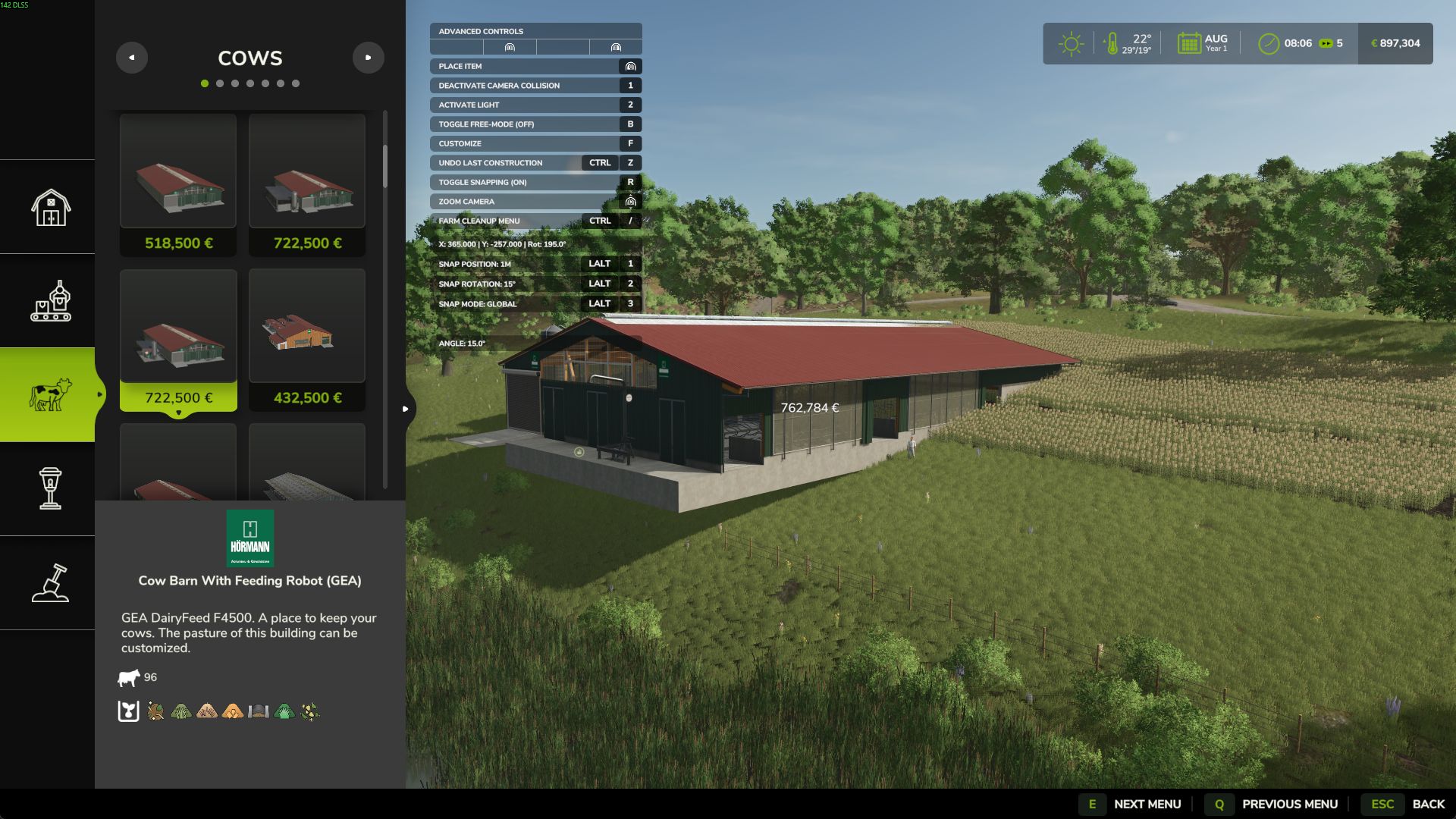
Press Ctrl+Z (rebindable — works while walking and directly inside the construction menu) to undo the last construction action:
Building placement — the building is removed, the full purchase price (including terrain displacement costs) is refunded, and the terrain height around it is restored to how it was before.
Landscaping sculpt strokes — the raise / lower / smooth / flatten brush is reverted stroke by stroke.
Already sold the building manually? Undo still repairs the terrain damage it left behind.
The mod remembers the last 12 actions.
Multiplayer is supported: the undo runs on the server and each player can only undo actions of their own farm.