Autodrive BallySpring V1.0.0.0 LS25

Autodrive BallySpring V1.0.0.0 LS25
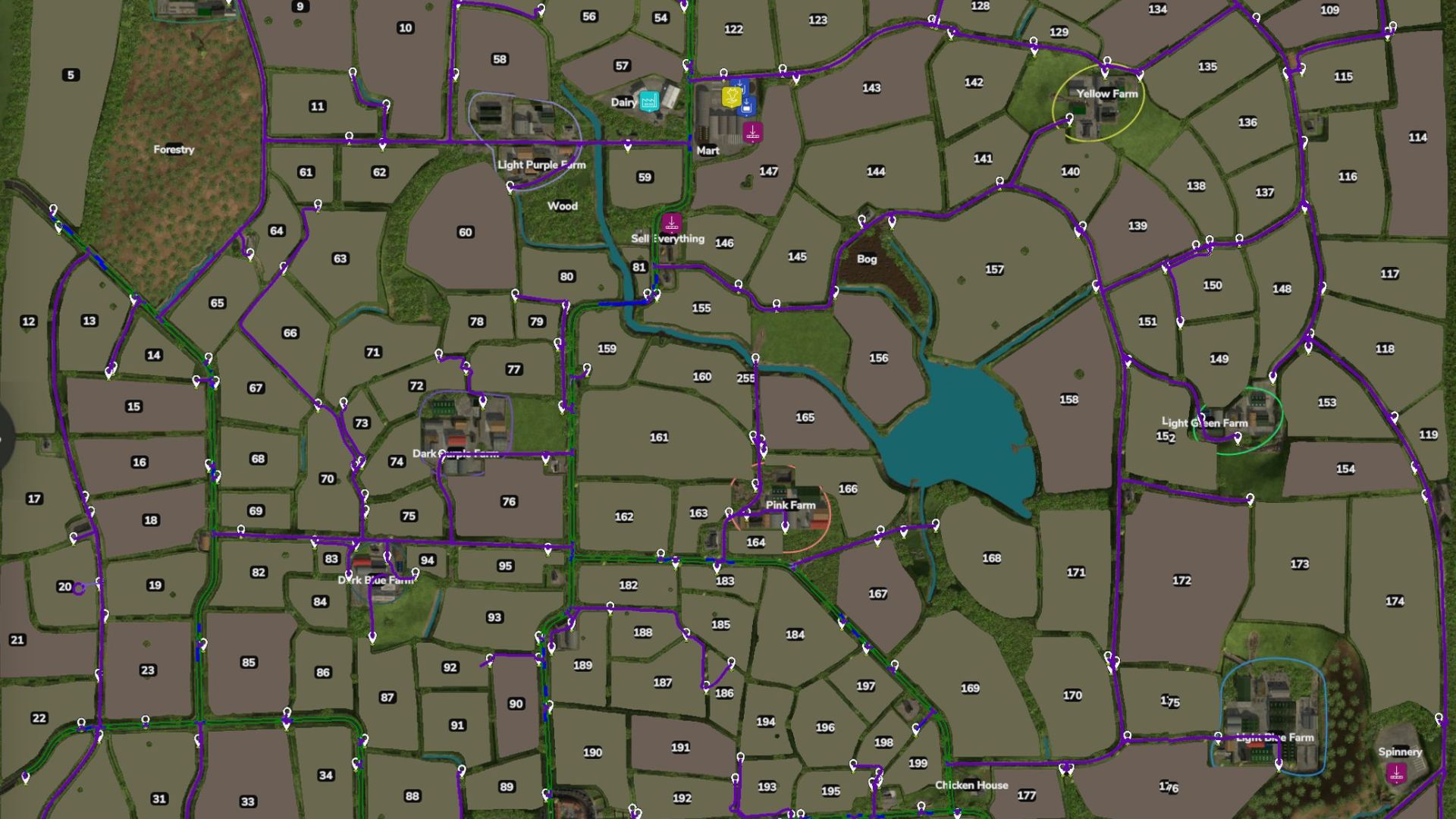
304 Waypoints covering Fields, Farms, Productions and Fill and Sell Points.
Due to the narrow roads and small fields, there are no loops around fields.
Due to the small layout of farms, no triggers have been mapped.
Make note that almost all the points are behind a gate.
Please let me know if you find anything wrong or doesn’t work and I will try and get a fix done and new version uploaded.
Install instructions
You will need to have a game save for Ballyspring25 map with AutoDrive loaded.
If not an old game save, open a new game save, say ‘Yes’ to the generation of an AutoDrive course on initial load in, save the game, quit and close the game.
Find the ‘savegame #’ folder in game folder (usually documents>my games>FarmingSimulator25>savegame #).
Open the corresponding game save folder and find the AutoDrive_config.xml File and delete it.
Take the AutoDrive_config.xml file out of the ZIP folder and place in the game save folder.
Start up the game again and load up the save game and it should all be there.
Tip: you can copy the AutoDriveUsersData.xml as well, it has preferred settings ready for the course.
Required mods:
Autodrive
BallySpring