Auto Plant V1.0.0.0 LS25

Auto Plant V1.0.0.0 LS25
Auto Plant — Farming Simulator 25
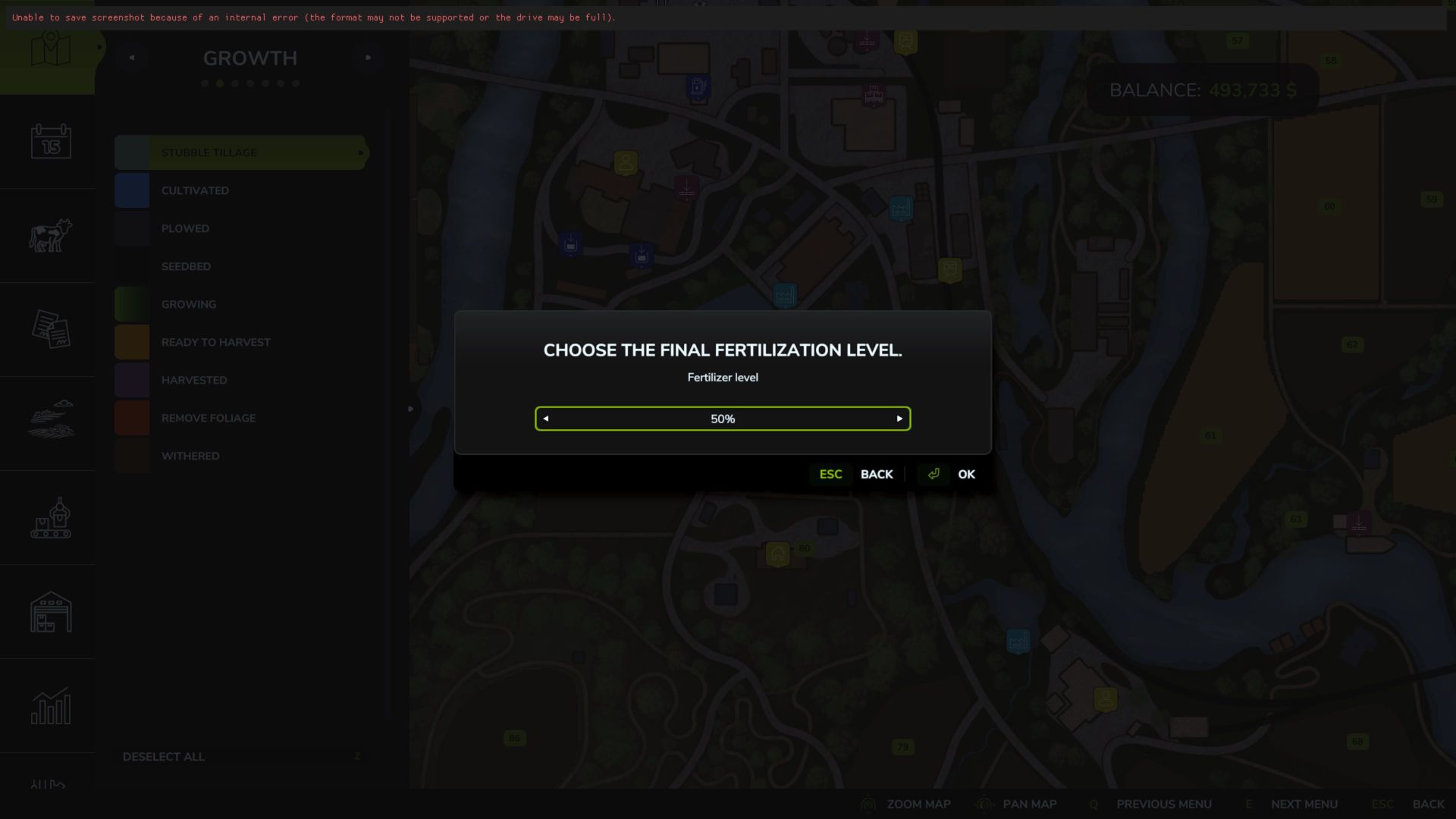
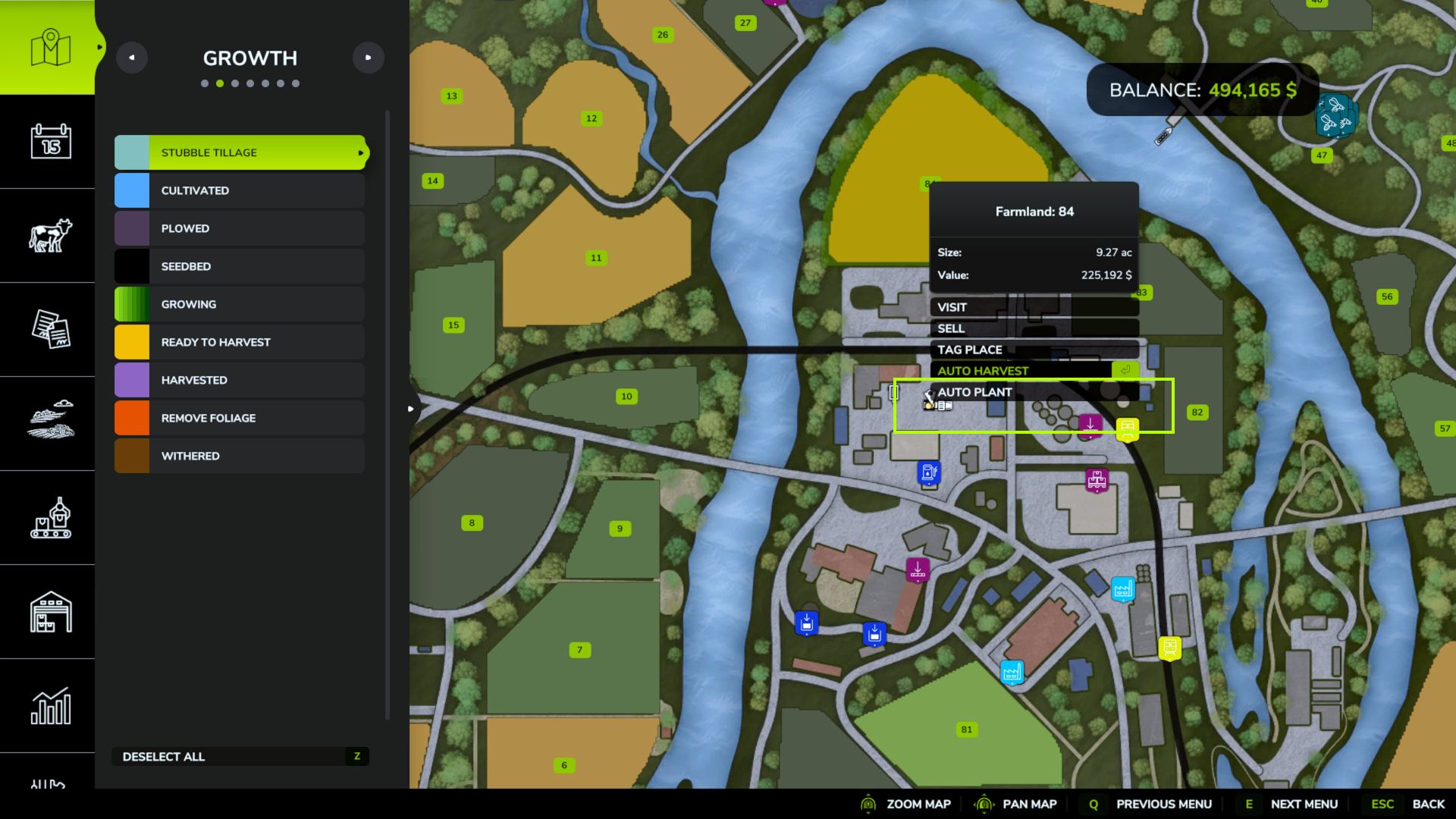
Plant your fields instantly! Open the map, click on a farm property you own that contains a field, and select Auto Plant. Choose your crop and optionally fertilize to 50% or 100% using slurry, digestate, manure, solid fertilizer, or liquid fertilizer.
Crop choices follow your map’s planting calendar and seasonal growth settings, including supported custom field crops. No equipment or animations required. Crops grow normally after planting.
Planting replaces any existing crop in the selected field.
Tested in-game with no errors reported. Please let me know if you find any errors.