Altkirch im Elsass v1.0.0.1 LS25
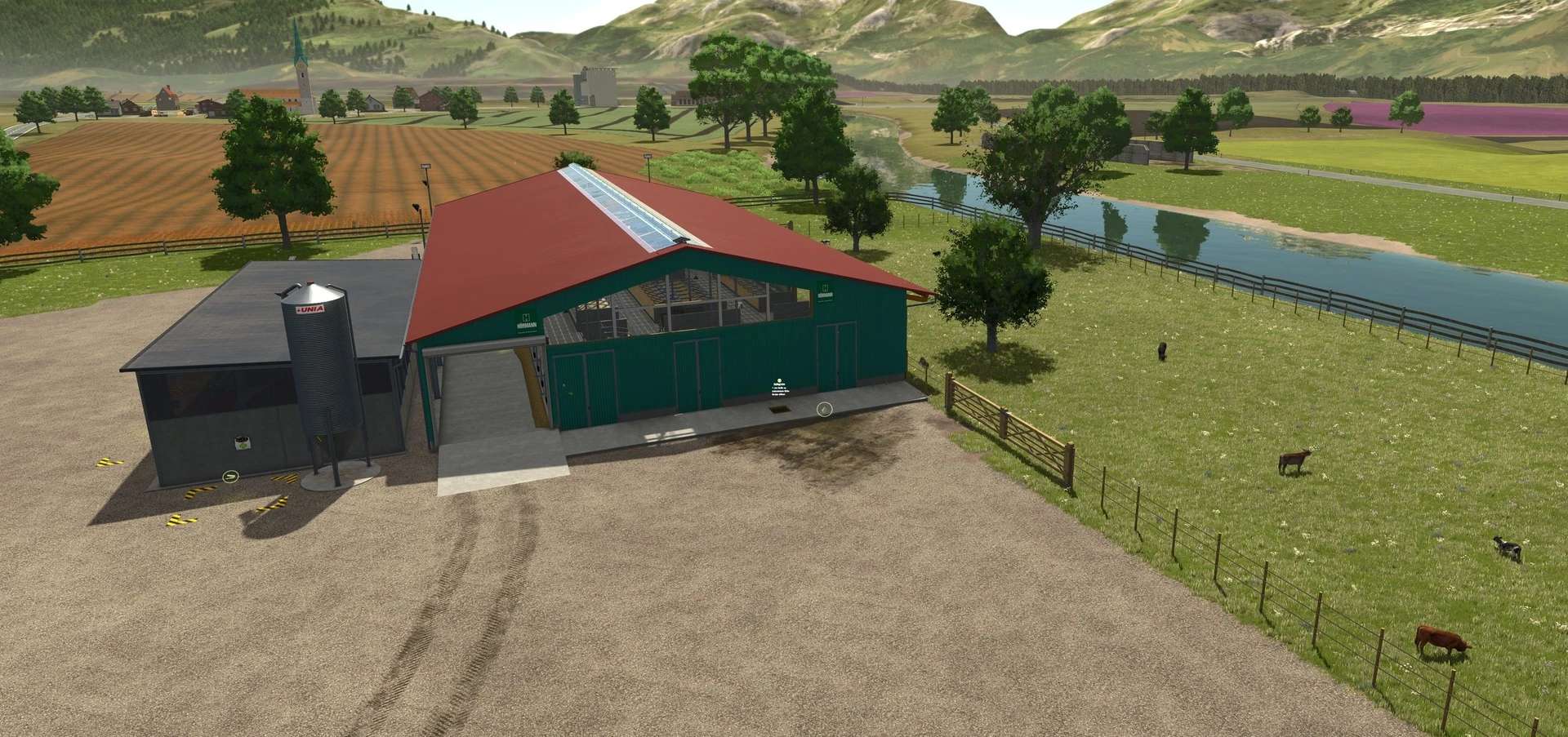
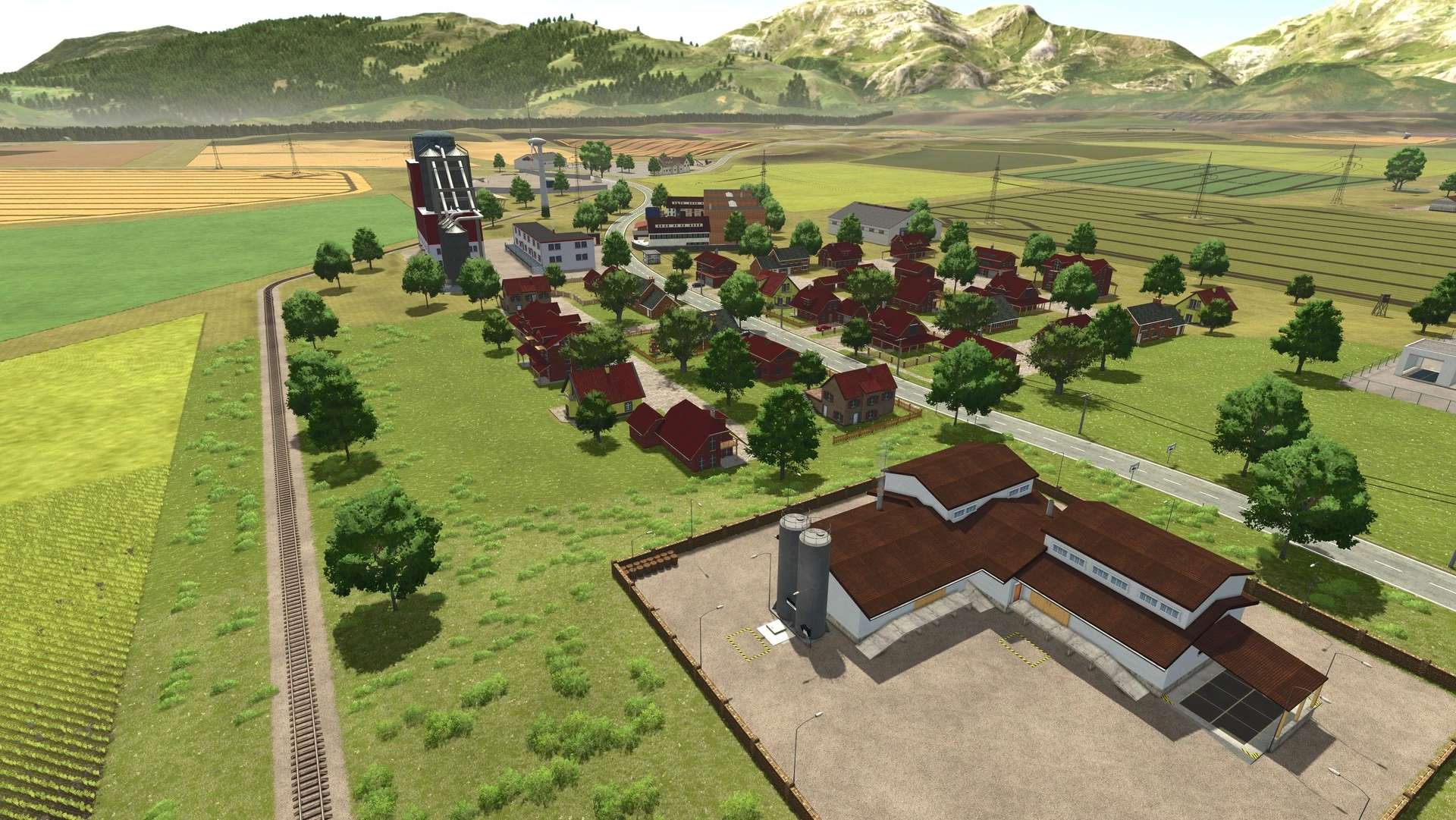
Altkirch im Elsass v1.0.0.1 LS25
With this, the Altkirch farm has now made it into LS25.
V1.0.0.1
– Missions changed to Giants missions.xml
– Removed additional crops from missions
– Fixed meadow => couldn’t be mowed
– Fixed farmer’s market sales point => invisible colli on the ground
– Fixed dead trees (too low or floating in the air)
– Fixed mission rock floating in the air
– Fixed streetlight between shop and canteen kitchen
– Fixed freight depot unloading station
– Fixed workshop decoration at the pig farm (no textures)
– Fixed cutting unit racks at the CroGer farm
– Fixed collision at the fan outlet at the CroGer farm
– Removed various bushes in the fields. Only effective with a new save game
– Sheep pens fixed => sheep’s milk and goat’s milk were not being produced
– Sheep pastures fixed => wool pallets were not being produced
– Cow pastures fixed => health not increased
– Manure extraction from the stables fixed
– Pellet production fixed => did not accept molasses pallets, triggers for straw, hay, and wood chips scaled too small
– Roads fixed (small gap at the edge)
– Moving floor at Holzkerle sawmill fixed
– Beetmaster fixed => no overloading onto trailers was possible
A big thank you: goes to everyone who supported me.
The map contains a lot of production (approx. 51) and a lot of fields.
What was installed:
– Precision Farming
Support is only available with an attached log file.