Unimog U400 v1.4.5.0 LS25
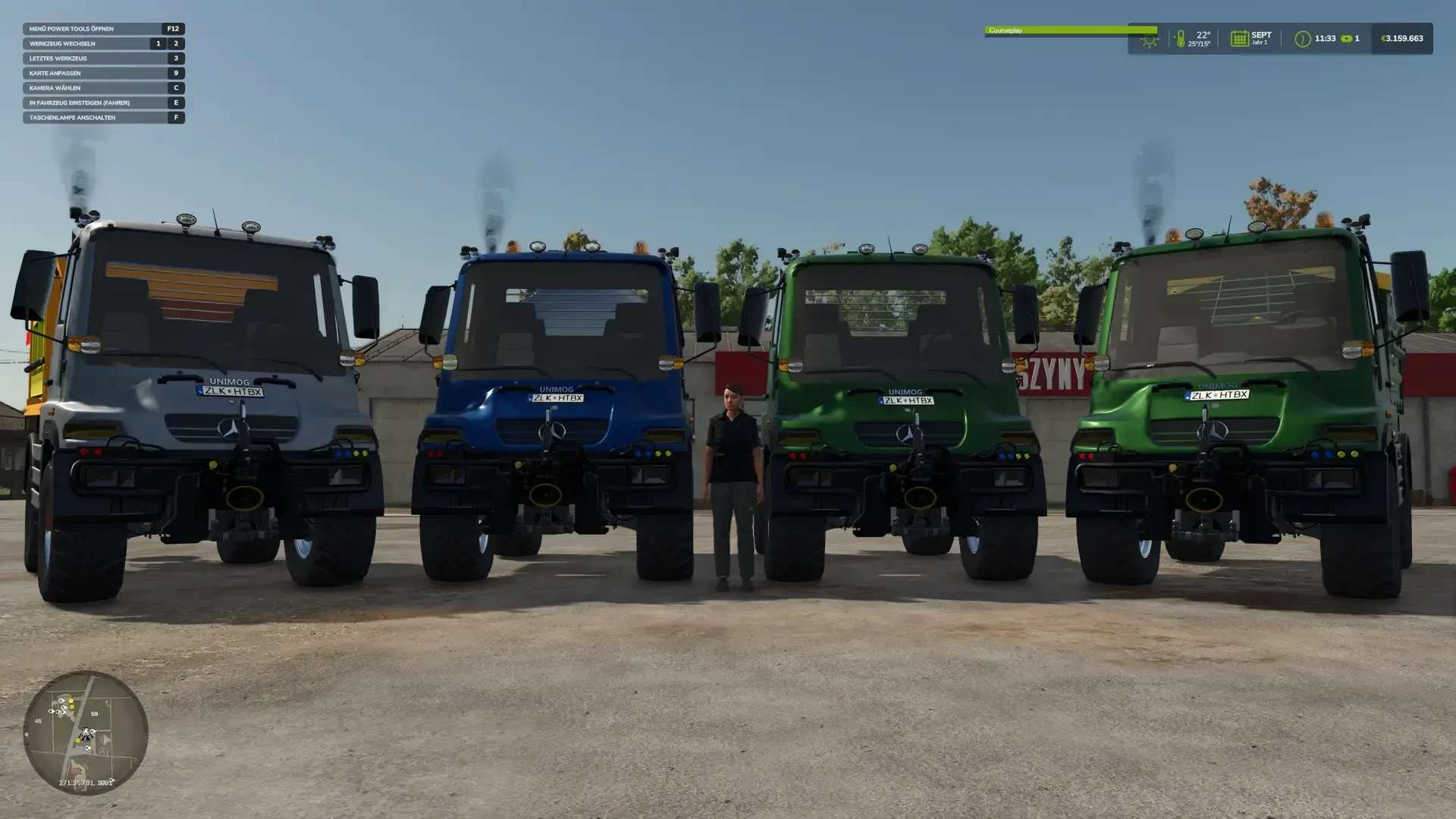
Unimog U400 v1.4.5.0 LS25
Update: 1.4.5.0
realGPS added
– Available in the shop. If you don’t have the “real GPS” mod but still configure the display, the “loading screen” will appear.
Vehicle Information Display
– The display has been completely redesigned.
– More settings will follow once “DBL” is released. The all-wheel drive and parking brake icons are placeholders and have no function!
Update: 1.4.0.0
Interactive Control added
– Engine Start/Stop
– Lights on – Cycle through – Off “More to come”
Sound reworked – Greetings to “Leon3333 and VarigoFBM.” I hope you like it better…
P.S. Bugs or suggestions for improvement are welcome.
The Unimog U400, known from LS22
Modder “Tackleberry” has brought the Unimog to LS22. It is and remains his mod! Let me say that explicitly! A request for conversion has been sent to “LS-Modcompany,” but unfortunately, no response yet.
I’ll continue tinkering with the Unimog… If you have any bugs or suggestions for improvement, please post them in the comments.
– The Unimog has a color selection for the cab and rims.
– The bodies also have a color selection available – except for the salt spreader!
– etc.
The mod can be found in the “MISCELLANEOUS” category.
P.S. I would like to thank the modder “Wobby” for his tips and advice!
“The mod may not be distributed on other websites without my permission!”