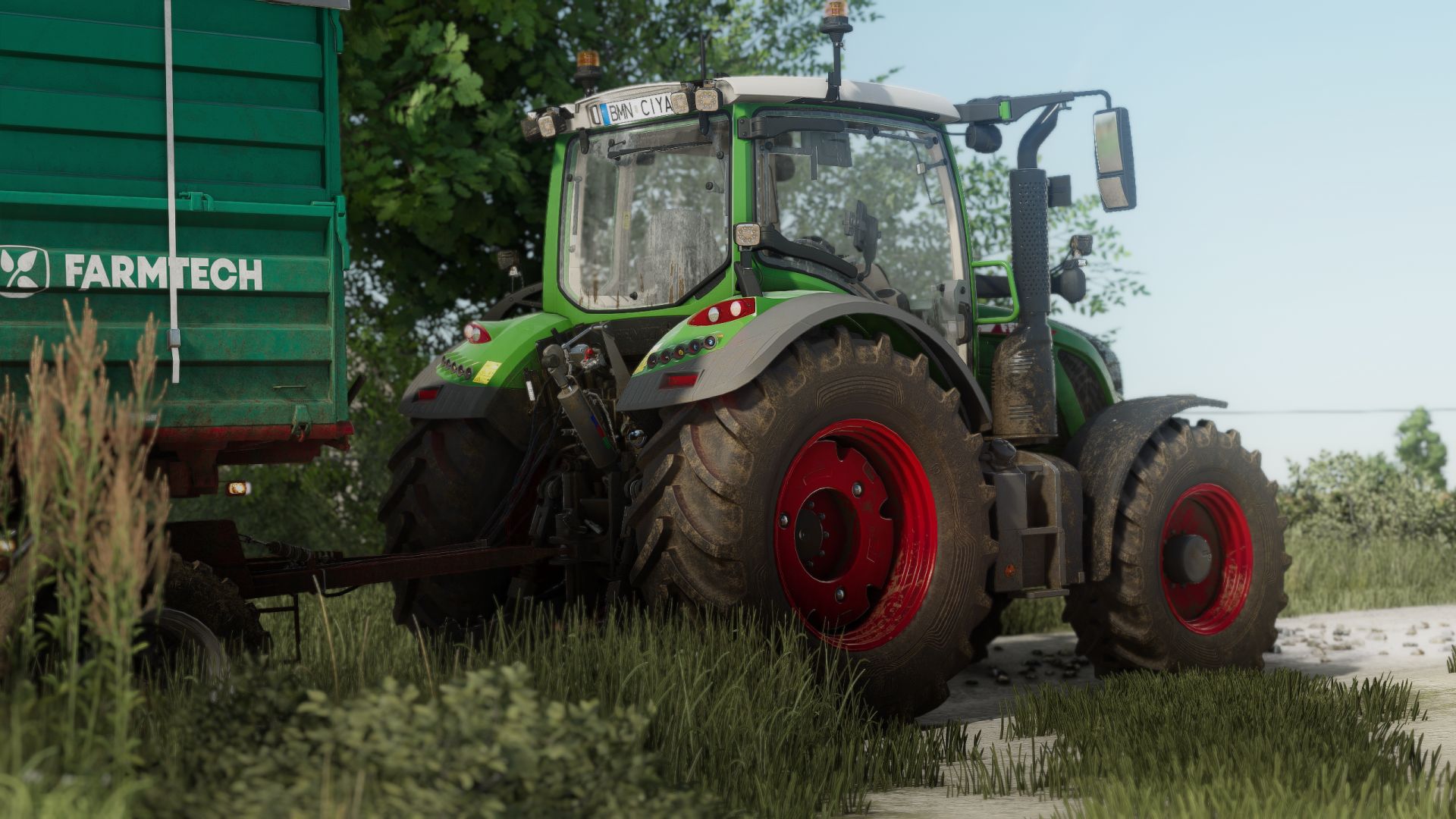
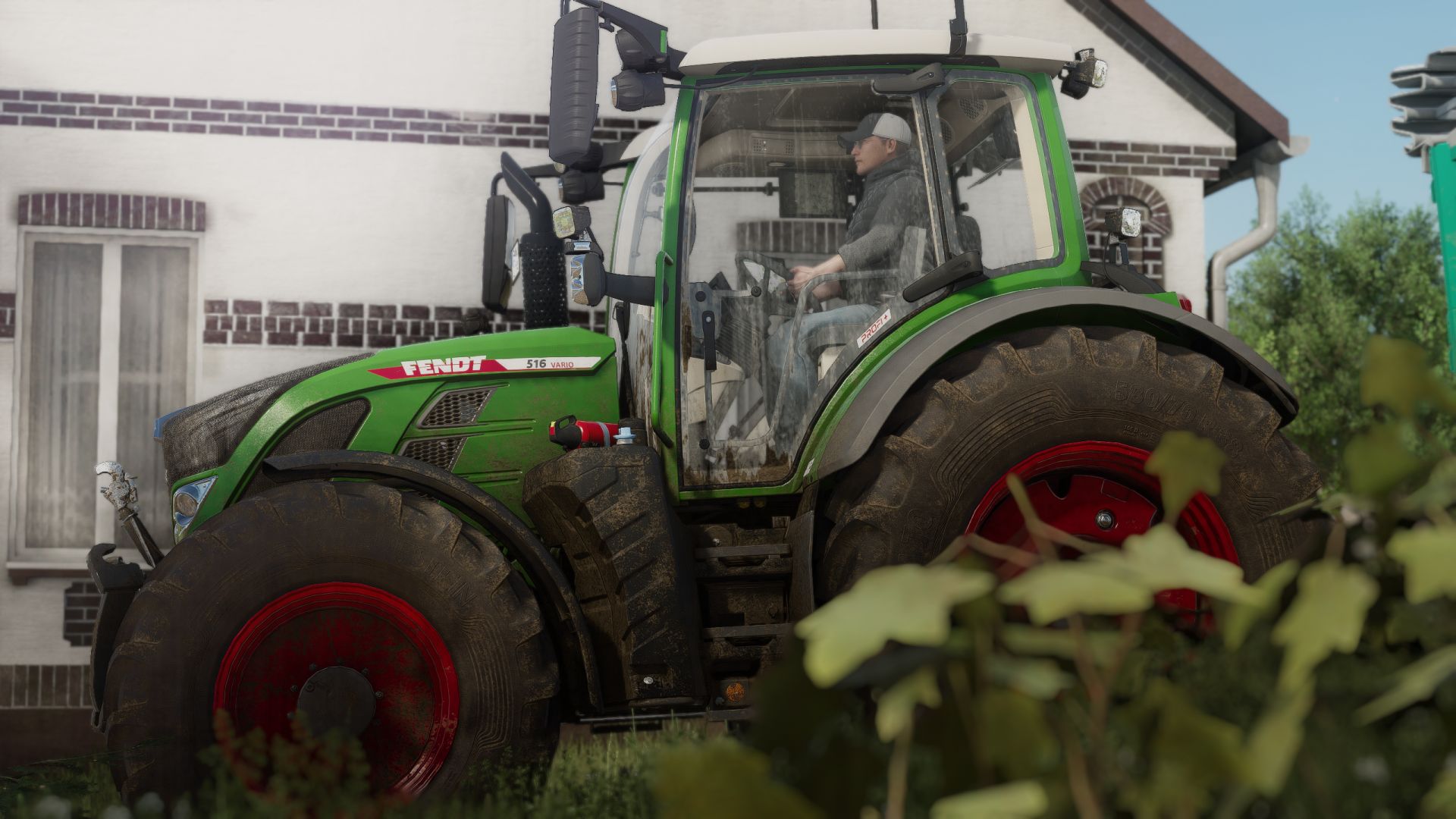
Shader 3 by CasiJR V1.0.0.0 LS25

Shader 3 by CasiJR V1.0.0.0 LS25


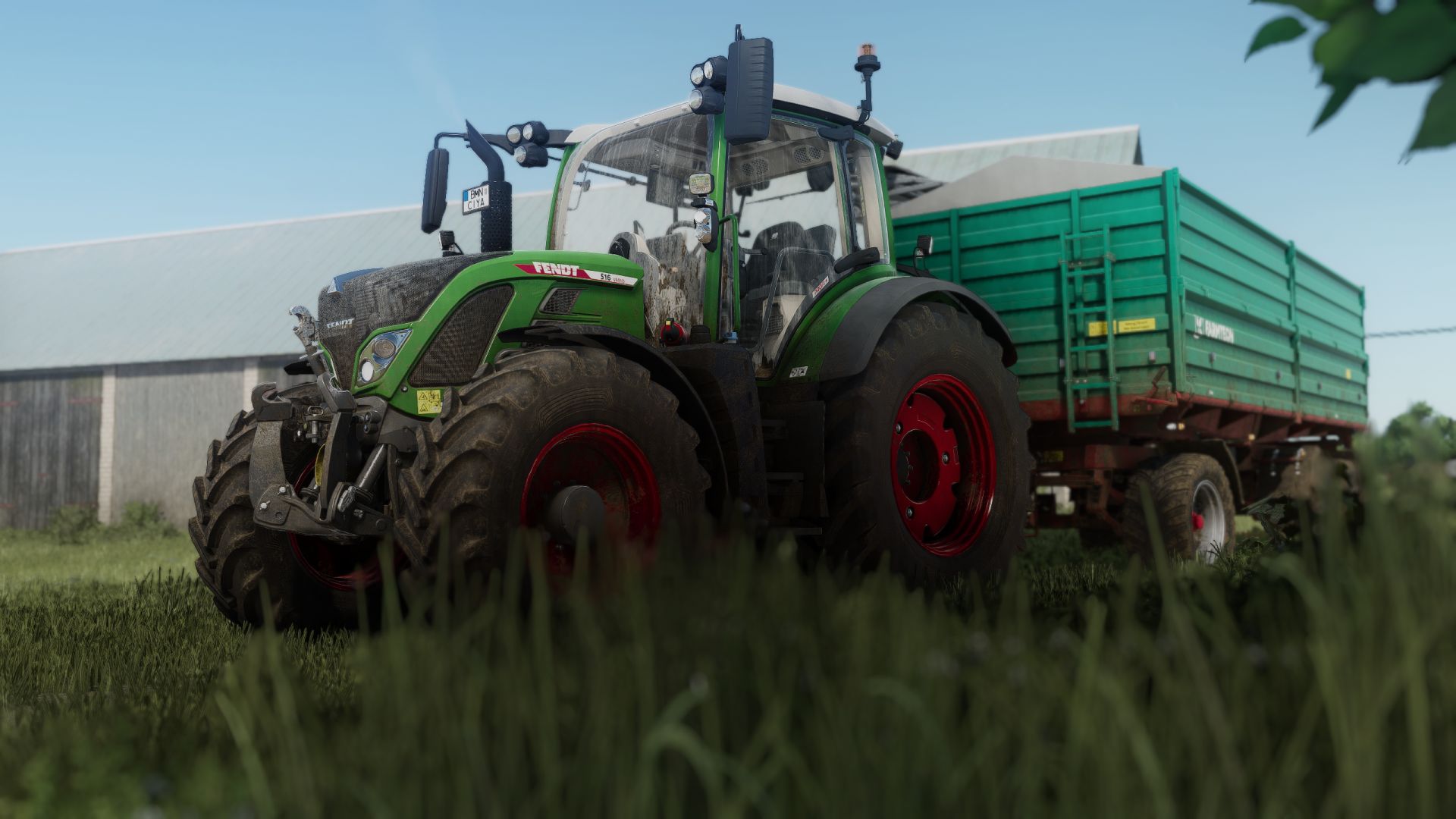
Hello guys, I come back with another shader, I hope you like it.

Instructions
1. Install Addition Game Settings mod
2. Install Reshade
Pick Giants Engine 9.0.0.0 and DirectX10,11,12
Install all effects
3. Go in Program Files (x86)/Steam/steamapps/common/Farming Simulator 25(in my case) and put in the x64 folder the Shader_3 by CasiJr.ini
4. Launch game and press “Home” button and select “Shader_3 by CasiJr.ini”
5. In “Additional Settings” tab change your “Custom lighting” to “Sample”
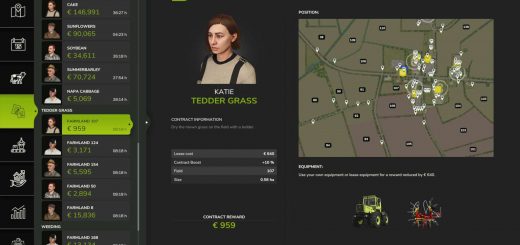
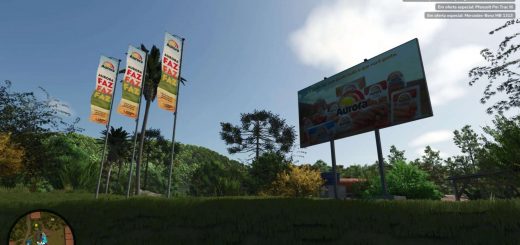
Credits: Casian


How to use LS25 Mod

All Farming Simulator 25 mods are to change the gameplay, create new content, or add more items to the Farming Simulator 25 game. So downloading and installing this kind of FS25 mod is the best way to update your basic game version. Select this or any other Farming Simulator mod and copy it to your mods folder. We recommend you modify the game with new Tractors, Trucks, Machines, or Maps for FS25. So don't wait, choose the mod and create your own game with LS25 mods for PC version right now!


Best LS25 Other

Leave a Reply

Do you need help or to say thanks for mod author? Just leave a comment bellow!