Open Pastures v1.0.0.0 LS25
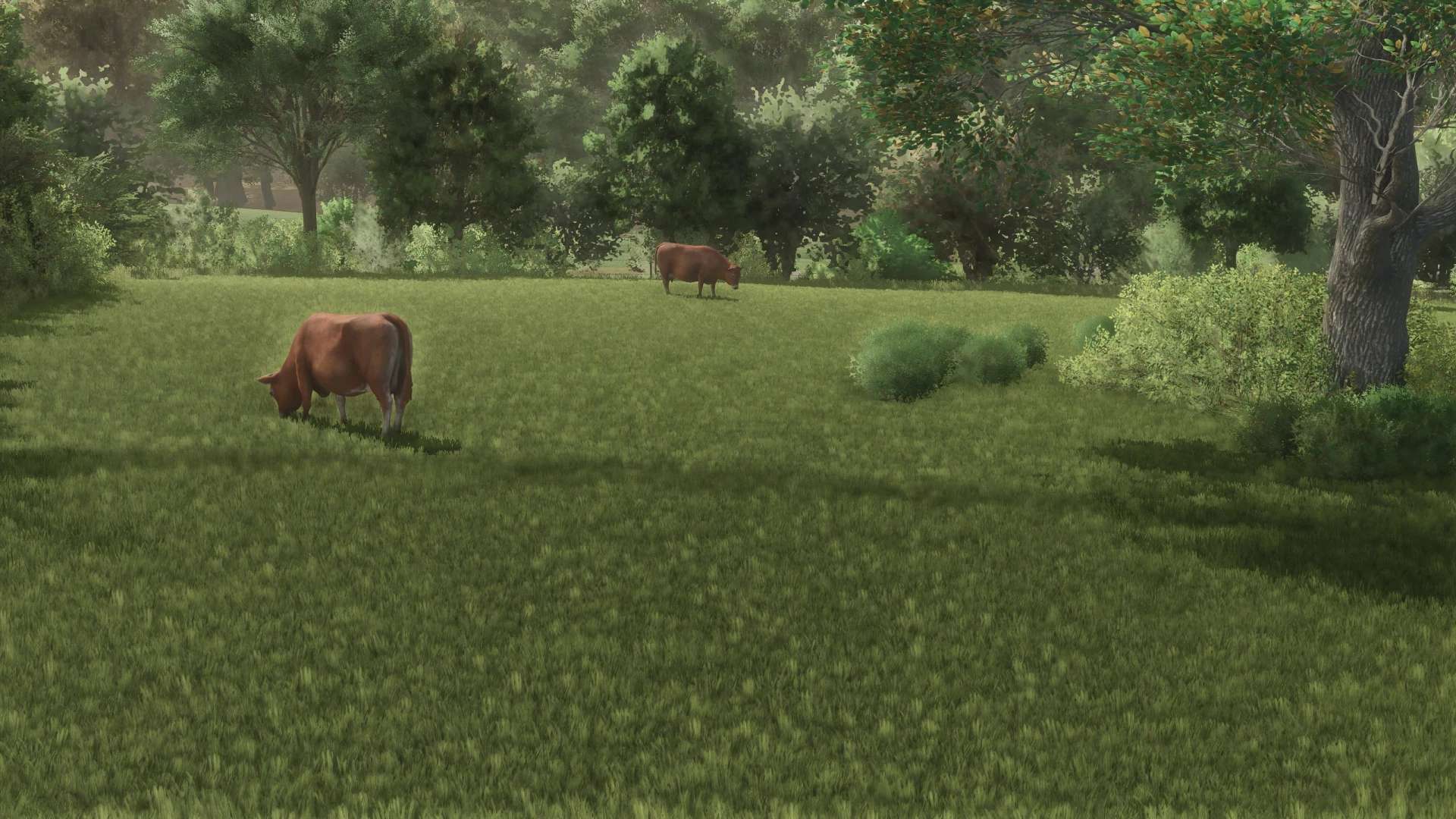
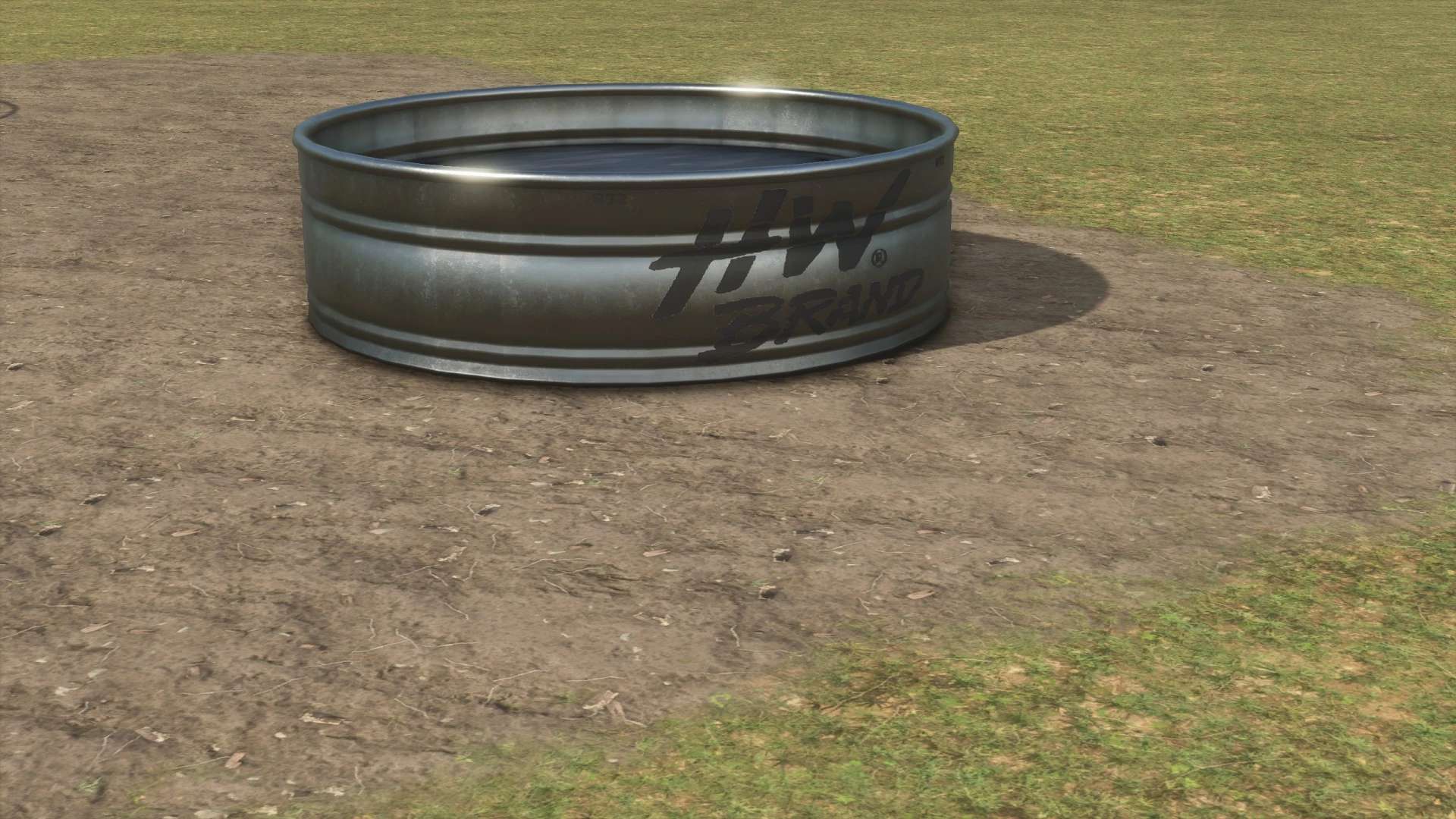
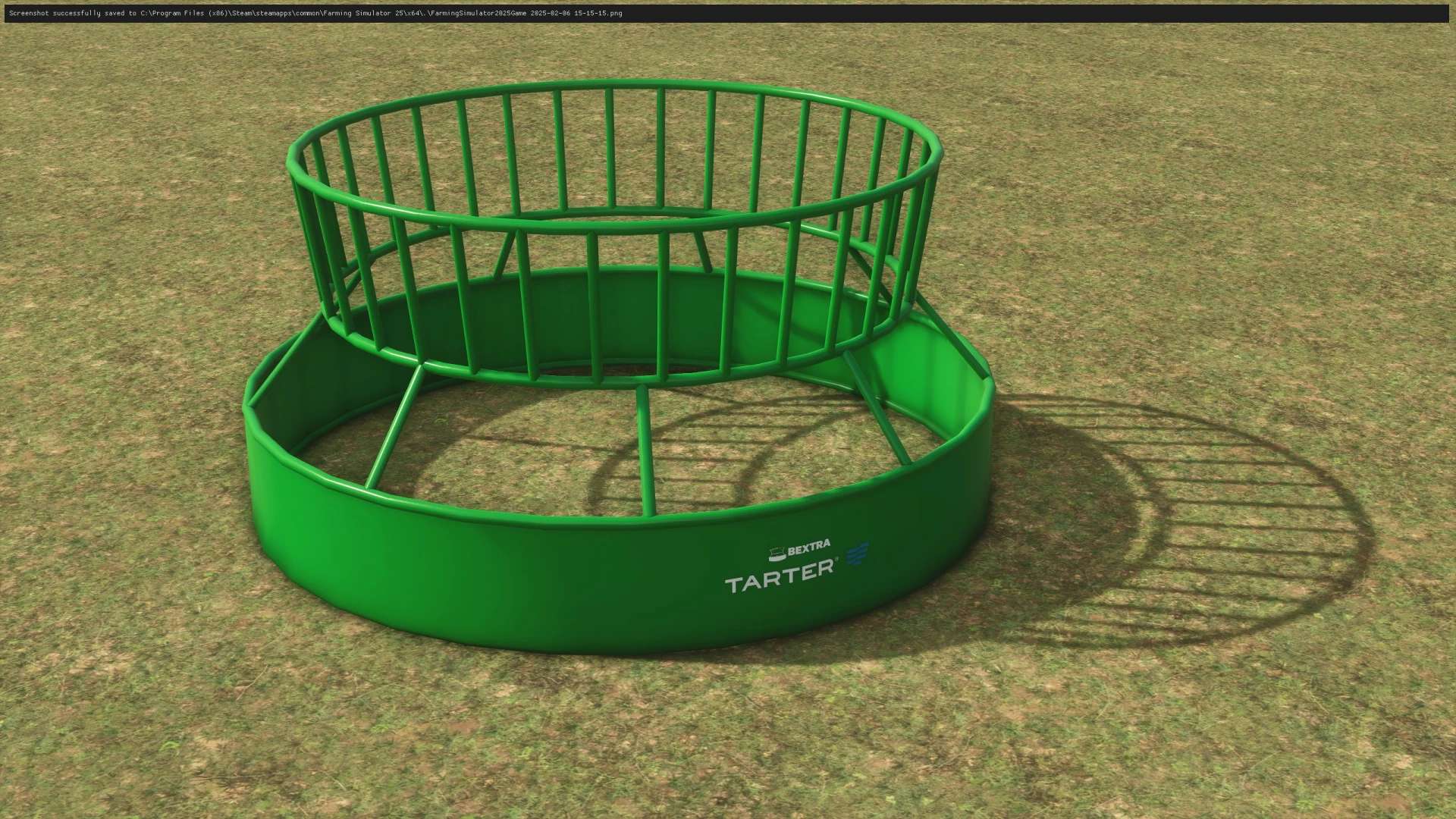
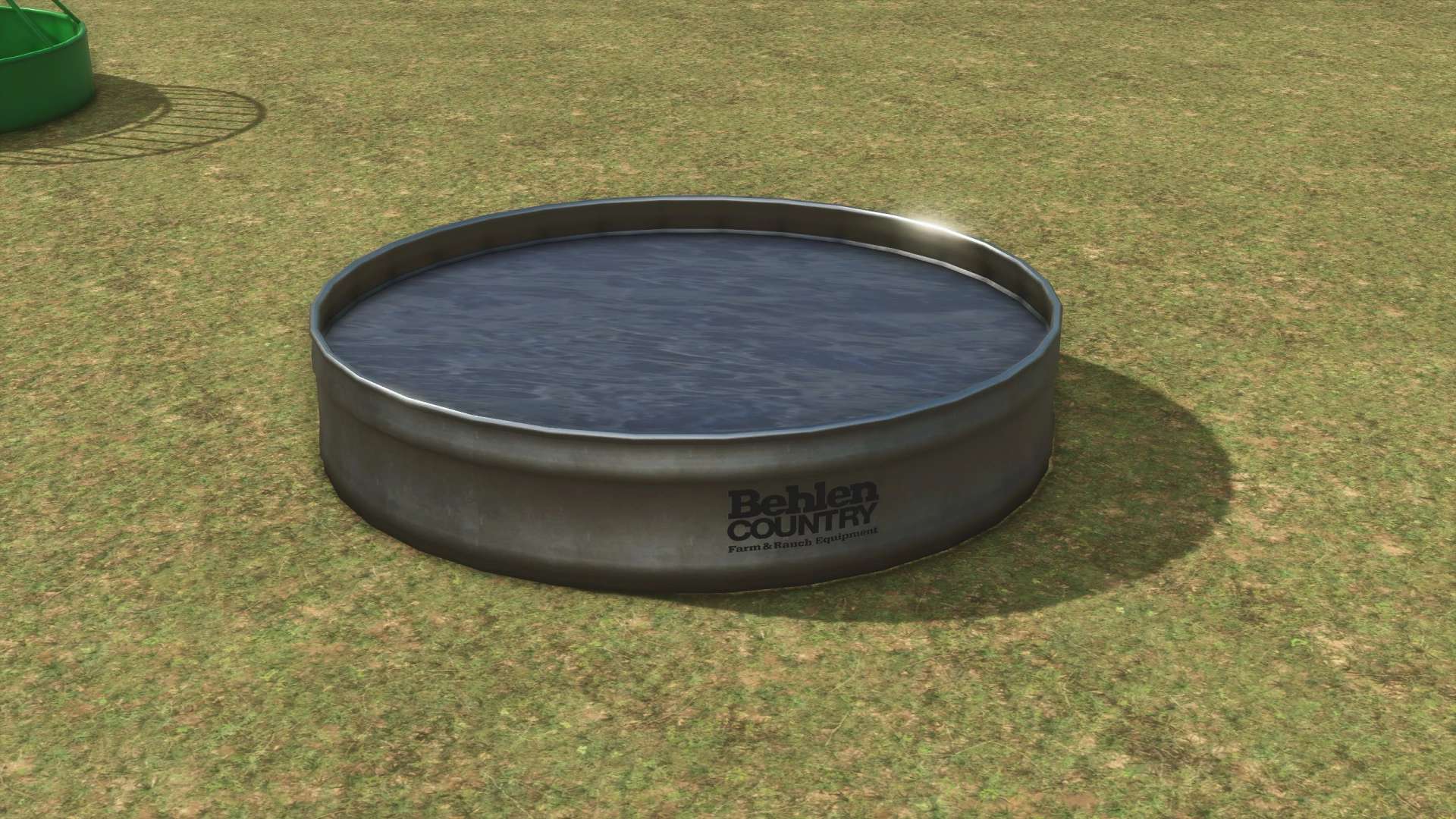
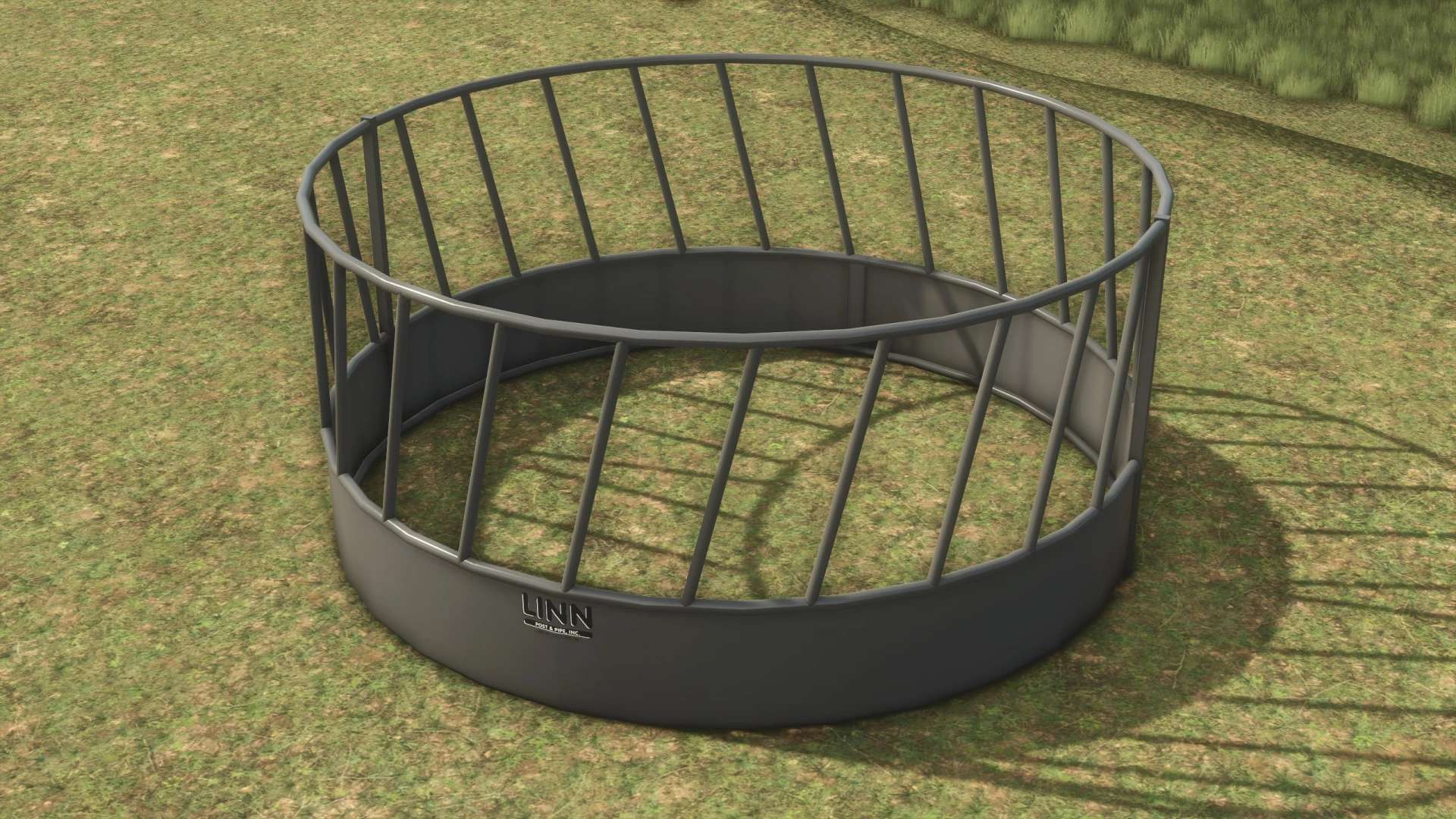
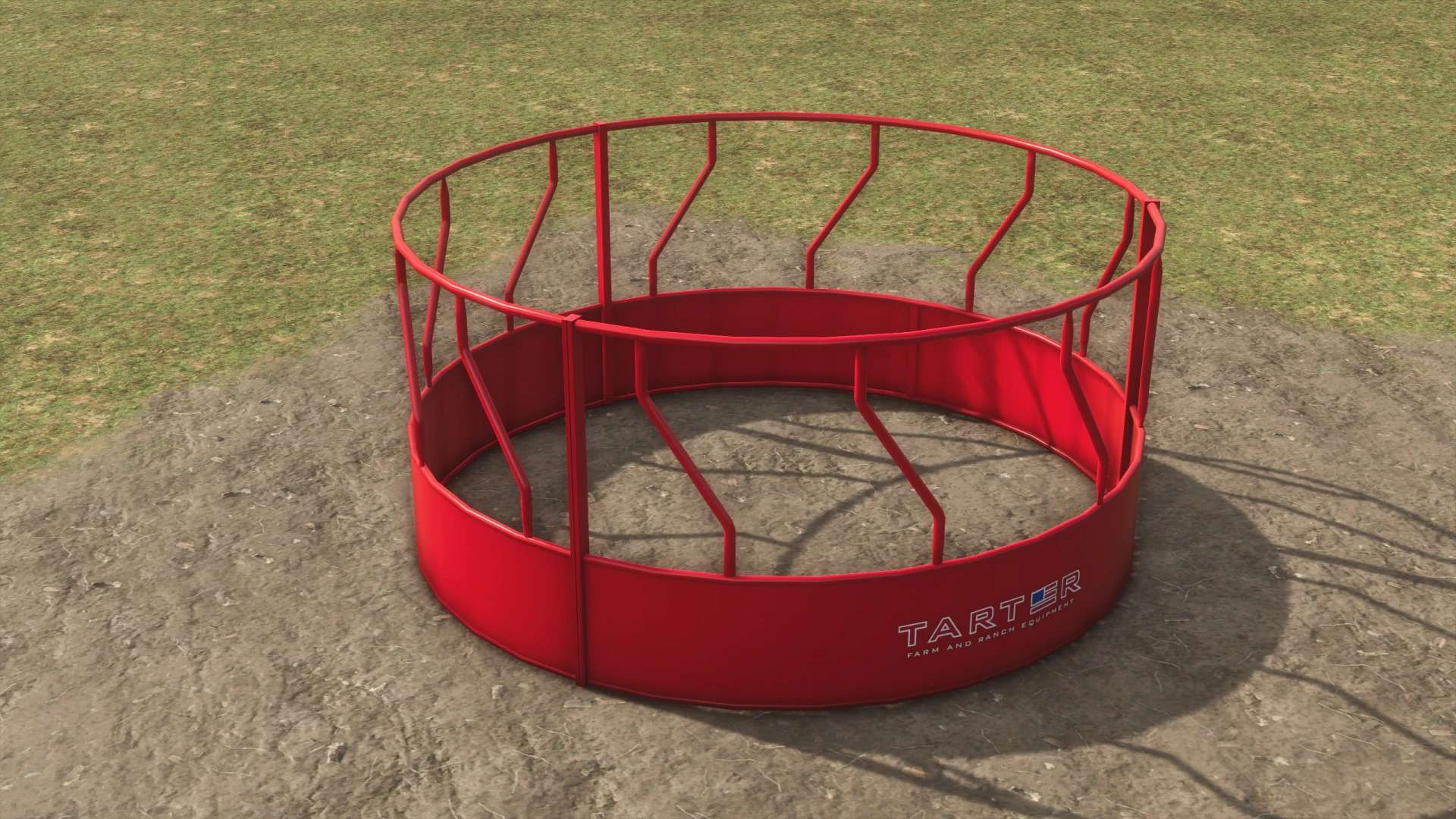
Open Pastures v1.0.0.0 LS25
THERE IS A NEW WAY OF PLACING THEM
To get invisible fences you must follow these steps.
1. Launch Steam and Left click on Farm Sim 25, hover over manage, and then select browse “local game files”
2. From there press data->placeable->brandless->fences->husbandries
3. Drag and drop cowFence folder in the husbandries, and replace all!
4. Drag the actual mod into your mod folder and you will be set!!
There is some finesse to learn, and I would recommend playing around with them in a new game before placing them on your Savegame as you can’t landscape inside a painted meadow… so if your going to do any terraforming you have to do it before the ground is enclosed in the cow pasture. If there is any questions on how to use it ask my Discord!