Manual Attach v1.0.0.0 LS25
Manual Attach v1.0.0.0 LS25
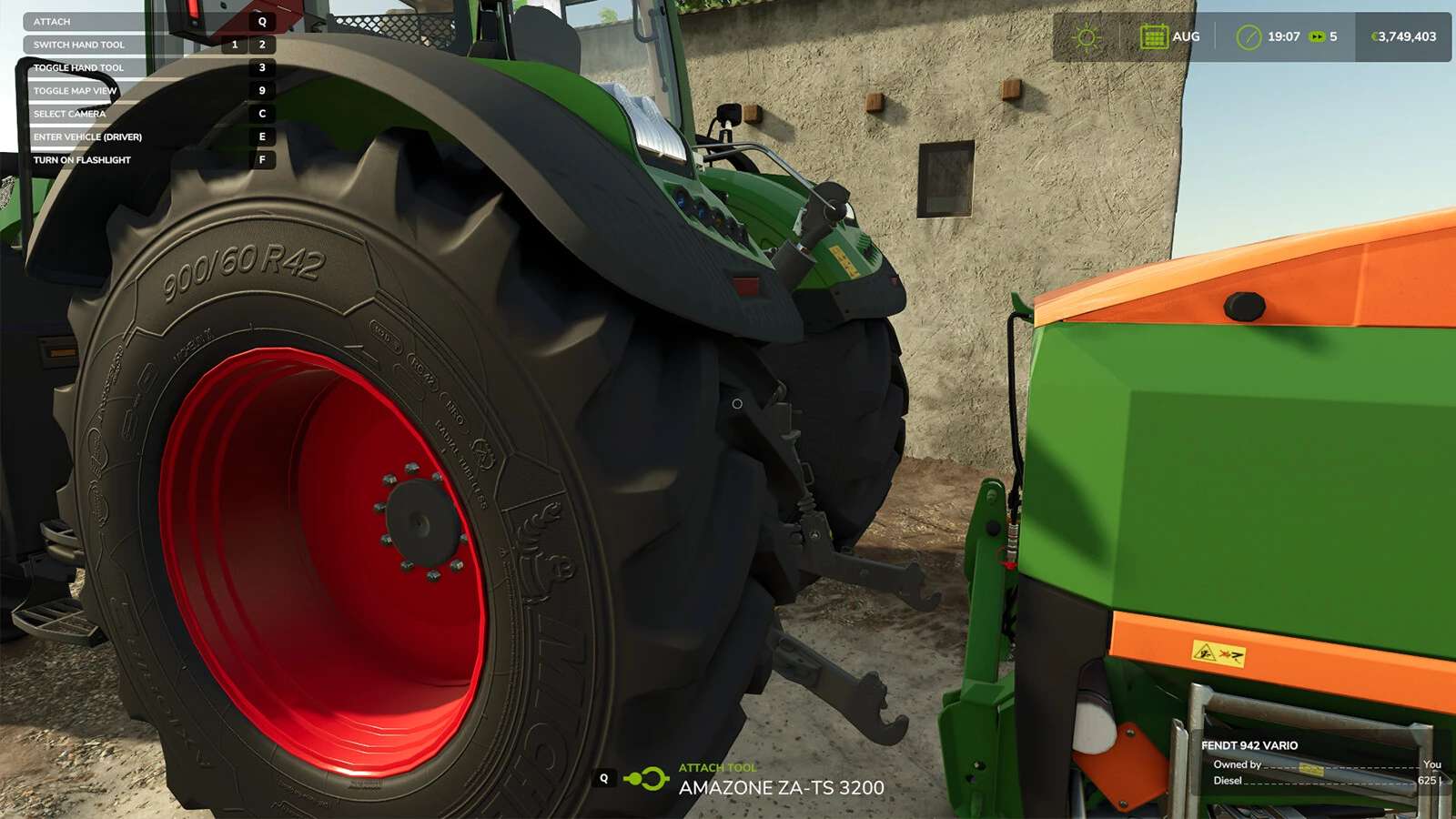
This mod enforces you to attach/detach tools and trailers manually.
Attach/Detach implements:
When attaching an implement the script forces the implement to stay at it’s lowered state. There are some exceptions made for frontloaders, skidsteers, shovels, telehandlers, combines and hooklift implements. You’re still able to attach and detach those implements without having to leave your vehicle.
Note: The connection hoses and power take off still require to be attached manually for those implements.*
In order to detach, the implement needs to be lowered first! Also make sure that the power take off and connection hoses are detached before detaching the implement.
The mod disables attaching and detaching from inside the vehicle (exceptions are mentioned above). Like the mod title already suggests it’s not possible anymore to do the quick switches between implements.. get out that vehicle for real this time!
Attach/Detach power take off:
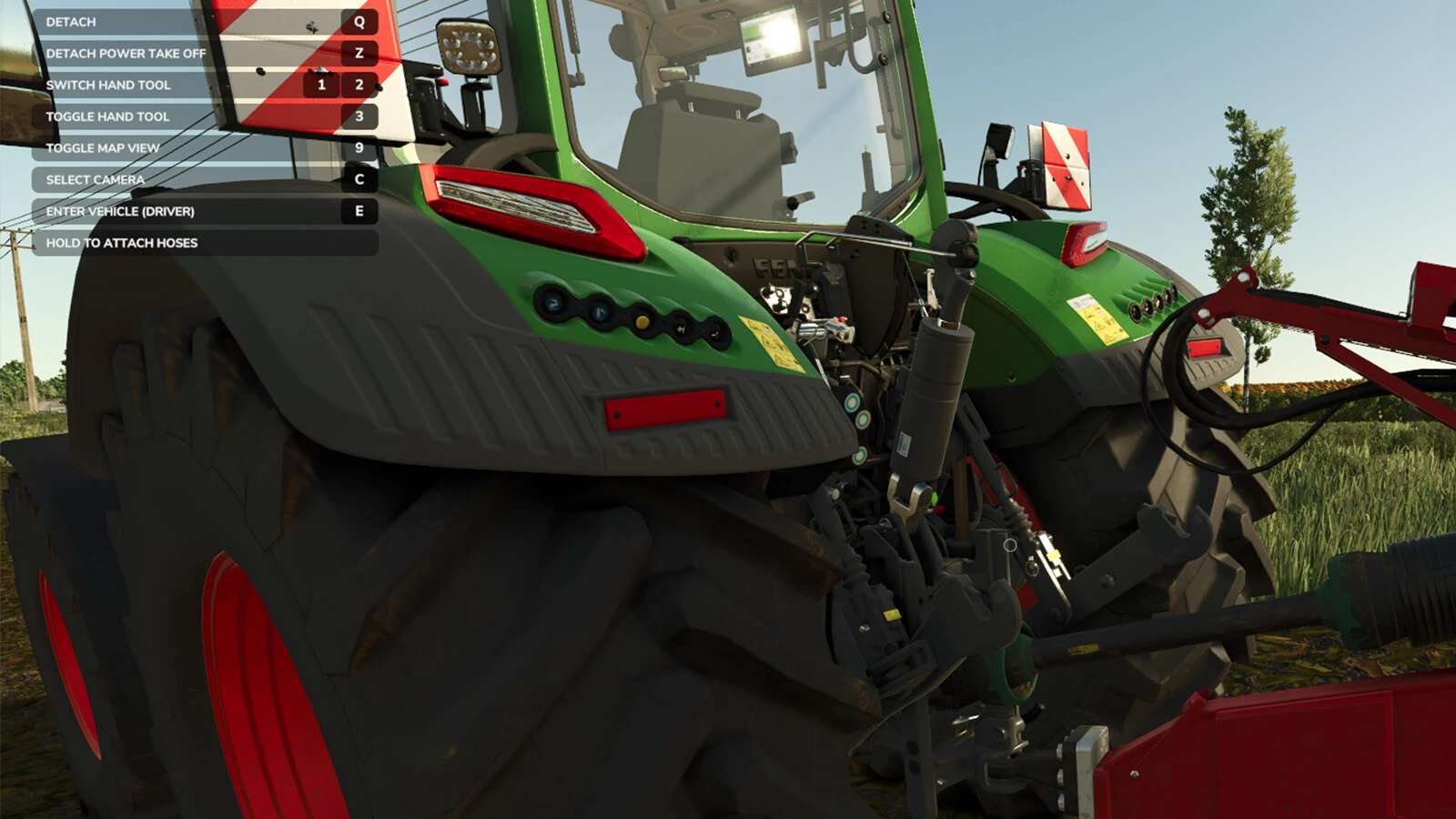
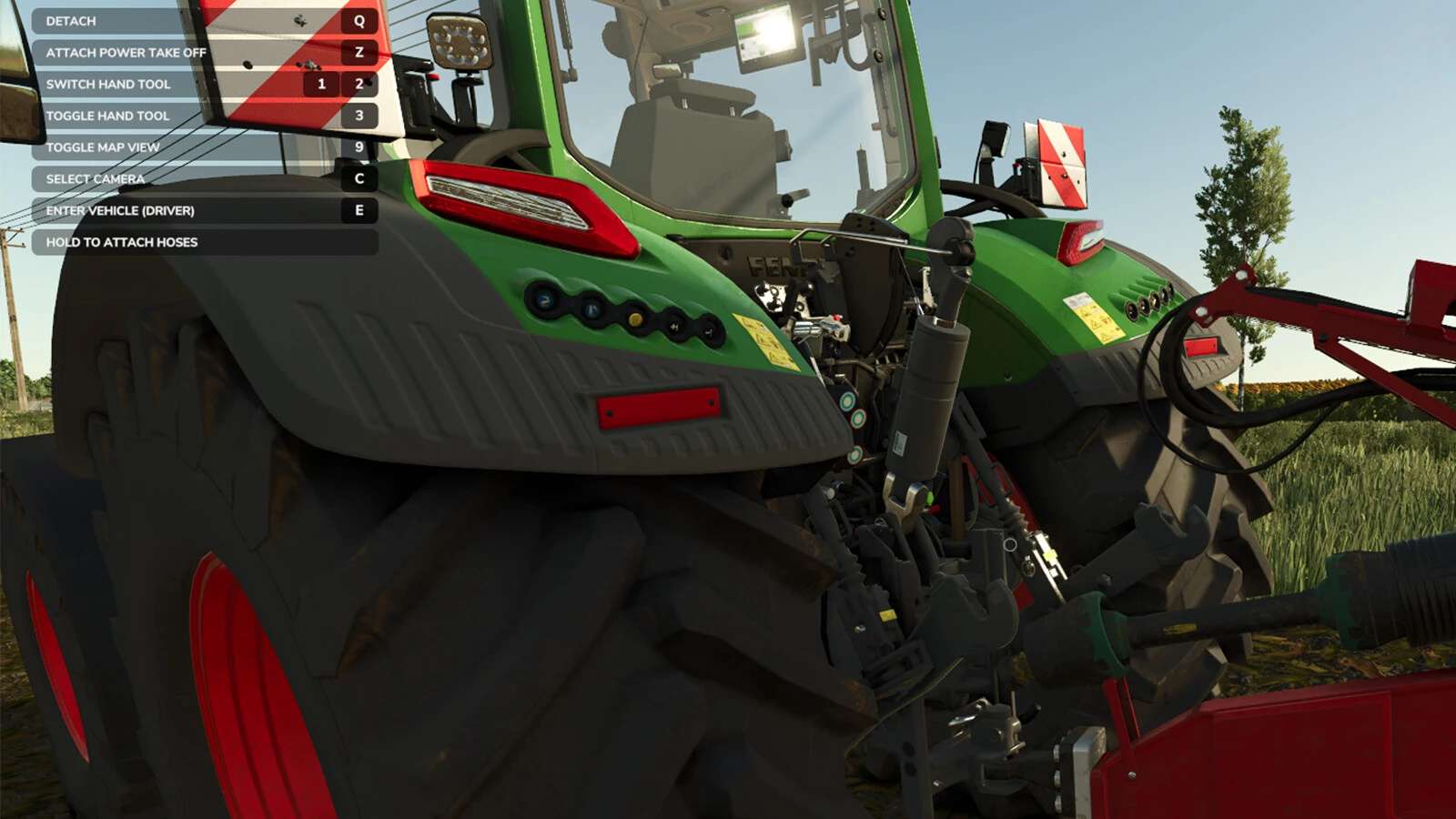
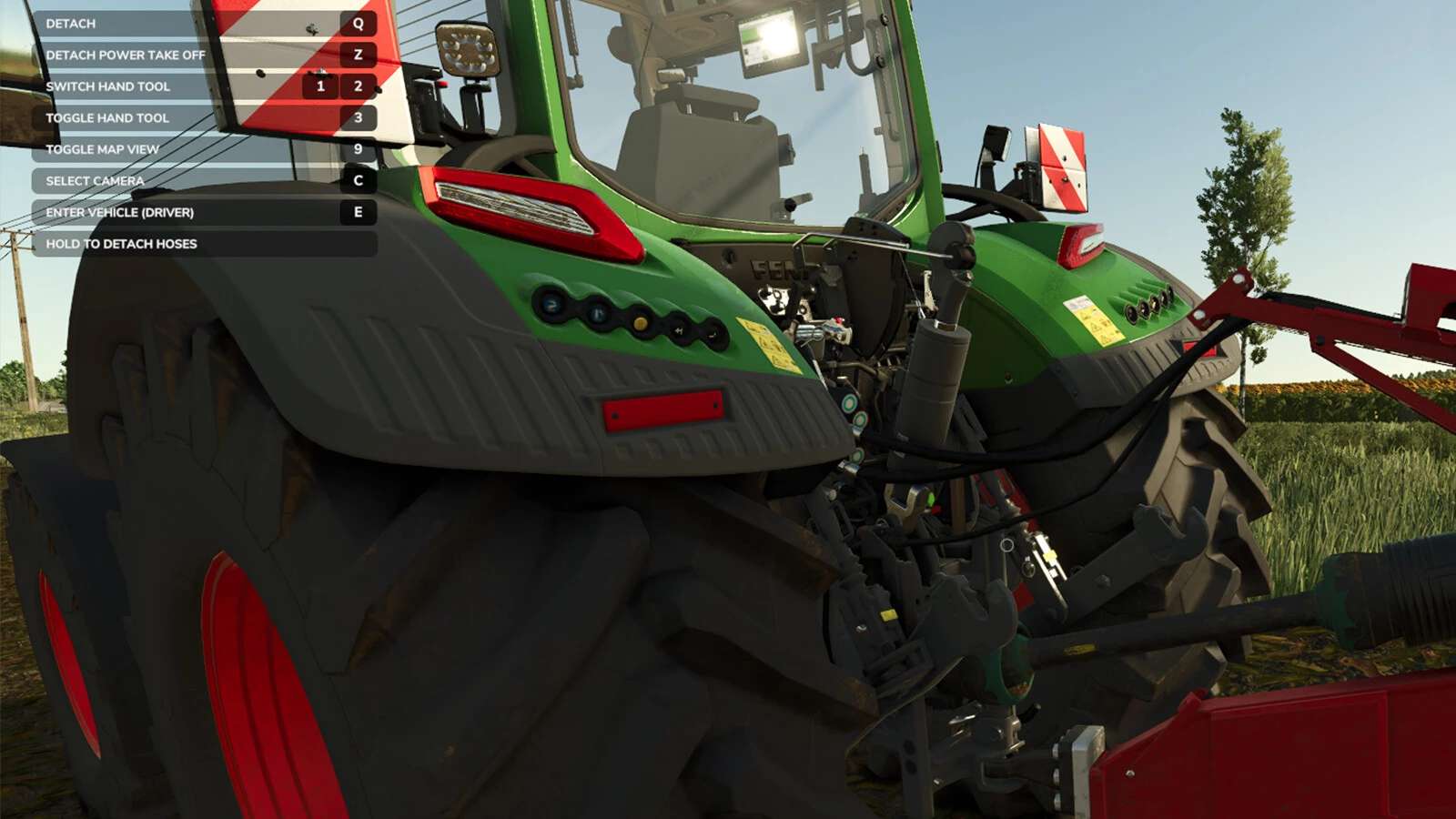
Hit Z in order to attach/detach the power take off.
Keep in mind that a tool needs a power take off, otherwise it can’t be turned on!
Attach/Detach connection hoses:
Hold Z (for a short amount of time) in order to attach/detach the connection hoses.
Without attached connection hoses the following can occur:
– You won’t be able to control hydraulics (e.g. moving parts, folding, use ridge markers etc)
– You won’t be able to use the lights.
– Brakes will be blocked.