Exhaust Plus v1.0.3.0 LS25
Exhaust Plus v1.0.3.0 LS25
Exhaust Plus – advanced exhaust system for Farming Simulator 25
V1.0.3.0
– Fixed client-server-client synchronization problem. (Well, sort of)
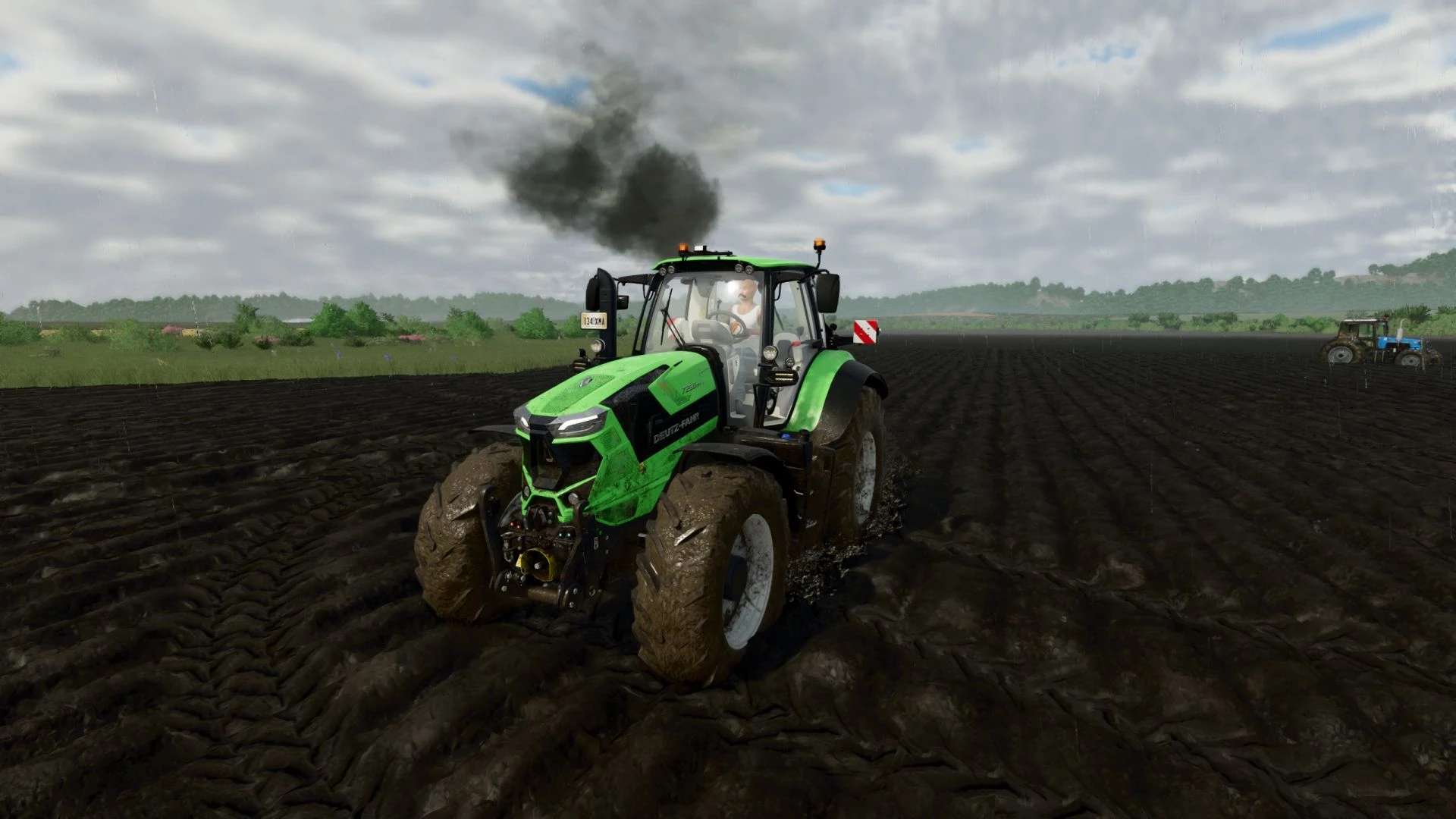
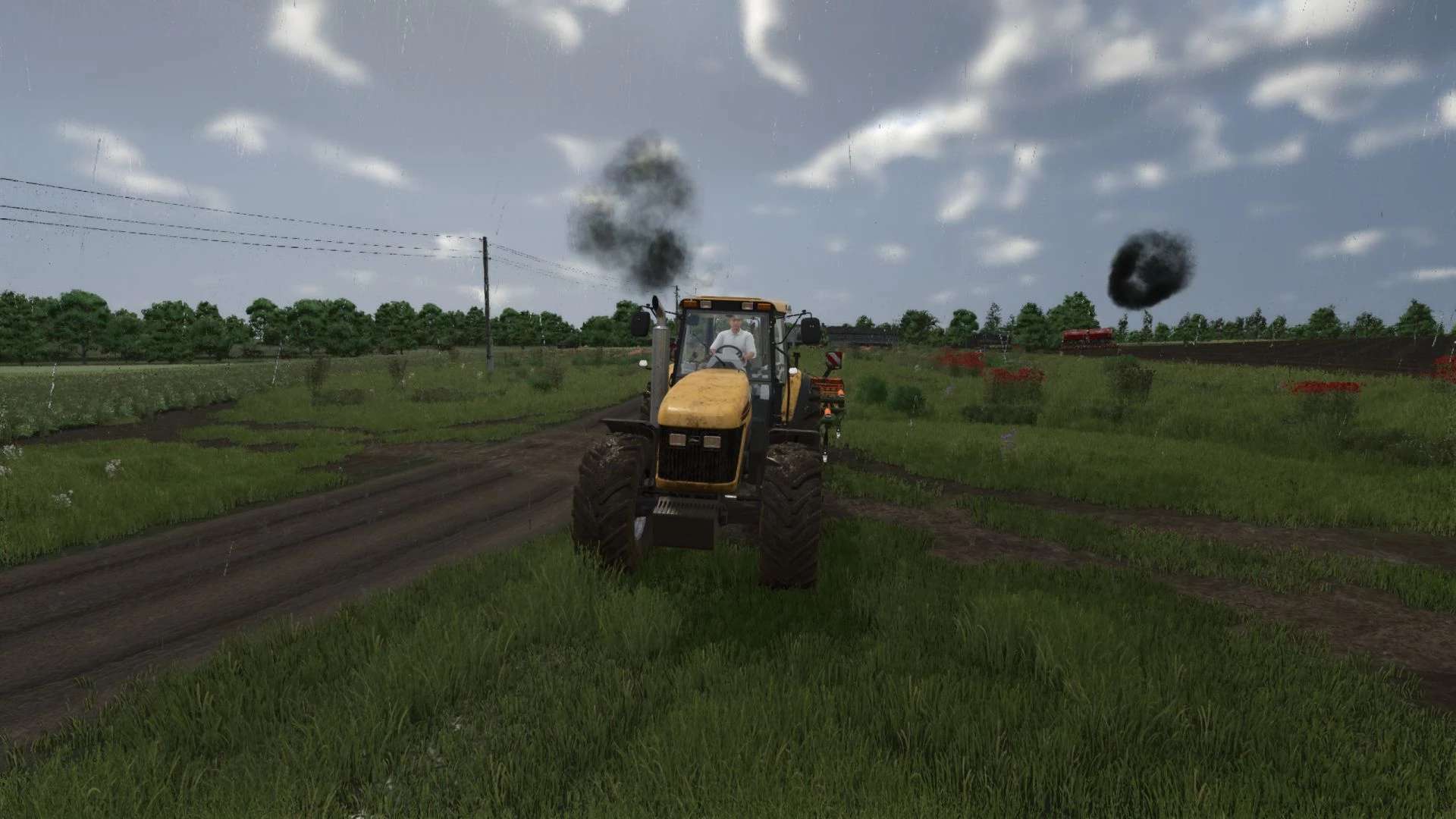
Exhaust Plus is a realistic smoke that completely recycles the standard exhaust of vehicles in Farming Simulator 25.
The mod replaces vanilla smoke with a multi-level particle system that dynamically responds to engine load and speed.
Enabling/deactivating custom smoke on each vehicle – ctrl+left shift+K
Switch preset selection – ctrl+left shift+L
If you have previously installed a mod, change the settings in the controls to the keys you like!
or you can find the file inputBinding.xml in the documents
find something like this in it and delete it (it’s easier to go to the control settings and change the keys)
Credits: BMProd<actionBinding action=”BMP_EXHAUSTPLUS_VANILLA”>
<binding device=”KB_MOUSE_DEFAULT” input=”KEY_lctrl KEY_lshift KEY_k” axisComponent=”+” neutralInput=”0″ index=”1″/>
</actionBinding>
<actionBinding action=”BMP_EXHAUSTPLUS_PRESET_NEXT”>
<binding device=”KB_MOUSE_DEFAULT” input=”KEY_lctrl KEY_lshift KEY_l” axisComponent=”+” neutralInput=”0″ index=”1″/>
</actionBinding>