Ebony Island V1.0.0.0 LS25

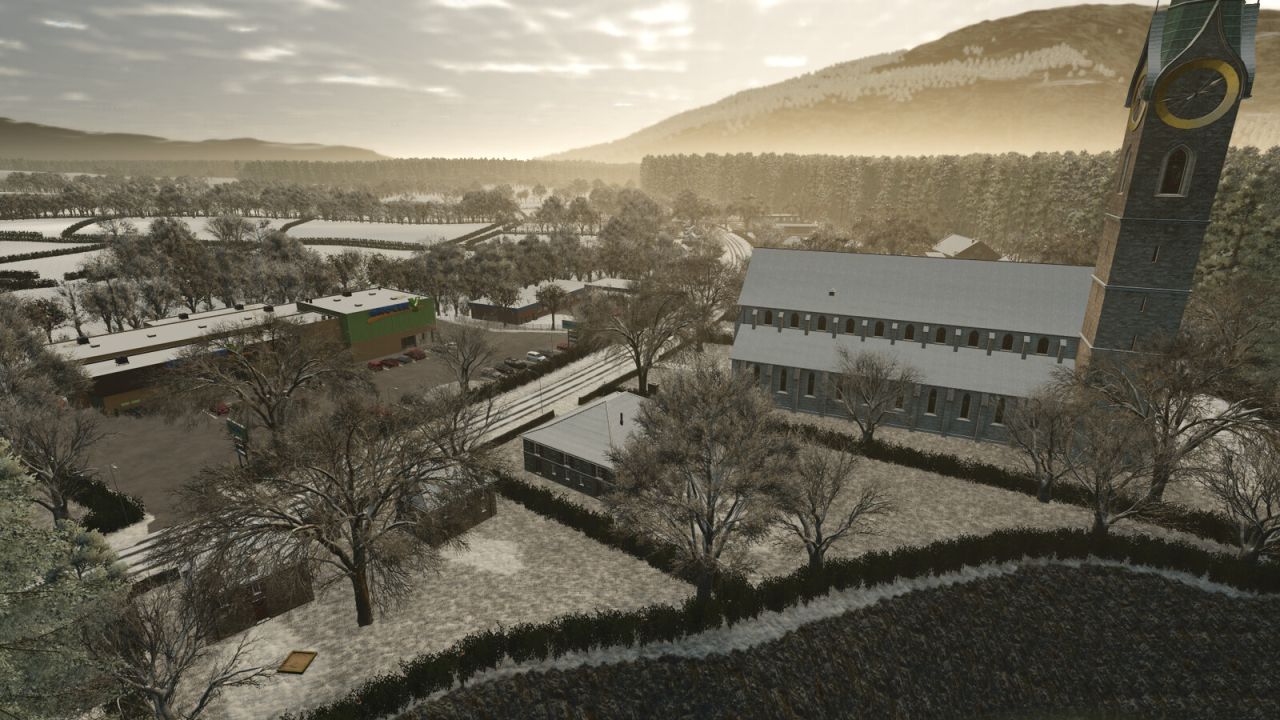

Ebony Island V1.0.0.0 LS25
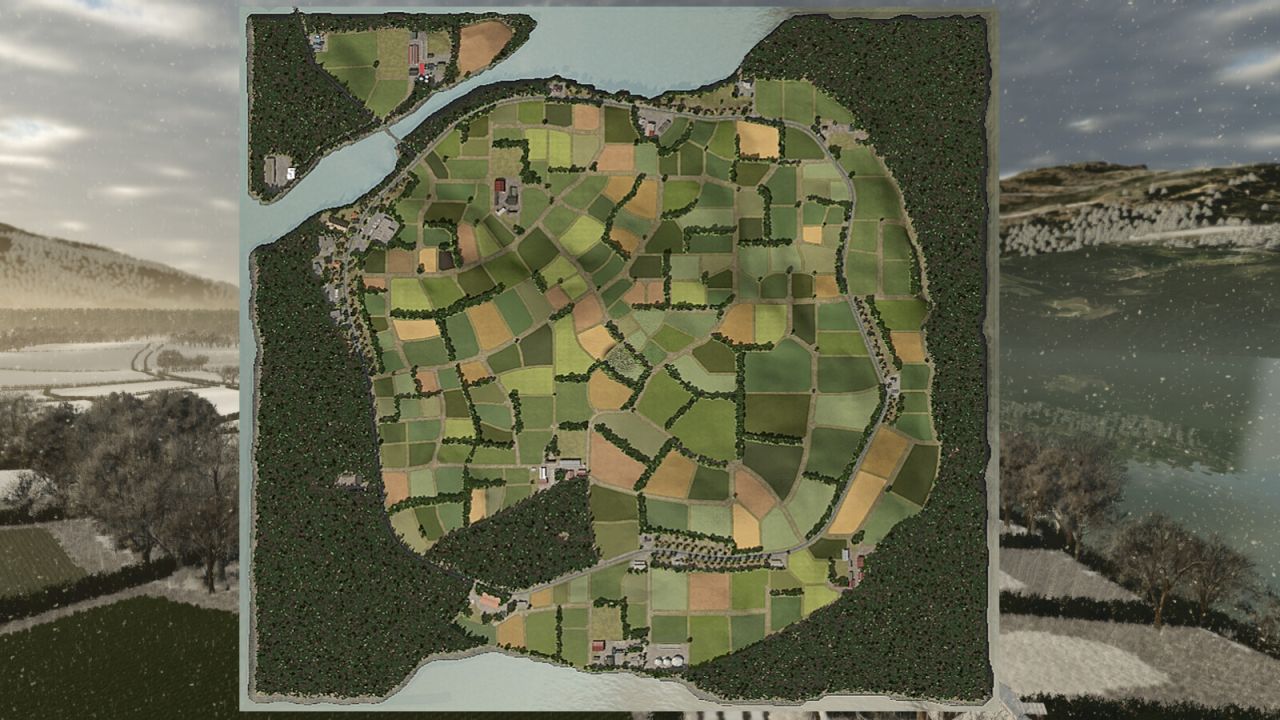
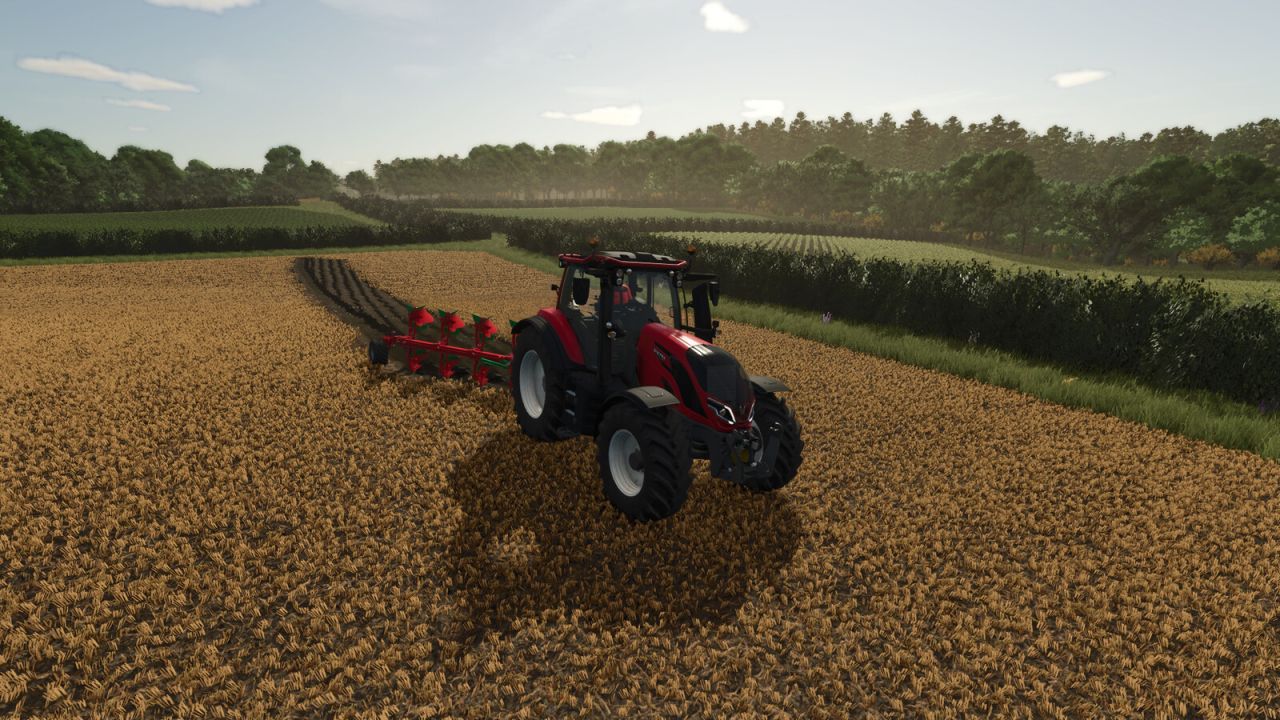
Ebony Island is a fictional island located some where around the coast of the UK. The island boasts a lush farming area set on rolling hills. The island offers something for everyone, and a lot of options to make it there own world, this is perfect for small to medium equipment. Starting farm is an arable farm with minimal equipment for contract work. The map has a custom soil map for precision farming, cuttable hedges allowing you to make use of the land in any way you feel will work for you.
7 farms located around the map.
222 fields of all shapes and sizes.
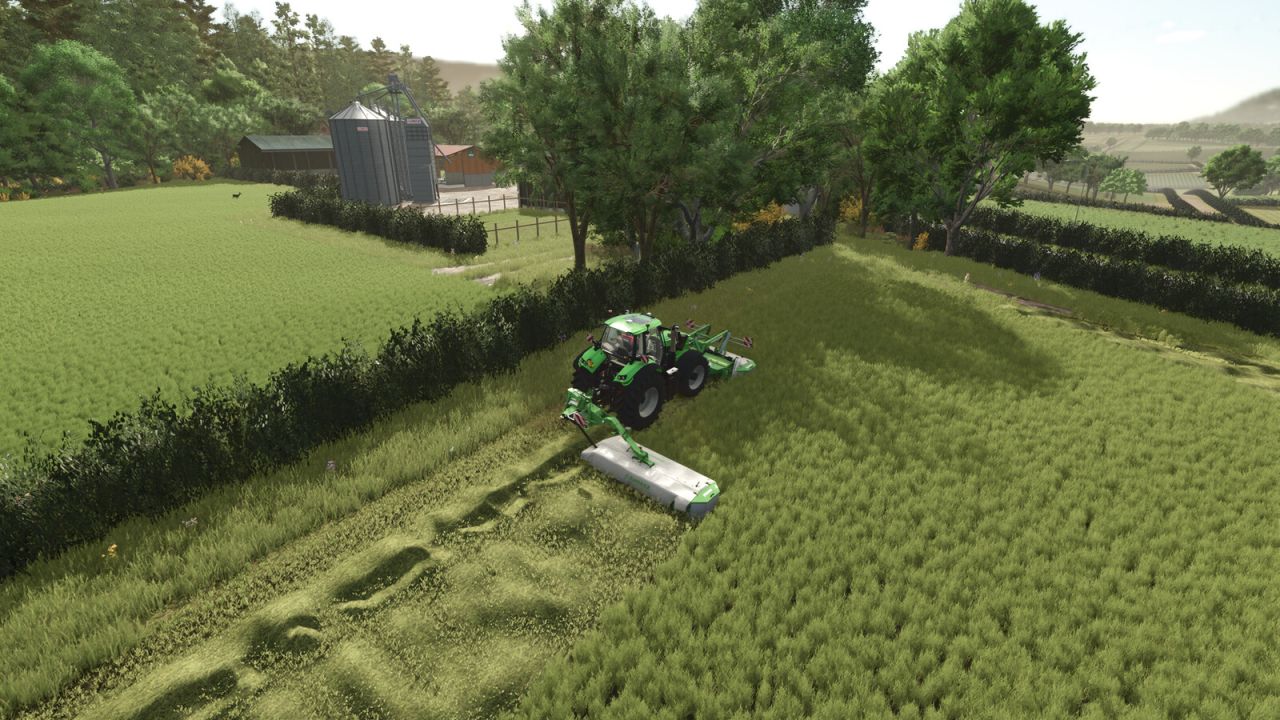
Alien Jim’s cuttable hedges allowing you to merge fields together easily.
Multiple shed types, walls and hedge in the build menu.
All base game production points spread around the map (custom storage capacities for both input and output, also available in the build menu).
25 collectables to be found.
Multiple forestry plots.
New productions = Corn Flour, Diesel, Dough, Doughnuts, Pancakes, Sandwiches, Soybean Flour, Soybean Oil, Soy Milk, Waffles, Yeast, Yoghurt
Solid Fertilizer tank will now allow you to buy Solid fertilizer and Lime and both can be stored together.
Liquid Fertilizer tank will now allow you to buy Liquid fertilizer and Herbicide and both can be stored together.
Seed/Mineral Feed tank will now allow you to buy both and stored together.
Required mods:
Farm Production
Bigger Animal Barns