Bale Hand Fork V1.0.0.0 LS25
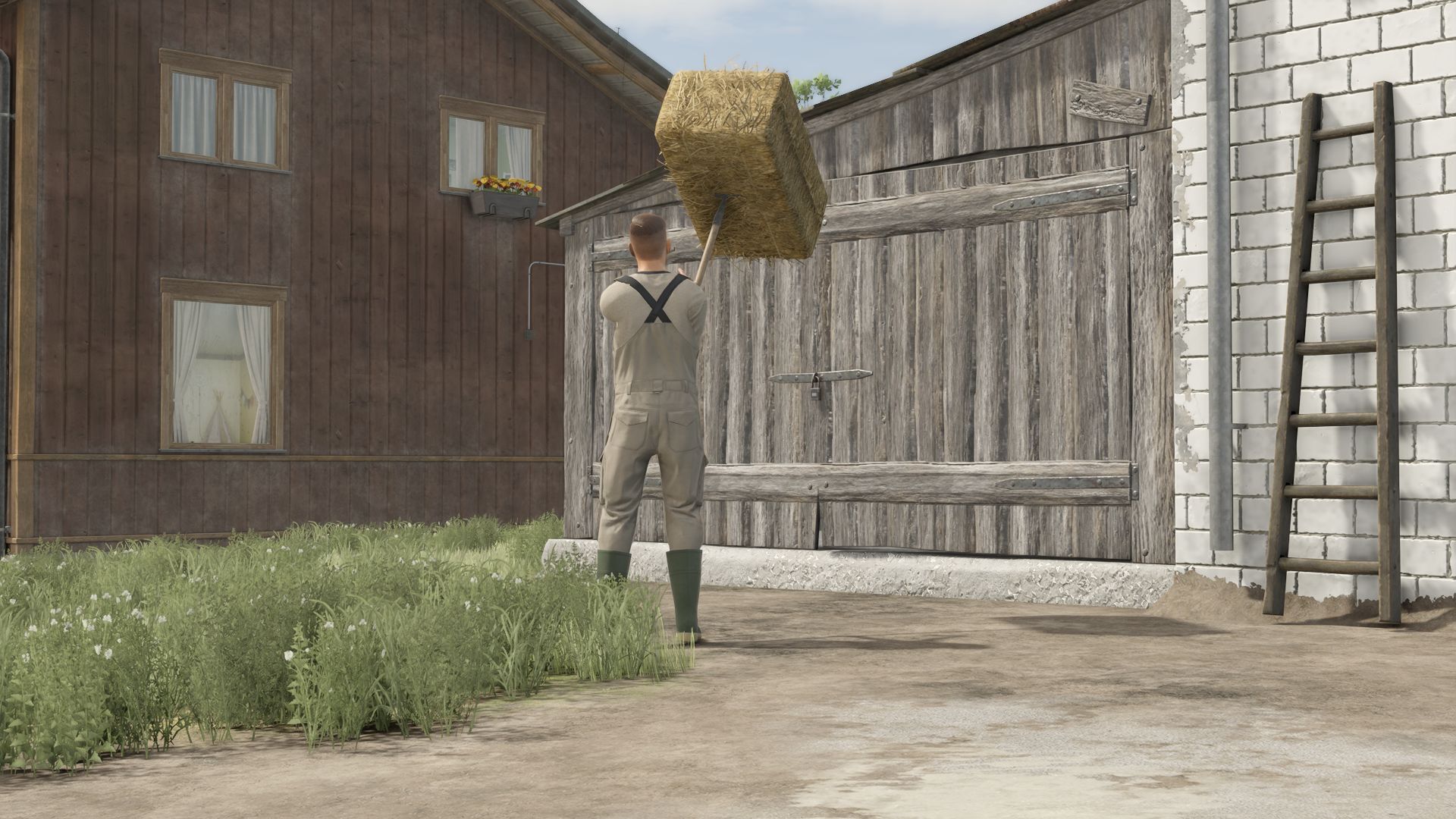
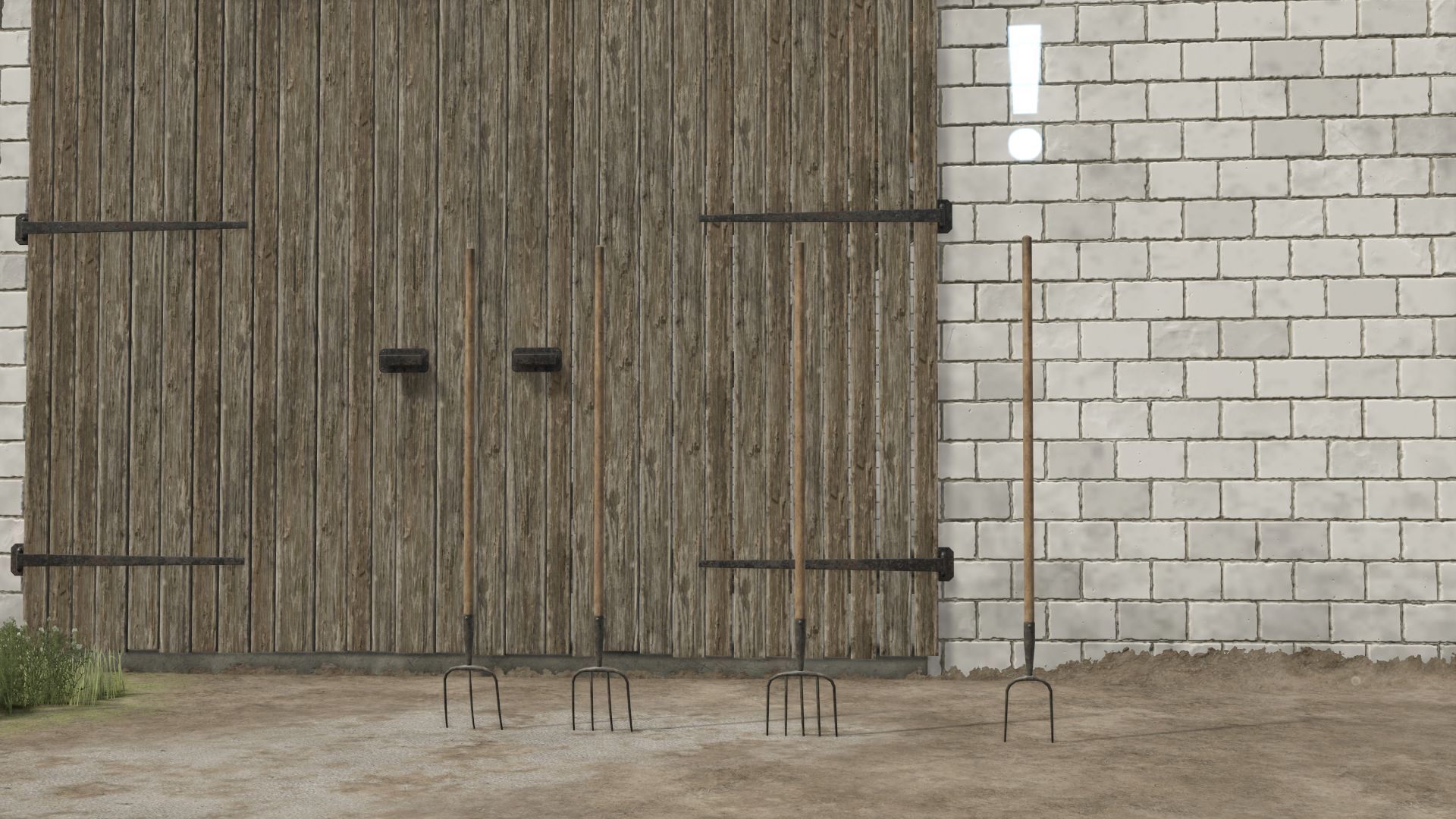
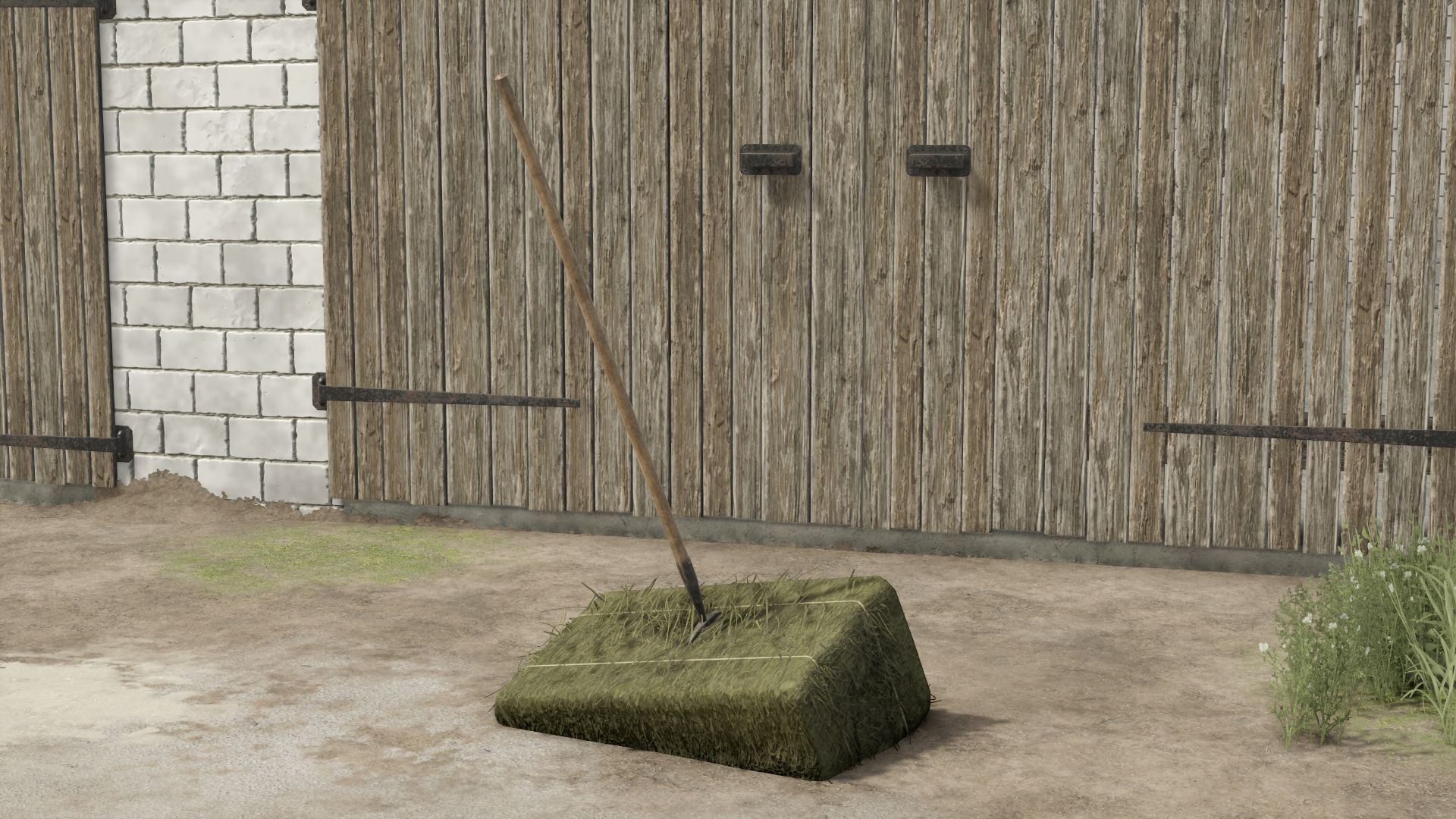
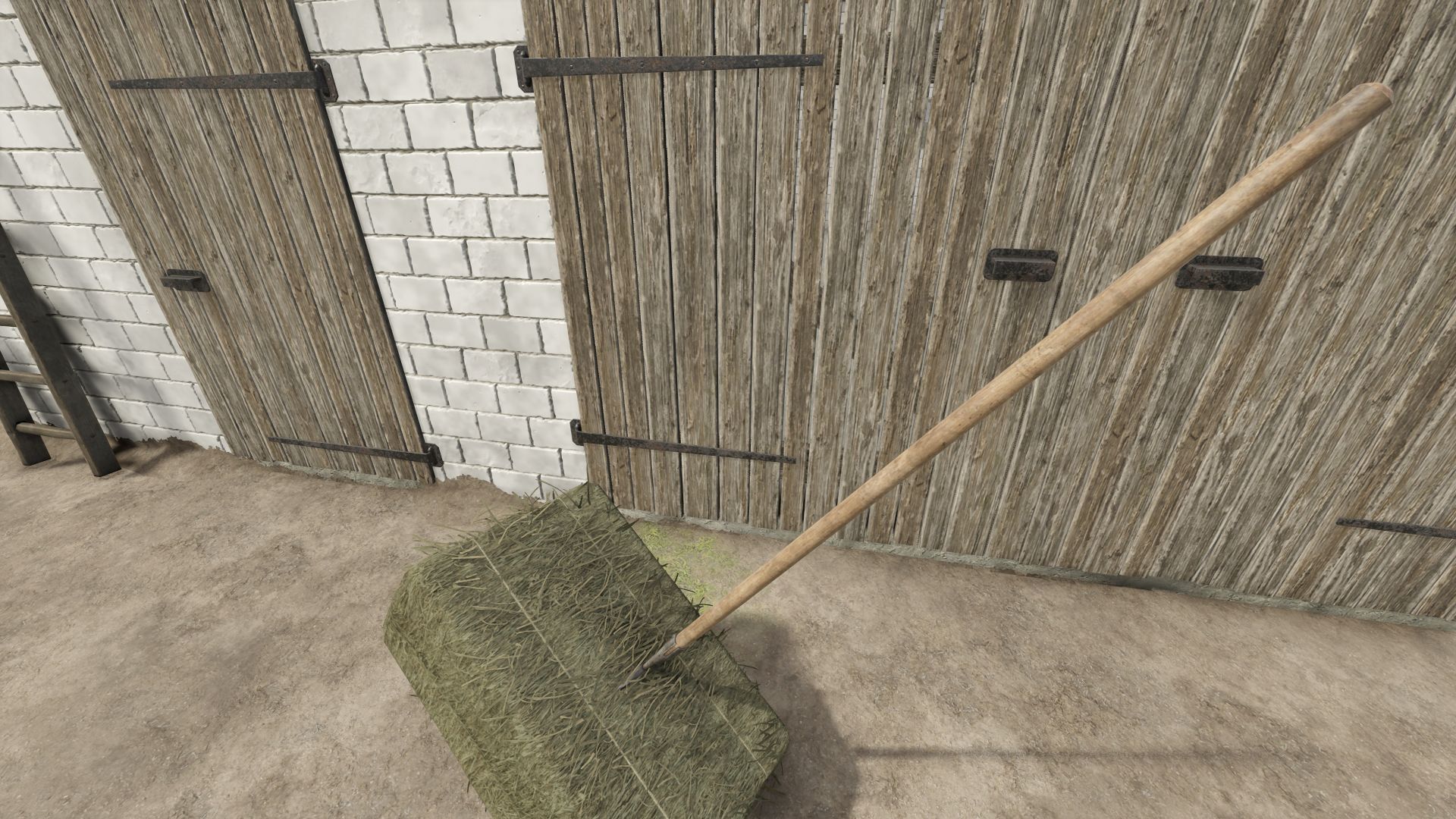
Bale Hand Fork V1.0.0.0 LS25
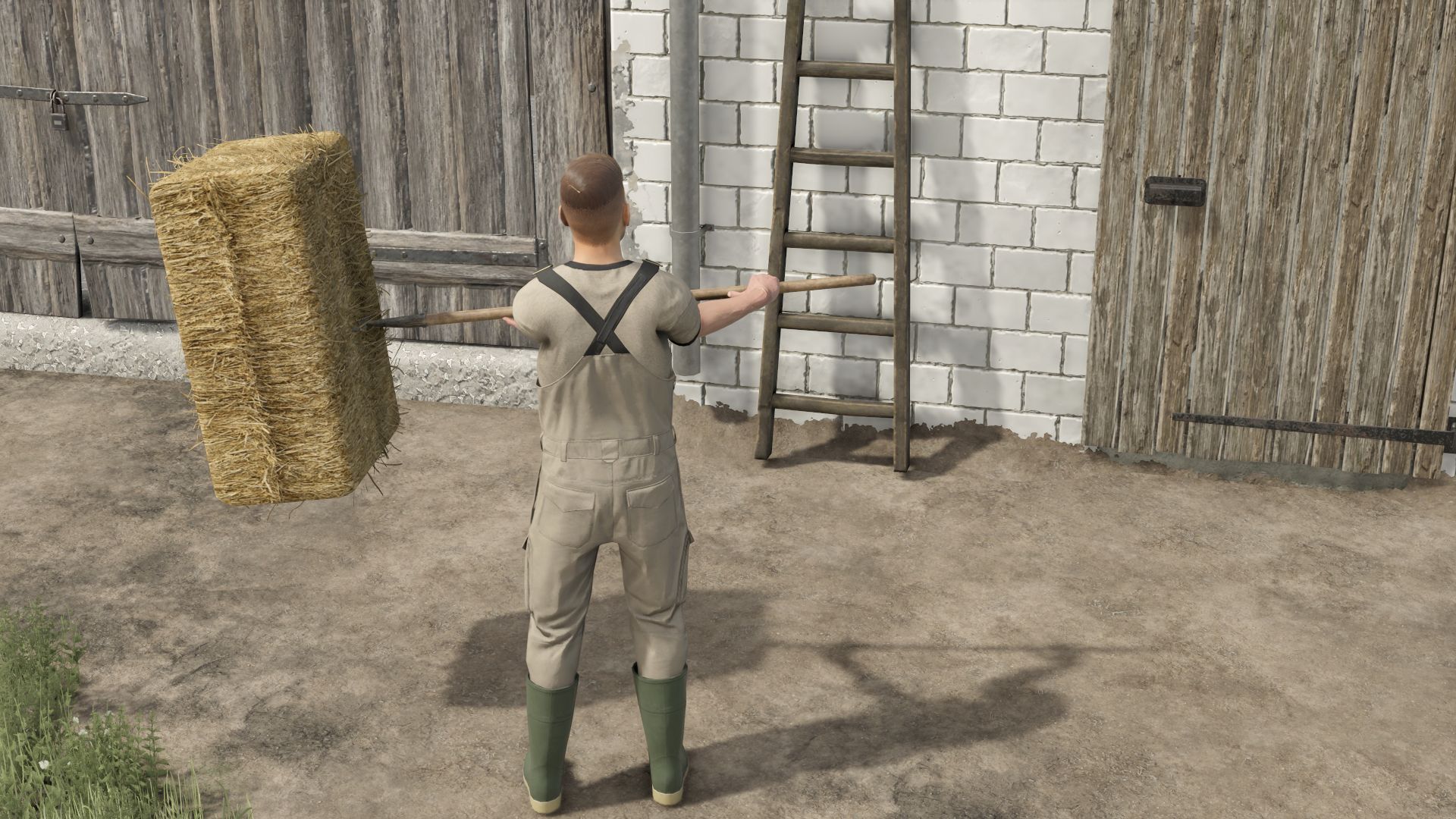
How Forks Work and How to Use Them Forks work in such a way that:
Left mouse button Lowers and raises the Forks depending on the direction of mouse movement. (If you push down, when it reaches the max, the forks bounce up by themselves, and then when you push down to the max, they bounce to the initial phase, i.e. straight in front of the character)
Right button tilts/tilts the forks forward. (You can use this with the left button or both, so you can rotate the forks as you like)
The Left and Right buttons simultaneously rotate the Forks around their own axis. (the same as I wrote above in brackets)
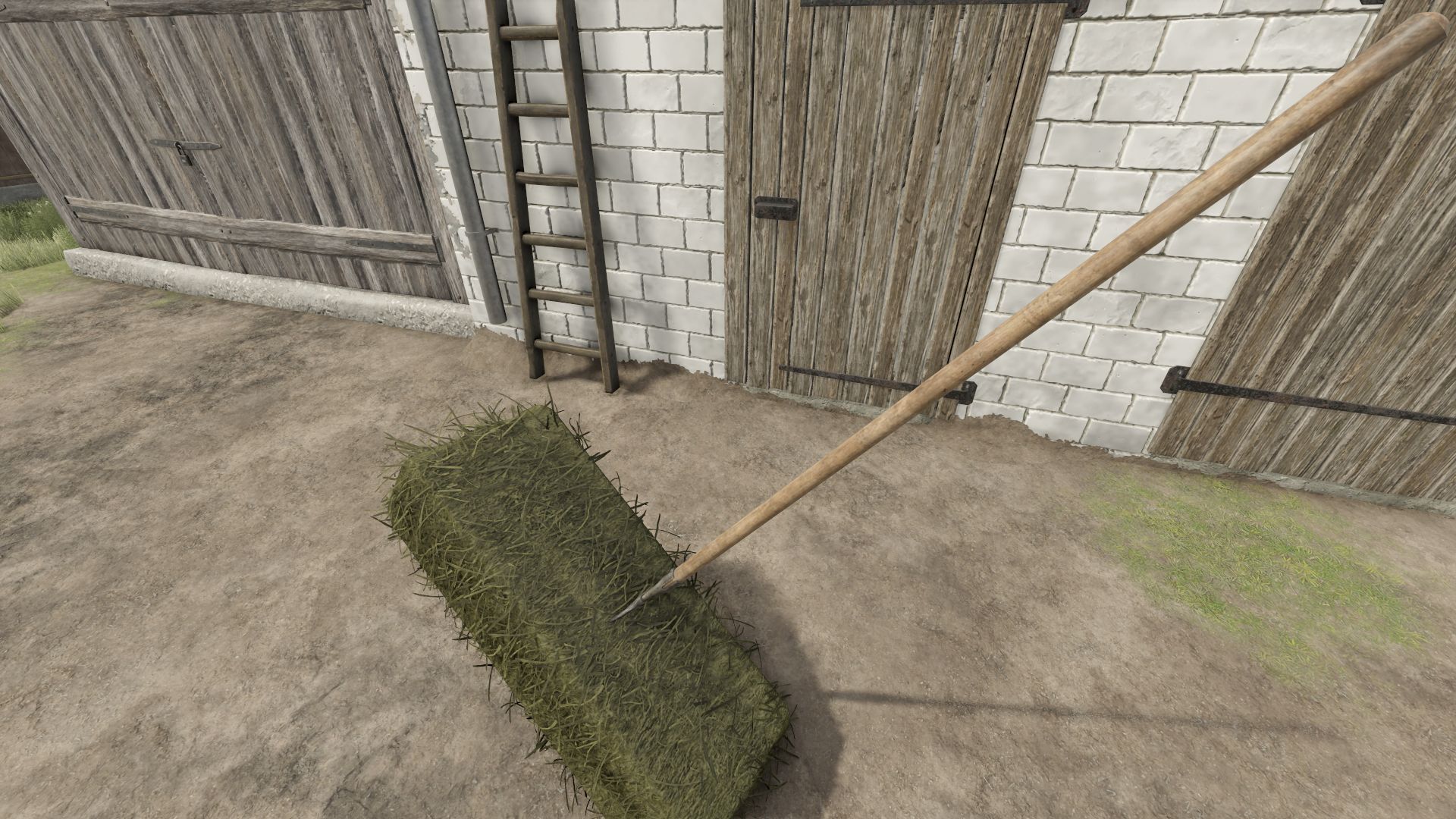
The “B” button is the working position, i.e. collecting cubes.
The “Y” button drops/releases dice. (Here, however, you need to click “y” 3x to return to the initial collecting phase. 1 “y” turns off this phase, 2 “y” releases the dice, 3 “y” turns off the releasing phase)
Specifications:
Price:
Capacity: 1 cube
Cube size: 49-140cm.
Configurations:
Possibility to select the number of teeth: 2/3/4/5
Marker Icon selection: yes/no
Forks You will find in the category: Hand tools -> Miscellaneous