Attach Implements Manually v0.9.2.5 LS25
Attach Implements Manually v0.9.2.5 LS25
This mod allows you to manually attach your implements.
Changelog 0.9.2.5:
Fixed an issue with adapters and implements that use SkipNodes.
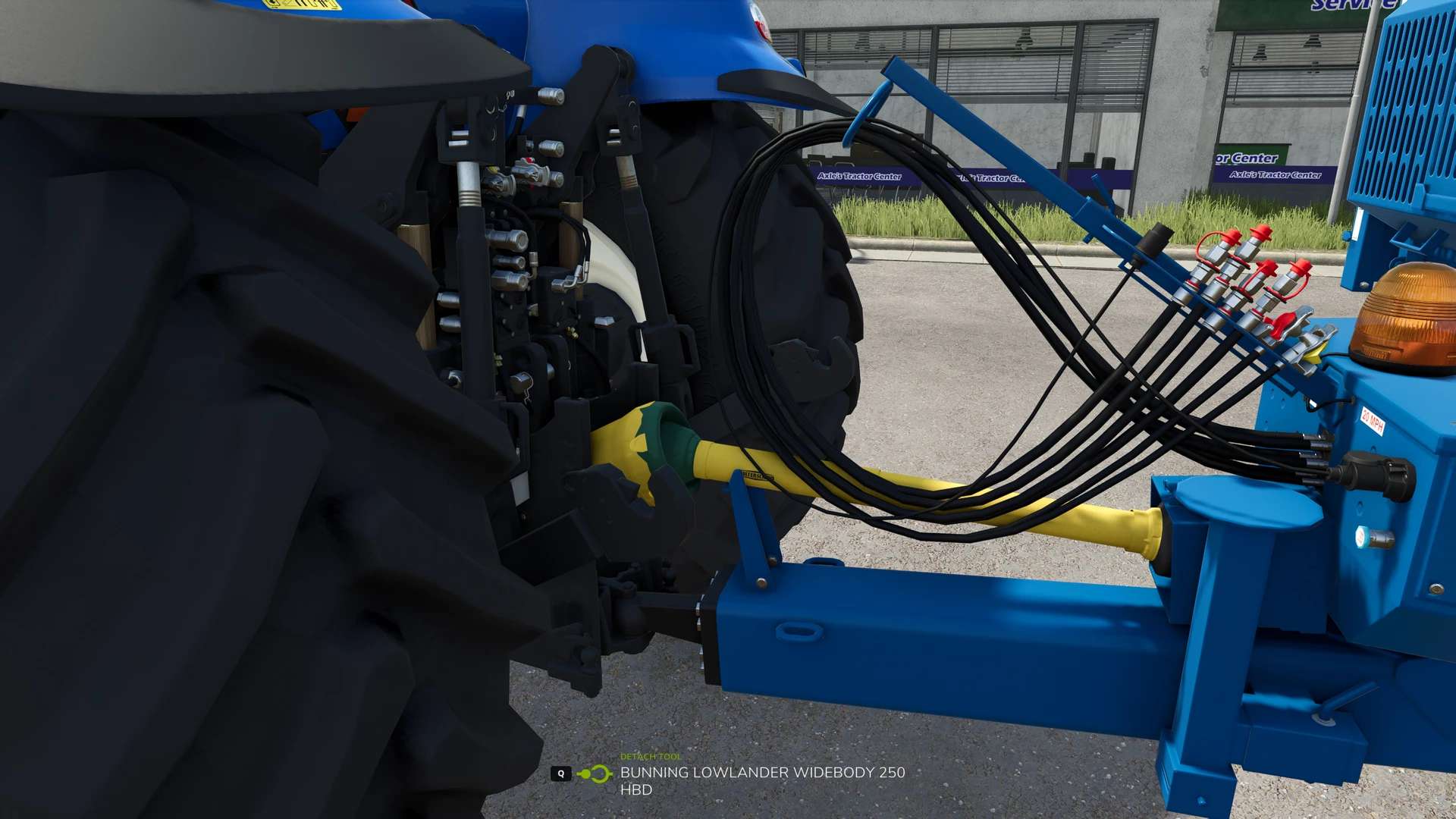
This mod allows you to manually attach implements to a towing vehicle.
In the general settings, you can choose whether attachment should continue to be automatic or be manual
If you choose manual attachment, the message “Exit to attach” will appear when you approach an implement.
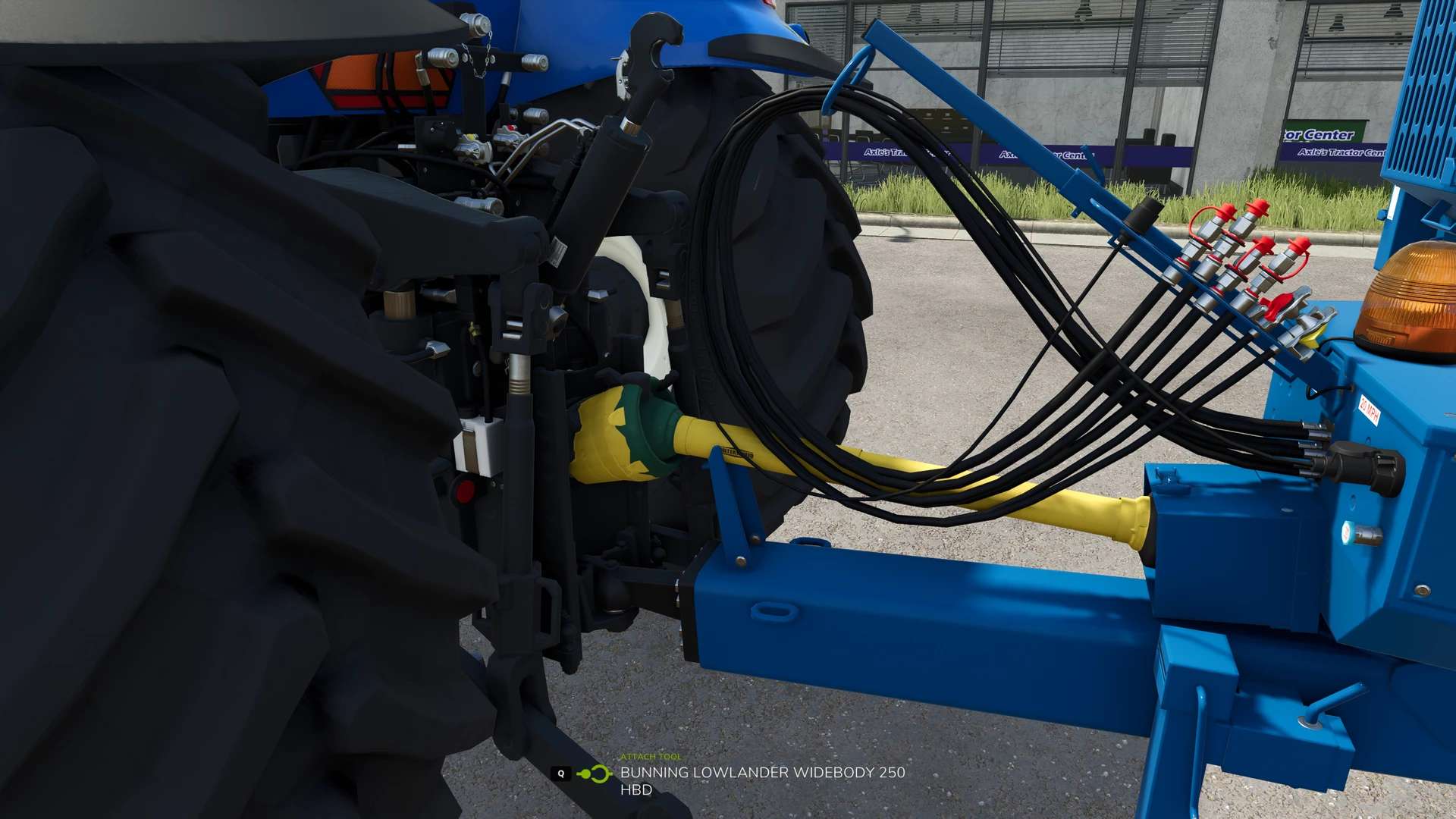
After exiting the vehicle and moving to the attachment point, you can attach the implement using the Q key.
The hydraulic connections, air lines, and electrical connections can then be manually connected using the Y key.
The PTO shaft can be connected separately using the Z key.
Trailers and implements with a jaw coupling are an exception:
These attach automatically as soon as you position the drawbar precisely against the implement’s coupling point.
If manual coupling is enabled in the settings, you only need to connect the cables yourself after automatic coupling.
If manual coupling is disabled, the cables will connect automatically as soon as the device is coupled.
All key bindings can be freely assigned in the settings. The “Coupling” action uses the standard in-game key bindings.
Feel free to check out Prodax’s mod presentation (available from November 8, 2025 at 7:00 AM): YouTube
You can report errors and bugs in the BayernGamers bug tracker.