New Holland CH v2.0.0.0 LS25
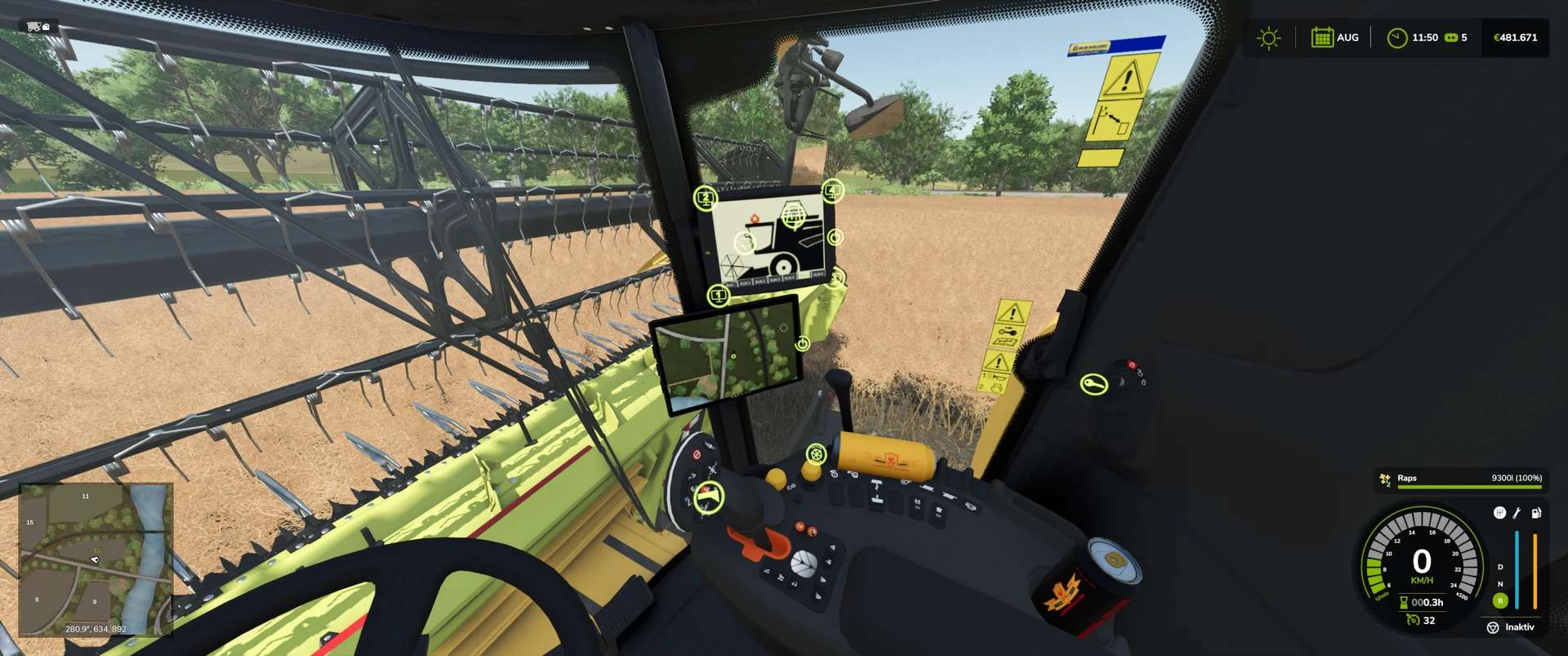
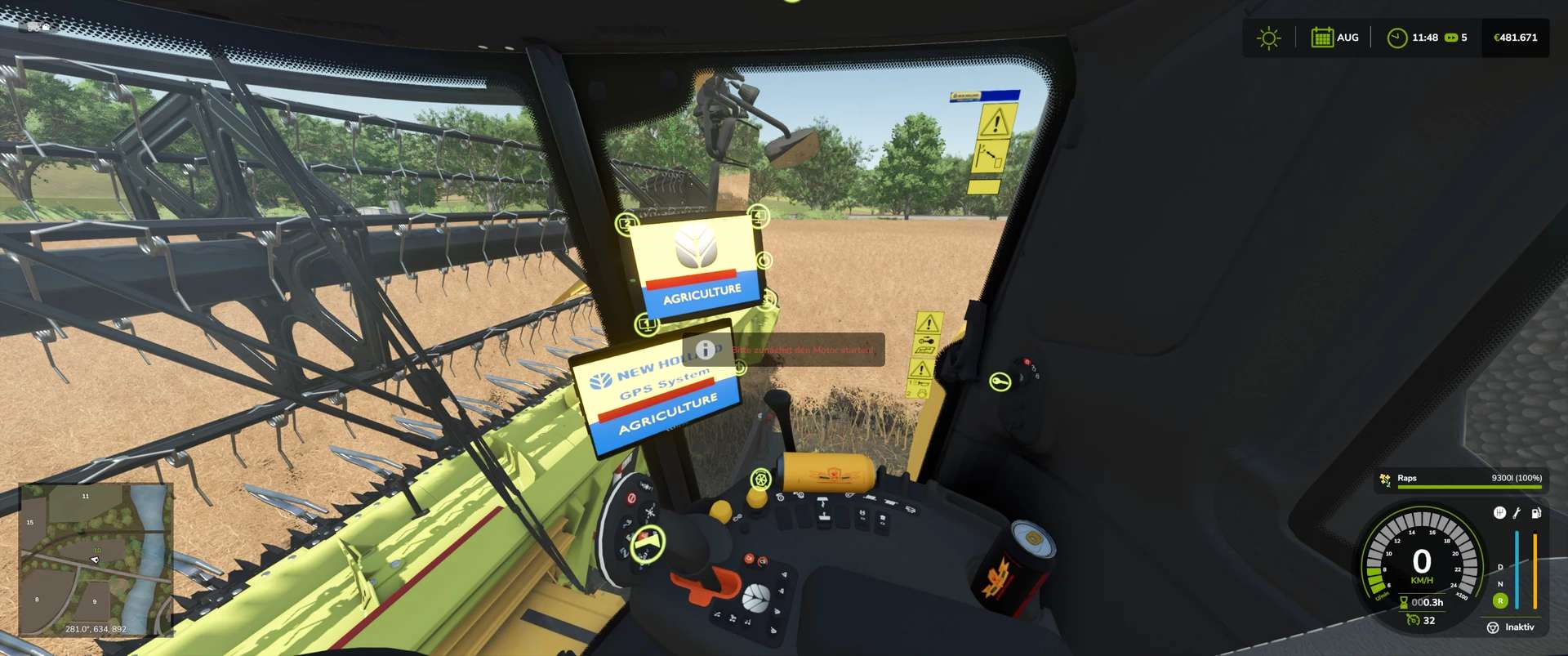
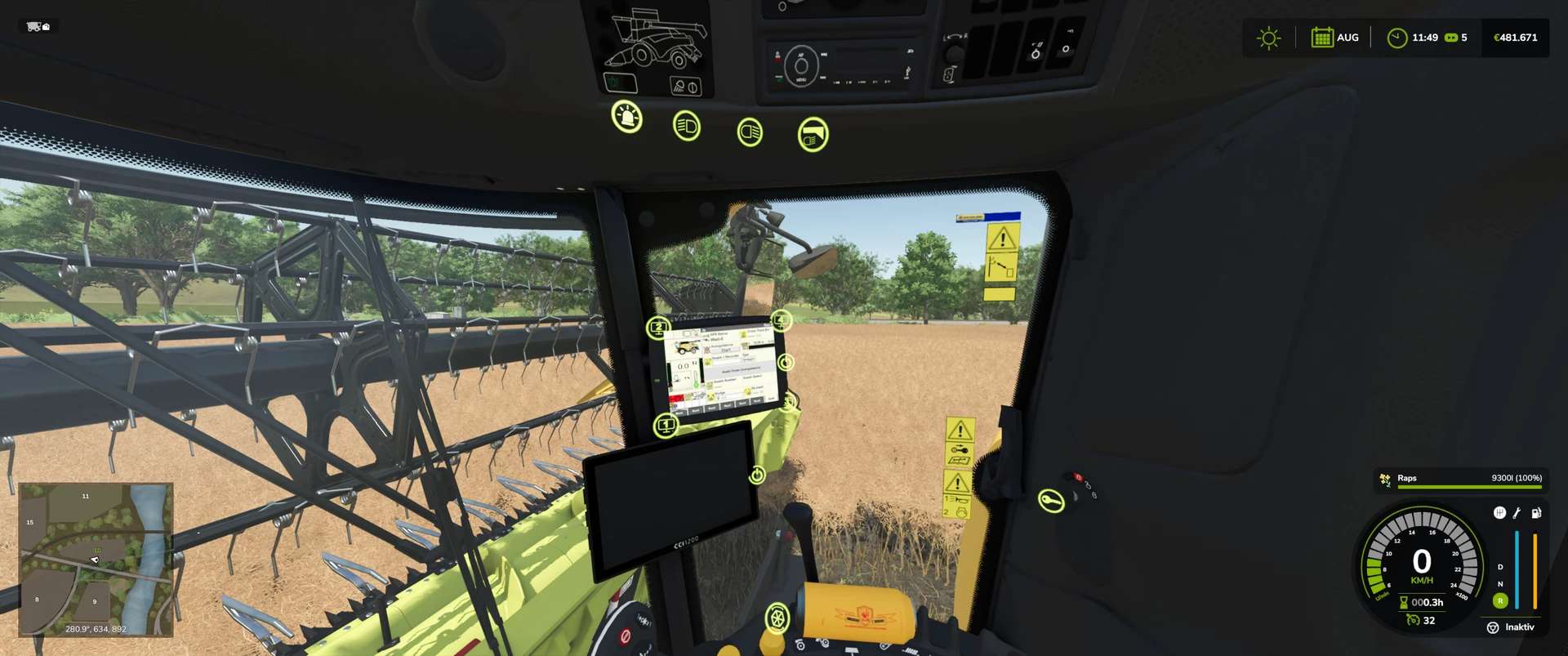
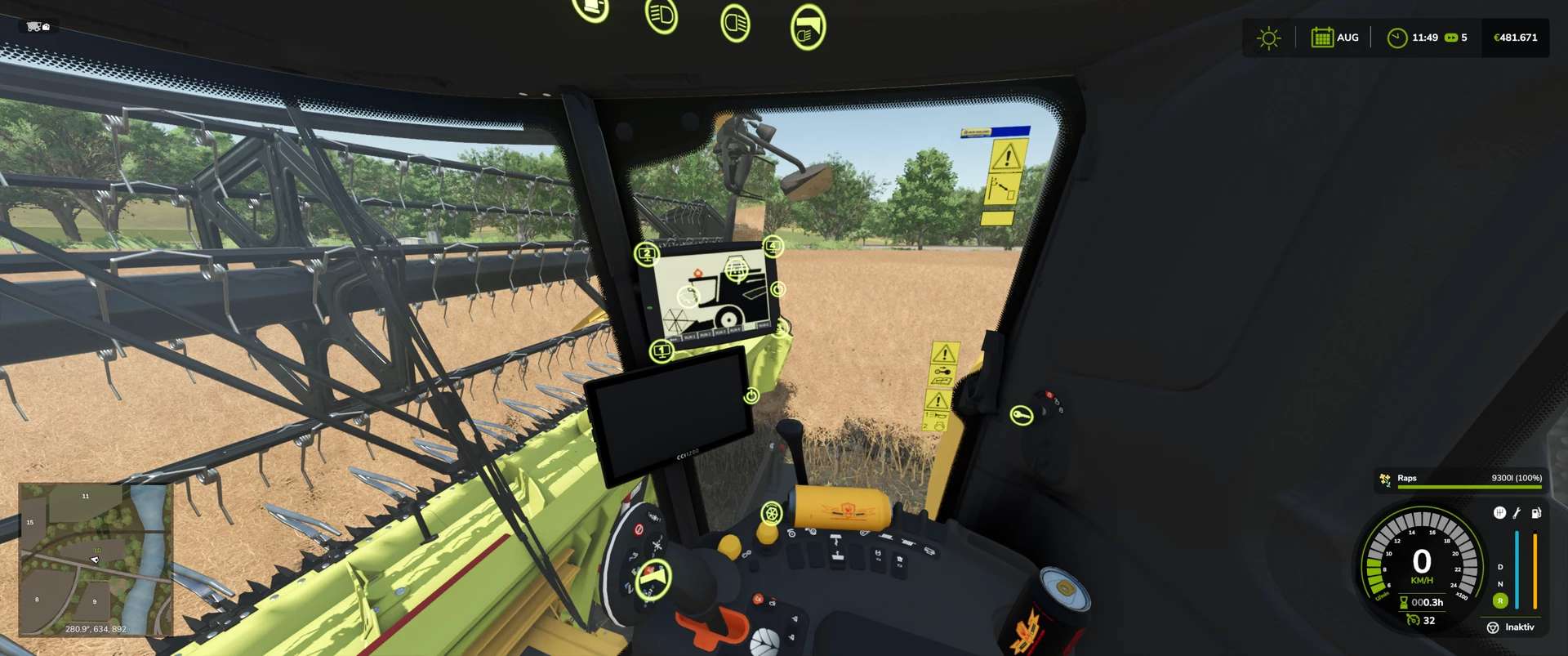
New Holland CH v2.0.0.0 LS25
New Holland CH with Interactive Control & Real GPS
You already know my very realistic Varifeed header, and today there’s a matching New Holland CH combine harvester.
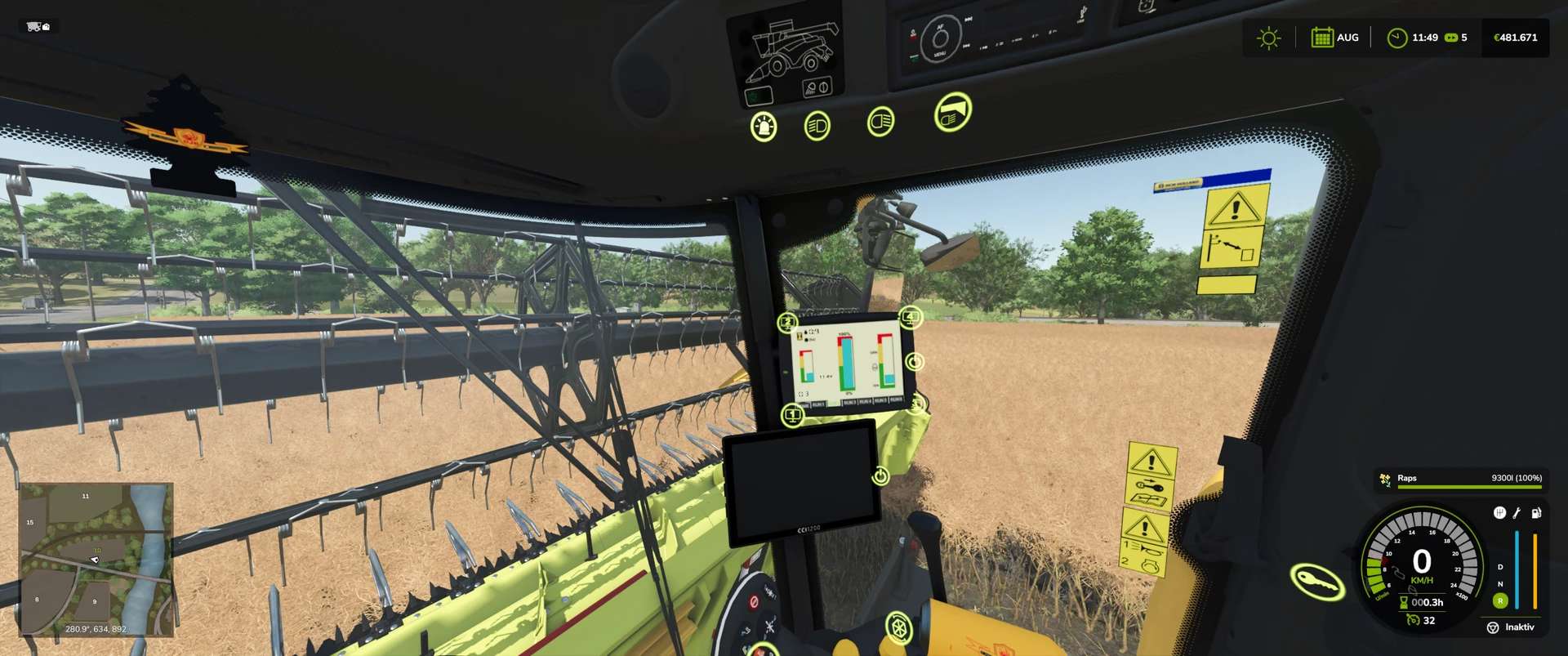
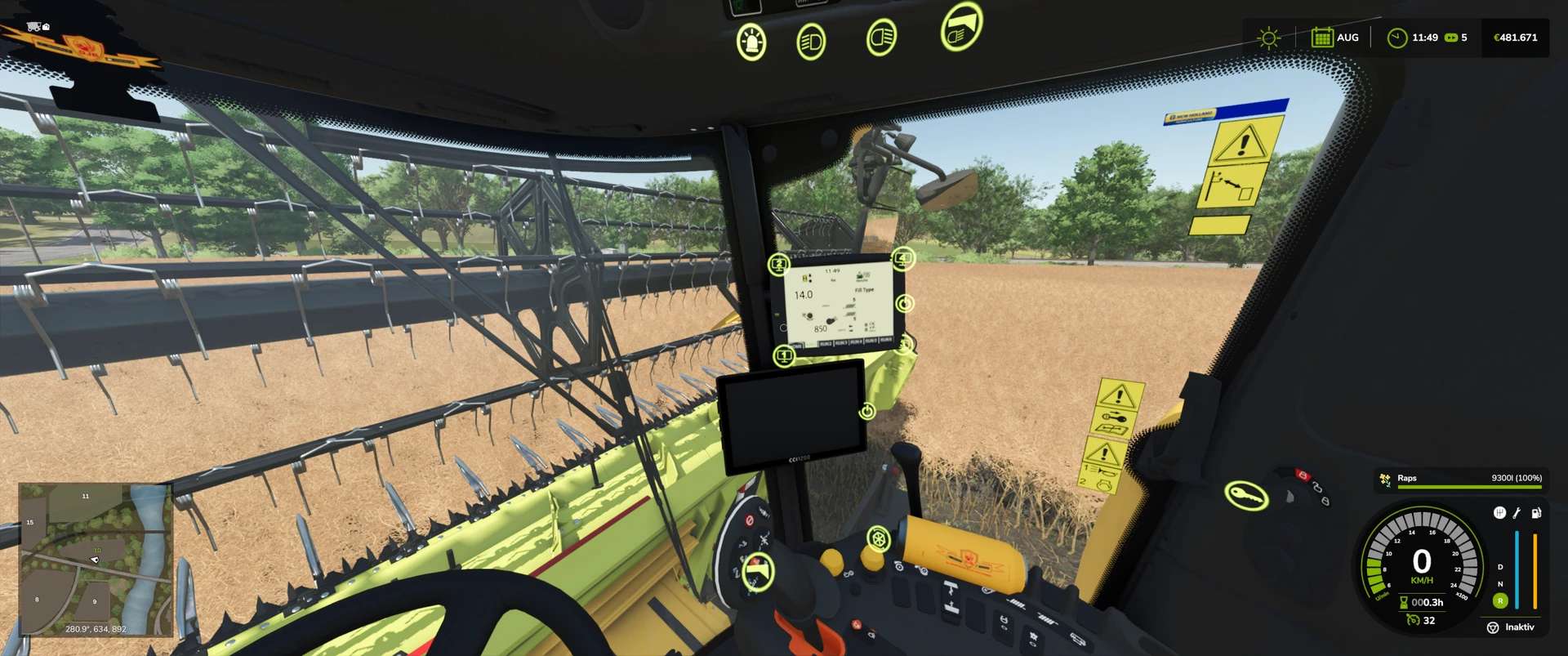
The combine harvester features: Interactive Control & Real GPS
When the boom is unfolded, a warning appears on the monitor. When the boom is folded back in, this warning disappears.
Interactive Control Outside:
– Ladder open/close,
– Warning sign attached/removed
– Straw chopper/straw swath (only animation; to switch between swath and chopping, you must do this as usual in the vehicle)
Interactive Control Inside:
– Ladder open/close
– Rotating beacon on/off
– Front work light on/off
– Rear work light on/off
– Switch between two monitors (additional IC points on the second display)
– Wiper on/off
– Thresher open/close
– Engine start/off
– Work mode start/off
– Pipe fold in/out
– You can now switch between different monitors (via interactive control),
– Fill level indicator added to the monitor,
– Monitor start animation added,
– Both monitors can now be turned off,
– Real GPS can zoom in,
– Various bugs fixed,
– Icon for engine start changed (interactive control).
Console shows 2 errors due to loading animations. These are the ones that appear when you start the engine. I haven’t fixed it yet, but you can ignore it.