Extended HUD V1.0.0.0 LS25

Extended HUD V1.0.0.0 LS25
More overview in Farming Simulator 25!
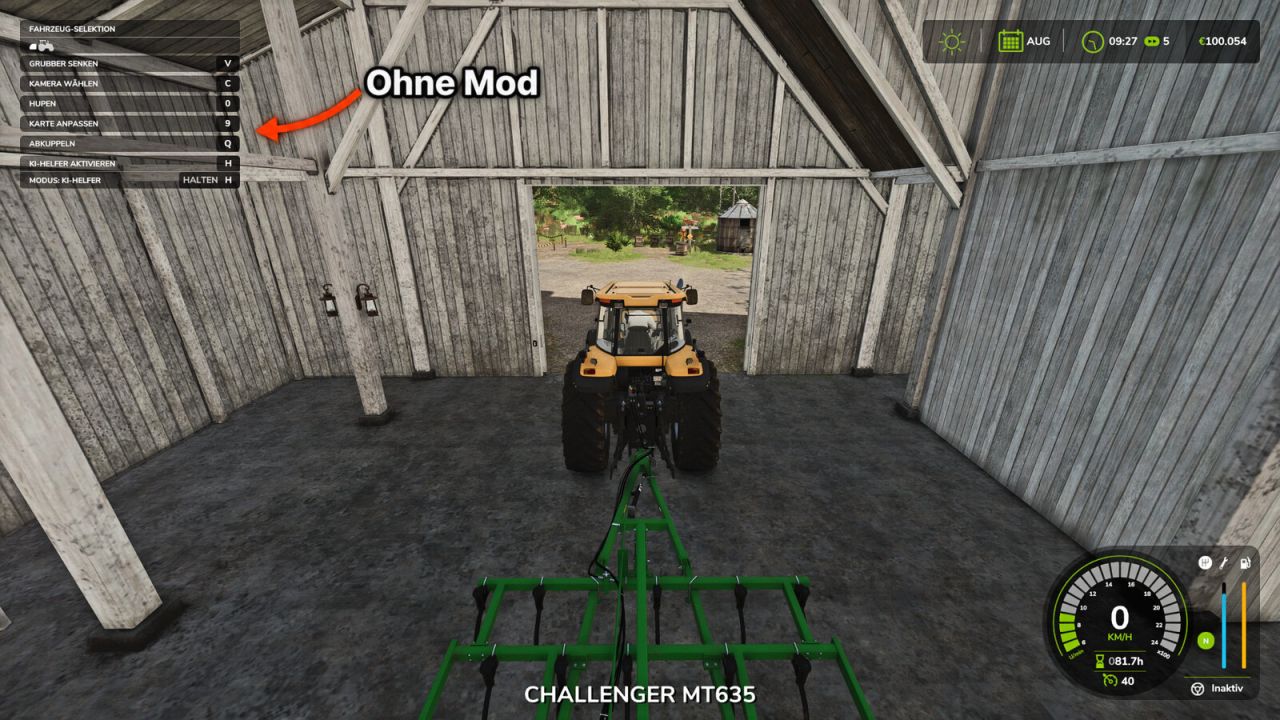
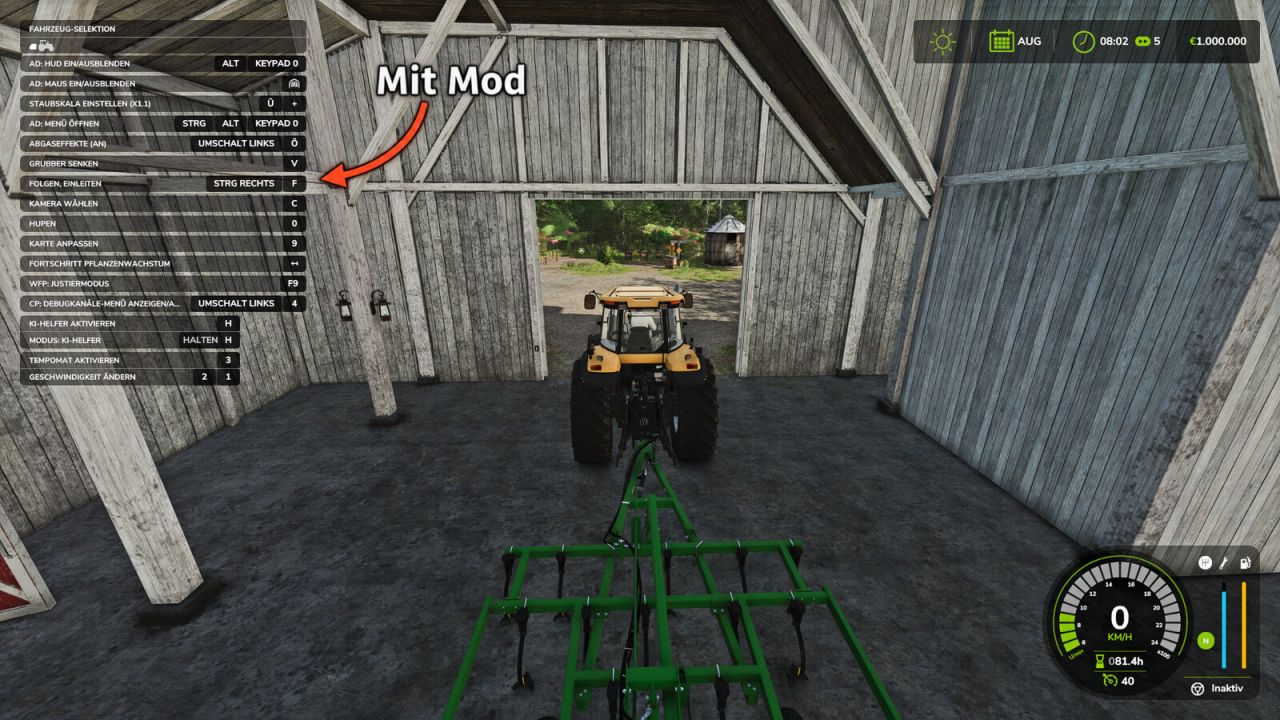
In the standard game, the F1 help window only shows a small selection of the available actions. Extended HUD expands this display so you can see all key bindings for the current vehicle and implement directly, including those from other mods such as AutoDrive or Courseplay.
Features:
Displays significantly more entries in the F1 help window
Key bindings from other mods are also displayed
No more lengthy searches in the control settings
Ideal when using many mods and new vehicles
Controls:
F1 – Show/hide the help window (as usual)
Multiplayer:
Works in single-player and on servers.
Version 1.0.0.0 – Initial release