Sold Out V1.0.0.0 LS25
Sold Out V1.0.0.0 LS25
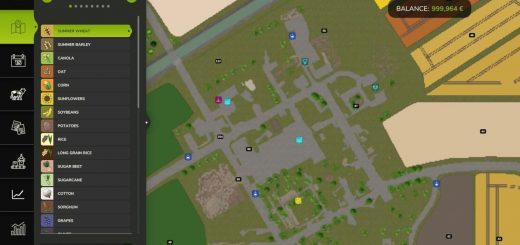
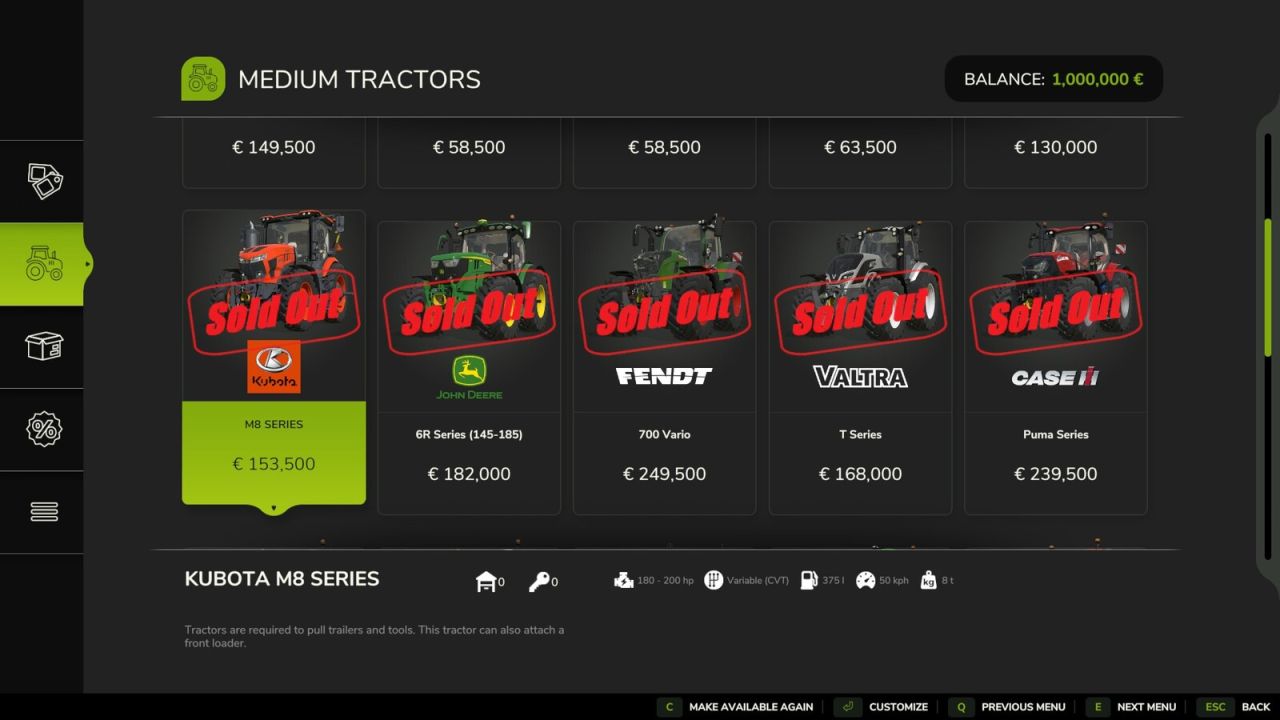
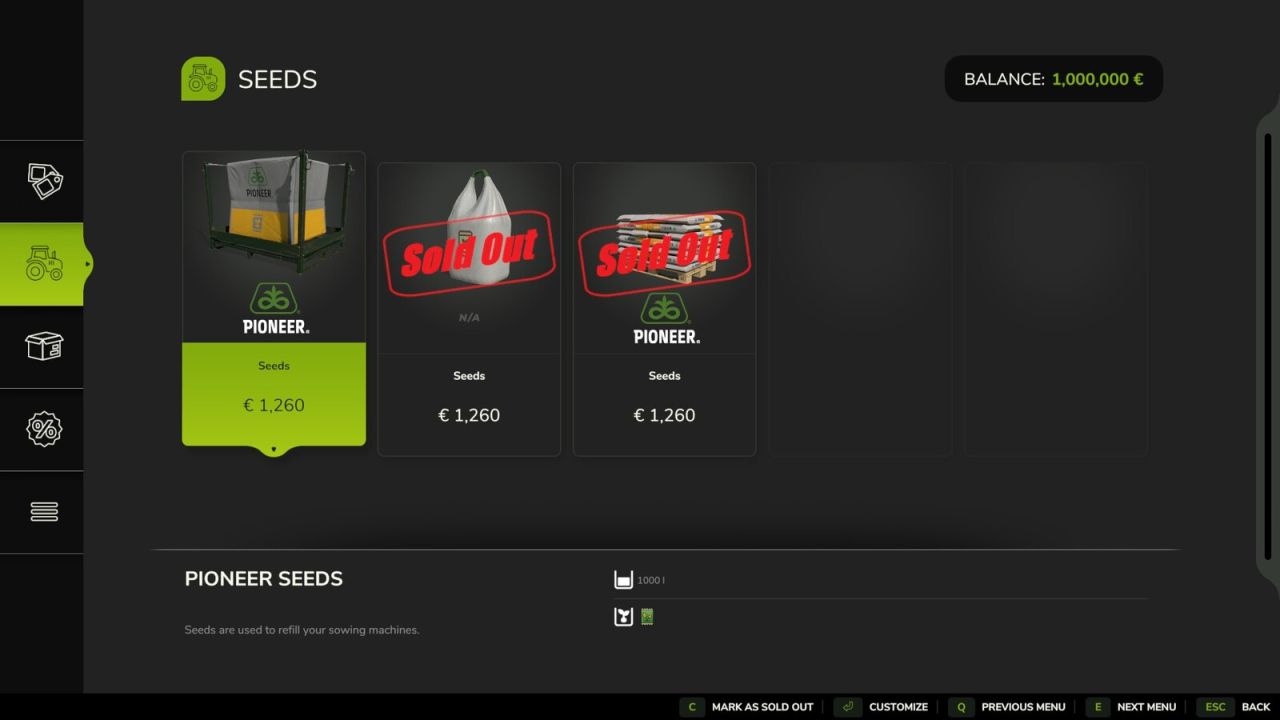
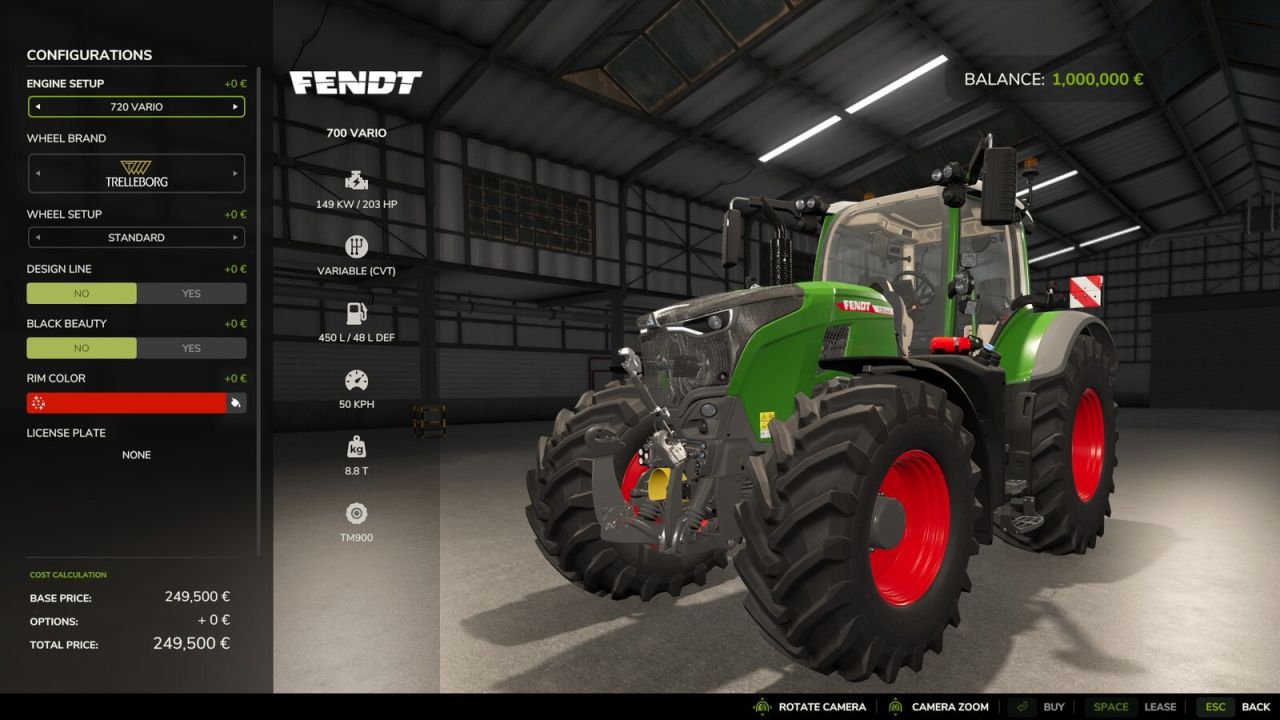
Sold Out lets server admins mark shop items as sold out right in the shop. Sold out items stay visible with a “SOLD OUT” stamp, and buying or renting them is disabled for every player.
Use it to create scarcity and shape your server’s economy: when a machine or product can’t simply be bought, farms have to trade, lend equipment and work together.
How to use: open the shop, select an item in the list and press C (the bottom bar shows “Mark as sold out” or “Make available again”). Only admins see this button. The lock takes effect instantly for everyone and is saved with the savegame.
Important: a lock applies to the item itself, for all players and farms. Works in multiplayer and on dedicated servers.