Highlight Selected Control Group V1.0.0.0 LS25
Highlight Selected Control Group V1.0.0.0 LS25
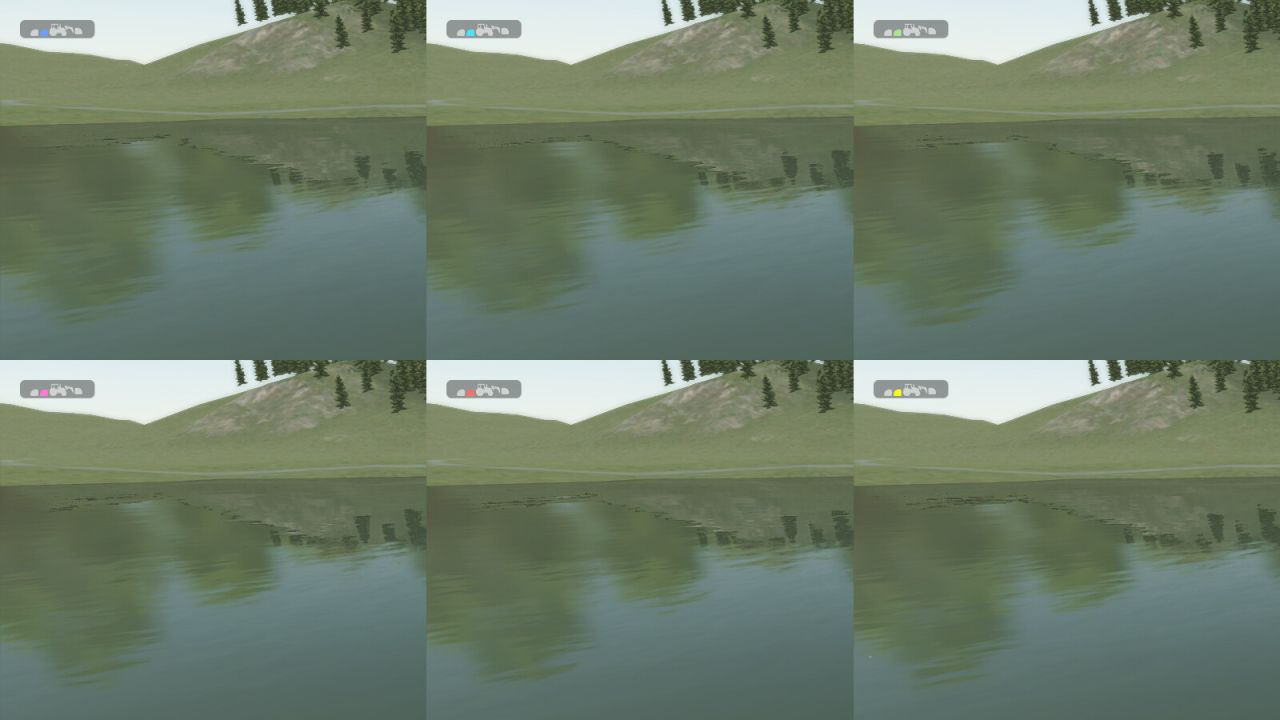
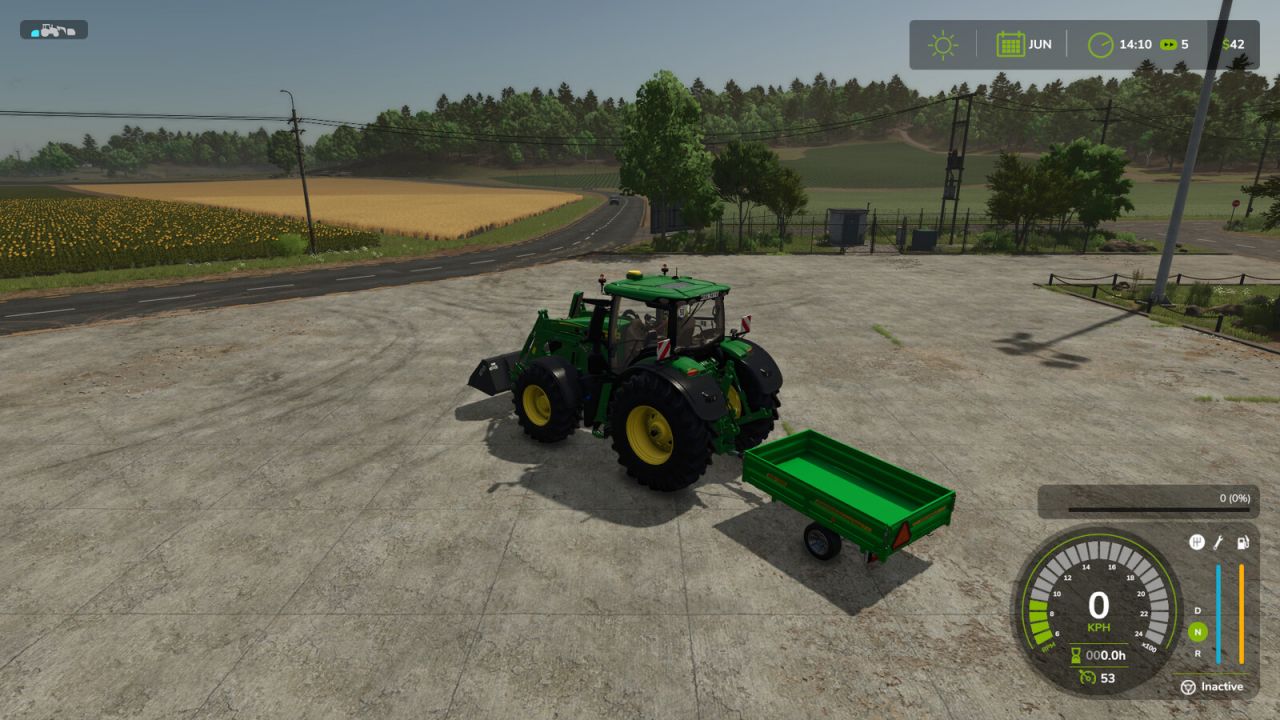
Makes the selected control group’s vehicle or implement silhouette easier to see by tinting its default white silhouette with a customizable color.
A silhouette that already has a non-white color, such as when the vehicle or implement is turned on, is left unchanged.
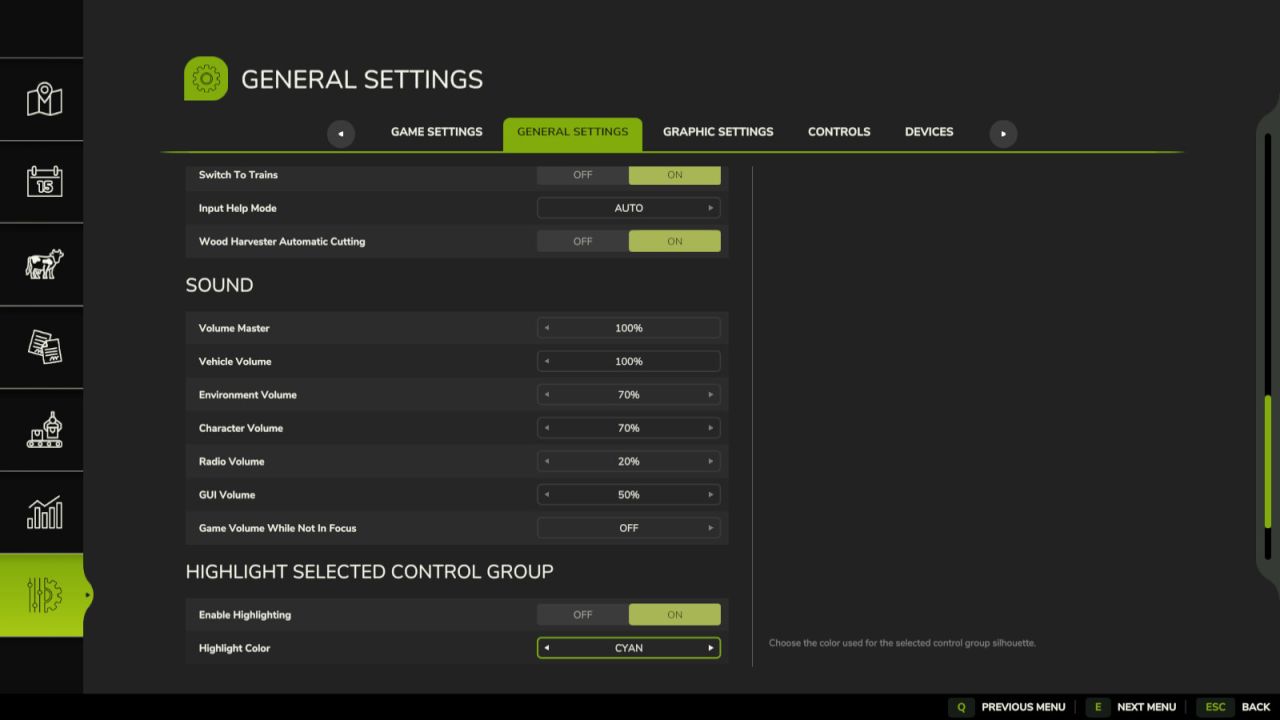
The default highlight color is cyan. The color can be changed in General Settings.