Tool Doctor V1.0.1.0 LS25
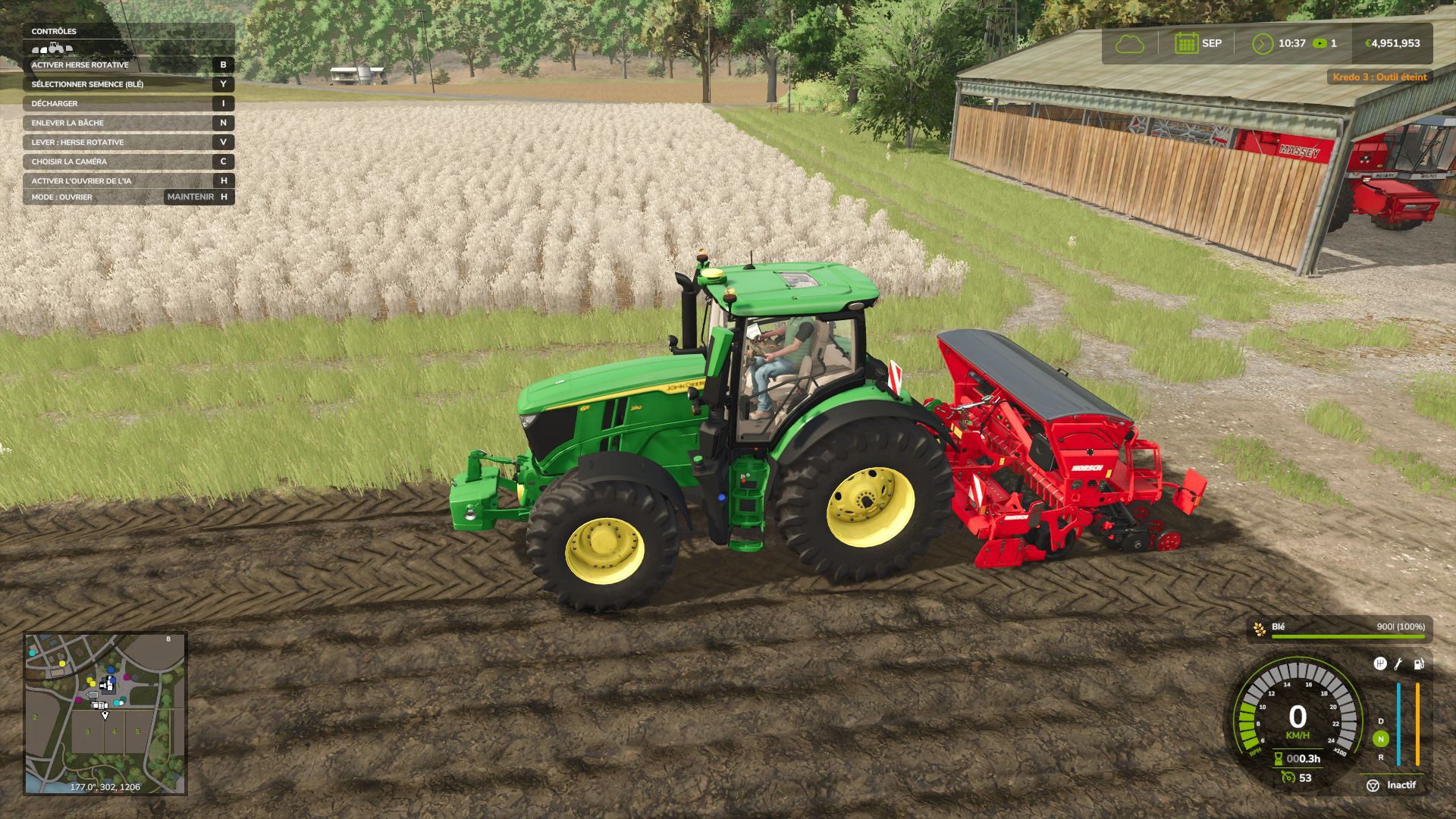
Tool Doctor V1.0.1.0 LS25
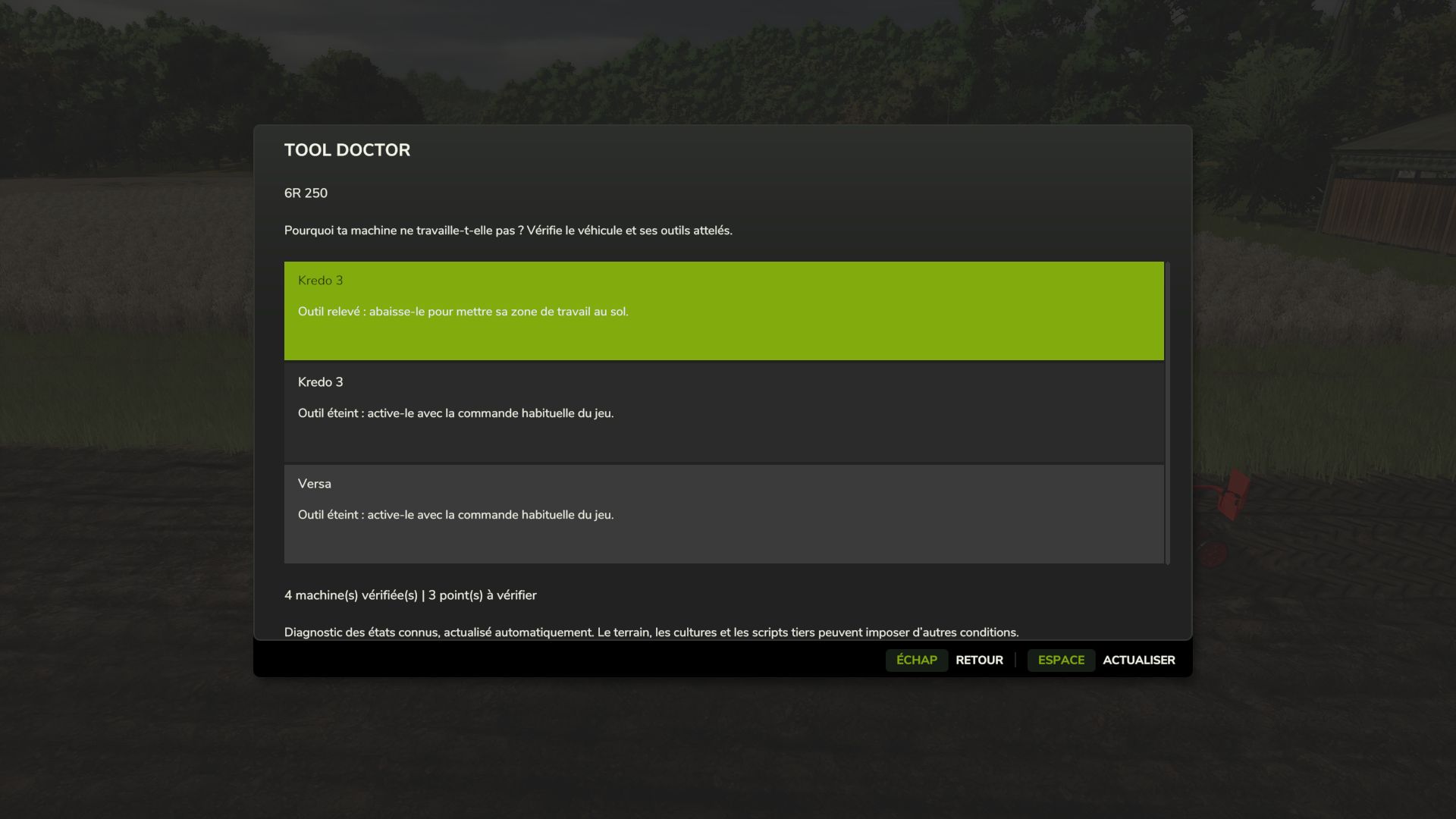
Tool Doctor helps you understand why a machine is not working. It inspects the vehicle you are driving and its attached implements, then indicates common problems and the actions to take in a native FS25 interface.
NOTIFICATIONS WHILE WORKING
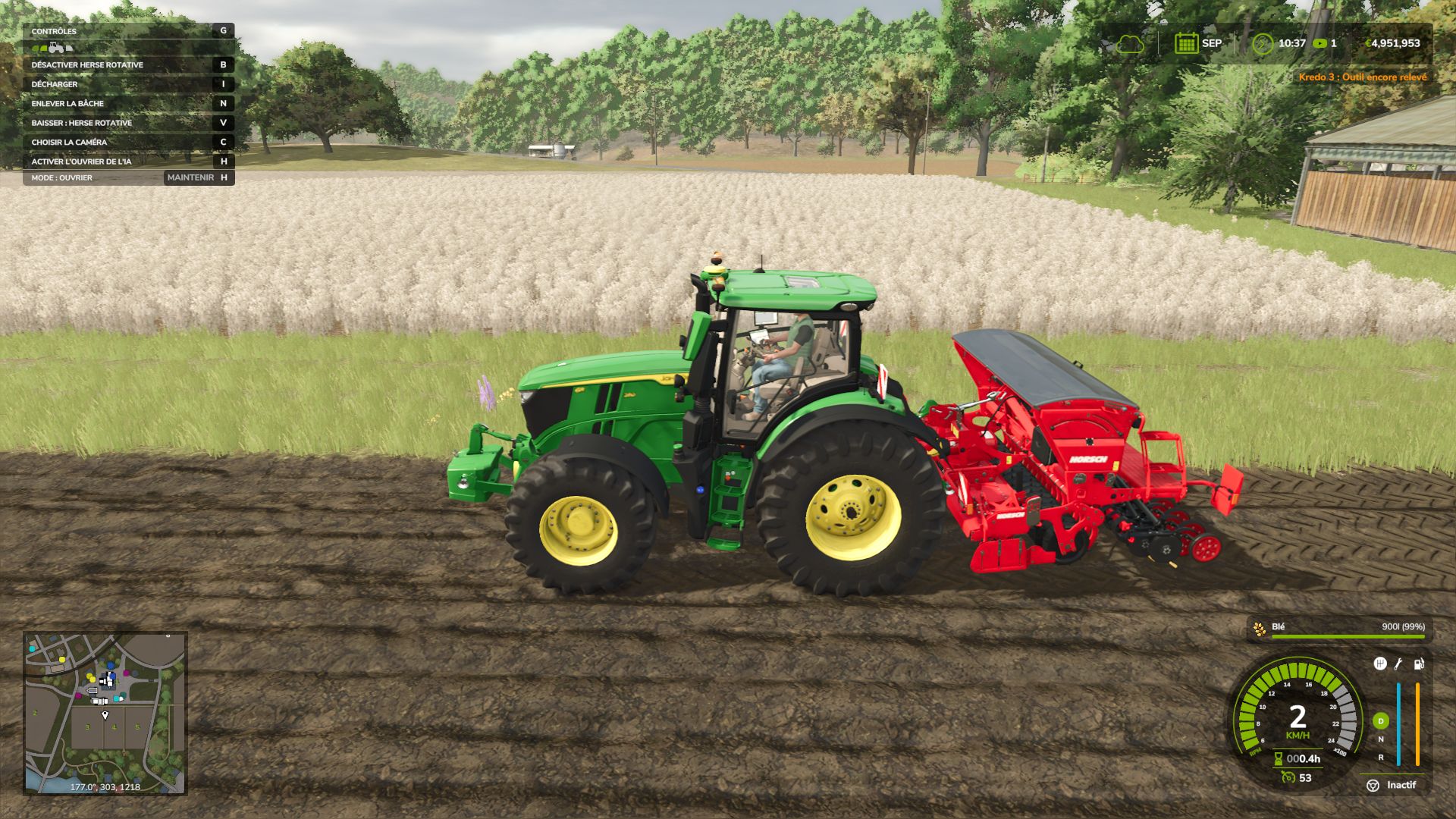
A small orange in-game notification appears in the top right after an attempt to work in a field is blocked, or when a problem occurs during operation. Examples: “No seeds”, “Product tank empty”, “Implement still folded” or “Implement still raised”.
The messages include the machine’s name and protection against overly frequent reminders. In multiplayer, only the affected player receives the alert.
DIAGNOSTICS
Engine stopped and the game’s start-up warning.
Implement folded, raised, switched off or activation refused.
Native machine warning when available: supply, power, configuration, etc.
Missing seeds or product, taking compatible connected tanks into account.
Missing header, combine harvester hopper full and bale ejection in progress.
Consumables depleted and maintenance advice in case of significant wear.
MENU AND CONTROLS
Left Ctrl + Left Shift + D in a vehicle to open Tool Doctor. Shortcut can be changed in the game’s control settings.
Scrollable list, automatic refresh and Refresh button. When equally important, the selected implement appears first.
27 language variants. No dependency on another mod.
MULTIPLAYER
Compatible with solo play, hosted games and dedicated servers on PC/Mac. Install and activate exactly the same ZIP on the server and for all players. The diagnostic uses the states synchronized by FS25 and does not modify money, stocks or permissions.
Tool Doctor checks the known states of machines. Not all field, crop or third-party script restrictions are covered. Wear is maintenance advice and does not by itself mean that the machine is blocked.
Version: 1.0.1.0
PC/Mac script mod, not available on consoles.