CUMA Shared equipment V1.0.0.1 LS25
CUMA Shared equipment V1.0.0.1 LS25
V1.0.0.1
A lot of improvements
Creation of your own CUMA,
Purchase of equipment from the CUMA directly in the shop menu
Booking calendar in Multiplayer (the calendar is still in beta)
What if you no longer needed to buy all your equipment?
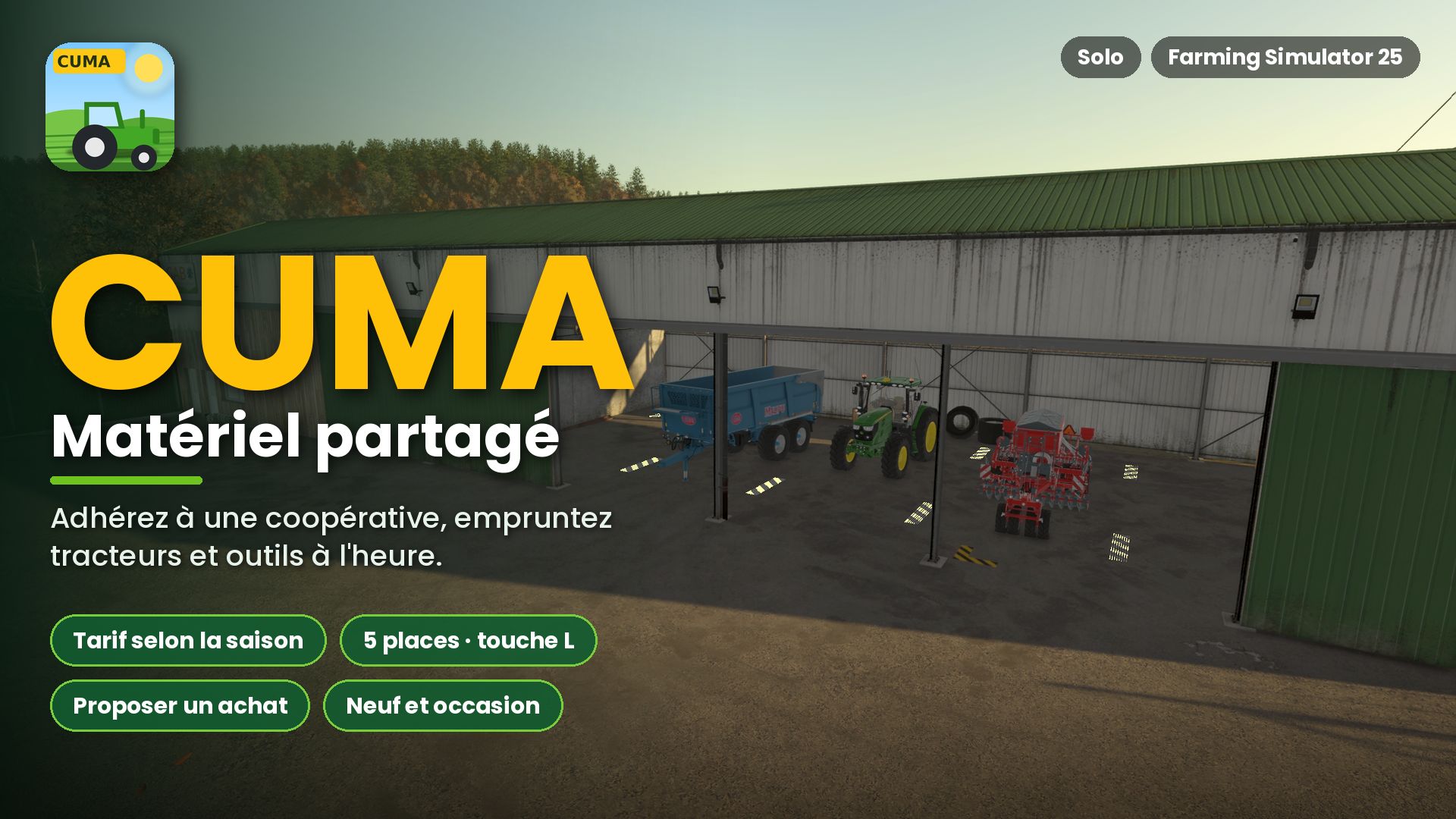
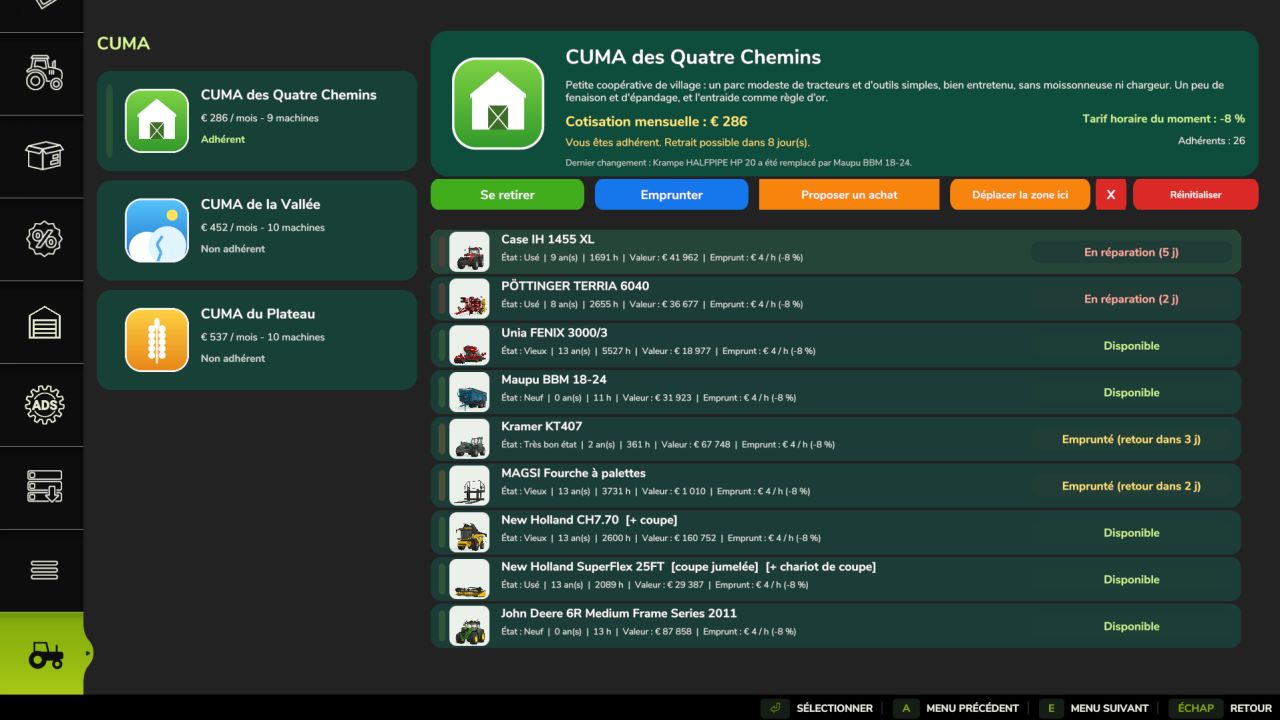
This mod adds CUMA cooperatives to Farming Simulator 25. Join a cooperative, pay a monthly membership fee and borrow tractors, tools and machines by the hour.
A new CUMA tab appears in the shop.
Membership and rates
Only one CUMA at a time.
Withdrawal possible after at least 1 year.
Membership fee based on the value of the fleet.
Borrowing is charged by the hour.
Rates vary depending on the season.
The number of members gradually changes.
Different CUMAs
Between 2 and 4 CUMAs are generated, each with its own profile and equipment: small cooperative, arable farming, livestock farming, recent equipment, etc.
Machines are selected from the in-game shop, including mods.
A realistic fleet
Machines have an age, operating hours, wear, breakdowns, repairs and availability.
Tools are matched to the power of the tractors.
The fleet may contain tractors, seeders, plows, spreaders, haymaking equipment, balers, trailers, telehandlers, harvesters and other equipment.
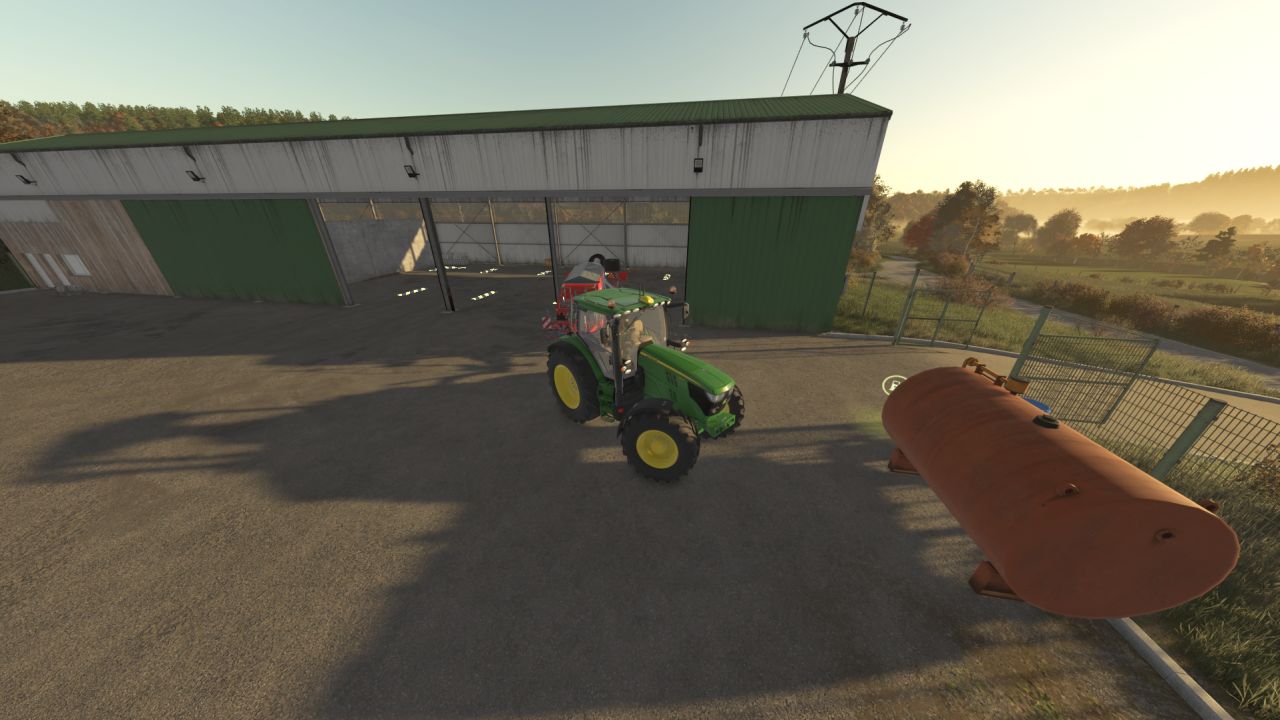
Delivery area
An area with 5 spaces can be installed from the CUMA page.
Some fleet machines are displayed there. Approach them and press L to borrow them.
If the area is full, a displayed machine may automatically leave to make room for the one borrowed from the menu.
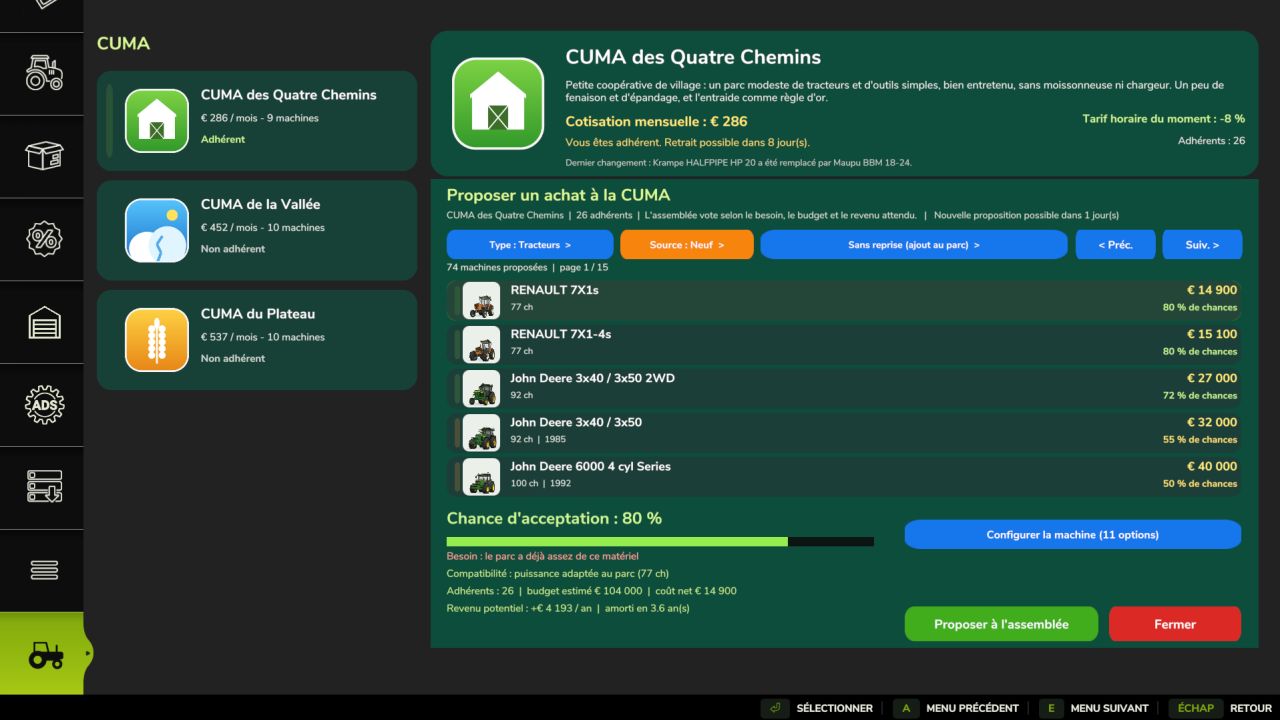
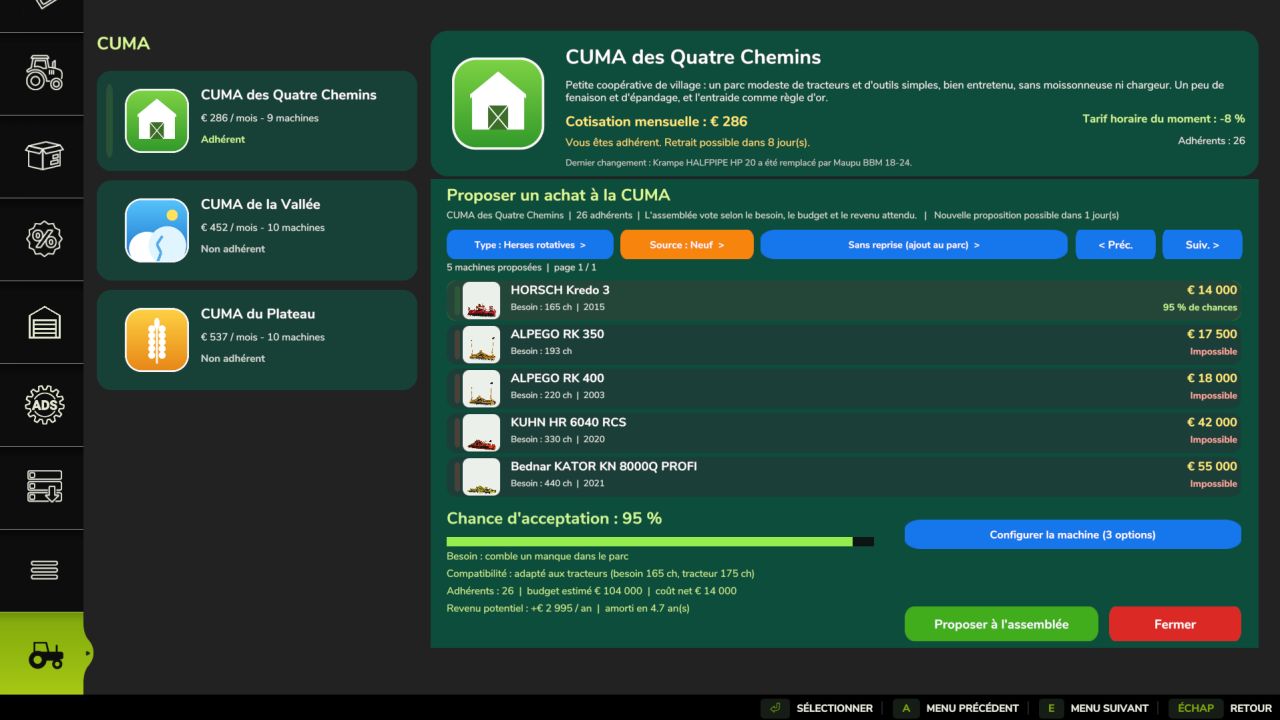
Propose a purchase
You can propose the purchase of a new machine by choosing:
The type of equipment
New or used
A possible trade-in
The model
Options and configurations
The probability of acceptance depends on the need, compatibility, budget, number of members and expected profitability.
Several in-game days are required between two proposals.
Installation
Place the ZIP file in the mods folder, activate it and then open the shop. The CUMA tab appears last.
Then place the delivery area from the CUMA page or via the dedicated placeable.
After an update, Reset allows you to regenerate the CUMAs and their equipment.
Warning: this operation deletes the existing CUMAs, their machines and their progress.
Good to know
Single-player only.
Multiplayer is not supported.
The L key cannot be remapped.
Some interface warnings may appear in the log without any consequences.
The mod is still being developed and will receive future updates.