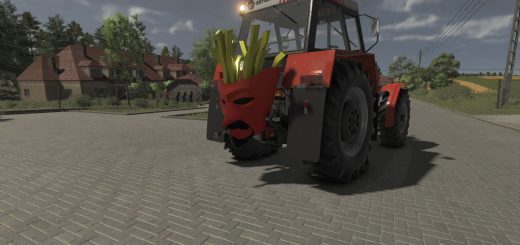
BriodLights Olympus 9 (Prefab) V1.1.0.0 LS25
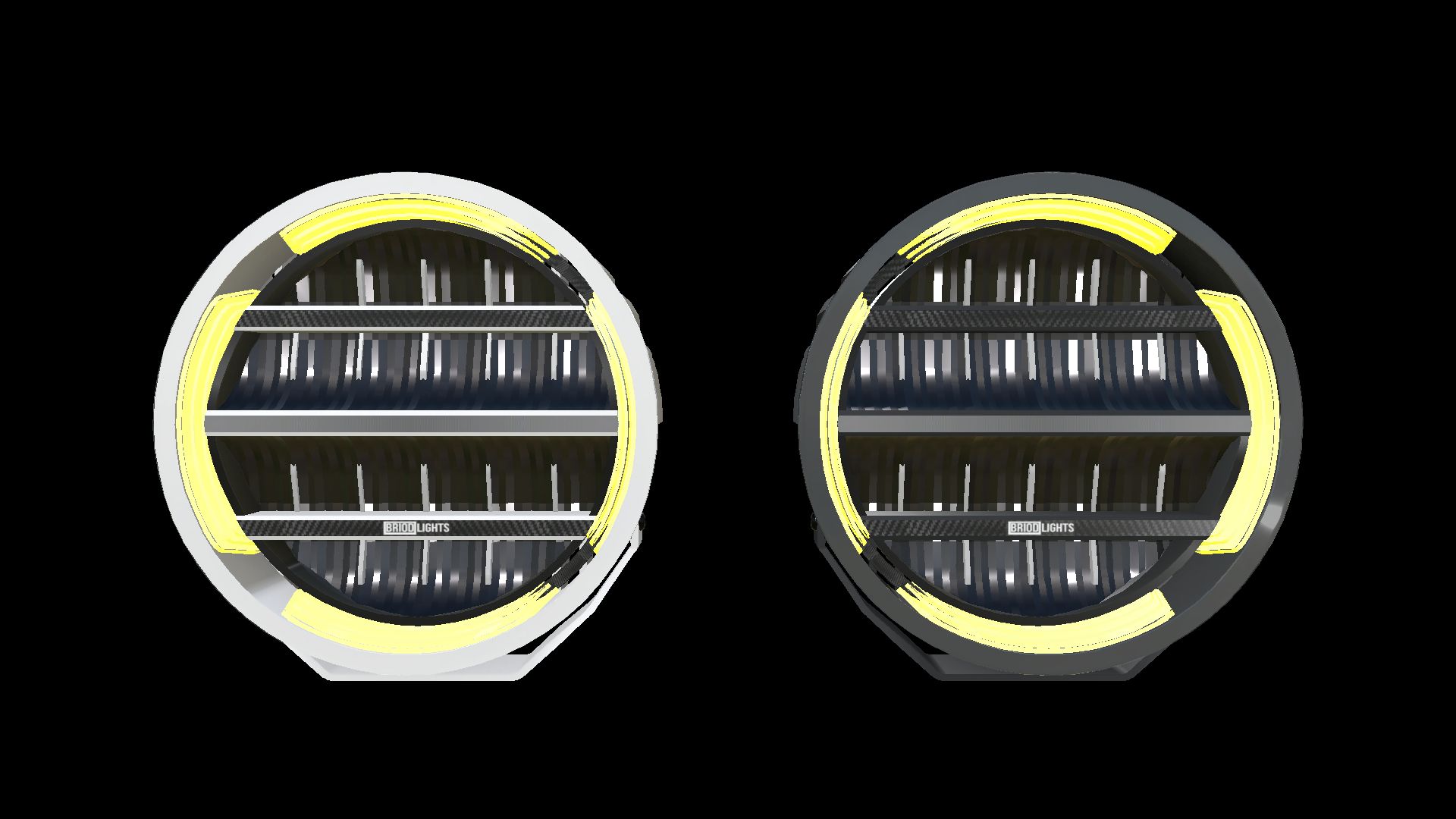
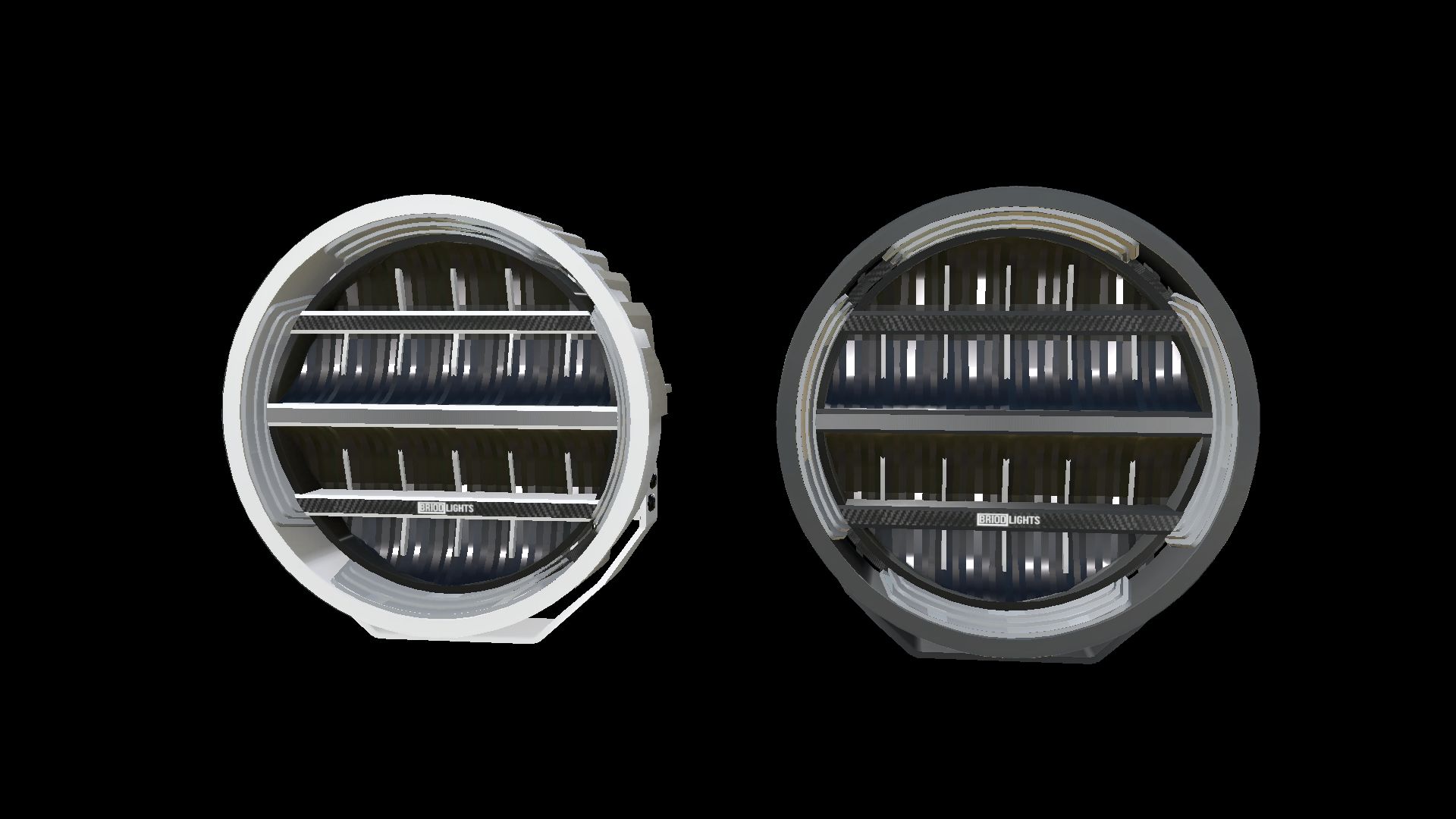
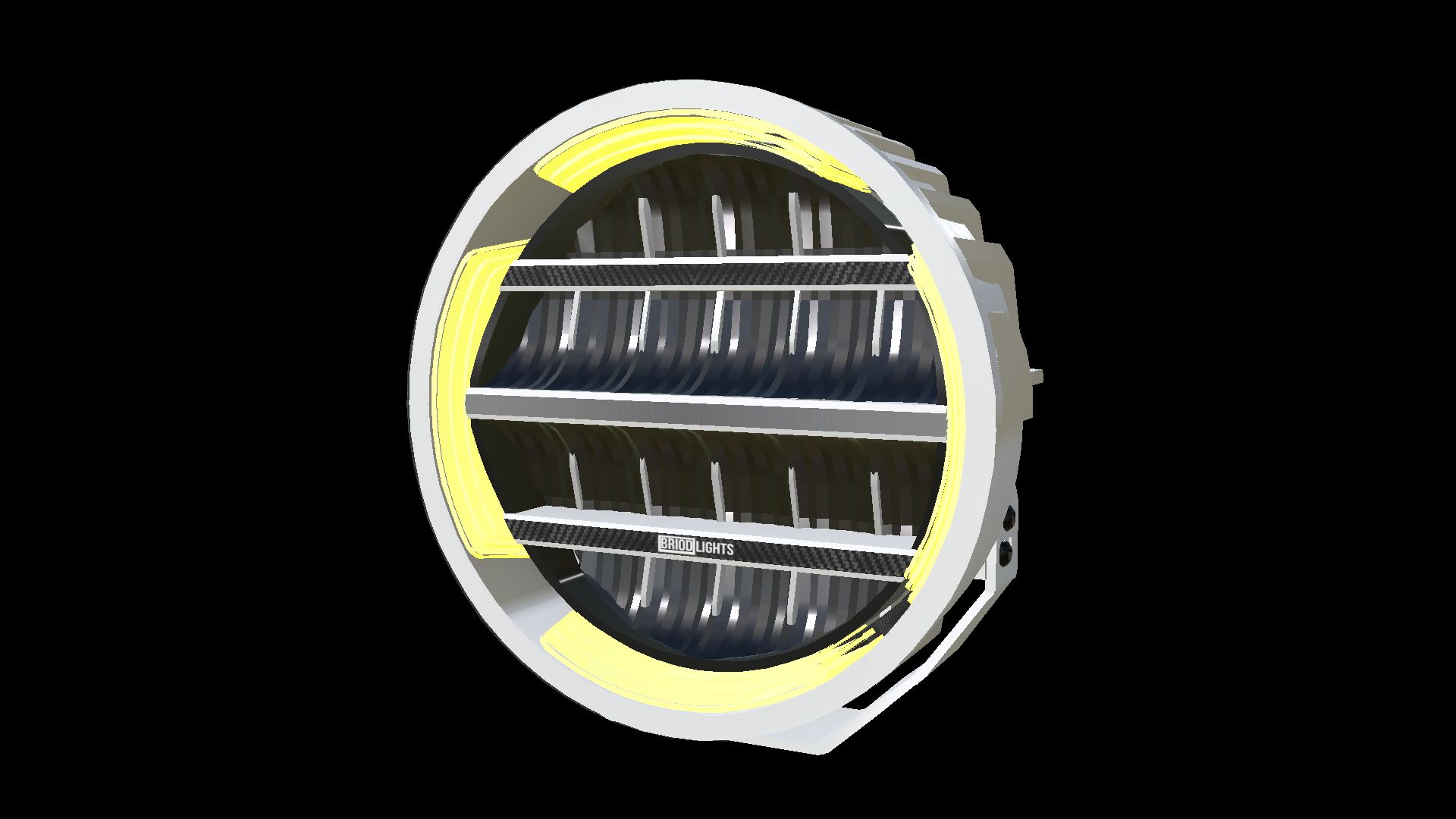
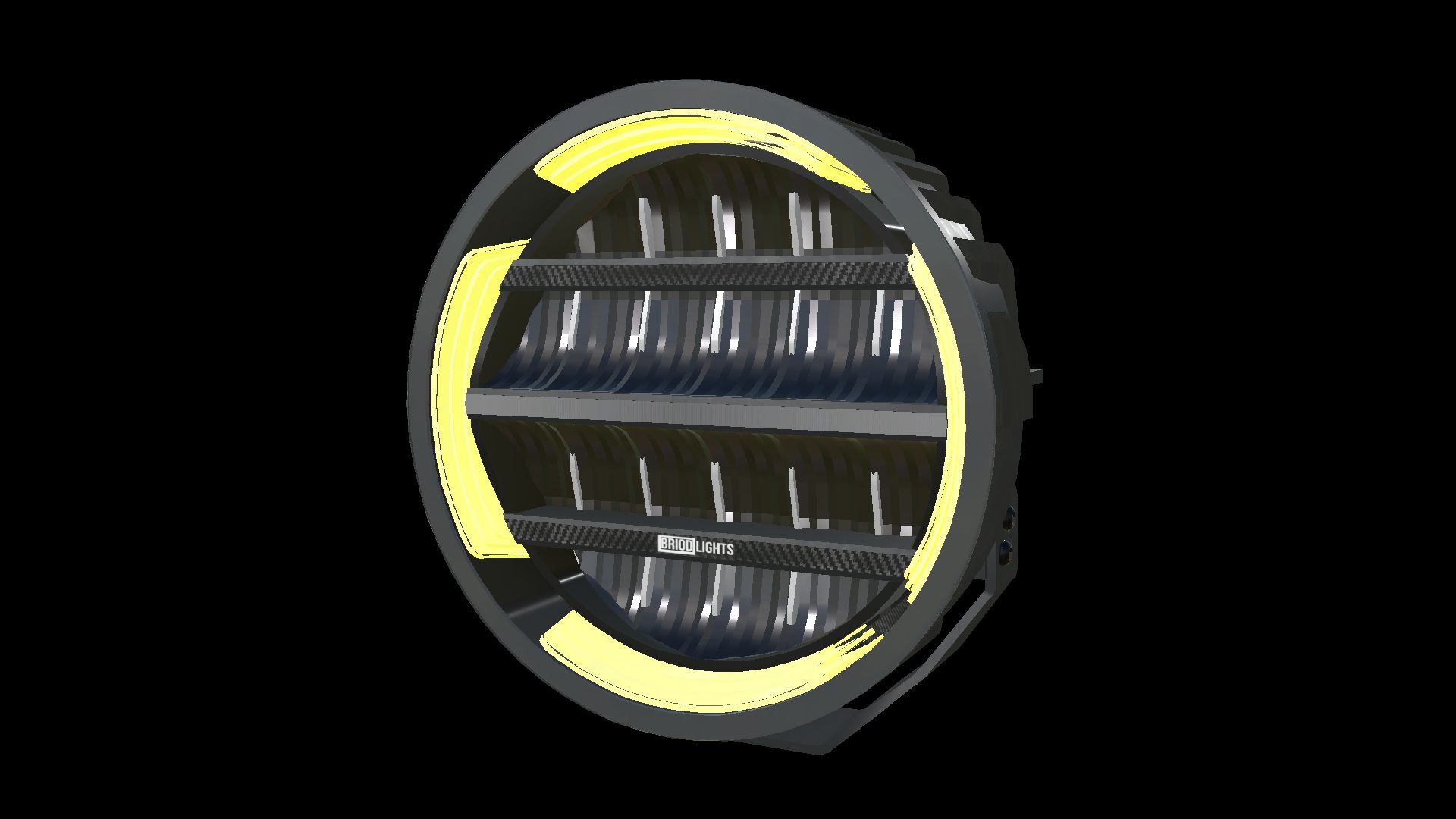
BriodLights Olympus 9 (Prefab) V1.1.0.0 LS25
BriodLights Olympus 9 — White & Black Prefab Pack
Farming Simulator 25 | Version 1.1.0.0 | NorthernLight Modding
A complete BriodLights Olympus 9 prefab pack for vehicle builders in Farming Simulator 25. Choose white or black housings with amber position lighting and separate white high beams.
Features:
– Four prefabs: white and black housings, each in left and right versions.
– Powder-coat finish with the original logos, reflectors, cooling fins and mounting brackets retained.
– Amber DRL/position ring and light strips, with visible diffuser surfaces when switched off.
– Separate white high beam with real light sources for both High and Low lighting quality.
– Position lights on the first lighting stage with the supplied XML; high beams connect to the receiving vehicle’s high-beam function.
– Vehicle XML examples for all four variants and an offline XML helper for custom mounting paths.
– Complete installation guides in English, Swedish and Norwegian.
This is a prefab for mod makers. Import and connect the lamps inside a vehicle mod using GIANTS Editor; they are not separate shop items. No custom Lua scripts are required.
Original models and textures: JB Modding.
FS25 conversion, material adaptation, lighting integration and prefab package: NorthernLight Modding.
Product images show the supplied models in GIANTS Editor.