Weather Forecast HUD v1.2.0.0 LS25
Weather Forecast HUD v1.2.0.0 LS25
The FS25 Weather Forecast HUD enhances Farming Simulator 25 with a modern, dynamic weather and warning system, focusing on clarity, immersion, and production planning.
Changelog – Version 1.2.0.0
Completely redesigned weather forecast HUD
New, modern weather station display
5-day weather forecast
Display of current temperature
Display of maximum and minimum temperatures
Display of precipitation probability and amount
Daily weather changes are taken into account and displayed accordingly
Improved synchronization with the game’s weather calendar
HUD size can be changed in the game settings:
Very small
Small
Normal
Large
Very large
HUD position can be adjusted via the game settings
Temperature unit can be set
Weather HUD and warning displays can be enabled or disabled separately
Support for German, English, French, Spanish, Polish, and Russian
Optimized for single-player and dedicated servers
Important: FarmOS is no longer required for this mod.
The Weather Forecast HUD is now a completely standalone mod and works independently of FarmOS.
After loading a save game, please do the following:
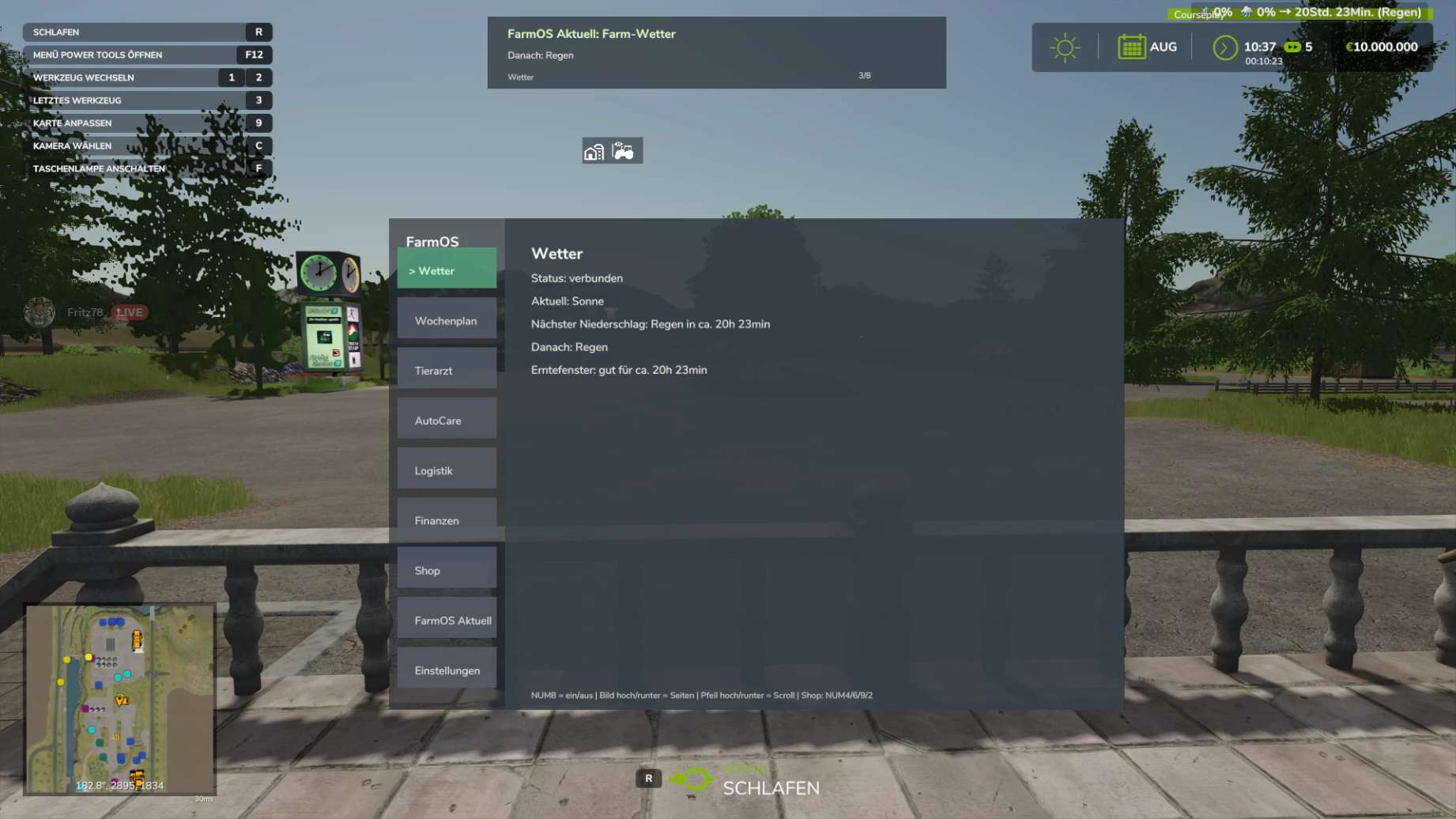
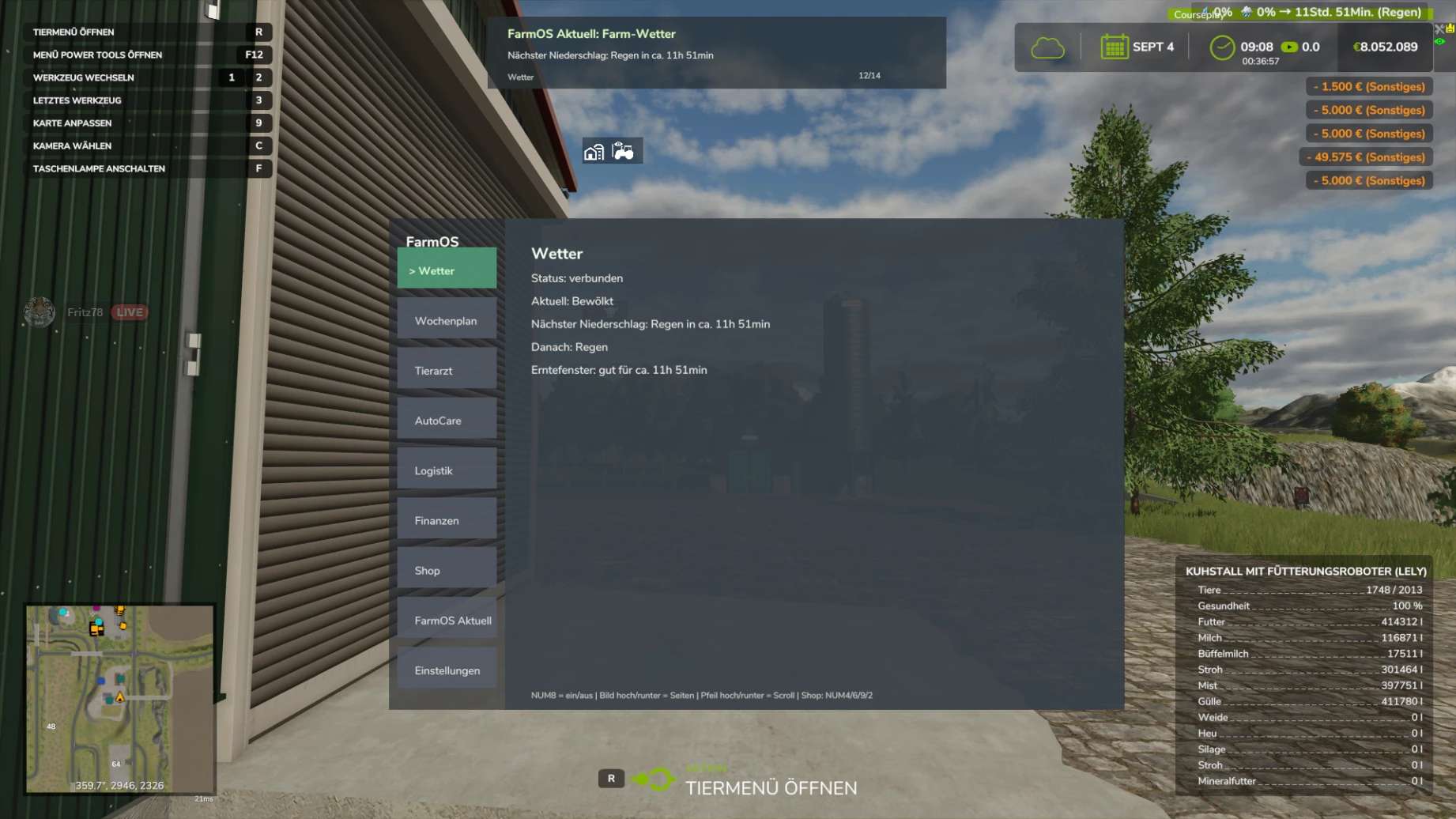
ESC → Open Weather → then return to the game.
This will fully synchronize the weather forecast with the current weather calendar.
FS25 Weather Forecast HUD – Mod Introduction
Enhanced Weather Forecast & Production Warnings for FS25
The FS25 Weather Forecast HUD adds a modern, dynamic weather and warning system to Farming Simulator 25, focusing on clarity, immersion, and production planning.
The mod displays weather changes, severe weather warnings, harvest hazards, and weather-dependent production bonuses directly in the HUD – both in single-player mode and on dedicated servers.
Special focus was placed on:
Clean dedicated server compatibility
High-performance HUD display
Synchronous weather time calculation
Clear display without spam
Optional mini-HUD
In-game configuration
The mod functions independently and is also compatible with our production/weekly schedule system.
Credits: Akita83