Antonov An-2 Agro Sprayer V1.0.0.0 LS25
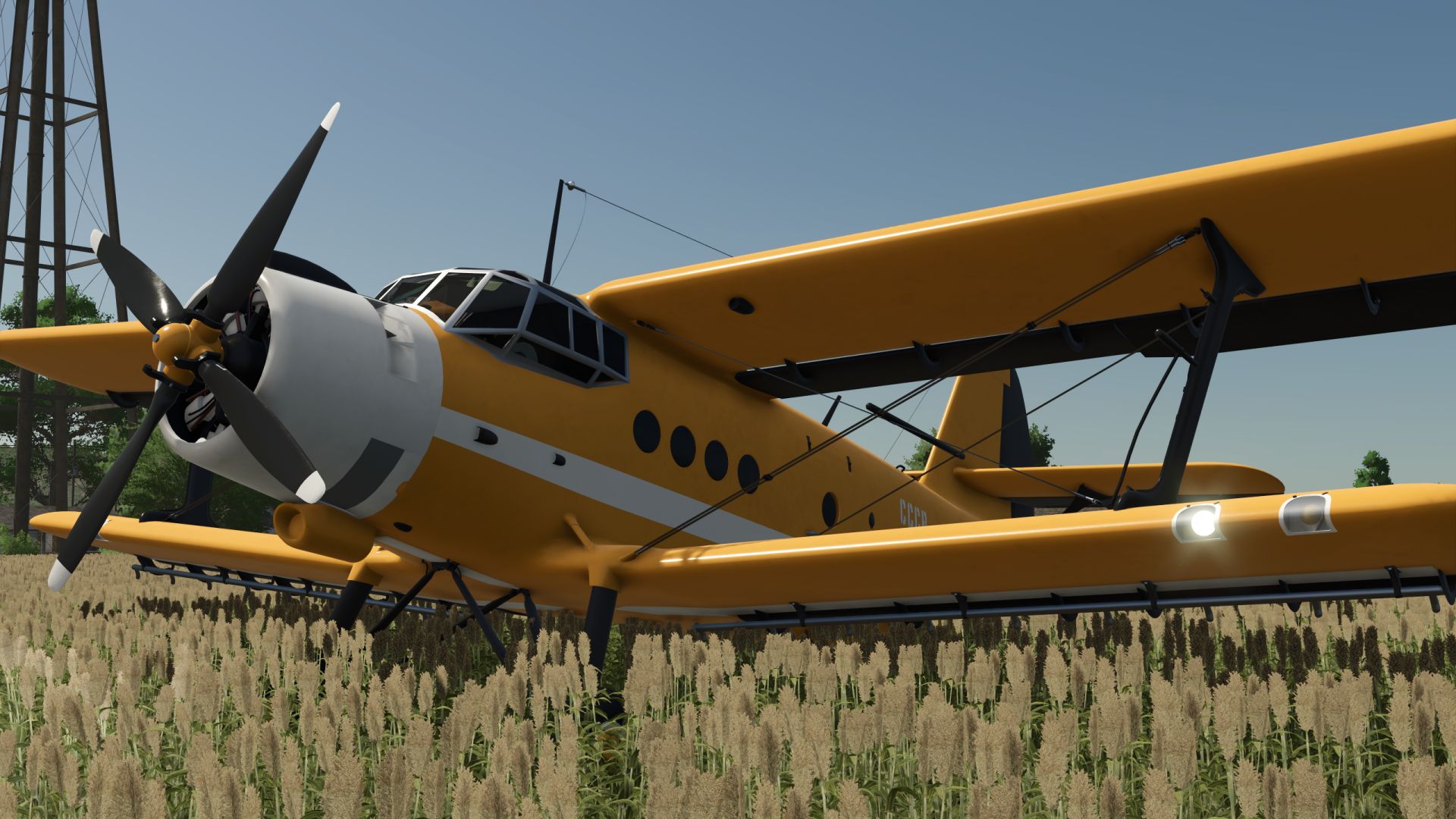
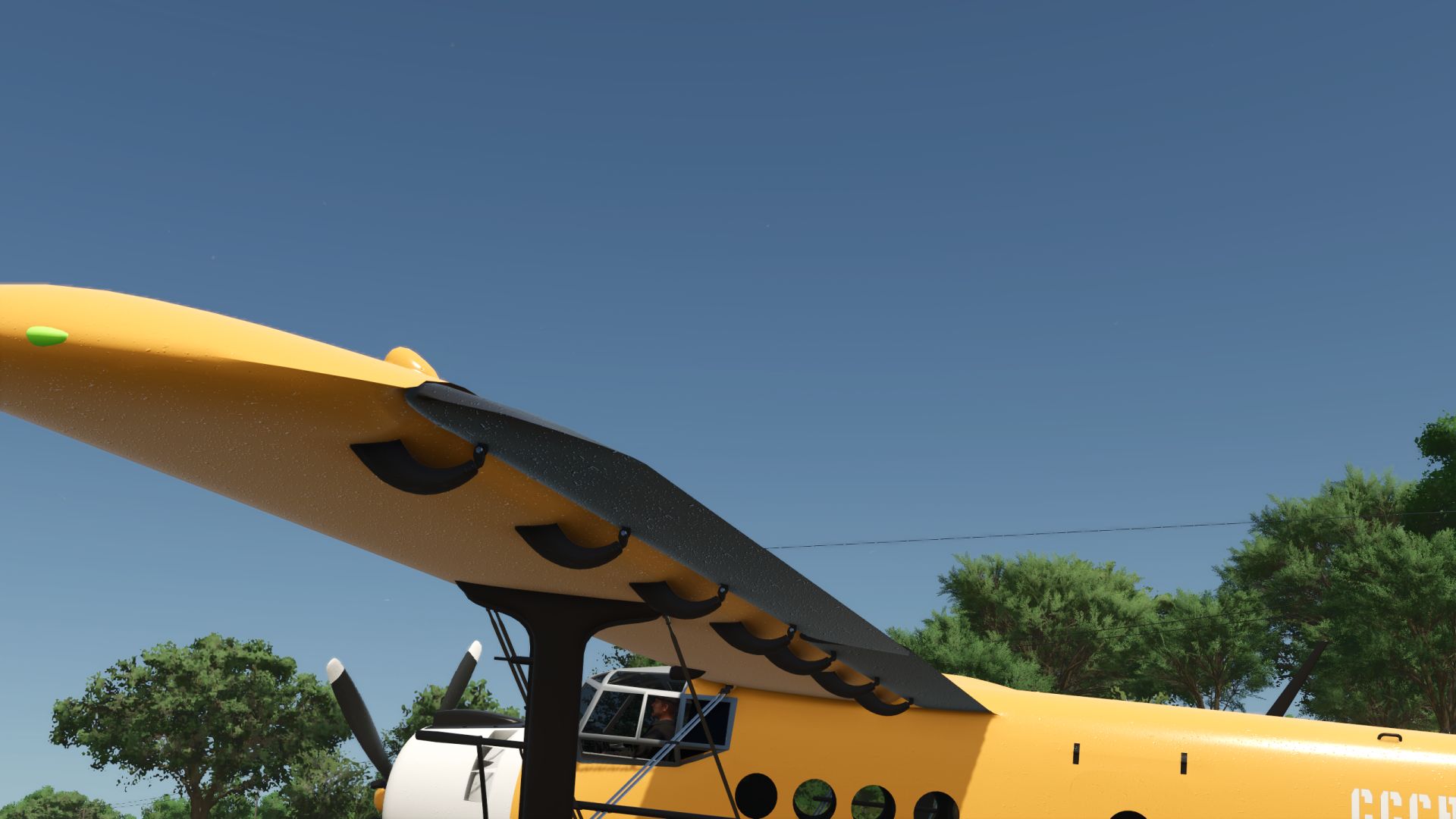
Antonov An-2 Agro Sprayer V1.0.0.0 LS25
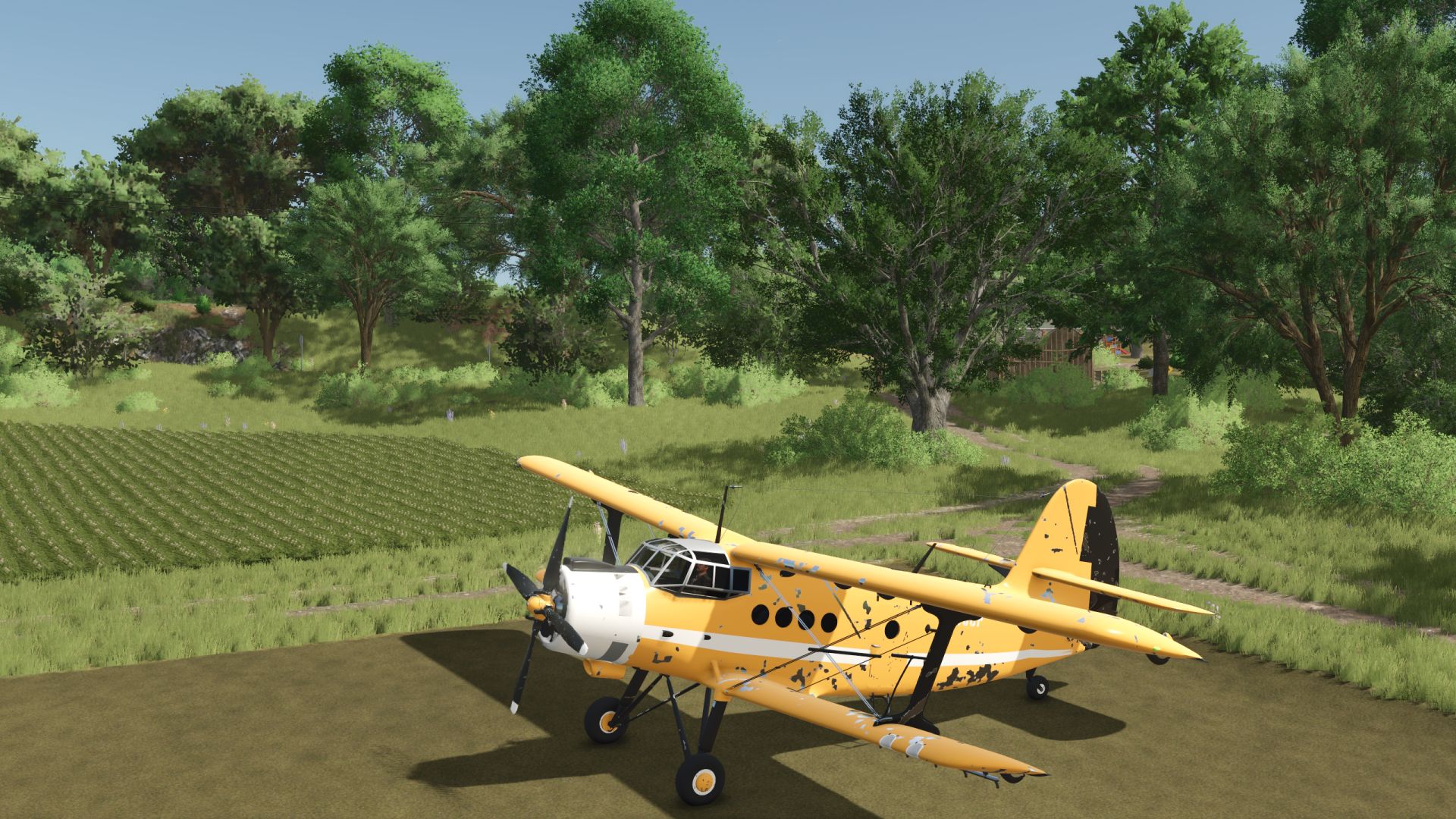
Based on a modification by the author GBF_modding, edited by honved4. I changed some characteristics for my own use, namely:
– increased the maximum height for field work, making it easier to maneuver on challenging maps;
– increased the spraying width (I don’t know the exact parameters; I set it by eye, approximately 50 meters);
– increased the liquid tank capacity (it was 800, now it is 1600);
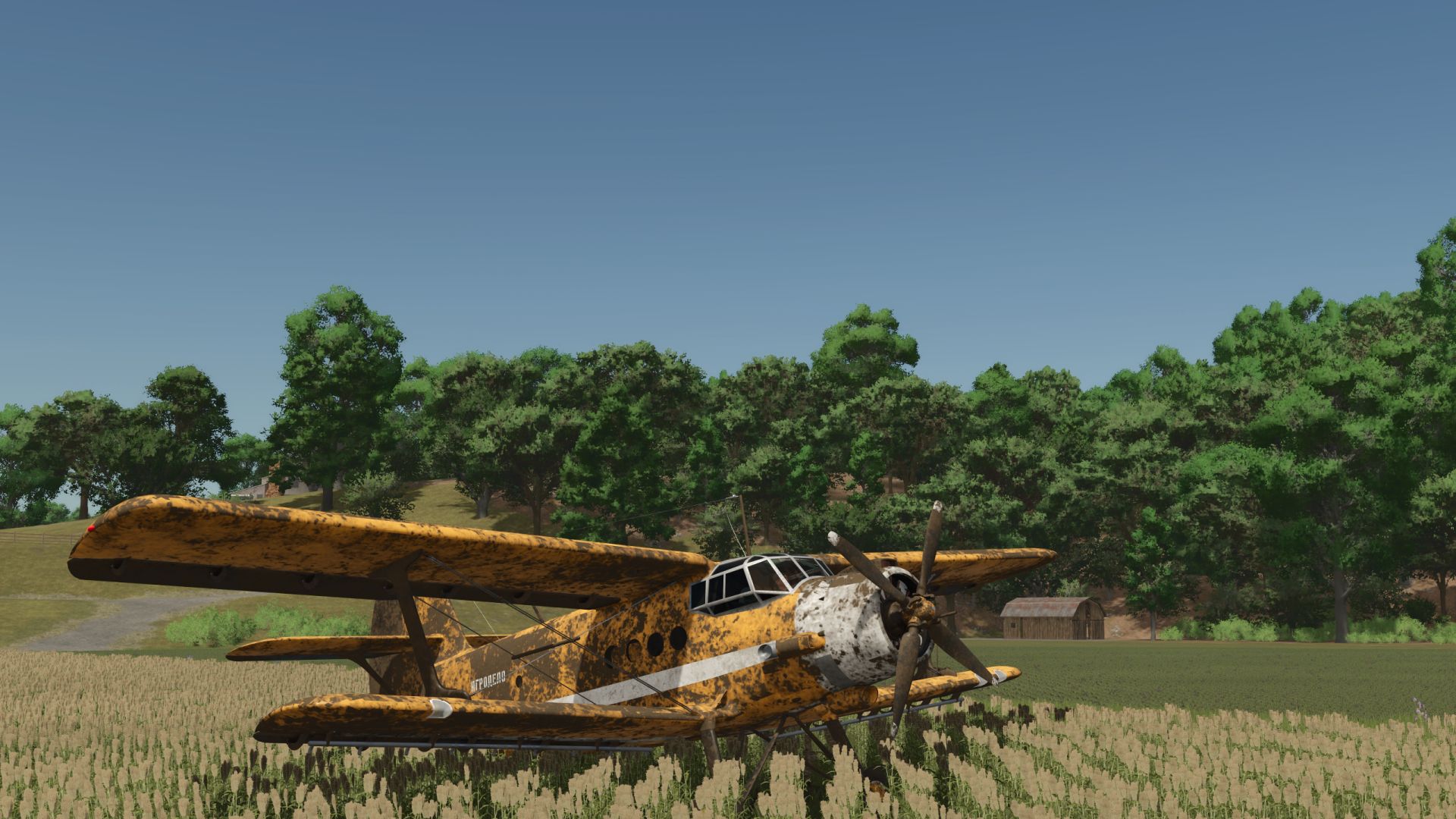
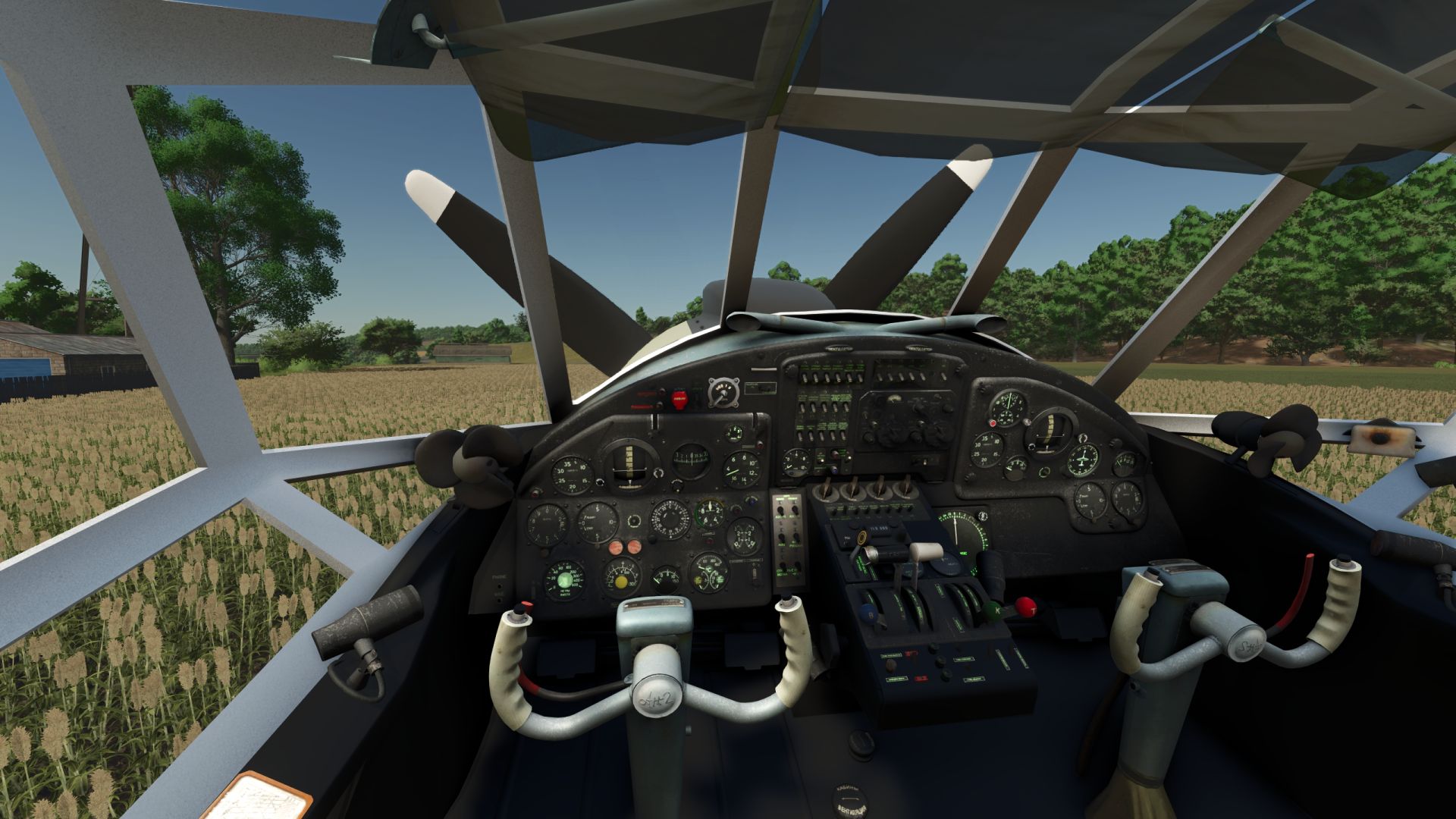
– converted it to FS25 materials, including dirt, wetness and wear (except for the interior, which I left as it was for authenticity);
– replaced the radio sound (it doesn’t seem right to speak English in a Soviet aircraft);
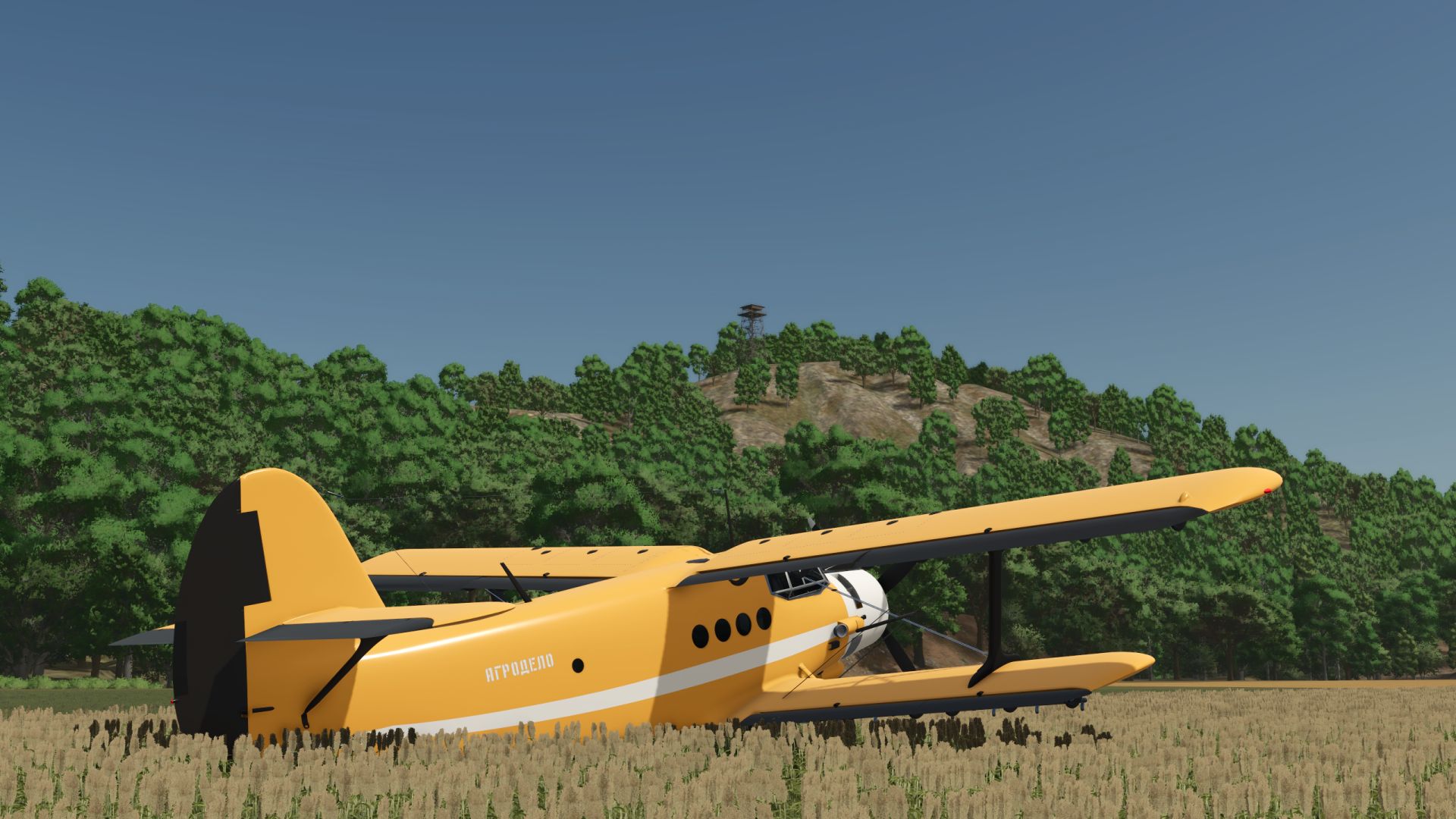
– added the option to turn decals on and off;
– the aircraft can now be painted however you like;
– added a Russian translation;
– kept the original sounds (I don’t have good source files to make them sound really nice and high-quality). Otherwise, this is still the same AN-2 that will be an indispensable helper for you!
Controls:
A – Turn left
D – Turn right
W – Increase throttle/accelerate
S – Decrease throttle/slow down
Left mouse button – Ascend
Right mouse button – Descend
– Spraying agricultural crops;
– supports liquid fertilizers and herbicides;
– spraying is only possible at an altitude of 2 to 50 m.
Designed for precise and realistic aerial spraying and simply for creating a great atmosphere!
Credits: VFStudio, GBF_modding, honved4