Realistic Stubble Tillage V1.0.0.0 LS25
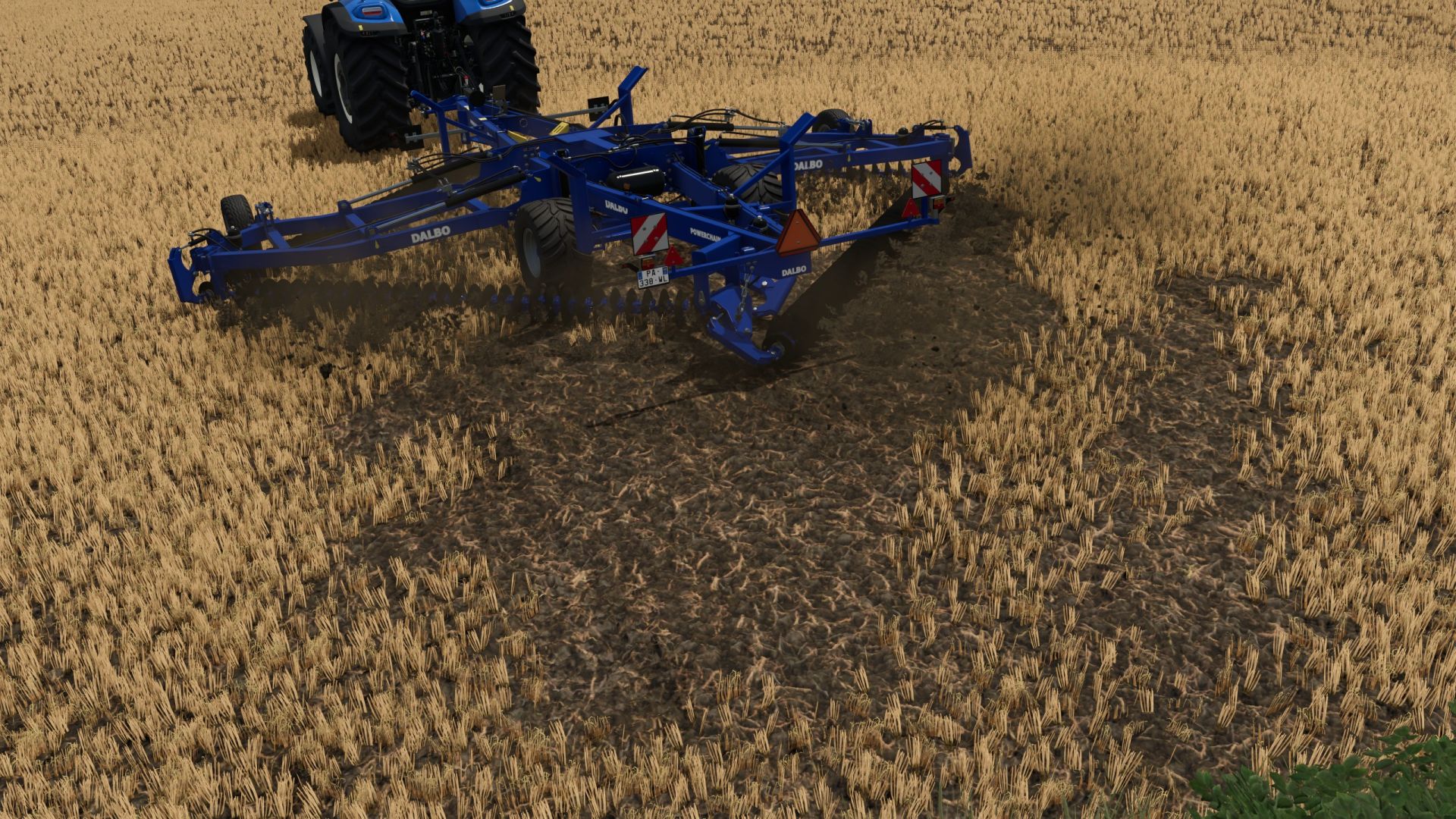

Realistic Stubble Tillage V1.0.0.0 LS25
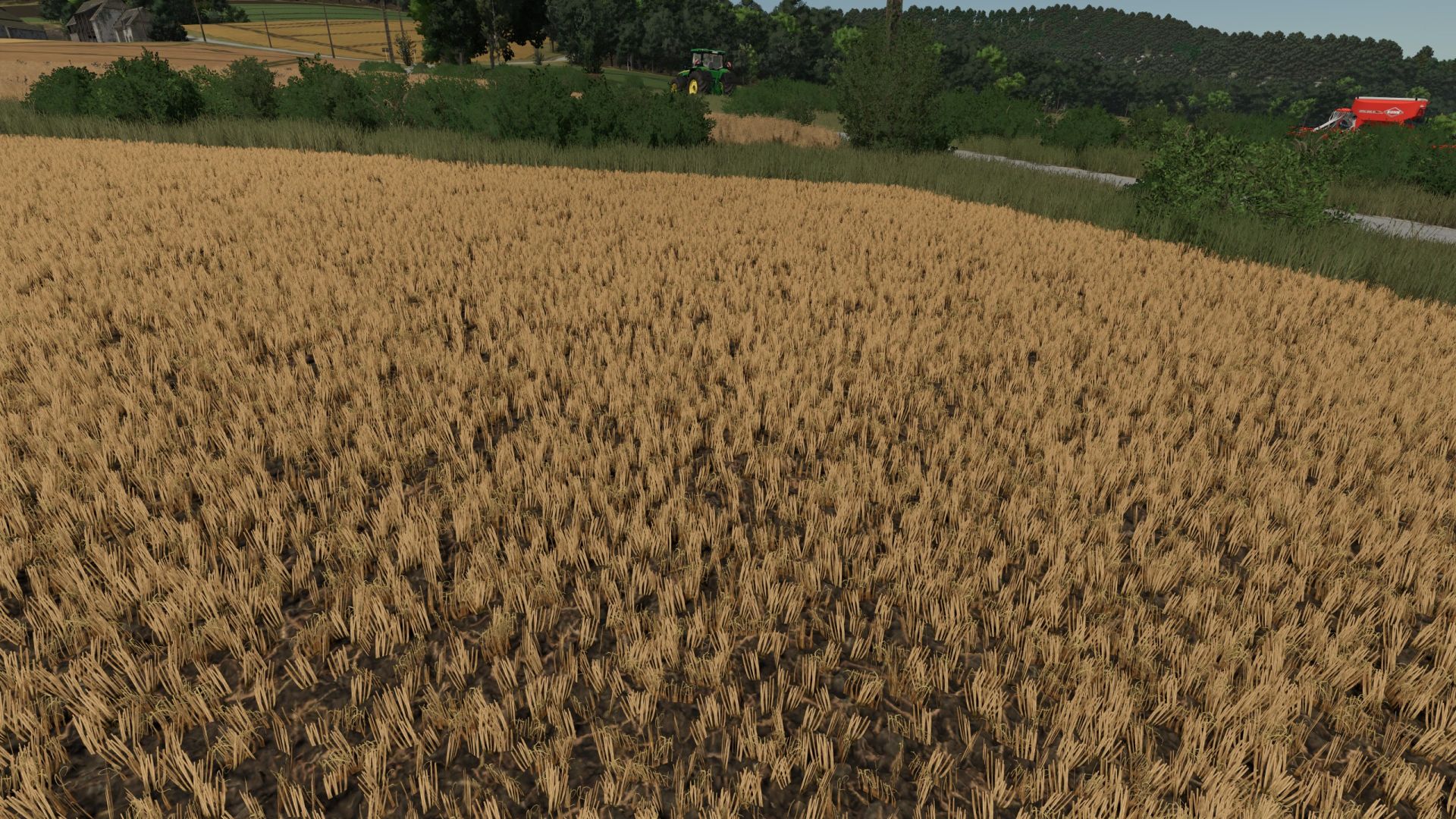
After tillage with the cultivator or disc harrow, part of the foliage remains visible instead of being completely removed and real Volunteer Grain grows after it. Volunteer Grain grows every day to keep a balance between realism and fun gameplay. Three profiles with per-crop-type adjustable values (found in the mod folder), selectable in the game settings. Custom crop types can also be added there. There are two pre-configured profiles for Giants Maps (Vanilla) or maps that use the Template from WeekendFarmers/T4xs (TemplateMap)
Example from custom1.xml:
settings name=”YOUR NAME”
Here, you can enter your own profile name, which will also be displayed in the in-game menu.
DO NOT rename the file itself! Otherwise, the profile can no longer be loaded!
fruit name=”WHEAT” densityReductionPercent=”2″ targetFoliageState=”10″
fruit name: The name of the crop, exactly as it is listed, for example, in fillTypes.xml.
densityReductionPercent: The percentage by which the stubble should be reduced with each pass. It is intentionally set low (1–3). Higher values will thin out the stubble very quickly.
targetFoliageState: The crop state that should be set during cultivation. This depends heavily on the map being used and the respective crop! If something does not look as expected, it is best to use Easy Development Controls to first set the state to “sown” (FoliageState “1”). Then count up from there until you reach the desired result, and enter that number here. You can also test this without restarting the game. Simply change the values, save the file, briefly select a different profile in-game, then switch back to your desired profile — your changes will be active immediately!
volunteerGrain: Should volunteer grain grow after tillage? (true/false)
volunteerGrainChance: The chance in % at which volunteer crop can grow.
New/custom crops: You can easily add your own crops following the same pattern.
THIS MOD WAS MADE WITH THE HELP OF AI