Time Control – Ultra Fast Forward up to 6000x V2.0.0.0 LS25
Time Control – Ultra Fast Forward up to 6000x V2.0.0.0 LS25
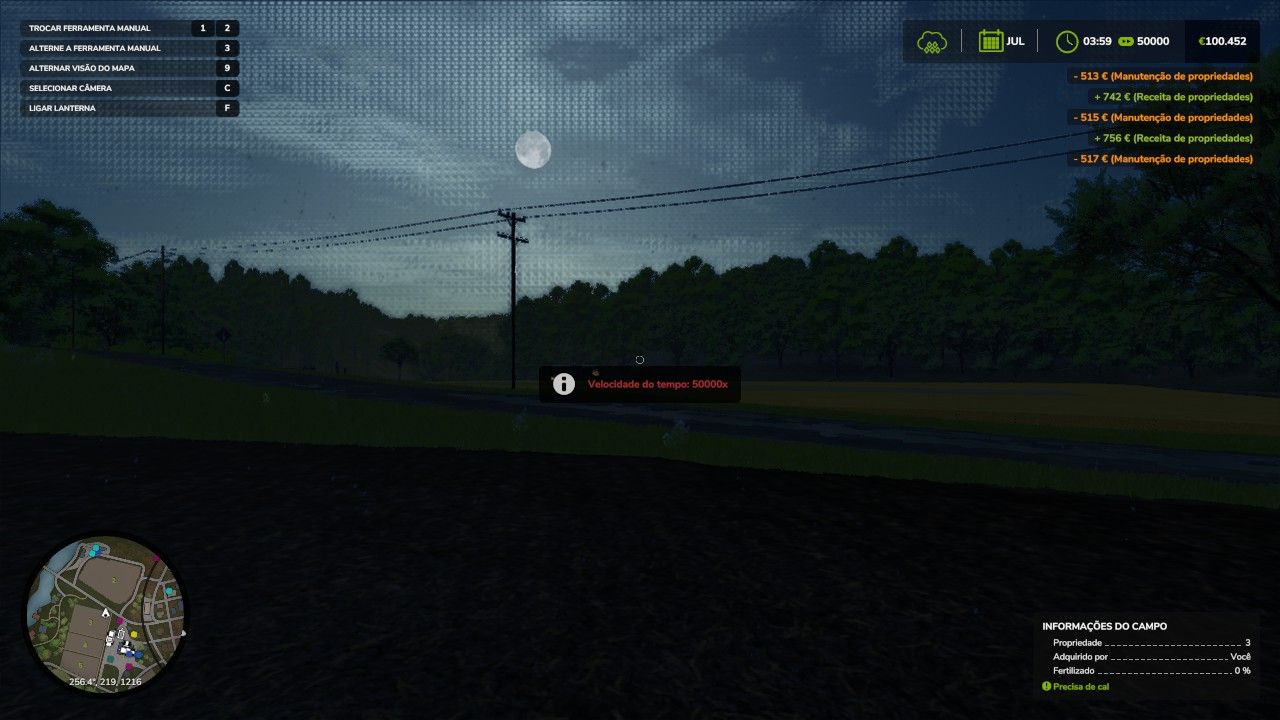
Control the speed of time far beyond the game’s 120x limit — now up to 50,000x! Shortcuts (one key for each function): LCtrl + LAlt + 9 faster; LCtrl + LAlt + 8 slower; LCtrl + LAlt + 0 returns to 1x; LCtrl + LAlt + P FREEZES time (the clock stops — perfect for building and taking photos); LCtrl + LAlt + L jumps to the next key time (06:00 / 12:00 / 18:00 / 00:00). Speeds: 1x, 5x, 15x, 60x, 120x, 300x, 600x, 1200x, 3000x, 6000x, 12000x, 25000x, 50000x. Skip nights in time, grow crops in seconds, freeze the clock while building, or skip straight to dawn. Single player mode, does not modify save files, configurable shortcuts in options. NEW v2. 0: speed up to 50,000x, freeze time, jump to key times.
V2.0.0.0
Maximum speed increased from 6,000x to 50,000x (new levels: 12,000x, 25,000x and 50,000x)
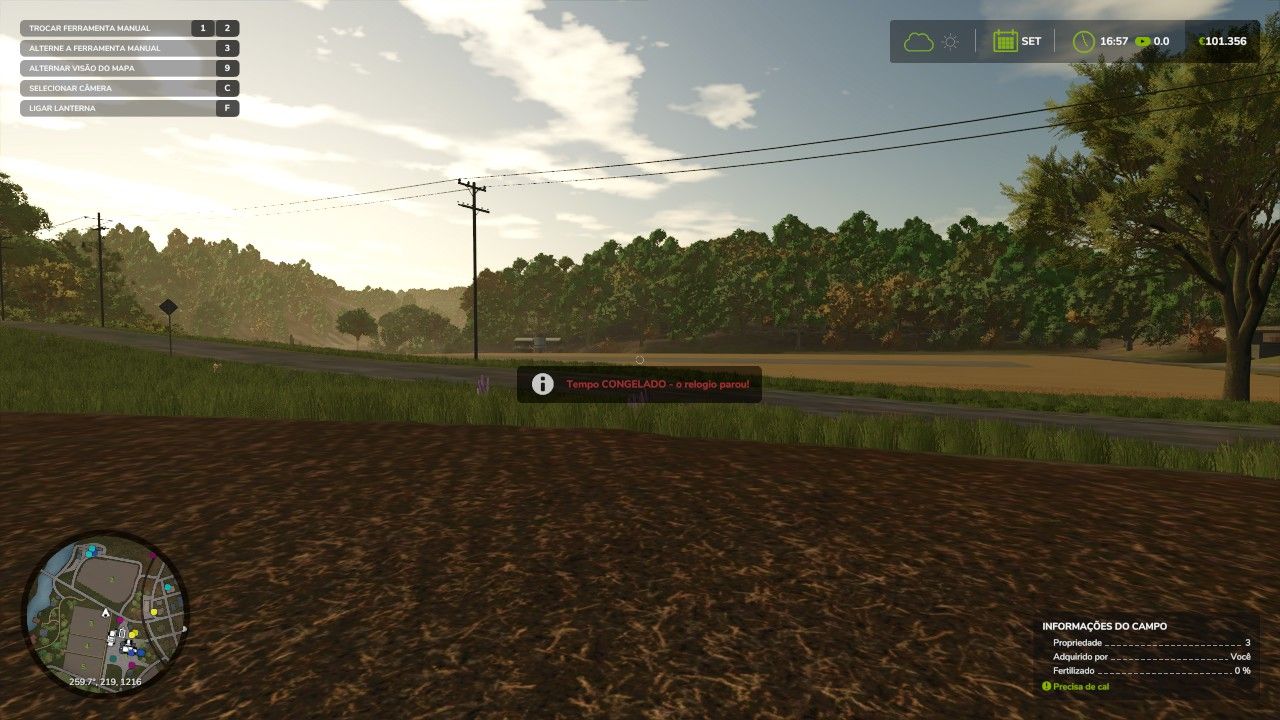
NEW: Freeze time (LCtrl + LAlt + P) clock stops completely, ideal for building, positioning vehicles and taking screenshots
NEW: Skip to next key time (LCtrl + LAlt + L) switches between 06:00, 12:00, 18:00 and 00:00 with one tap
One key for each function, for simpler and more direct use
On-screen prompts showing current speed with each change