Realistic Soil & Fertilizer V2.6.0.0 LS25
Realistic Soil & Fertilizer V2.6.0.0 LS25
V2.6.0.0
PLEASE REMOVE EXTENDED FILLTYPE FROM YOUR SAVE
Fixed: sprayers and spreaders
Overlap: on a field you have already fully sprayed this session, the overlap block holds on every pass: the tank stays put, the field is not fertilized twice, and you are not charged. Overlap prevention no longer switches sections off over ground the last row only grazed, or on their own pass.
Coverage (Pass %): a switched-off boom section (width control, the machine, or a mod such as Courseplay) no longer marks ground as sprayed; Pass % reaches 100% on rigs without section control at any rate; multi-tank rigs build coverage as you spray; a fertilizer pass no longer counts twice; the base game’s insecticide builds coverage across passes; and protection switches on at 80% coverage even after the day’s pressure reduction is used up.
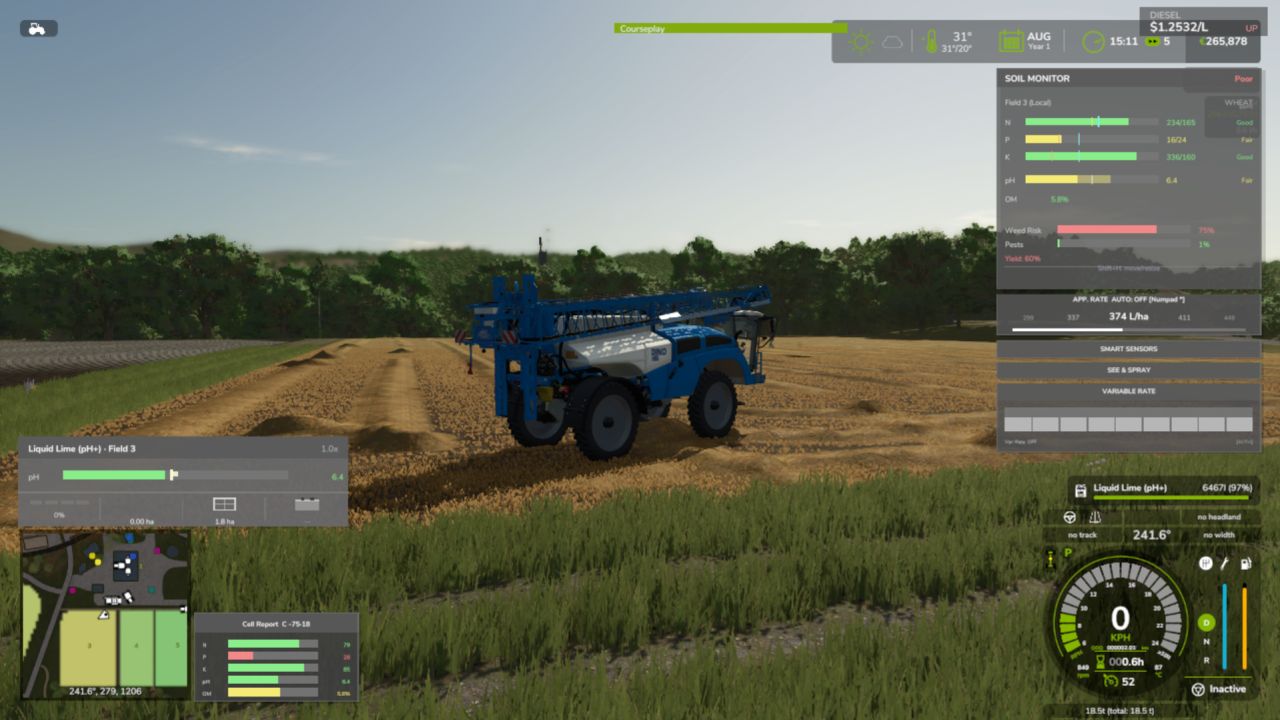
Smart Sensor, See & Spray and Variable Rate read the ground under each boom section, so outer sections no longer decide from inner ground. See & Spray’s centre honours its no-target decision.
Herbicide: recognised by spray type, weed reduction scales with the sections actually spraying, reaching protection no longer repaints the whole field’s weeds, herbicide-withered weeds no longer count as pressure, and the daily weed read measures the whole field.
Switching Multi-tank application off works. Lime spread by the Streumaster FW 212 TD Profi and the Bredal K105 is tracked at its real width. Headland slivers are guarded by the boom’s real width.
With AUTO rate on, liming a field whose pH is not known yet keeps your rate instead of throwing an error every few seconds.
Fixed: fields, soil and harvest
With Experimental Systems off (the default), a nutrient-depleted field yields less again at harvest, as before.
A field bought mid-session joins the soil simulation straight away, and a sold field leaves it. A fresh save whose fields load late is scanned once they arrive.
Fertilizing well-stocked ground or tilling low organic matter no longer overshoots the scale, and tillage nutrient changes no longer flip with travel direction.
Amendment burn accrues again, is measured on covered ground, and ignores cut, withered and wheel-flattened crops. Crop establishment kills are written reliably and dead crops are cleared.
With Mud System Physics or Use Your Tyres, airing down, sinking or tyre wear no longer raises the compaction estimate. With Seasonal Crop Stress installed, wet ground follows its soil moisture, so an irrigated field compacts under heavy machinery.
The harvest yield correction applies only to delivered grain, by Soil’s own share.
Fixed: multiplayer and servers
The dedicated-server stutter is fixed: soil map sync is incremental and sent in small patches.
Multiplayer security: the sync, organic, sprayer and fungicide-treatment requests are checked on the server, a client can only treat its own or contracted fields, and only the acting farm pays. Oversized messages are dropped.
The full field sync always sends bounded batches, so maps with more than 32 fields no longer get refused.
The farm dog’s sick-barn warning goes only to that barn’s own farm and works again with Realistic Livestock 1.4.
Fixed: interface and translations
420 French Canadian texts read French instead of Chinese; missing translations are filled in for every language; French and Czech HUD status words, the German ppm label and the Korean Field Detail label are fixed; the title and description read correctly in the mod manager.
The DAP and AN big bags show their own labels. Multi-buy pricing on three liquid tanks is fixed. Drain Vehicle refunds at the shop price.
The field info box shows the amendment burn risk and the drilling-window advisory, and a growing field’s yield once. The settings panel’s Admin button has no blank space before its label.
Keyboard defaults no longer collide with other mods or the look keys, and help names the right keys.
Added
Farm dog early warning for sick animals in your barns.
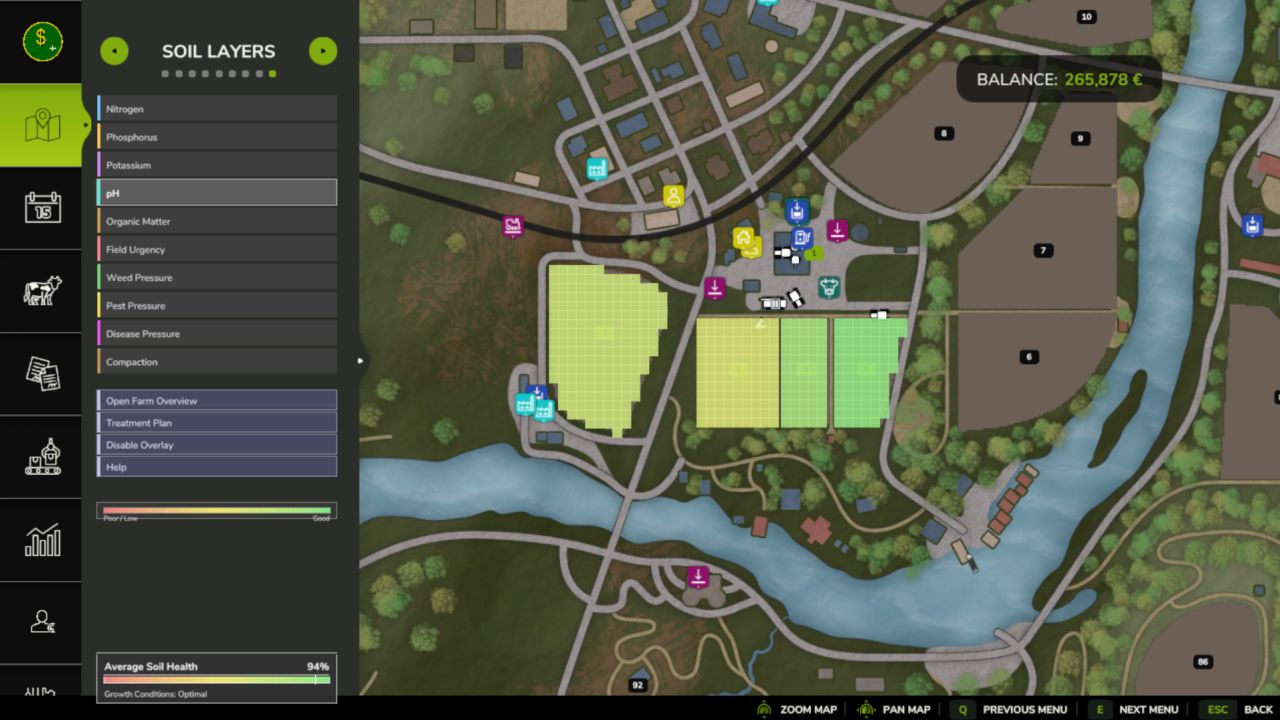
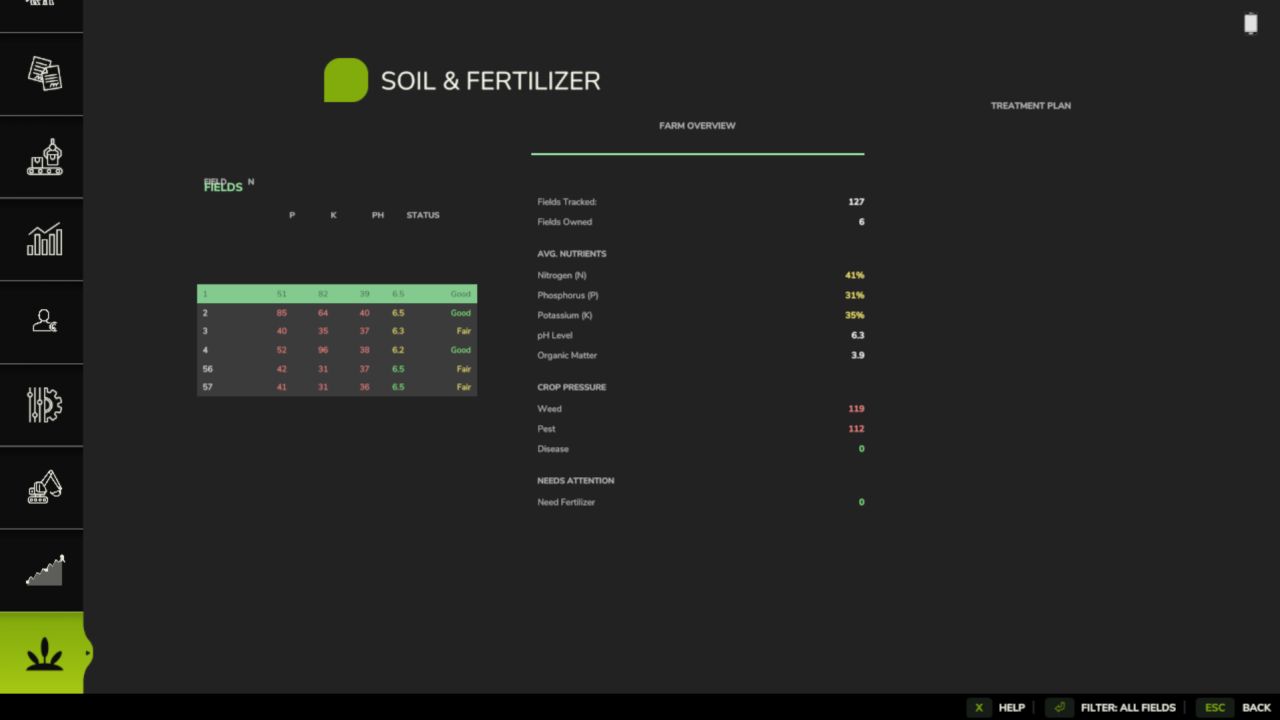
Soil Esc page: a continuous pH map with a gradient legend, field fungicide resistance, why a soil patch is blocked or ahead, owned field lists grouped by GPS outline, and a note when a field’s simulation is asleep.
Soil test kit (handful): shows the band word and the figure for N, P, K and pH.
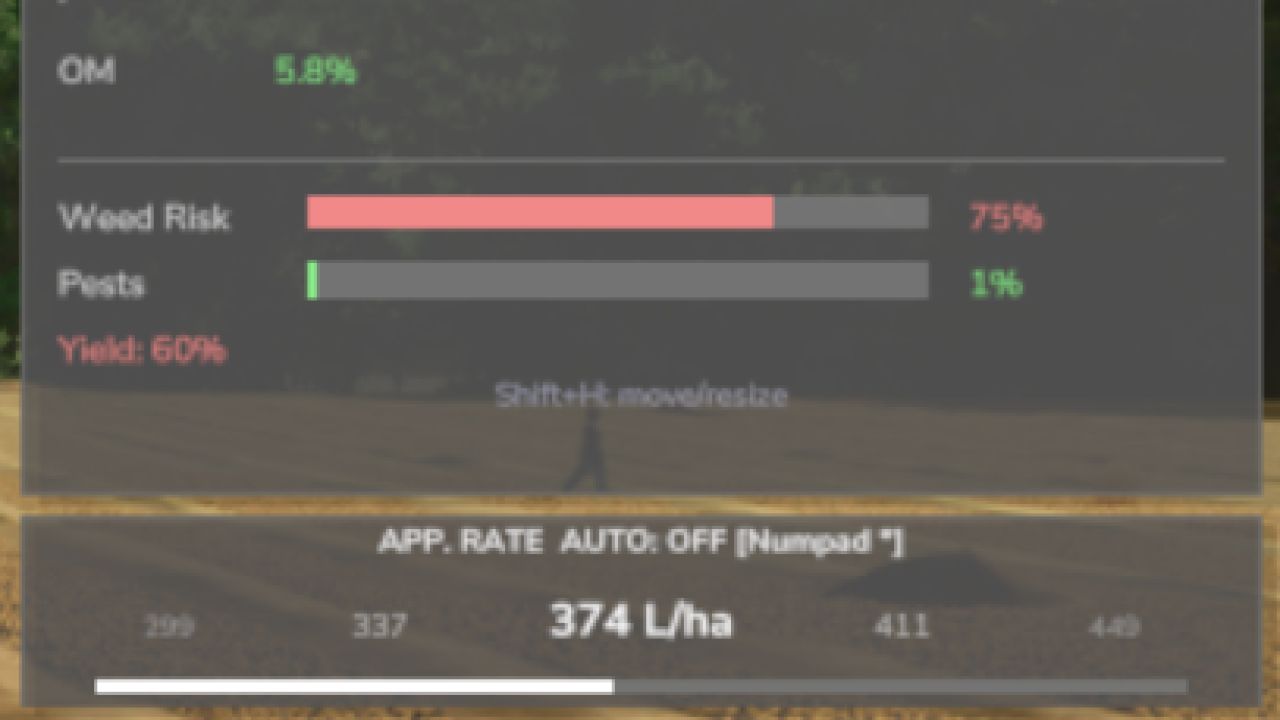
A reworked version dialog, a Soil HUD that follows the base game’s theme and can be resized, a HUD show/hide toggle and actions in the Control Center, and Farm Tablet reading Soil’s ppm scale.
Sprayed-area lime and chemical pH: lime and pH products work on the area actually sprayed.
Experimental Systems (off by default)
Target N/P/K (AUTO): the sprayer meters N/P/K products against the crop’s remaining need under the boom, pauses with a reason when it should not spend (for example no growing crop), and the PDA, HUD and rate panel show the crop window and each target pass.
Ground material: hay, grass and straw on the ground keep their age and wetness through tedding, raking, mowing and baling; bales are born with the condition of what their chamber took in and keep it through saves and storage; the condition is saved together with the terrain.
Stock Guard integration: with Stock Guard installed, the condition of ground material travels with what loaders, balers and forage wagons pick up.
Groundwork for local crop disease (no visible change yet).
Every field has its own soil health — nitrogen, phosphorus, potassium, organic matter, and pH — that changes with what you grow, what you apply, and what the weather does. Ignore your soil and yields suffer. Manage it well and your farm runs more efficiently. Realistic depth without the overwhelming complexity.
Features
Per-Field Soil Health
Realistic Fertilizer Types
Sprayer Rate Control
Yield Penalties
Pest, Weed & Disease Pressure
Live Soil HUD & Map Overlay
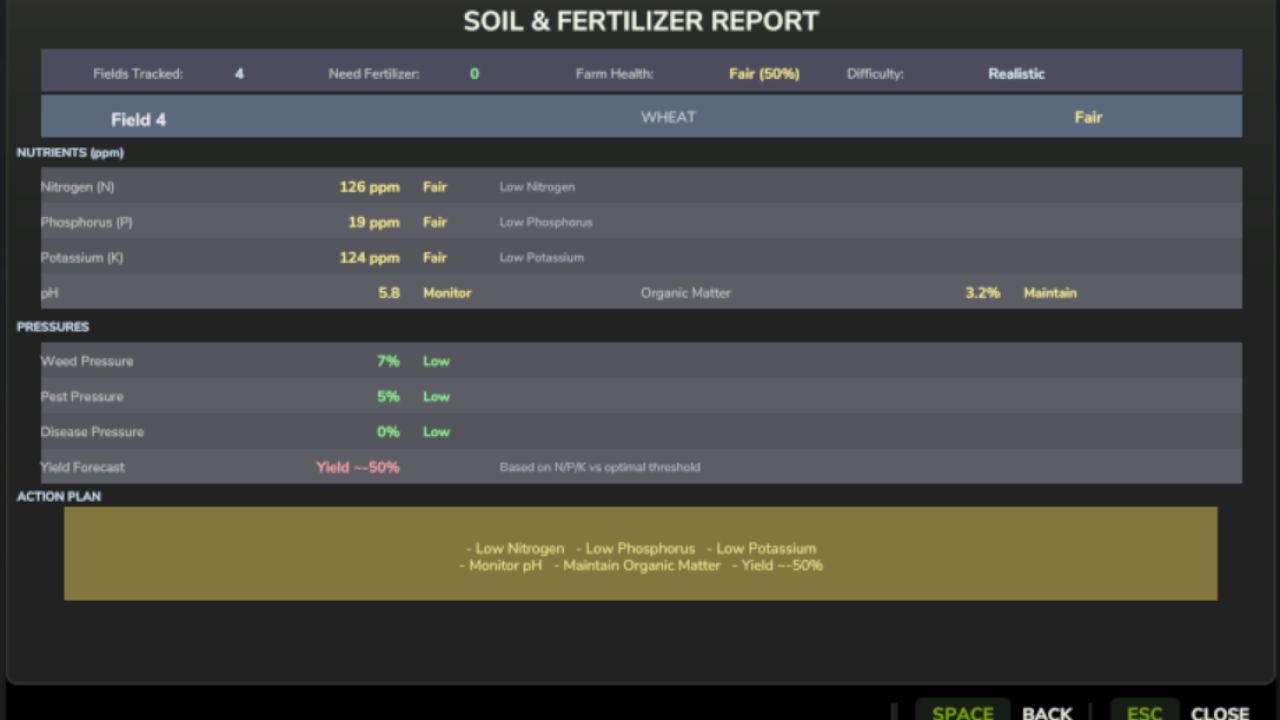
PDA Soil Report
Multiplayer & 26 Languages
Controls
Open Settings panel: Shift + O
Sprayer Rate Up / Down: assignable (in the cab)
Toggle HUD / open Soil Report: assignable keybindings
Note that low nitrogen, phosphorus or potassium cuts your yield, so keep your fields fed, plow and rotate your crops, and watch the soil map for trouble before it spreads!
V2.5.0.0
New in this version:
The release gate. New systems (disease resistance, hybrid strains, tank mixes, the ground-material family, spatial soil, and Read the Dirt) now ship LOCKED until they are deliberately released. A stable playthrough never meets unfinished systems by default.
Turn experimental systems on under Settings > Experimental, independent of your difficulty, at your own risk.
A Release Gate status dialog, opened from the version/changelog screen, shows what is locked and why. The SoilRelease console command does the same.
The gate is orthogonal to difficulty: it has its own opt-in and the two locks stack.
Everything from the proven baseline is unchanged: the per-pixel soil engine, pest and disease pressure, the six fungicides, harvesting-contract underwrite, weather presets, and the rotation planner.
Notes:
Experimental systems stay locked until they are observed in-game, have a player-visible surface, pass their defect checks, and are balance-safe. Releasing them is a deliberate act, not a default.
Bug fixes flow freely past the gate; only new systems wait.
Required mods:
Density Layer Installer